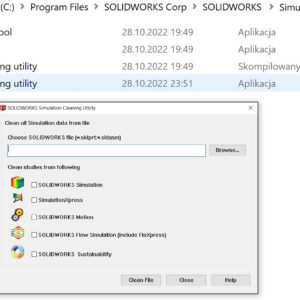
If you deal with calculations, you probably know this, that the defined calculation parameters are stored in SOLIDWORKS files. Of course, you can open such a file and remove the Static Analysis tabs 1, Static analysis 2 (or another type of calculation, e.g. Motion). But you can also use the special SOLIDWORKS Simulation Cleaning Utility program, which you will find in the Simulation installation directory >...
Author: Paul (Paul Kęska)
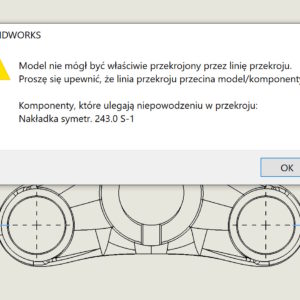
Why sometimes you can't make a cross-section correctly?
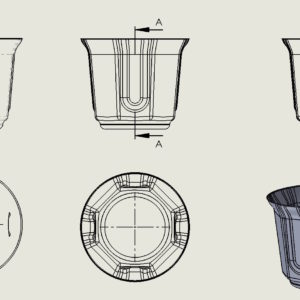
If you have encountered such an error: “The model could not be properly cut through the section line (…)” – then this post may help you understand it. The above-mentioned problem may appear in the drawing when making a cross-section. If it appears, this is definitely related to the zero thickness geometry error. This is a known situation, when e.g. you make a hole....
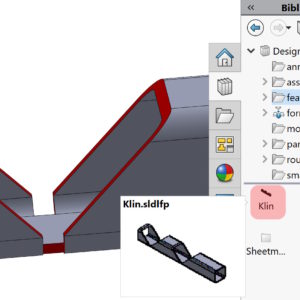
Automated process of undercuts in structural profiles
If you don't have a tool in SOLIDWORKS – then make them yourself! An example would be a cutout in the profile that allows it to be bent at an angle 90 degrees. Of course, there is no ready-made solution, but they can be performed using operations from the library. I will not present the structure and references of the operation now, because it can be worked out in many ways. I'm returning....
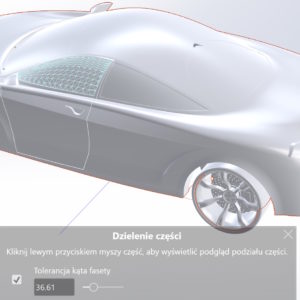
Splitting a rendered object into elements in Visualize
If you open a SOLIDWORKS, that comes from an older version or the appearances are simply not defined, you can do this in Visualize. However, the problem then arises, when Visualize sees the open file as one object and you can't assign different appearances. Or if you want to assign an appearance to a selected wall, and it was not imported from the appearance structure...
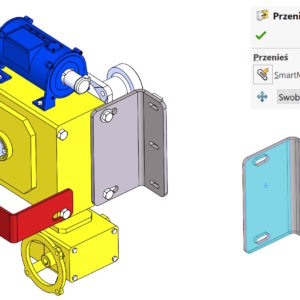
SmartMates – i.e. quick ties in assemblies
Mates in assemblies can be defined in many ways. But did you know, that it can be done very quickly – with the Alt key. This combination allows you to add a tie without having to turn on the paperclip (mates). If you are adding a concentric mate this way – before you drop the component, with the TAB key you can change the alignment/anti-alignment. So if you were wondering (out) myself, for what...
Hook and slot in assembly – why not?
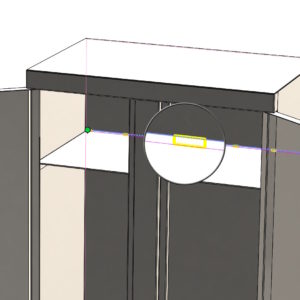
Hitch and slot is an operation that allows you to connect two sheet metal elements using the principle of a protrusion and a groove. So in order to use it, you need two sheet metal objects with at least one edge in contact. It is also possible to use this operation in an assembly, although it is not on the Assembly Features drop-down tab. To be able to connect two sheets of metal horizontally....
Advanced selection criteria when working without PDM
PDM tools offer extensive project management capabilities. However, there are plenty of companies that do not use such tools. How to deal then, e.g. with searching for appropriate files? The Advanced Selection tool in the Tools menu comes to the rescue > Component selection. I have already written about one of its applications – you will read about it below. How to quickly extract w...
Show or hide tangent edges in a drawing
Settings in SOLIDWORKS can be divided into global and local ones. By global I mean the settings in the system options, that concern the entire program and not a specific document. These settings include displaying tangent edges. Such edges will be visible everywhere between adjacent walls. Long ago, when I studied technical drawing in college, on paper of course....
Intersection curve in 2D and 3D sketch – comparison
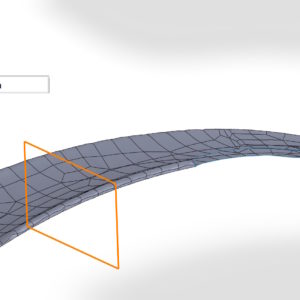
An intersection curve is a form of sketch created at the intersection of walls, surface, objects with a plane or surface. The order and method of marking play an important role in the operation. Well, if you turn on the flat sketch on the plane and create an intersection, the resulting sketch will be a 2D sketch. But if you don't turn on the sketch first, and you will select an identical pair of faces and a plane – as a result...
Linking simulation data to parameters
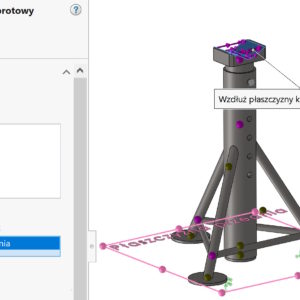
In SOLIDWORKS Simulation you can define parameters, with which you can connect e.g. load. To do this instead “ordinary” forces, select Combine values (1). Then, in the window that appears, select Edit/Define (2), and then create the appropriate parameter for Simulation (3). In the Value window you can define parameters described mathematically after selecting Σ. It works very similarly to....