Tabela listy elementów ciętych – podgląd w części
Post

Table cut list – preview in part

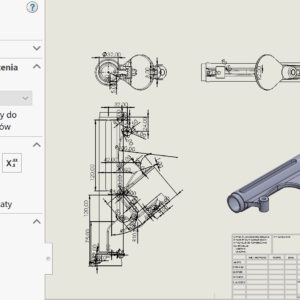
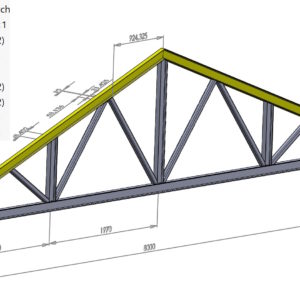
Generally, cut-list tables are inserted in technical drawings. Unlike assemblies, it is not possible to insert such a table during modeling. But it is possible to preview it in a different way. To do this, traditionally, go to the properties of welded structures and select the Cut list table tab. If you use different templates – you can also make them....
21 September 202321 September 2023by
Zapisywanie złożenia jako część z zastąpieniem opcji domyślnych
Post

Save the assembly as a part with overrides of the default options

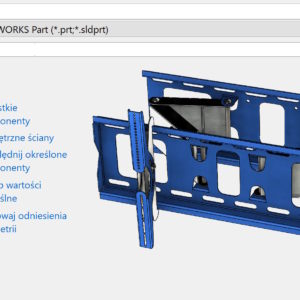
When saving an assembly as a part, you can select Override Default Values ​​in addition to other options. What does it mean? Use system settings – uses system options, to include or exclude a component. Save the assembly as a part – additional settings 2. Always include – includes the component in the resulting part when saving. This option overrides the conditions specified in the system options and manager..

17 September 202317 September 2023by
Kiedy warto pobierać wymiary z modelu a kiedy nie?
Post

When is it worth taking dimensions from the model and when not?

The ability to download dimensions from a model to a drawing is a very cool functionality. However, this doesn't always make sense. I will show two situations, when it is worth taking dimensions and when I advise against it. The first situation is this, when the model is geometrically complex and cannot be dimensioned in the drawing. Then I take the dimensions from the model and anyway, that they are not....

14 September 202314 September 2023by
Filtr ścian w praktycznym zastosowaniu
Post

Wall filter in practical use

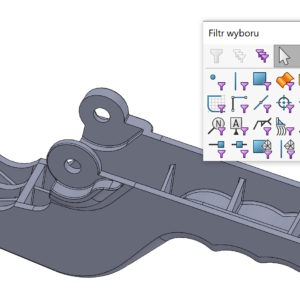
Skillful use of available tools improves work efficiency. Example 1. I want to add rounding, but because of the switched on (by default) Select Through Walls, the program strongly highlights the edges lying below. Fillet options – Select through walls In such a situation, I recommend using the Wall Filter. Generally, we turn on filters by pressing the F5 key, but three kinds of elements are distinguished. Belong to them...

11 September 202311 September 2023by
Scalaj punkty bliższe niż, czyli przerwy w szkicu
Post

Merge points closer than, i.e. breaks in the sketch

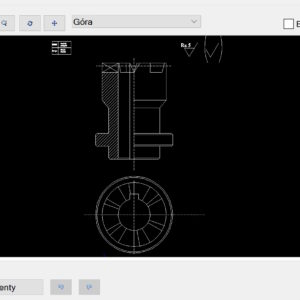
When opening DWG/DXF files to a model, in the third step, the Merge points closer than option appears. This is the size of the gap, which the program will remove when opening the file and combine the segments into a whole.   But did you know, that in the Repair Sketch command it is also possible to specify tolerances for gaps in sketches – Showing gaps smaller than. Well....

7 September 20237 September 2023by
Nie pytaj o zapisanie dokumentów odniesienia tylko do odczytu
Post

Don't ask to save read-only referenced documents

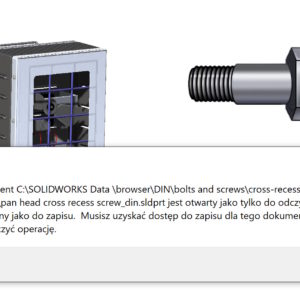
The default Toolbox settings are configured this way, that the program adds configurations to the source file. These saws are read-only, therefore no changes can be made to them. This can be annoying though, that a message appears when saving assemblies with Toolbox components: The document is read-only and not writeable..

3 September 20233 September 2023by
Patrz przez przezroczyste komponenty w HLR/HLV na rysunkach
Post

See through the transparent components in the HLR/HLV in the drawings

In drawings, the default display mode is ULU mode (hidden lines removed, the. HLR {hidden lines removed}). However, we often use display states or other techniques for more advanced assemblies, to show e.g. the inside of the device. it is clear, that there are many possibilities, including an exploded view or creating a section. Today, however, I will introduce a relatively new option, ie. Look...

30 August 202330 August 2023by
Porównanie plików wymiany danych STEP vs. IGES vs. PARASOLID
Post

Data Exchange File Comparison: STEP vs. IGES vs. PARASOLID

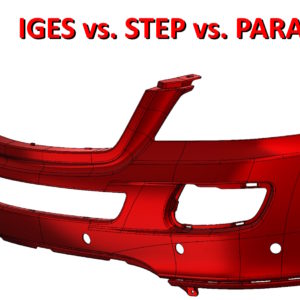
Topic, with whom I have always met during trainings or visits to various companies. Data exchange between different programs, or the issue of saving files to an older version of SW. How to save a SOLIDWORKS file to an earlier version? As you know, cannot save the file back. I covered this topic in the post above. But how to exchange files between different....

27 August 202319 August 2023by
Które opcje konstrukcji spawanych warto domyślnie włączyć?
Post

Which weldment options are worth enabling by default?

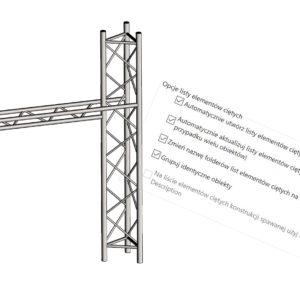
There are several important options in the weldment settings. These include Cut List Options (1): Create cut lists automatically – should be enabled. He is responsible for it, that the cut-list is inserted automatically, and not manually – as it was in older versions of the program. Automatically update cut lists – should also...

23 August 202319 August 2023by
Wymiary zależne oraz tylko do odczytu
Post

Driven and read-only dimensions

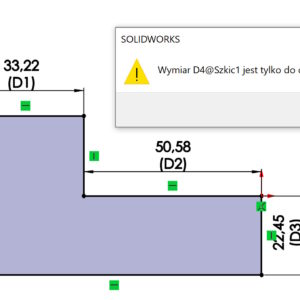
In SOLIDWORKS, when you redefine a sketch, the program proposes to change the dimension to driven. A driven dimension is gray by default and has no driving property (setting the parameter), it only defines what other dimensions or relationships have established. Except for the redefinition situation, this property can be enabled manually – under the right button or in the Other tab. These dimensions can....

19 August 202319 August 2023by