• PL
  • |
  • IN
  • |
  • OF
  • |
  • ES
  • |
  • ZH
the. children Warsaw 48, Warsaw
+ 48 608 086 942
szkolenia@cadvantage.pl
SOLIDWORKS BLOG - everything about the program SOLIDWORKS SOLIDWORKS BLOG - everything about the program SOLIDWORKS

  • About me
  • training
  • textbooks
  • Services
  • advertisement
  • Contact
8Feb8 February 2026

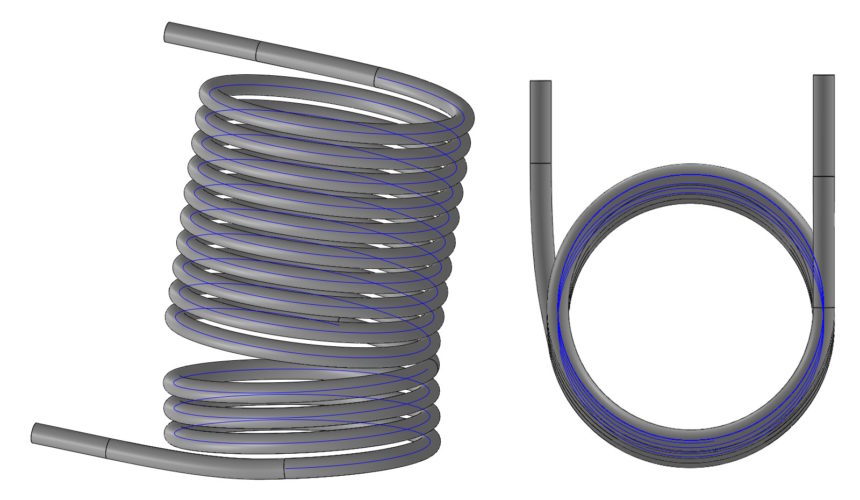
Merge meshes possible using two methods

Scalaj siatki możliwe do realizacji dwoma metodami

Merge Meshes in SOLIDWORKS - A small feature, big difference. Working with mesh data in SOLIDWORKS can be demanding, zwłaszcza gdy...

read more
Author Paulw Tips n Tricks
5Feb5 February 2026

Automation in SOLIDWORKS, or how to get the most out of a program without macros

Automatyzacja w SOLIDWORKS, czyli jak wyciągnąć maksimum z programu bez makr

Automatic counting of surfaces to be painted - no macros, no cost, but with your head! Many SOLIDWORKS users still live in....

read more
Author Paulw All
31Jan24 January 2026

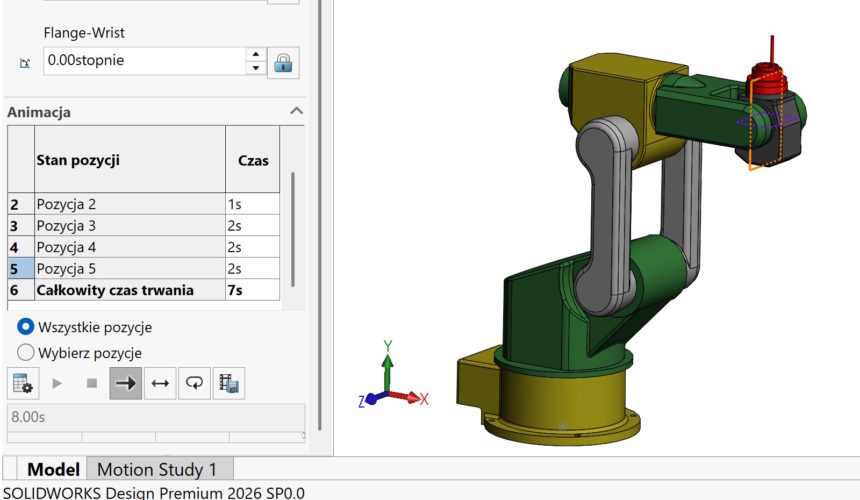
CTRL in SOLIDWORKS works exactly like in the browser

CTRL w SOLIDWORKS działa dokładnie jak w przeglądarce

Do you know, that in some panels of the SOLIDWORKS interface you can enlarge or reduce text exactly like this, like in a web browser or....

read more
Author Paulw Tips n Tricks
27Jan24 January 2026

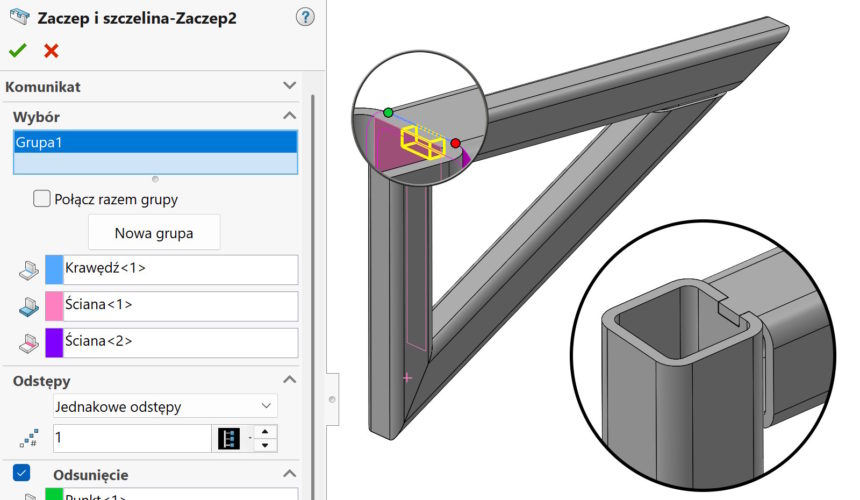
Tongue-groove connection in welded structures

Połączenie pióro-wpust w konstrukcjach spawanych

Many SOLIDWORKS users associate the Tab and Slot feature primarily with designing joints in sheet metal. Meanwhile, its potential goes far....

read more
Author Paulw weldments
24Jan25 January 2026

Future Version Components (FVC) w SOLIDWORKS
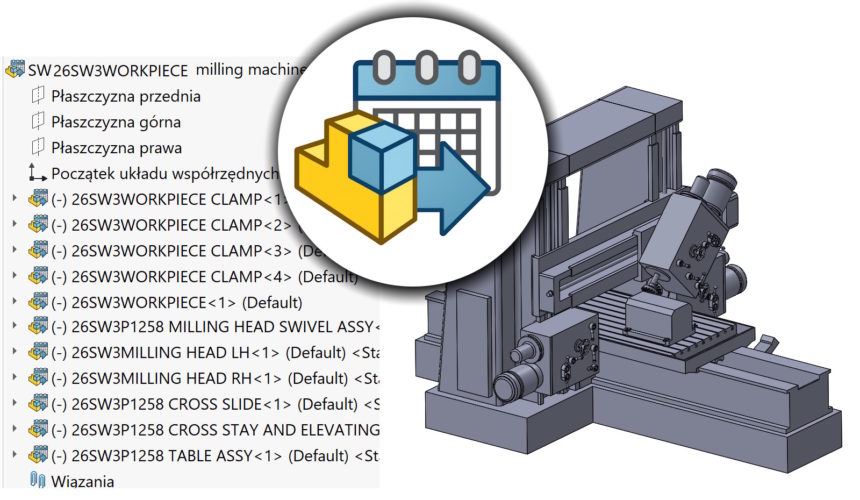
Future Version Components (FVC) w SOLIDWORKS

There is a mechanism in SOLIDWORKS, which allows you to open an assembly saved in a newer version of the program - even if you are working on an older version.
This is Future Version Components (FVC).

read more
Author Paulw Other
20Jan20 January 2026

Render the model using SOLIDWORKS Visualize
Renderuj model za pomocą SOLIDWORKS Visualize

Render your model with SOLIDWORKS Visualize – now without leaving the SOLIDWORKS window! For years, Visualize has been treated as a separate application...

read more
Author Paulw Tips n Tricks
  • 1
  • 2
  • 3
  • …
  • 163

Translation 🏁


solidworks 2025
The latest SOLIDWORKS e-book 2025
Facebook
e-book SOLIDWORKS 2020
What's new in
What's new in, practical advice
Najnowszy podręcznik solidworks 2
surface modeling
weldments | Sheet metal
part modeling | Assemblies | Drawings

Recent posts

  • Merge meshes possible using two methods 8 February 2026
  • Automation in SOLIDWORKS, or how to get the most out of a program without macros 5 February 2026
  • CTRL in SOLIDWORKS works exactly like in the browser 31 January 2026

Correct modeling

Subscribe

Sketch vs. Feature

Learning materials

  • To download
  • Videotutorial
  • Tips&Tricks
  • Technical assistance

PROJECTS IN SOLIDWORKS

solidworks projects

Archives

3D Interconnect cutting angle 3D printing mouse gestures solidworks bending in solidworks configuration display mash Convert objects Copy of bondswizard holes book solidworks 2018 center line undercut in the corner of the sheet metal manual SOLIDWORKS 2018 Show triad in a 3D sketch sketchbook

Solid works logo

SOLIDWORKS BLOG – Everything about the program SOLIDWORKS

training

  • Closed
  • Open
  • funded
  • Training portfolio
  • Tutorials
  • To download

textbooks

  • SolidWorks 2025
  • SolidWorks 2020
  • SolidWorks 2018
  • SolidWorks 2014
  • SolidWorks 2013
  • SolidWorks 2013

Services

  • 3D scanning
  • 3D printing
  • Projects
  • design
  • Visualizations
  • File repairs

Contact me

Pawel Keskakeska@cadvantage.pl608 086 942
022 428 29 36
© 2026 CADvantage - All rights reserved.
This website uses cookies to provide services at the highest level. Your continued use of the site constitutes, that you agree to their use.