Zapisywanie części i złożeń z parametrami obliczeniowymi
Post

Saving parts and assemblies with FEA parameters

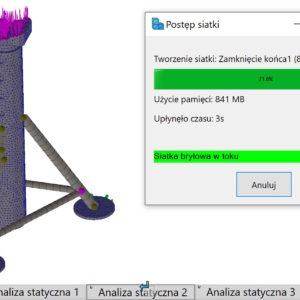
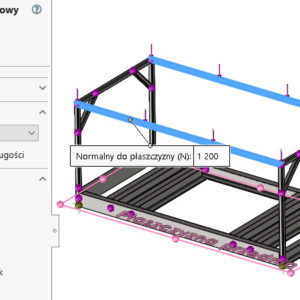
In SolidWorks Simulation, it is possible to add a single parameter to the library (e.g. predefined force). You can also do it massively. To create an operation from the analysis library, first you need to create a study, where the analysis operations to be included in the analysis library will be defined. You can create analysis libraries from part documents (including multi-object) and assemblies. File extension of Analysis Libraries...

1 June 20251 June 2025by
Podział ściany w SOLIDWORKS Simulation oraz przed symulacją
Post

Division of the wall in SolidWorks Simulation and before simulation

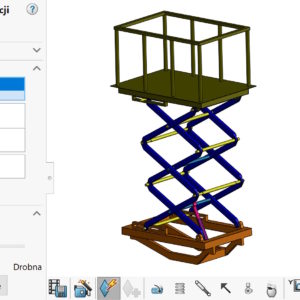
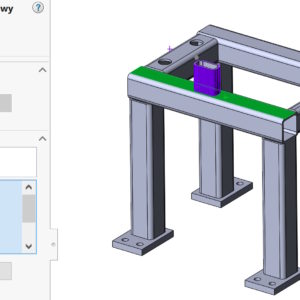
When defining confirmation or/or load in SolidWorks Simulation, You can use the tool to divide the wall. The walls are divided to separate a smaller area, where we apply strength or confirm the model. For example, when imitating the bearing support, the cylindrical wall should be divided. And if you simulate a screw connection, you can divide the circle (the so-called. imprint) corresponding to the diameter of the pad, through which ...

25 March 202525 March 2025by
Kopiowanie parametrów jednego badania do innego w SIMULATION
Post

Copying parameters of one study to another in SIMULATION

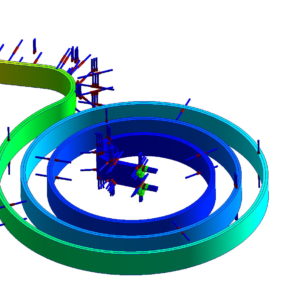
When defining a new study in SOLIDWORKS Simulation, you must immediately select the associated configuration. Of course, this is easy to miss. Even, if it is not related to a wrong configuration, I will show you how to copy parameters from one study to another. It's simple. Activate the study, from which you want to copy: reinforcements, load, contacts or mesh. Drag individually or all...

27 November 202427 November 2024by
Eksport danych z SOLIDWORKS Motion do SIMULATION
Post

Data export from SOLIDWORKS Motion to SIMULATION

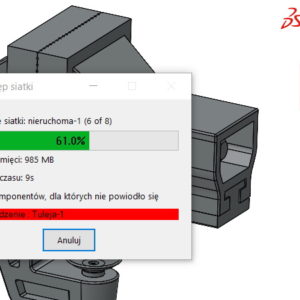
The SOLIDWORKS Premium package includes two add-ons, that can be used together. I mean SOLIDWORKS Motion (for kinematics and motion calculations) and SOLIDWORKS Simulation – for static calculations.   If you want to export data from a motion study for strength calculations – you can do this from Motion (1). Of course Simulation must be enabled in....

20 August 202421 August 2024by