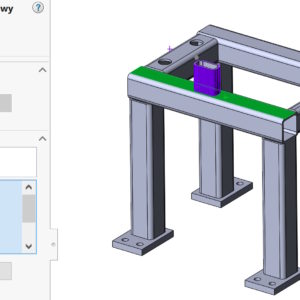
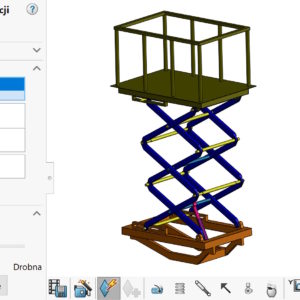
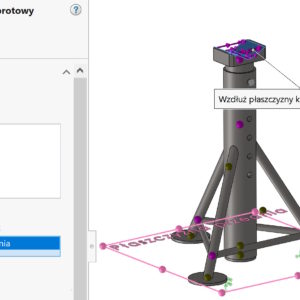
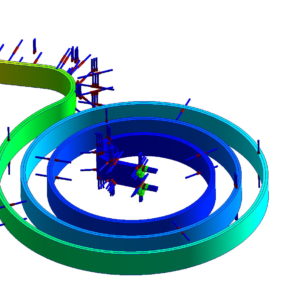
In SolidWorks Simulation, it is possible to add a single parameter to the library (e.g. predefined force). You can also do it massively. To create an operation from the analysis library, first you need to create a study, where the analysis operations to be included in the analysis library will be defined. You can create analysis libraries from part documents (including multi-object) and assemblies. File extension of Analysis Libraries...
Category: <span>simulations</span>
Division of the wall in SolidWorks Simulation and before simulation
When defining confirmation or/or load in SolidWorks Simulation, You can use the tool to divide the wall. The walls are divided to separate a smaller area, where we apply strength or confirm the model. For example, when imitating the bearing support, the cylindrical wall should be divided. And if you simulate a screw connection, you can divide the circle (the so-called. imprint) corresponding to the diameter of the pad, through which ...
Copying parameters of one study to another in SIMULATION
When defining a new study in SOLIDWORKS Simulation, you must immediately select the associated configuration. Of course, this is easy to miss. Even, if it is not related to a wrong configuration, I will show you how to copy parameters from one study to another. It's simple. Activate the study, from which you want to copy: reinforcements, load, contacts or mesh. Drag individually or all...
Data export from SOLIDWORKS Motion to SIMULATION
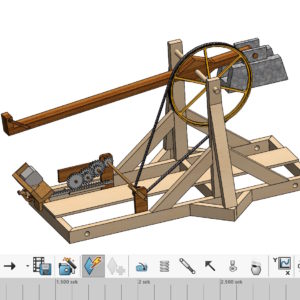
The SOLIDWORKS Premium package includes two add-ons, that can be used together. I mean SOLIDWORKS Motion (for kinematics and motion calculations) and SOLIDWORKS Simulation – for static calculations. If you want to export data from a motion study for strength calculations – you can do this from Motion (1). Of course Simulation must be enabled in....
Animation vs. Basic Motion vs. Motion Analysis
In SOLIDWORKS, there are three tools for examining motion or creating animations. Each of them has a different purpose, although in a sense you could say, that some of them are convergent – this is the ability to animate movement. Animation Animation is an essential tool, available in every version of SOLIDWORKS. It allows you to create animations in the assembly as well as in parts....
Removing Simulation calculation parameters from files
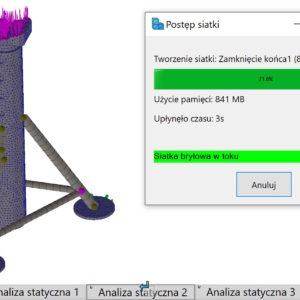
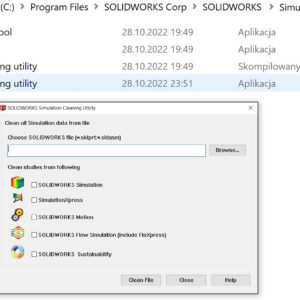
If you deal with calculations, you probably know this, that the defined calculation parameters are stored in SOLIDWORKS files. Of course, you can open such a file and remove the Static Analysis tabs 1, Static analysis 2 (or another type of calculation, e.g. Motion). But you can also use the special SOLIDWORKS Simulation Cleaning Utility program, which you will find in the Simulation installation directory >...
Linking simulation data to parameters
In SOLIDWORKS Simulation you can define parameters, with which you can connect e.g. load. To do this instead “ordinary” forces, select Combine values (1). Then, in the window that appears, select Edit/Define (2), and then create the appropriate parameter for Simulation (3). In the Value window you can define parameters described mathematically after selecting Σ. It works very similarly to....