
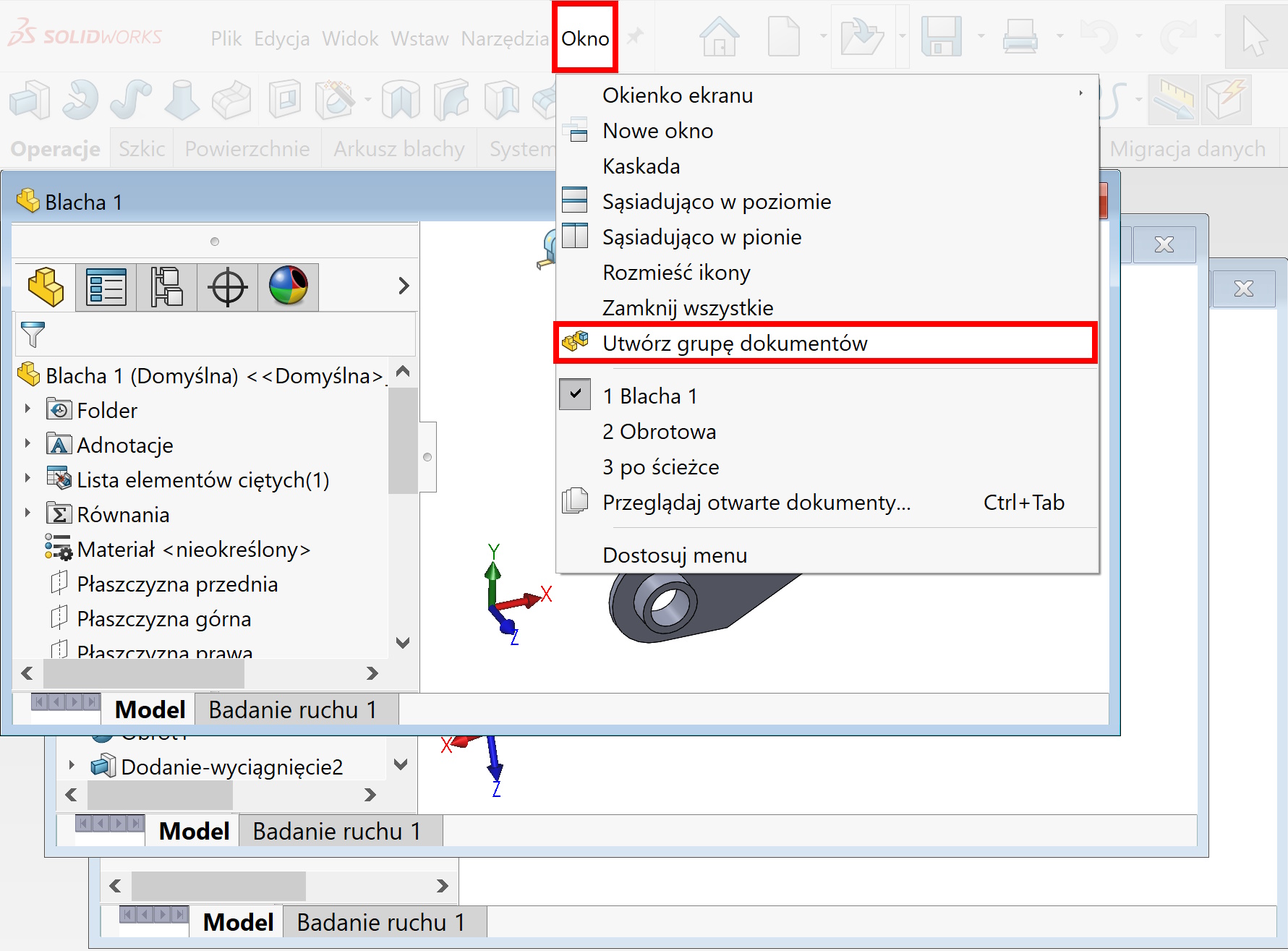
Create a document group This command is available in the menu Window, which allows you to save selected files as a group.
It still means this much, that you can link selected files and open them simultaneously.
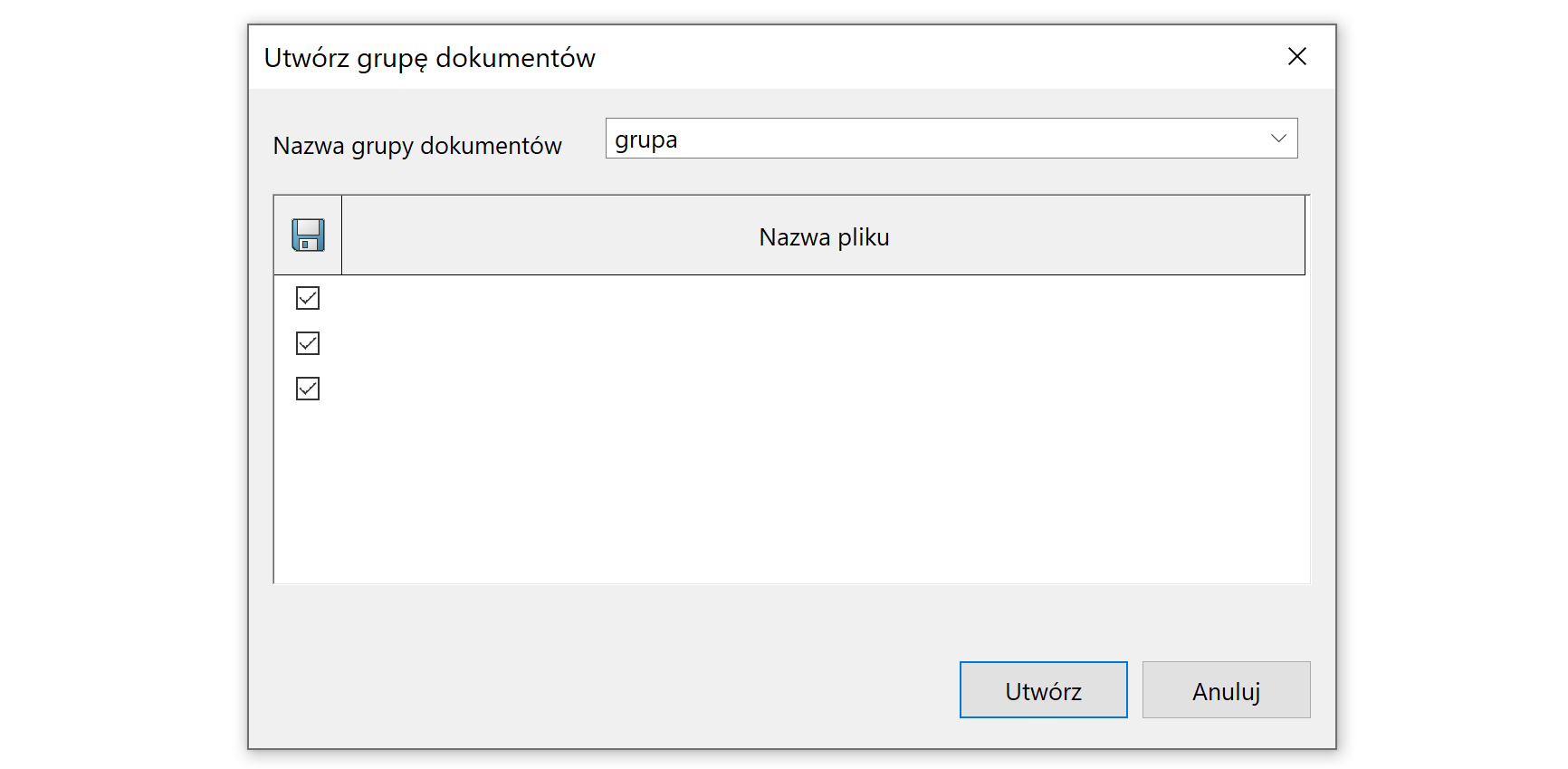
Unfortunately, the names of the selected files are not visible in the saving window – I assume though, that this is due to the early version of SW 2025 SP0 and it will be fixed.
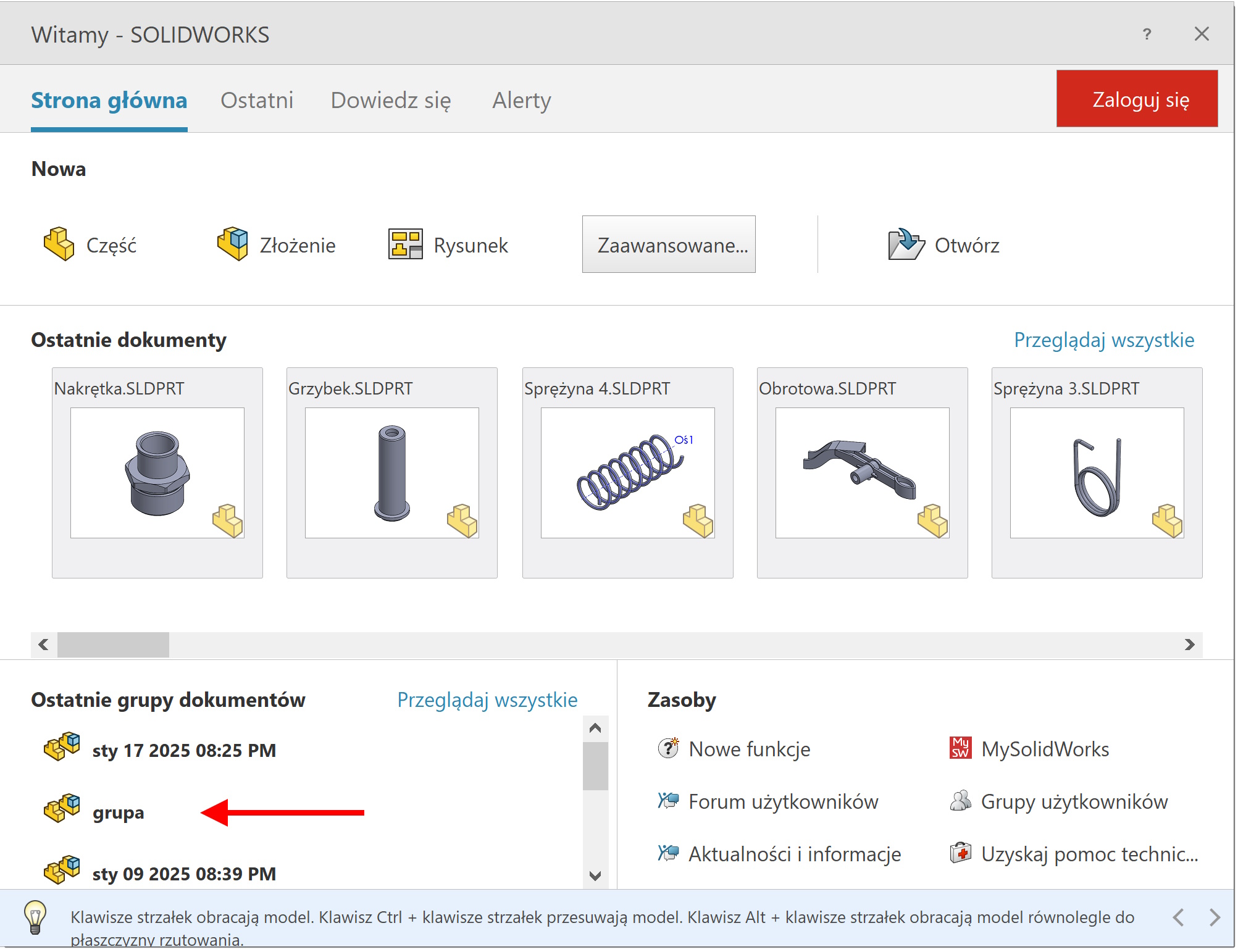
The grouped files will be available on the card Welcome – SOLIDWORKS in the category Last groups of documents.
You can add other files to the resulting group, as well as remove unnecessary.