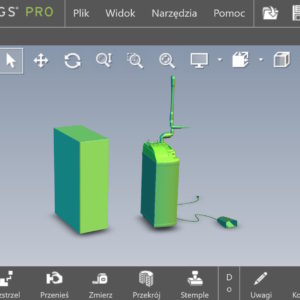
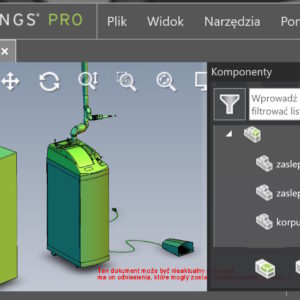
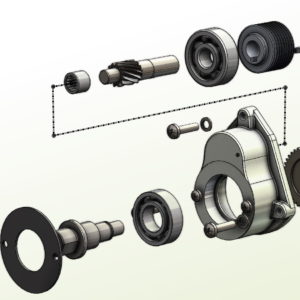
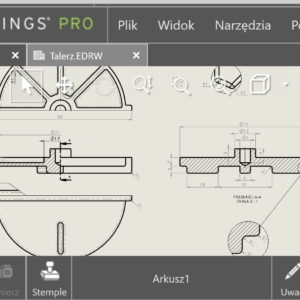
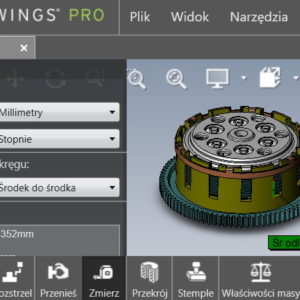
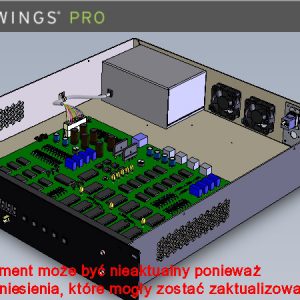
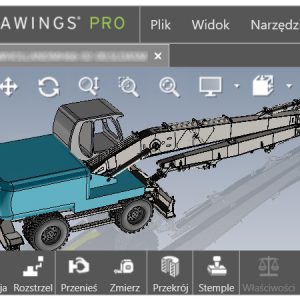
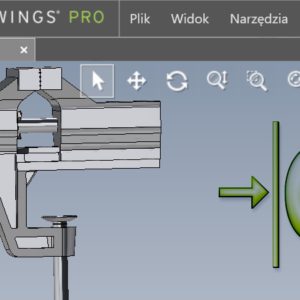
imagine, that you receive SolidWorks for further processing. You work in the PDM environment, and the files are already in the storage room. You want to quickly assess the degree of complexity – What are you doing? In SOLIDWORKS PDM, on the Preview tab, you can see a 3D image of the assembly. Pressing the E key will create an automatic explosion – So you can quickly check the content of the assembly!
Tag: <span>edrawings</span>
Post
Use software OpenGL in eDrawings
Do you know, that it is also possible to enable OpenGL programmatically in the eDrawings application. What kind of option is this? Software OpenGL disables graphics card hardware acceleration, enabling software-only graphics rendering. This option is automatically enabled, if the graphics card does not support hardware acceleration or does not have the appropriate drivers (for the current resolution settings, colors, refresh rate etc.)....