
In most cases, we focus on correctly displaying dimensions in drawings. And it makes sense, of course.
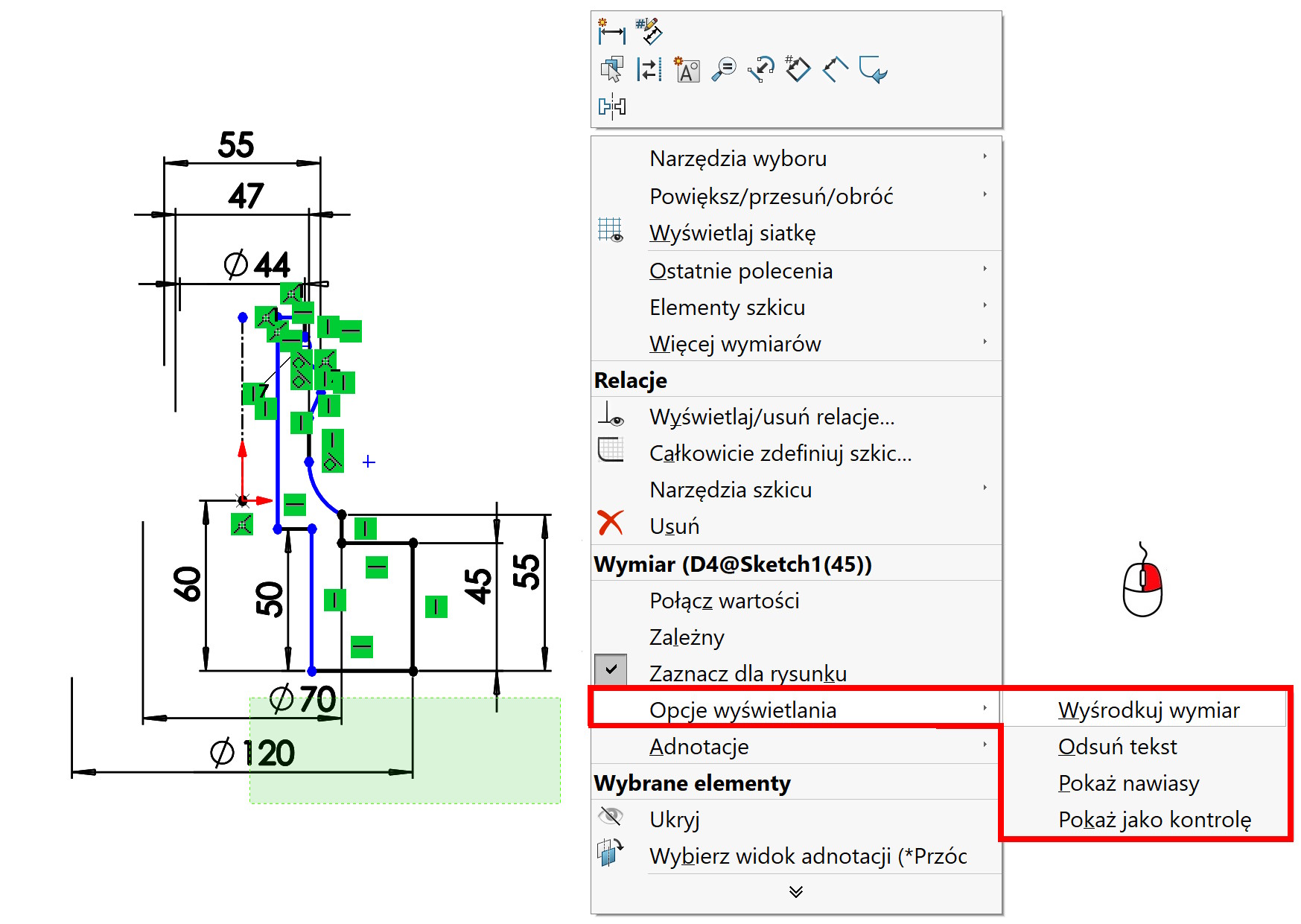
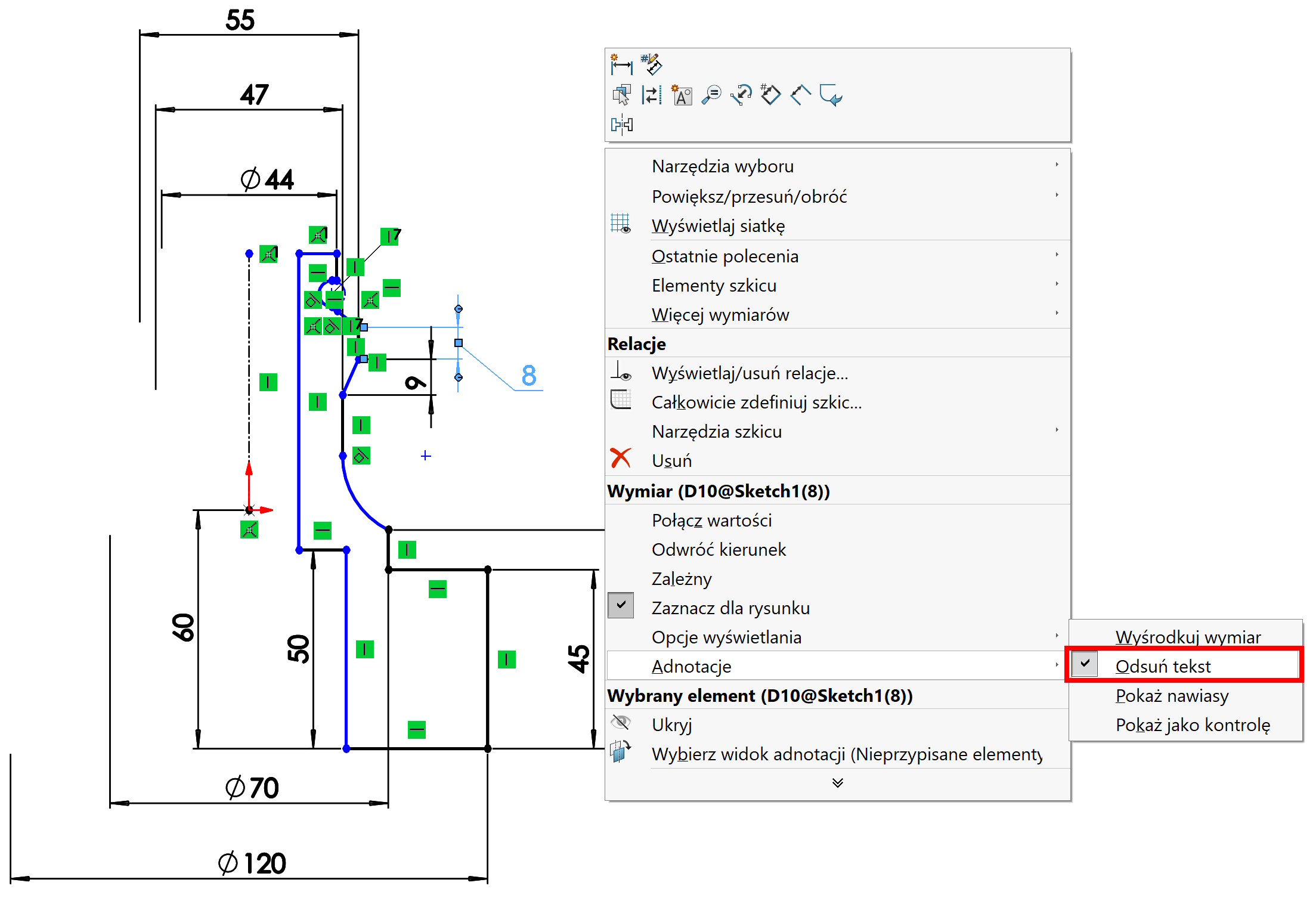
But in 3D models you can also use several options available by clicking the right button > Display options. What is important, are not available during dimensioning, only after turning off the tool (only the arrow is visible).
Among other things, there are options here Dimension centering or Text offsets (when it's tight).
Remember, too, that there is a possibility downloading dimensions from the model for documentation. Then the proper arrangement of dimensions in the 3D model is important.