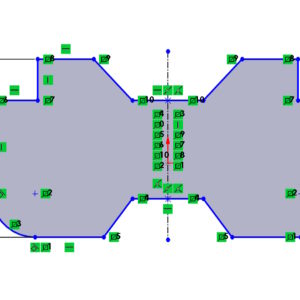
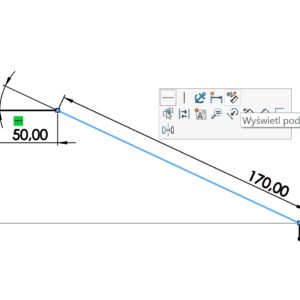
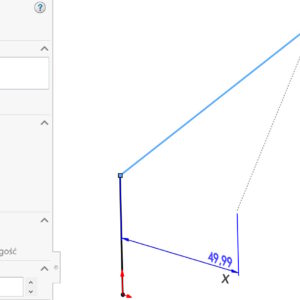
Today I will present 3 ways to copy and move geometry in a SOLIDWORKS sketch (which most users do not know). Working with sketches is the foundation of modeling in SOLIDWORKS. Yet many users only use basic methods for copying and moving sketch entities. Meanwhile, the program offers several quick and very convenient ways, that can save a lot of time - especially when....
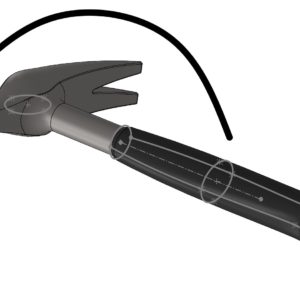
Category: <span>Sketching</span>
Options for displaying dimensions in a sketch
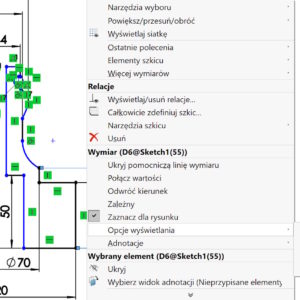
In most cases, we focus on correctly displaying dimensions in drawings. And it makes sense, of course. But in 3D models you can also use several options available by clicking the right button > Display options. What is important, are not available during dimensioning, only after turning off the tool (only the arrow is visible). Among other things, there are options for Centering the dimension or....
Move a spline as a whole or part of it
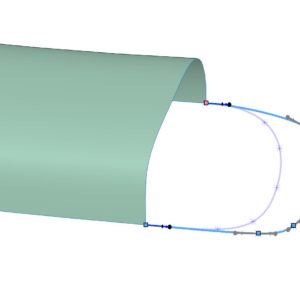
People who use splines in their work will certainly know, what I will write about today. Splajn – especially the three-dimensional one – can cause problems when moving. This may be due to a large number of spline points being close together or to existing relationships (tangentially, curvature etc.). If you grab the entire spline, you will move it completely! Of course,...
Automatically find local interactions
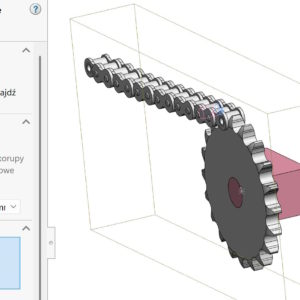
During the submission study in SolidWorks Simulation, it is very important to define contacts. You can define them manually or automate the process. To do this, select calls > Local interaction > Automatically find local interactions. It turns out, that in this case the structure of the assembly is important, Because components can be indicated, between which we tear contacts. If you select the entire assembly....
Modify for rotation, sliding and mirroring the sketch
Modify Sketch available in the Tools menu > The sketch tools allow for: transfer, rotation, scaling and sketching of the sketch. I wrote about turning using the above command here: Rotate items vs. modify – sketch rotation To change the type of operation, move the cursor to the appropriate place. Left mouse button: attention! Moving the sketch will only be possible in a situation, When...
Reverse the tangible end point and square
W SOLIDWORKS 2025 SP1 (and certainly in SP2.0) There are two interesting sketch options. You will like one in particular – I missed her very much. Well, by drawing a Rectangle with the SHIFT key pressed, you will get a Square! see also: Three ways to draw a square. You know them? The second less important change is the ability to reverse the arc tangency. Takes place....
What to use instead of equations in the sketch?
However, sometimes it's worth your while to do so, which you can use to control, among others. The sketch can be easily replaced. I will say more, Even it should be if possible. What is an alternative? If you want to create a relationship of this, that one side of the rectangle is twice as long as the other, then draw a structural line from the corner to the inside of the longer side. Then he adds equal relationships between this ...
mirror sketch, and the first scaling dimension
Today I will write about the little one, but a significant thing during sketching. If you draw any shape and then add the first dimension – The whole sketch will be proportionally scaled to this dimension. Solidworks works in this way from the version 2014 And this is a very nice feature. Now imagine the situation, that we draw half of the contour for it, to then bounce ...
Preview the sketch dimension
After drawing the outline, instead of enabling dimensioning, you can point your cursor at a sketch element. Please disable the tool used first (cursor visible in the form of an arrow). A gray transparent dimension will then appear, which, when indicated, turns into a dimension. After entering the values, confirm with enter. You can also mark e.g. two lines with CTRL, to add an angular dimension. This way, without....
Switching directions when dimensioning a 3D sketch
Dimensioning a 3D sketch, especially one like this, which does not lie on any of the X axes,Y,Z can be a challenge. There are a number of possibilities, including the use of auxiliary lines or dimensioning from the main planes of the system. Today I will show you how to do it even easier. Consider a sketch segment, which does not lie on any of the principal planes. If...