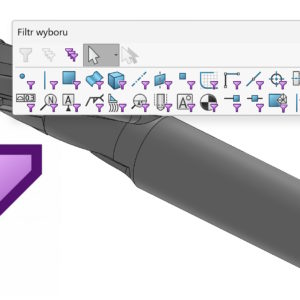
Filters allow you to select a specific type of item, e.g. edges, wall, axes, points etc. Wall filter in practical use. Turn on the filter bar by pressing F5 – this is a built-in shortcut. But have you accidentally turned on a shortcut using the keys? (most often) X, V or E? Activation is indicated by a visible symbol next to the cursor. Of course, after activating a given....
Category: <span>Interface</span>
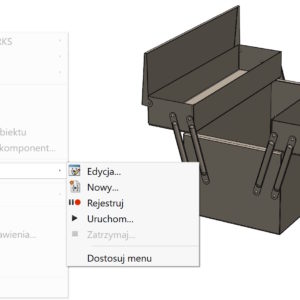
Running your own macro with a button
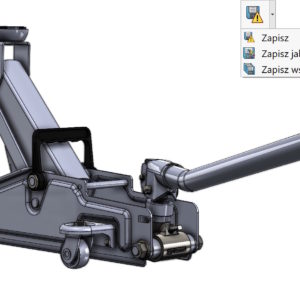
Many people run macros each time they select Run and point to the *.swp file. Apparently ok, but it can be done better. To do this, go to the Customize tab > Commands: Select New Macro Button and drag it to the selected tab. Then attach the *.swp or *.swb macro file and select the image – thumbnail. SOLIDWORKS software provides bitmap images...
Retractable menu in part and assembly – you use it?
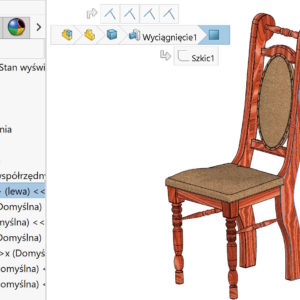
Solidworks is considered a unique user -friendly program. And you have to admit, that despite many defects, service friendliness is at a high level. In folding, after clicking the part in the graphics window, a temporary menu develops, from which you can perform many operations. Poziom złożenia umożliwia identyfikację układu odniesienia, Determining and editing bonds. Poziom części daje dostęp...
Create a current view as, that is, a change of orientation
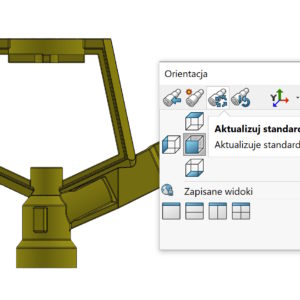
The orientation of the view can be changed in several ways. One of them is to press the spaces, and then update the standard views. W taki sposób możesz w dowolnej chwili zamienić widok np. przedni widokiem np. od góry (or any other). Zaznaczę wyraźnie, iż to jest wyłącznie zmiana orientacji – nie ma nic wspólnego z fizycznym obrotem modelu w...
Total of the model relative to the 3D Triad
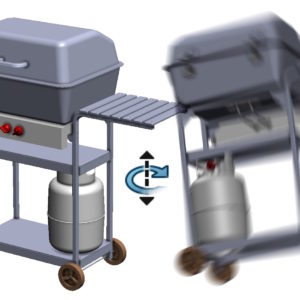
3D models – both folding and parts – You can turn the triads. By default it looks like this: Z klawiszem SHIFT to obrót o 90° zgodnie z ruchem wskazówek zegara. Shift combination + Ctrl causes traffic in the opposite direction. Z klawiszem ALT uzyskasz obrót o 15°, However, the Alt combination + CTRL to obrót w przeciwną stronę....
Add or edit material-specific properties
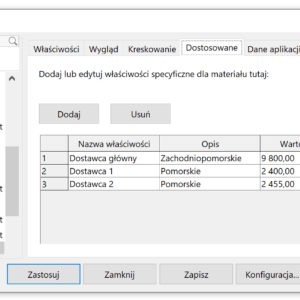
When selecting Material in the operation tree, we usually mean assigning physical properties necessary for mass calculation or calculations. However, a material can be assigned an Appearance, Hatching or additional information. And today, two words on this subject. Customized is a tab, which can only be used with adapted materials (blue folder). You can put additional information there,...
Problematic – because hidden – folder ProgramData
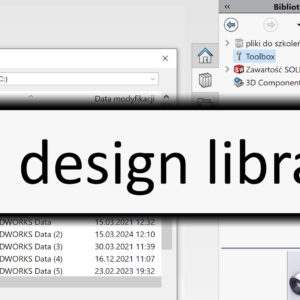
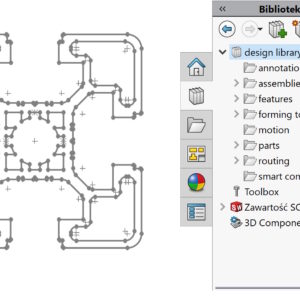
Sometimes, after installing SOLIDWORKS, you may not see the Design library folder on the right side. This is a very important folder in my opinion, because there are a lot of useful things there. In such a situation? This folder should be added. Nevertheless, there is a problem. Well, the folder is located in the ProgramData directory, which is invisible by default. So first....