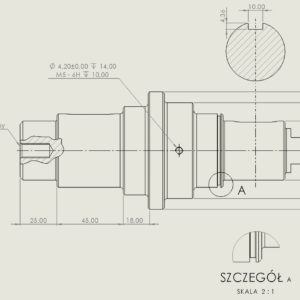
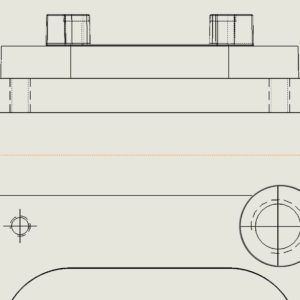
The thread designation in technical drawings does not always display correctly. This is achieved by setting the Thread marking display in the view properties. Generally, changing to High quality results in the correct display of the marking. I wrote “generally”, because it happened several times in my life, that it did exactly the opposite – i.e. the thread was displayed better with the Draft Quality option. Also read:...
Author: Paul (Paul Kęska)
Delete/Keep Objects – how to do it faster
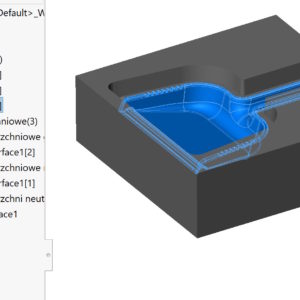
By-products may be created during 3D modeling – I mean auxiliary surfaces or unnecessary solids. I think, that everyone should clean up after themselves after finishing work, i.e. remove all unnecessary objects. We do this using the Delete/Keep Objects operation. Of course we choose this option, where there are fewer objects to select. However, I wanted to draw attention, that...
Dynamic mirror – does that make sense?
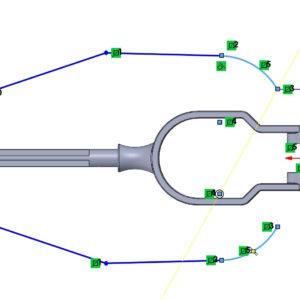
There are such operations in the program, that I'm wondering about, do they make sense. These include Dynamic Mirror, available by default in the Tools menu > Sketch tools. How this mirror works? The action is this, that when you select a centerline or plane and turn on Dynamic Mirror, everything we draw on one side, it is immediately visible....
Cylindrical border box
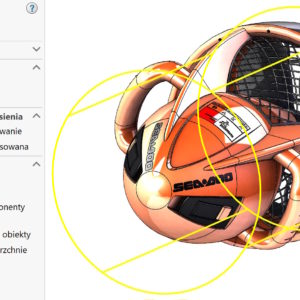
The border box with a range of uses has gently evolved. I have already written about the various options and applications of this tool. Bounding box in parts, , assembly and welded structure The standard frame has a cuboid shape and can be adjusted optimally or to the indicated reference. To, what I wanted to present is the possibility of generating a cylinder-shaped frame. Of course in....
Cutting in sheet metal with new possibilities
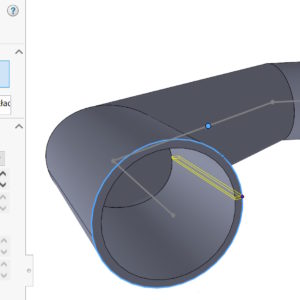
With SOLIDWORKS 2024 There are new possibilities of an operation called Slitting available on the Sheet Metal tab. The most classic method involves cutting a cylindrical sheet for further conversion into sheet metal. This is practiced many times, e.g. in the situation, when the base is a welded structure. But you can cut an element in many other cases, examples below. Unusual cut in the conversion...
Adjusted text position in the Leaders tab
Aesthetics in drawings is, first of all, a relative topic, and secondly, you can write an essay about it. Personally, I like to keep my documentation in order, and I work best with this form of drawing. Therefore, I will show you today, how to set the dimension e.g. diameter or radius, which is set to non-linear by default. After selecting the dimension on the left....
Different ways to finish a 3D model smoothly
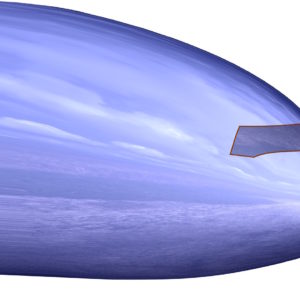
In modeling, we are often faced with choosing a specific operation. But to be able to choose optimally in a given situation – you need to know these operations. I'll show you today, how to finish a rounded shape smoothly. It may be the end of a construction hook, the tip of a pen or the nose of an airplane. 1. Dome. I'll start with the surgery, which only works on solids, and which allows....
Data export from SOLIDWORKS Motion to SIMULATION
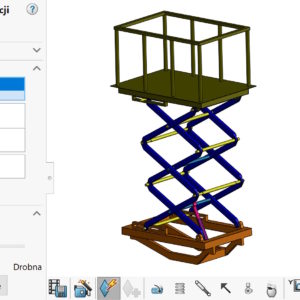
The SOLIDWORKS Premium package includes two add-ons, that can be used together. I mean SOLIDWORKS Motion (for kinematics and motion calculations) and SOLIDWORKS Simulation – for static calculations. If you want to export data from a motion study for strength calculations – you can do this from Motion (1). Of course Simulation must be enabled in....
weldments – Automatically assign names
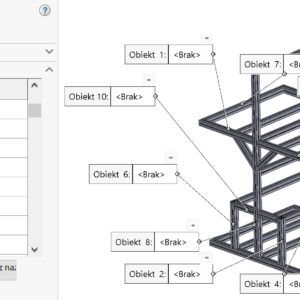
When saving objects from weldments, you may encounter a message about this, that objects contain illegal names. Mainly it concerns the sign /, which occurs in the Trim/Extend and the less frequently used Move/Copy operations. The general rule is this, that object names come from the last operation on the object. So you can also change the names directly in the operation tree. Names with....
When inserting Blueprint into a sketch, remember a few rules
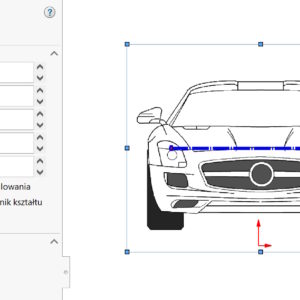
In some areas of CAD design, we can use graphic images. We insert the image in the sketch in the Tools menu > Sketch tools. Here are some tips, that can make your work with bitmaps easier. 1. Use as accurate pictures as possible, without a diverse background, no pixels with intermediate shades of gray. Avoid compressed files, because compression worsens the quality! If there is no border....