
weldments can be saved for submission. This is a good option, Of course, we don't always have to do this. But some companies, e.g. can't, I don't want to work on multibody parts, so it saves the assemblies.
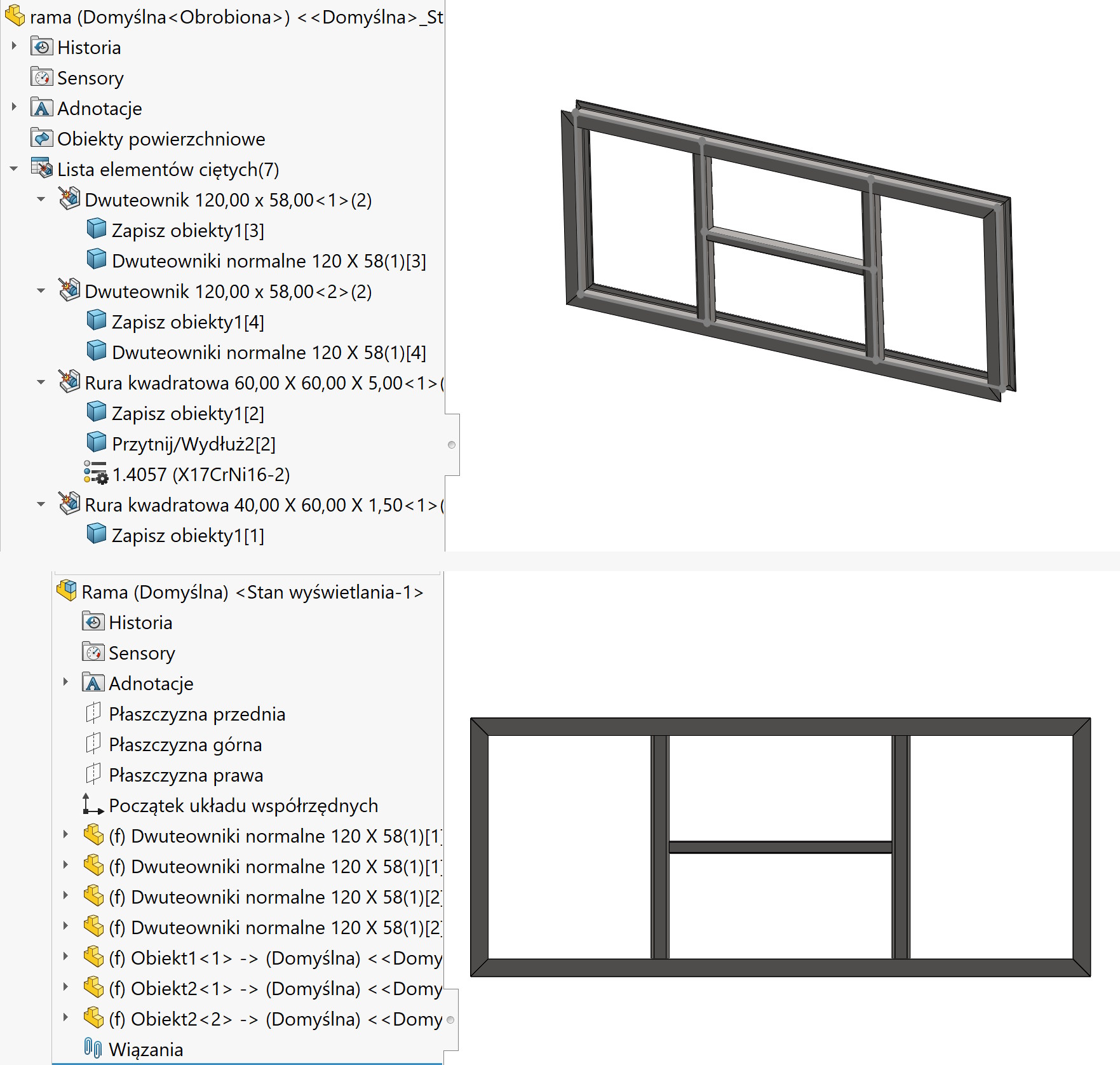
And today a few words about some of the worst solutions in SOLIDWORKS.
Saving multibody parts for assembly takes effect inability to update positions.
I'm explaining the details now.
When we save a multibody part, the program captures the position from the source. The identical position of the derived parts will be in the resulting assembly, where are they immobilized (f).
The problem comes at the moment dimensional changes source part and when the option was additionally selected Derive result parts from similar objects (…). This will result in a change in the position of some parts in the assembly.
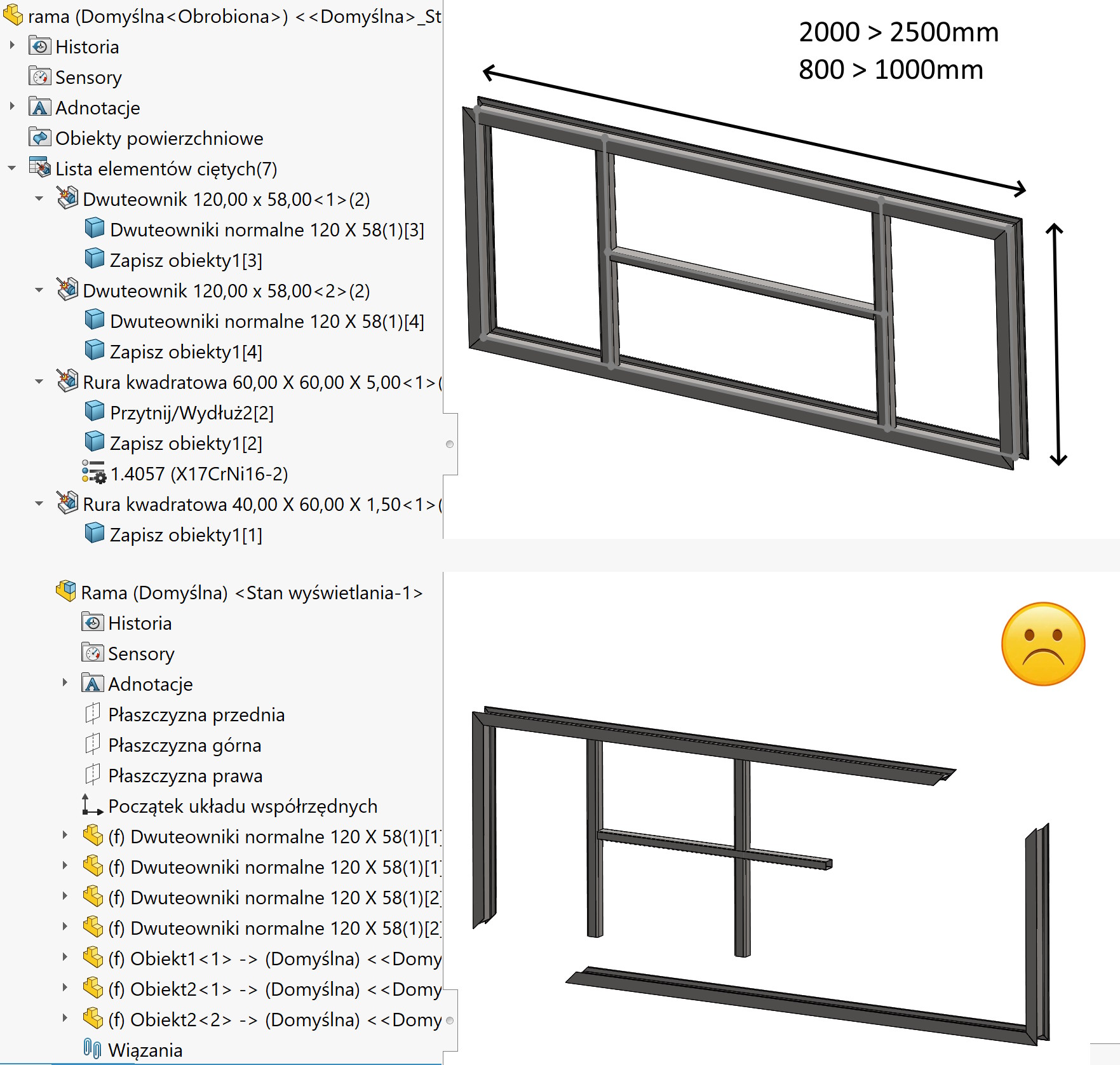
It follows from this, that when the assembly is built, the same parts are positioned like this, as source objects. But once the assembly is created, the parts are fixed and do not change position (there are no bonds here).
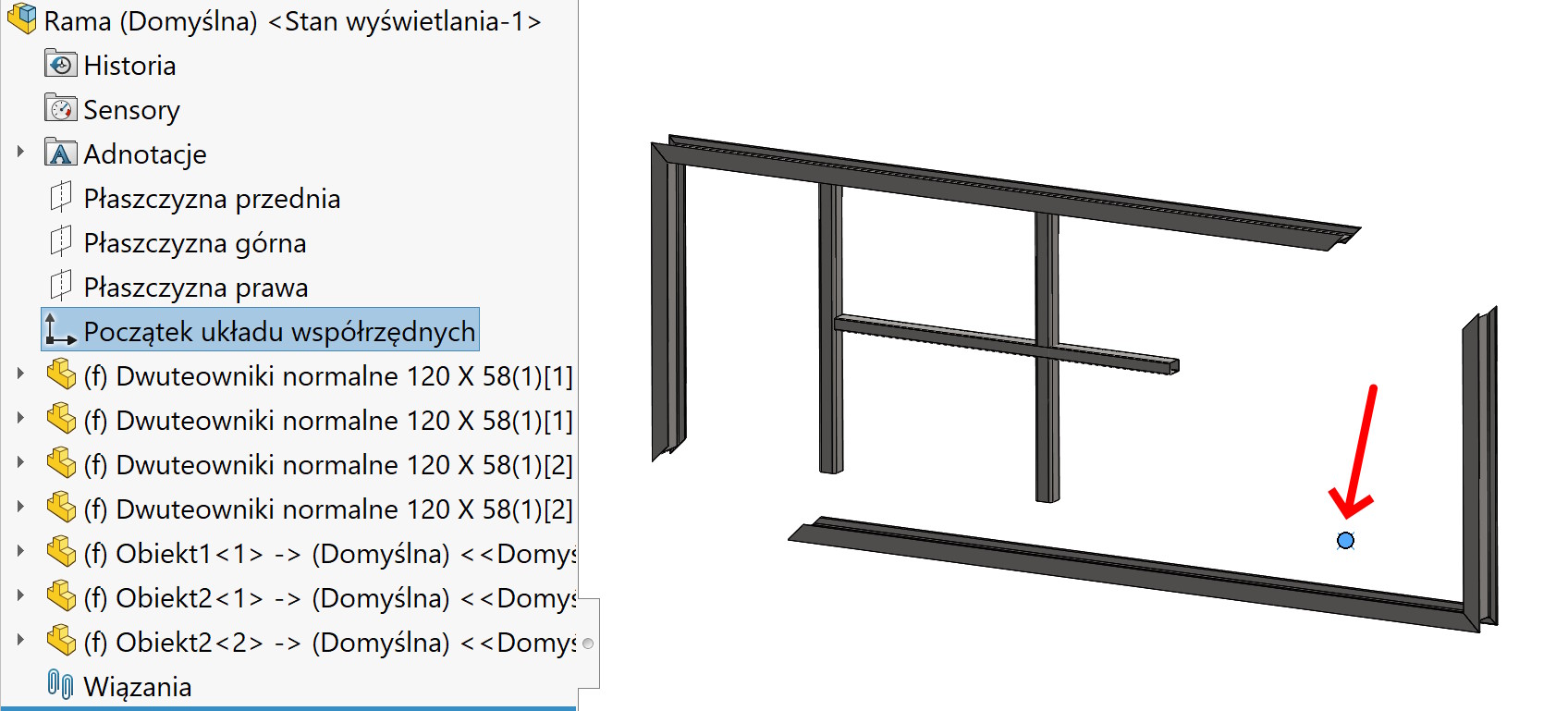
So why are some parts positioned correctly?, and others incorrectly?
This is exactly what follows, how the structure was drawn, more precisely, where is the origin of the coordinate system and in which direction does the beam length increase.
Solutions.
Let me start by saying, that every solution is bad. The situation can be improved somewhat, but this should simply be solved better in the program…
- In such a case as discussed, this is the simplest and fastest solution. I insert additional planes and create a mirror of the part, and I remove the incorrectly located one. Of course, this solution is not universal, it all depends on the structure of the 3D construction. If a mirror or array cannot be used, then you should look for another option.
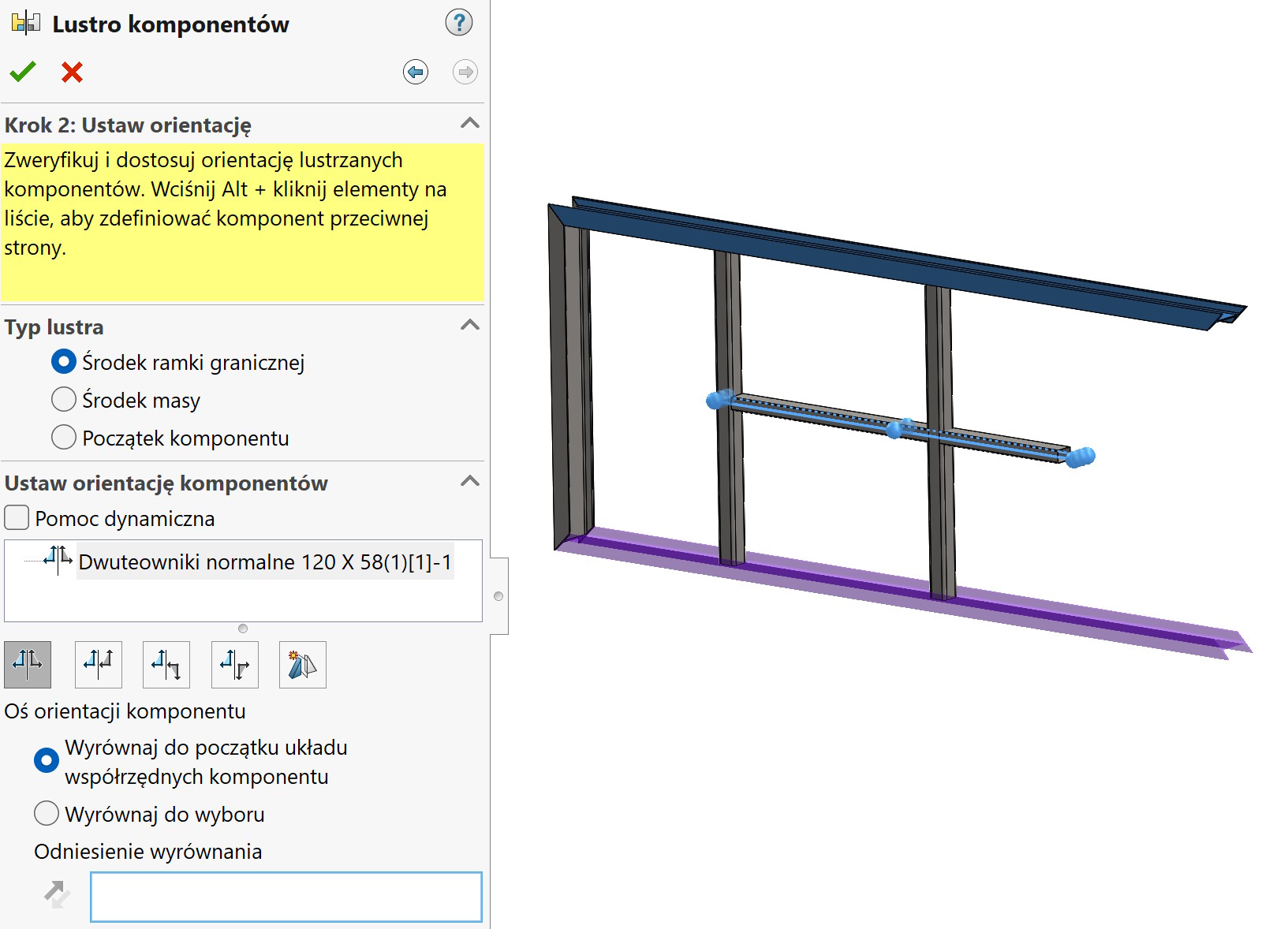
2. While saving (so this should be taken into account at the beginning) you must uncheck the option Derive result parts from similar bodies or cut lists. Something for something… if we save the assembly this way, then each object creates a new part regardless, that they are identical. So this solution would make more sense, if all objects were different. Theoretically, you can create an assembly this way and replace the same parts at the end.
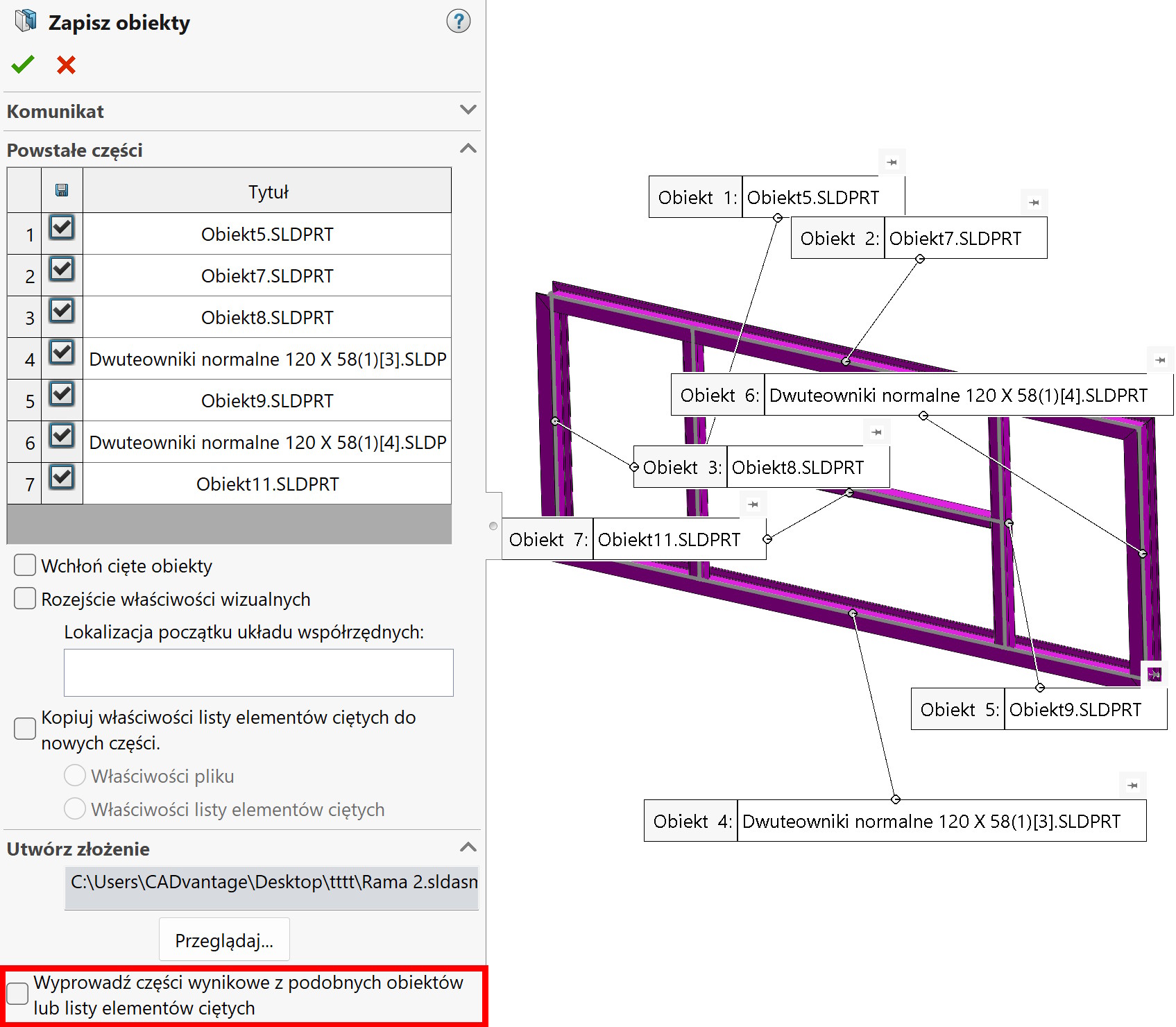
3. The last solution is to save the assembly again. First, close the existing ones and make a list of the assembly's components. Then we delete the operation Save objects from parts and save again. When writing, we indicate existing assembly file to be replaced. Then you need to double-click in the field The resulting parts and indicate the appropriate component (it already exists) to be replaced.
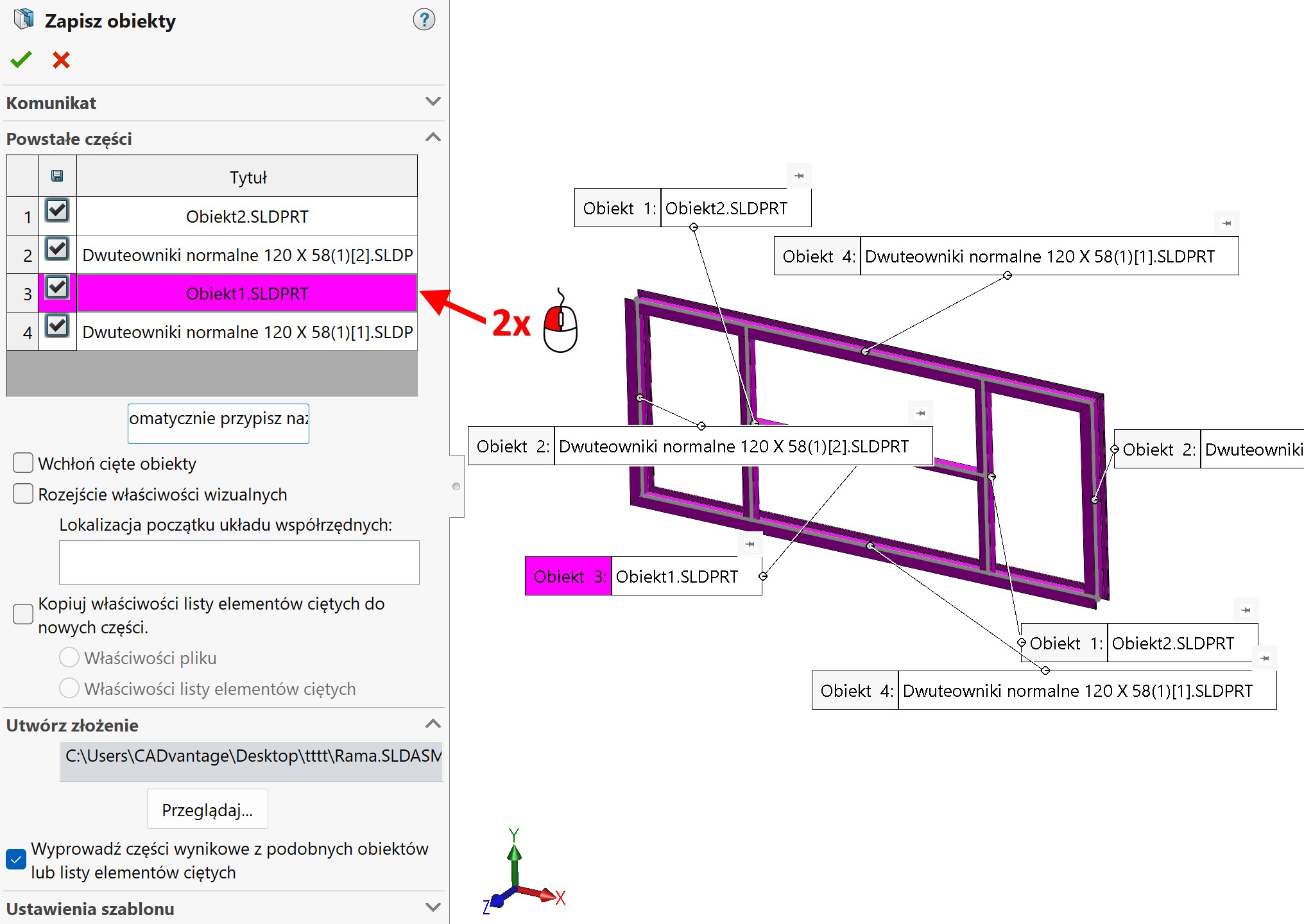
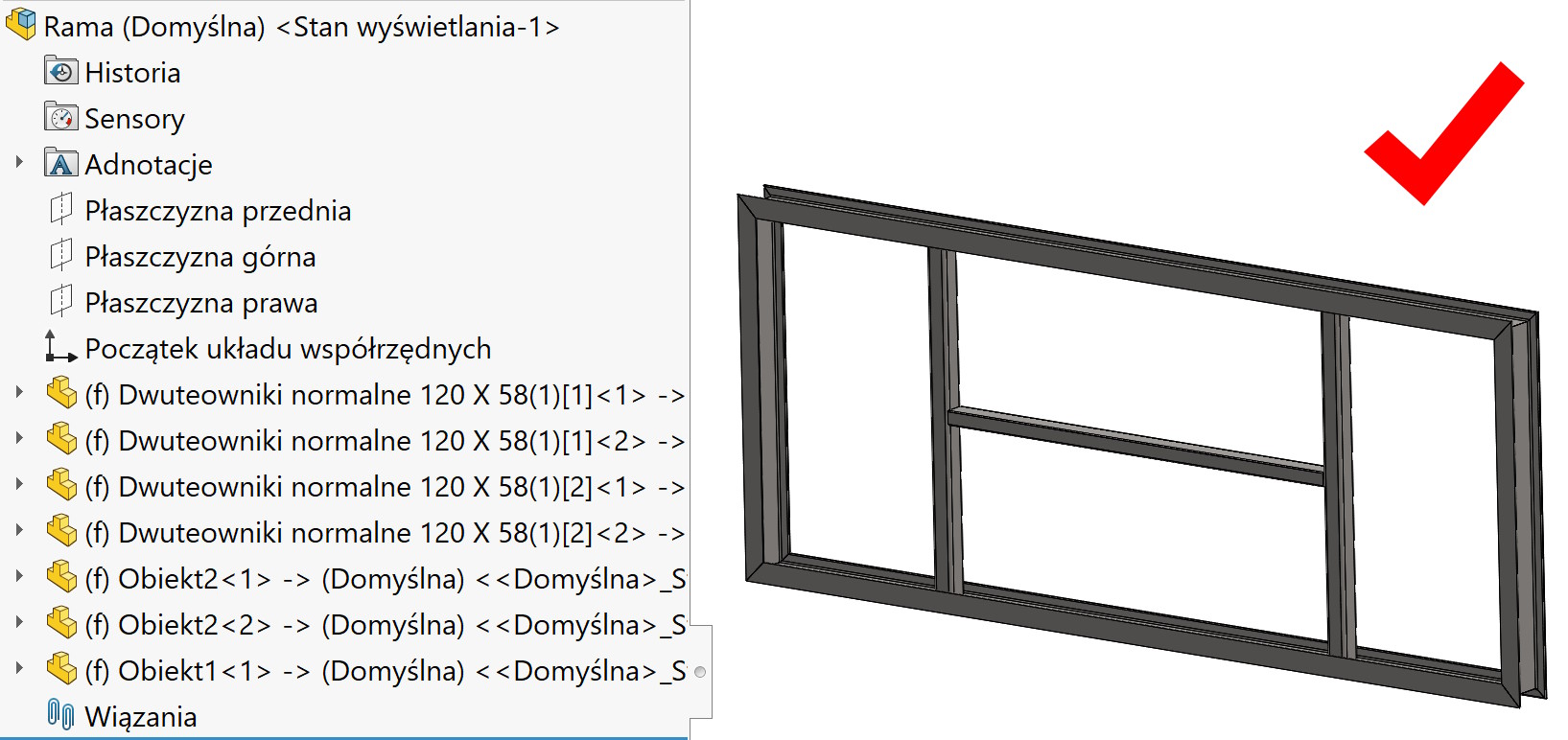
The solution is effective, but they have to be repeated every time after changes to the source part. And of course, it's very easy to make a mistake when pointing out the parts…
The above topics are discussed during my training in Welded Structures: https://solid-szkolenia.pl/szkolenia/arkusze-blach-i-konstrukcje-spawane/
As you can see, there is no simple solution. And it would seem so, that it should simply be thought out this way, so that after changes in parts, the submission was always updated.
Leave a Reply