
In Solidworks, generally, if you enlarge a 3D object, you always see its external wall.
Let's consider a closed tank, warehouse hall or device housing. It is impossible to look inside without a cross -section or changing the display method.
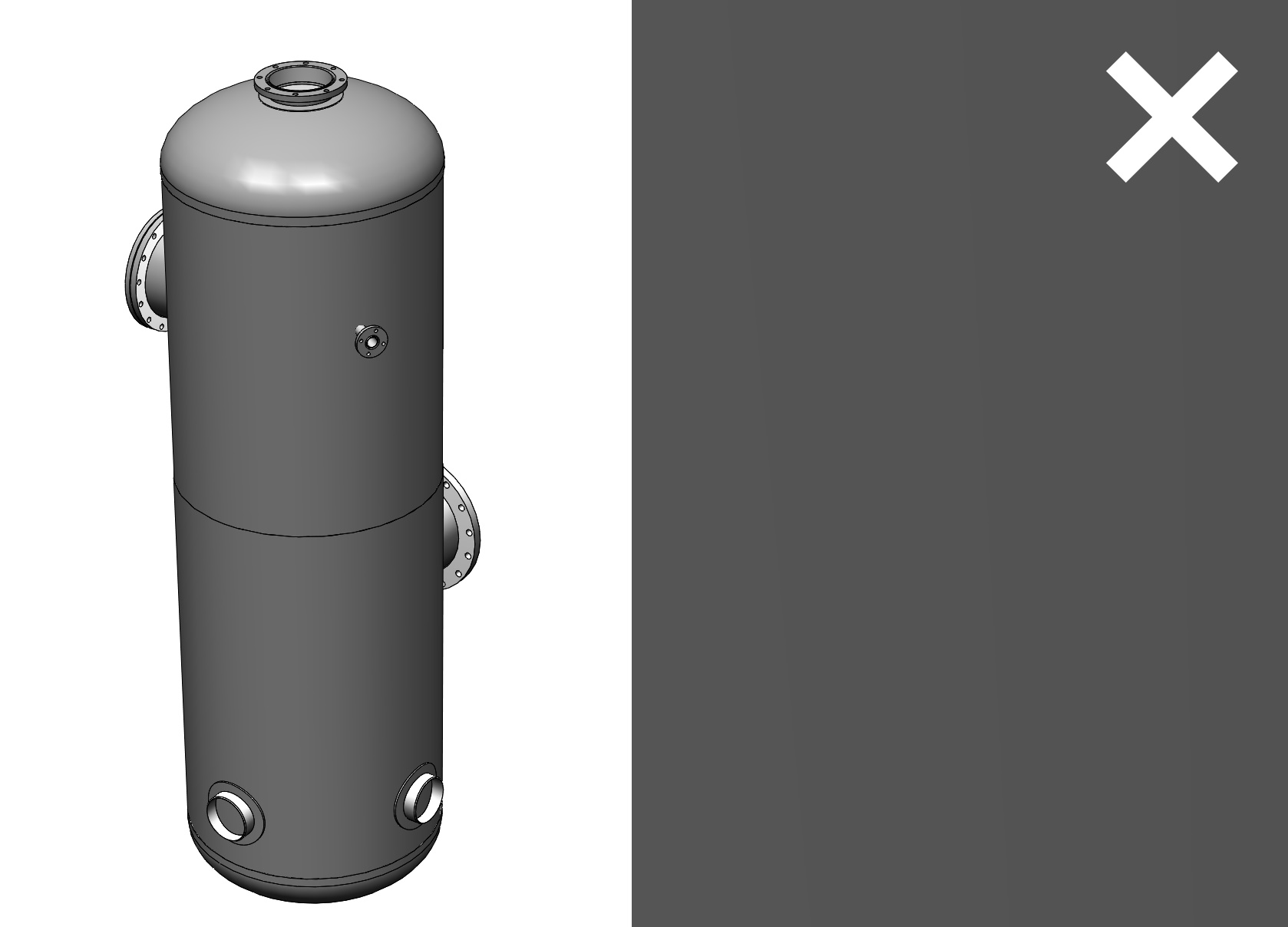
It turns out, that it is possible to penetrate the wall. This can only be done with Camera view!
After defining the camera, turn off its lock (under the right button). Then, using a scroll, you can enlarge or reduce the image with the eye of the camera.
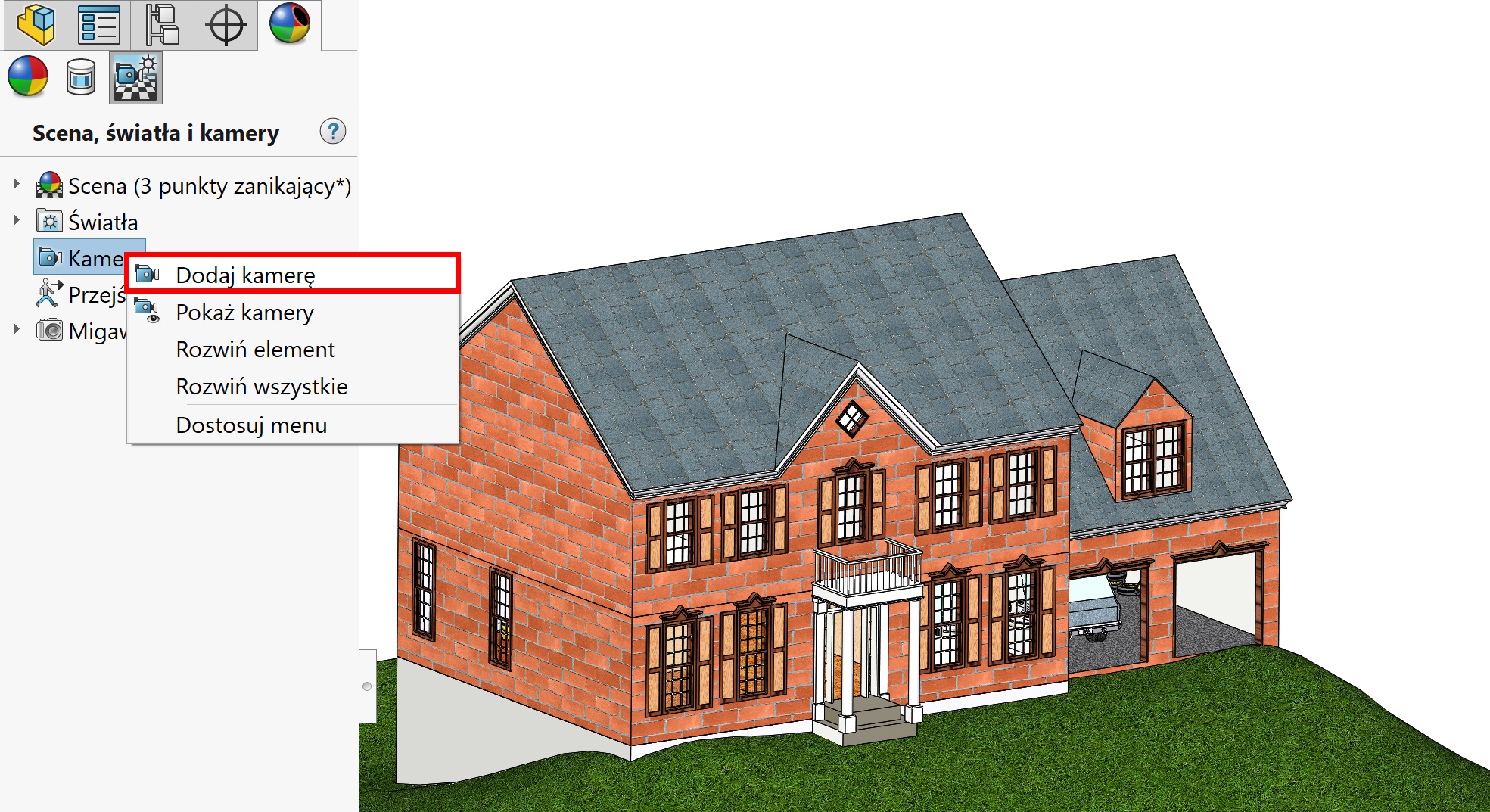
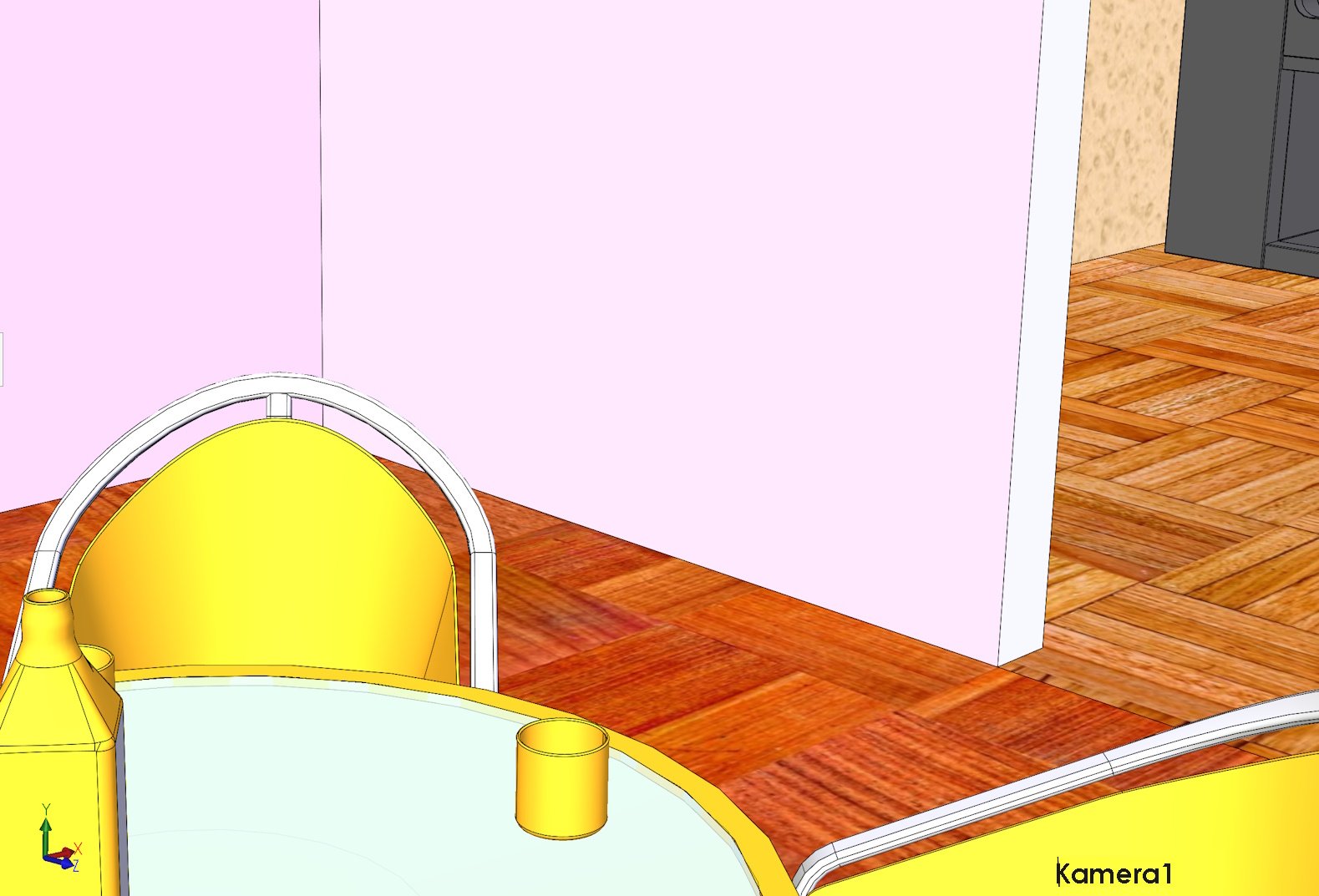
If you increase the image accordingly – you will penetrate the wall of the building.
Similarly in the case of the tank – You can easily look inside it. 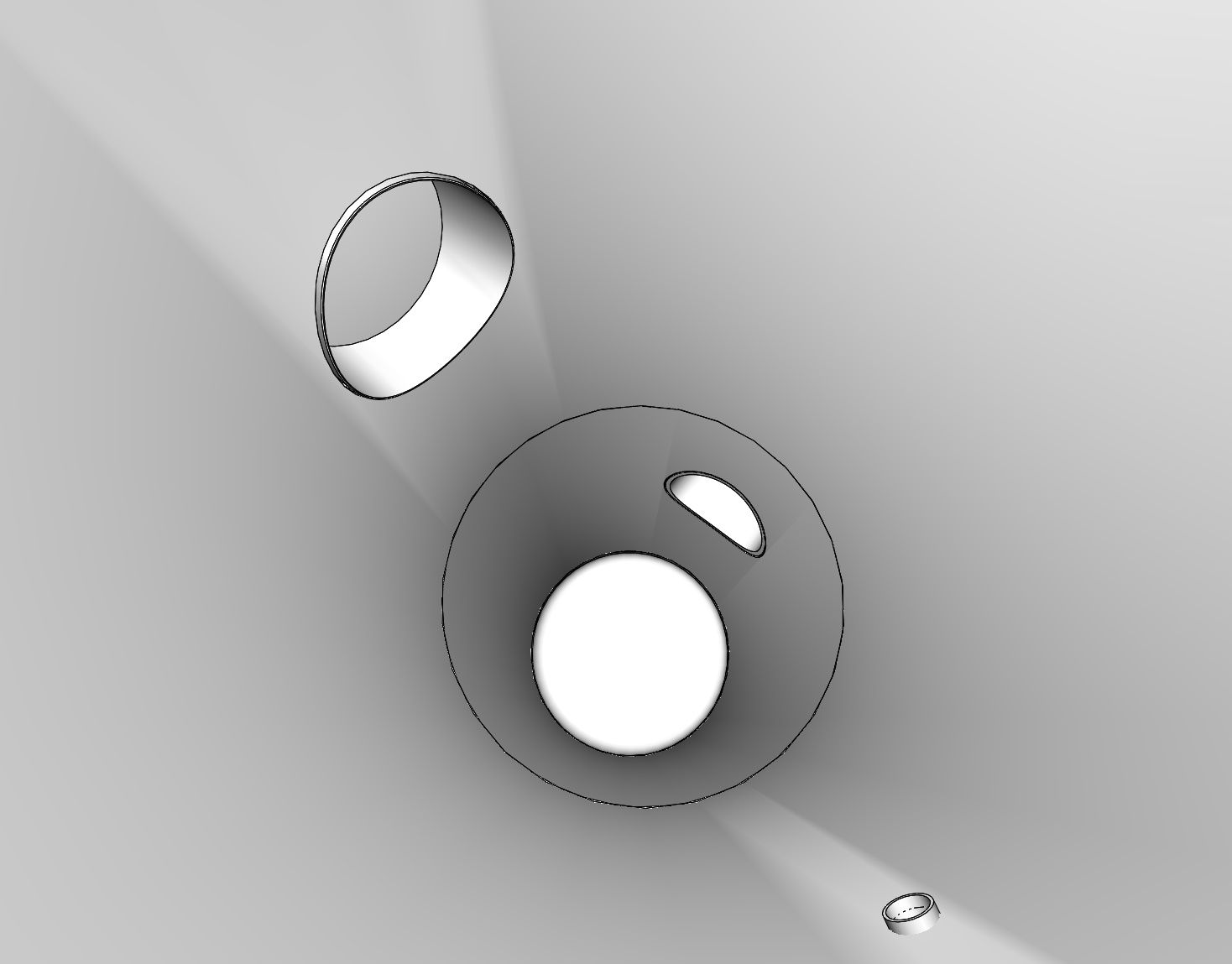
Leave a Reply