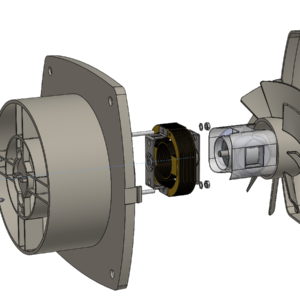
Automatycznie rozmieść komponenty – wpływ ramki granicznej
Post

Automatically arrange components – influence of the bounding box

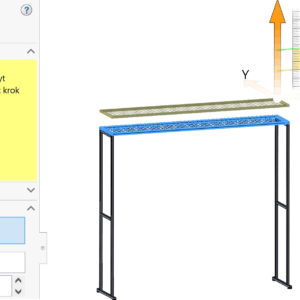
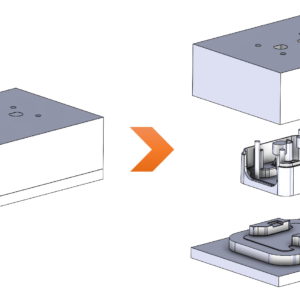
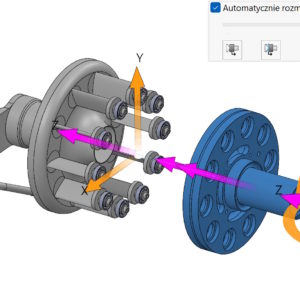
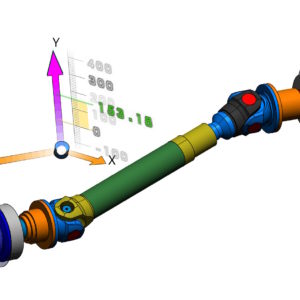
When exploding, you can automatically arrange components using the so-called. chain. Auto-Explode – why is this not in SOLIDWORKS? Please remember this option, that the order in which parts/subassemblies are selected will affect the moving order. The second important issue is setting alignment using a bounding box, where you can choose: center of the bounding box, front edge of the frame, the rear edge of the frame. Frame...
7 December 20257 December 2025by
Zmiana kierunku rozstrzelenia kiedyś i obecnie
Post

Changing the direction of shooting then and now

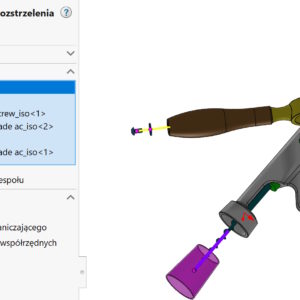
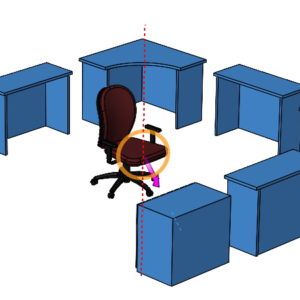
In assemblies, different components can have different orientations – it's natural. However, when we do the shooting, directions are related to the global 3D layout. In other words, clicking on the X arrow component,Y, Z will be set as indicated by the triad in the lower left corner of the screen. This may result in a collision when moving components. However, there is a solution! In order to...

13 March 202413 March 2024by
Inteligentne linie rozstrzelenia w widokach rozstrzelonych
Post

Smart explode lines in exploded views

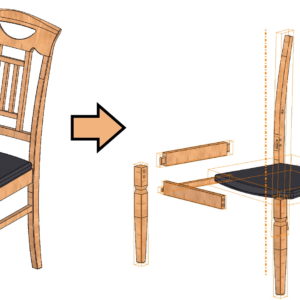
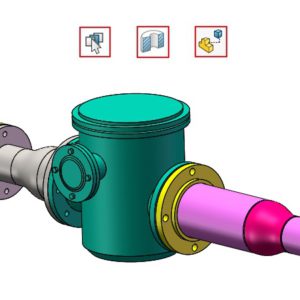
After you create an exploded view in assemblies, sometimes there is a need to show the shooting line. The older line type called Explode Line Sketch works very poorly, In my opinion, it only makes sense after selecting cylindrical walls. In turn, a newer solution, i.e. Smart explode lines work much better, but not perfect. What do I mean?? Well, in the shot below....

17 February 202417 February 2024by