
There are many ways to show hidden components in assemblies. This also applies to showing hidden objects in parts.
You can read about it below.
You can also do this with the left mouse button and moving the cursor over the components (as in advanced pruning) while holding down SHIFT + TAB.
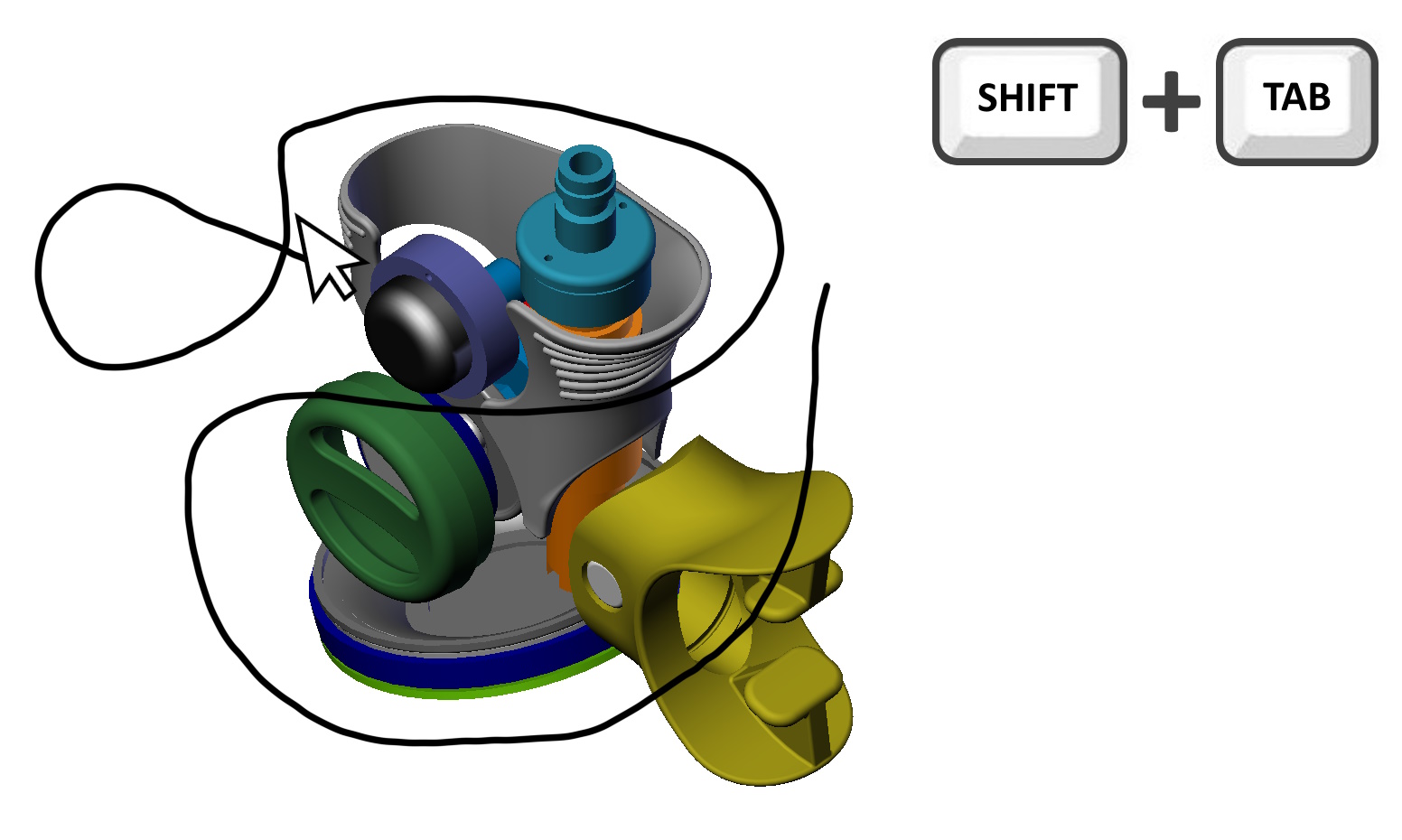
Another method that marked with a frame also with the keys pressed SHIFT + TAB.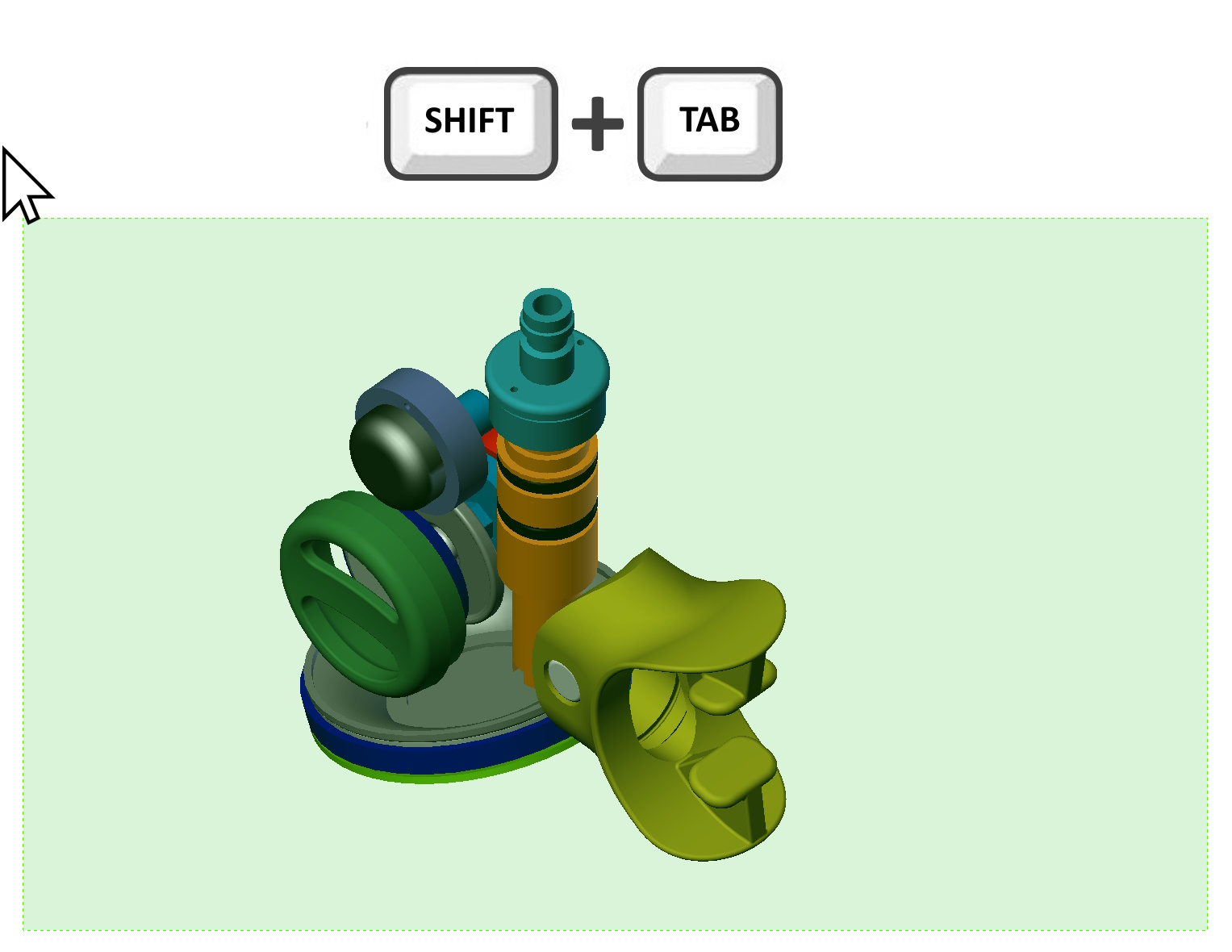
Leave a Reply