
Animations, that can be made in SOLIDWORKS may contain a number of elements.
Today I want to show you a way to show how to screw in or remove a screw, nuts etc.
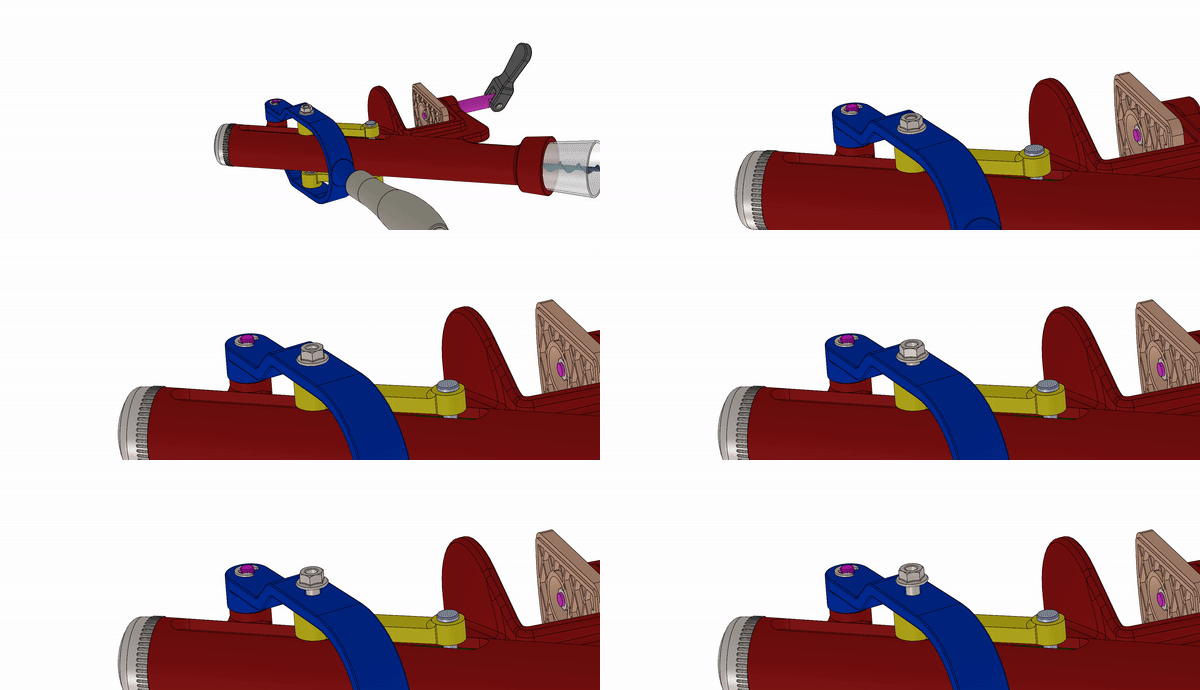
Method 1.
In my opinion, this is the easiest way to use shot in the animation creator. Explosion must combine two types of movement – shift (to the height of the nut) with trade (here 5 revolutions).
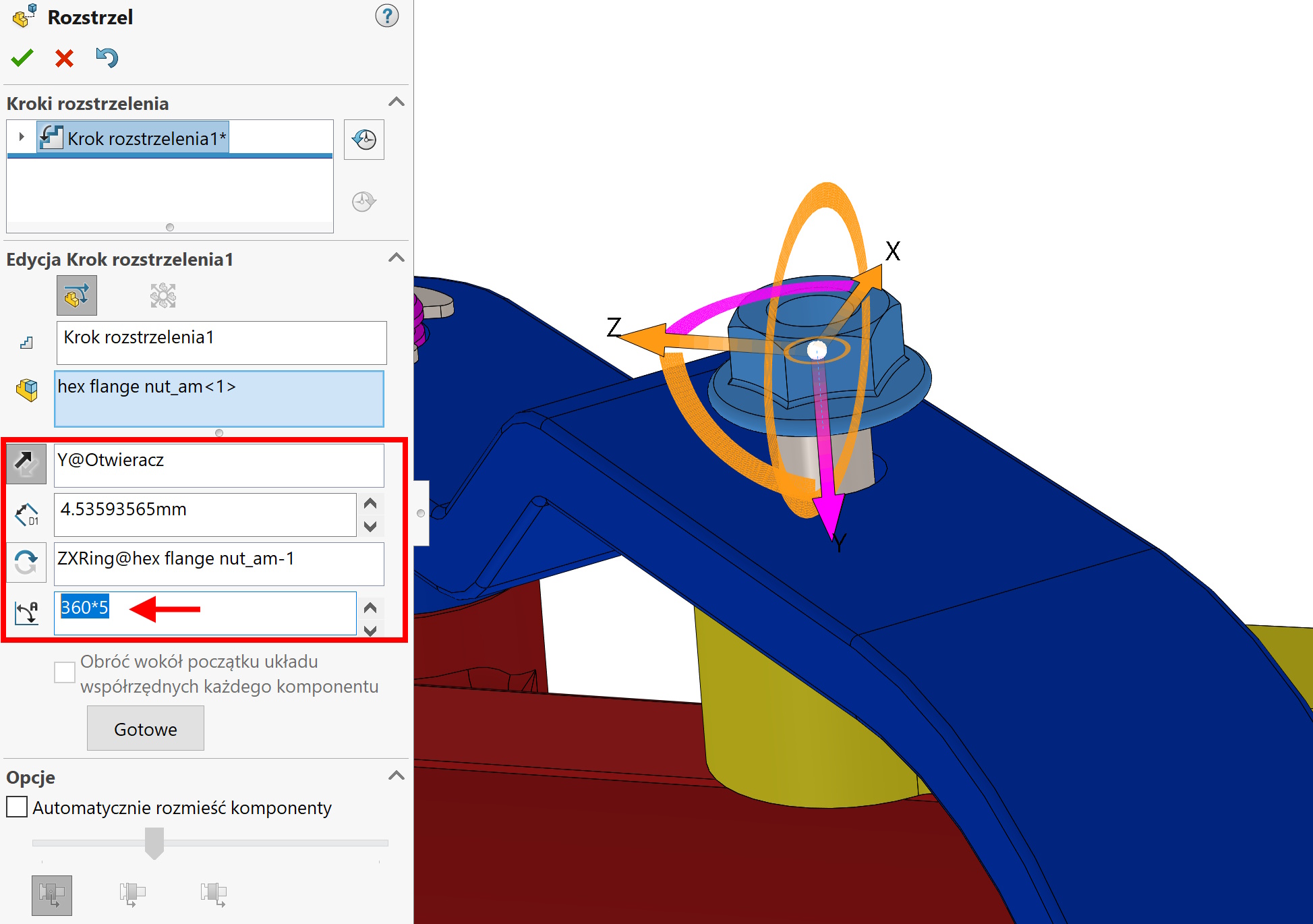
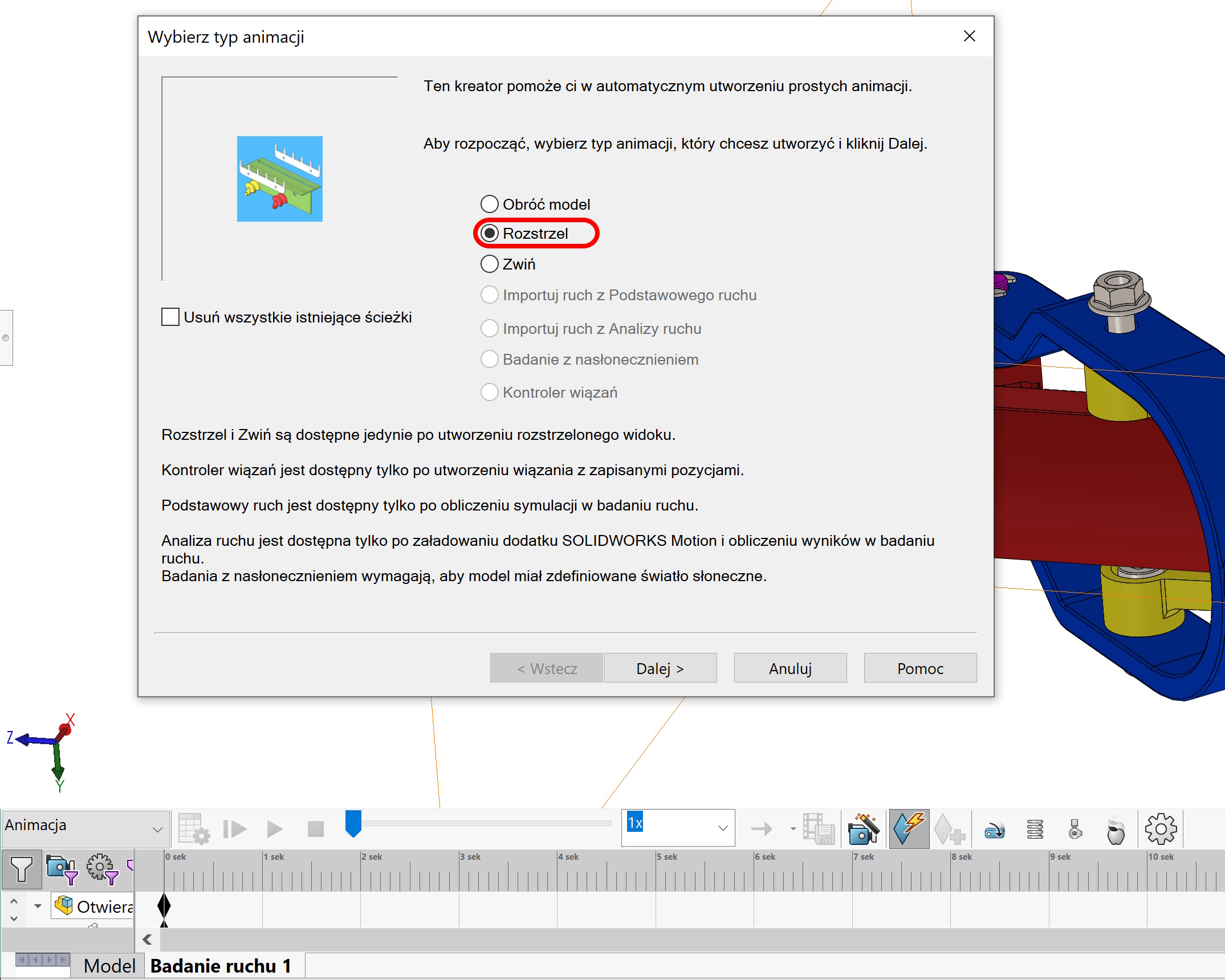
Method 2.
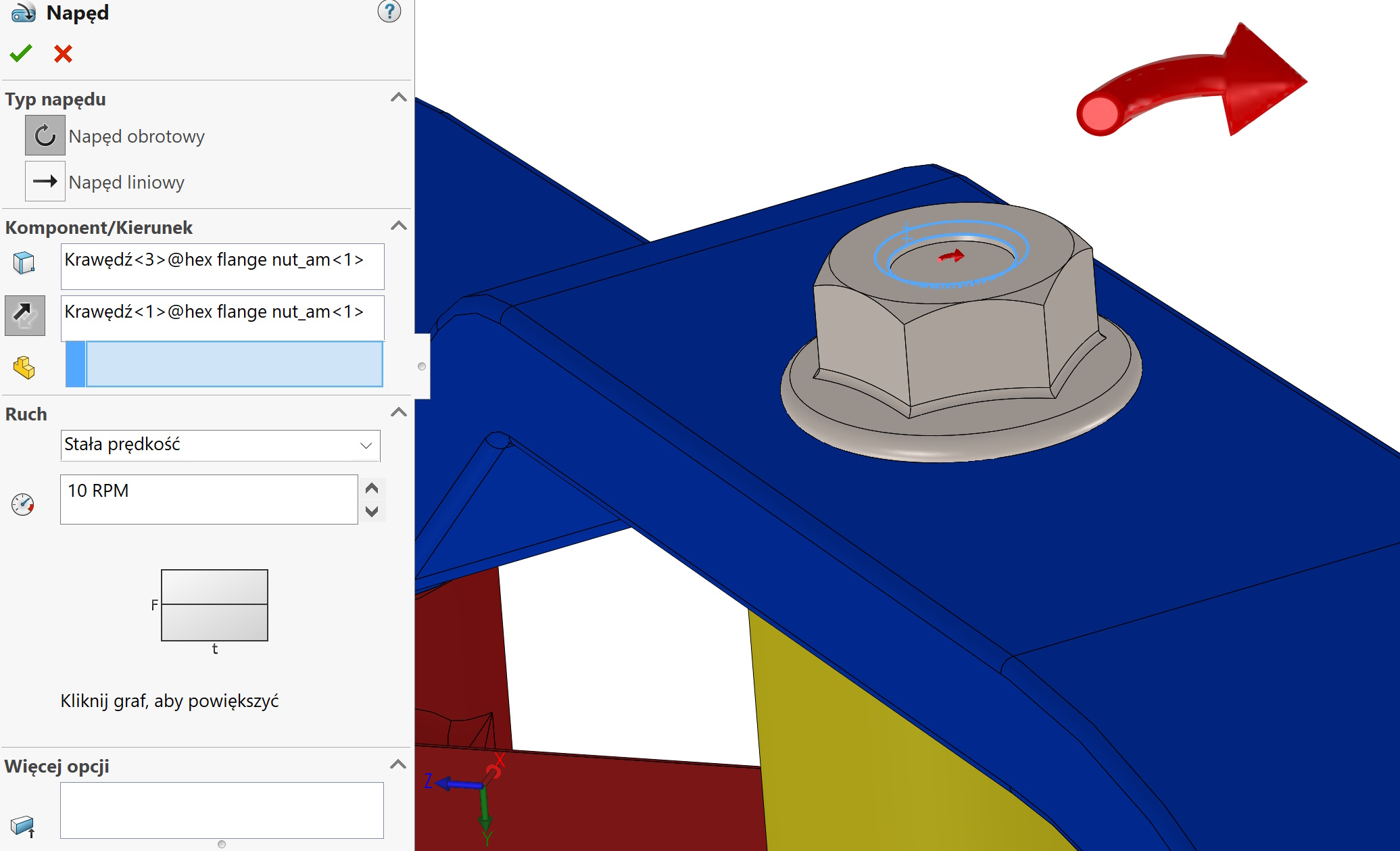
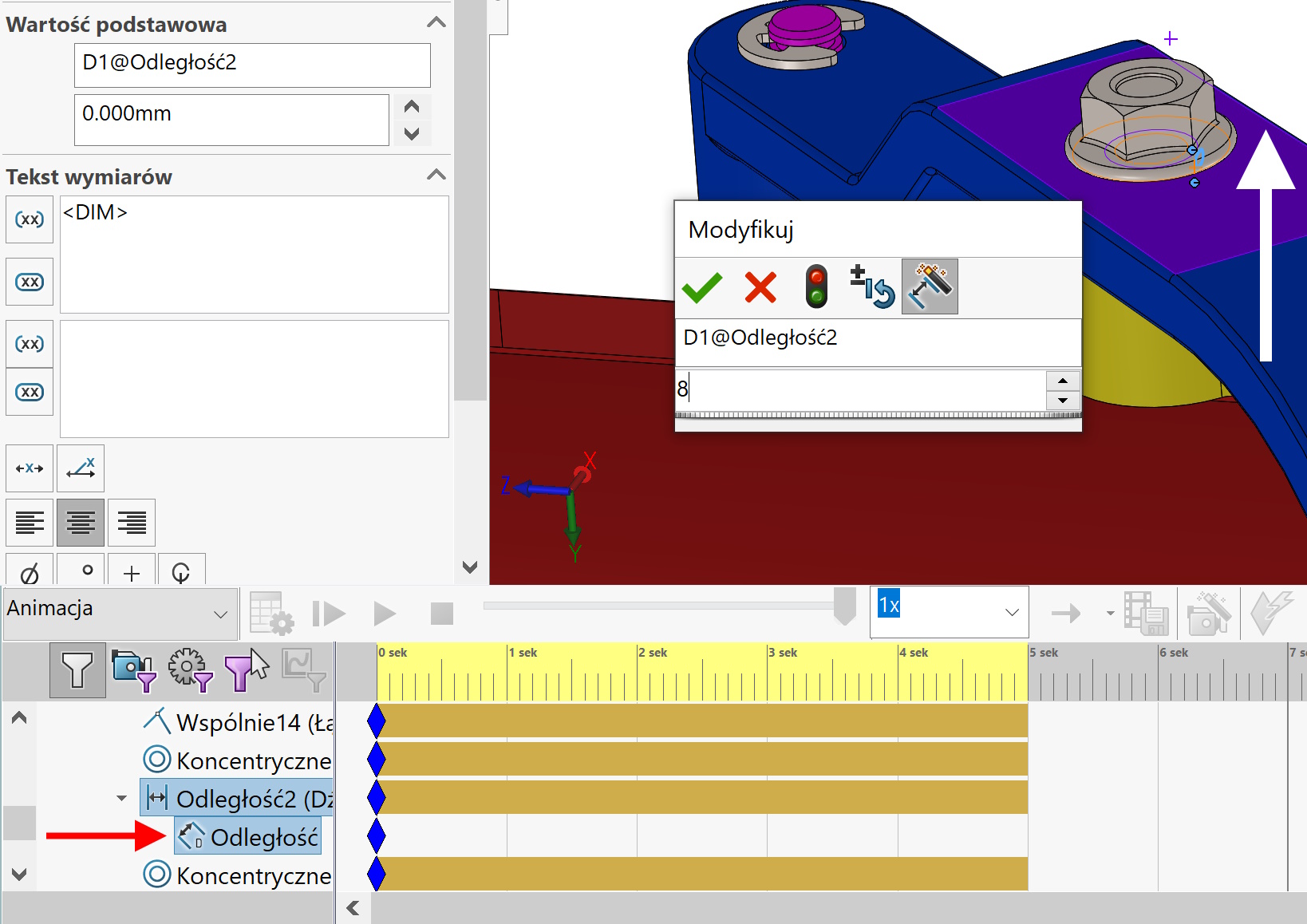
There is more work in the second method. It should be created in the animation Drive – permanent rotary movement. This drive must be correlated with a slide, which may be a standard shot. But this linear movement can be prepared in the form of binding control. The line limit binding is often used, or ordinary distance binding. The fact is problematic, that in a normal case, no one connects the screw in a distance binding, Only by bond common.
So to perform this distance control, Earlier, we must convert to distance binding. At the beginning of the animation, the value will be zero, and at the end the distance needs to be changed to a value equal to the linear shift. If there was no binding there, You can also use the Transfer Triad option. Overall, slings can be implemented in many ways and must be combined with Drive rotating.
Leave a Reply