
You create parts from sheet metal and each time you have to define bending parameters?
It's not true.
You can save the settings in a document template!
To do it, draw a sketch and create a plate with the expected parameters: thickness, radius and allowance. Then delete this feature and the sketch, leaving the sheet metal folder.
Now save the empty file as a part template.
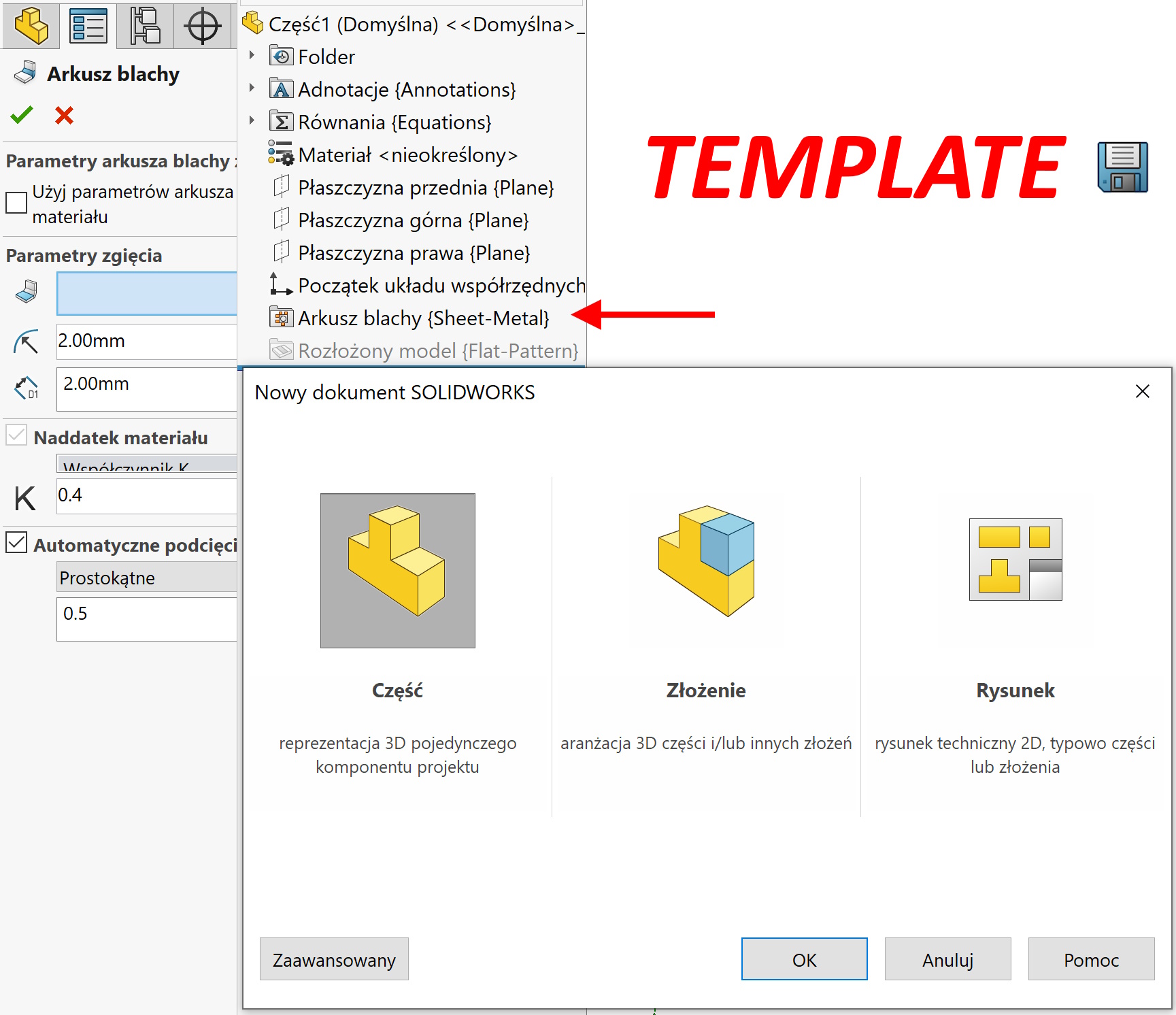
If you use this template next time when creating a part – The sheet parameters will already be defined.
There is another possibility – Downloading information about the material sheet. The material, in turn, can also be saved in the template.
When it can be useful to save the parameters of the sheet in the template?
There are many applications.
For example, when moving the object to a part of the multi -work part.
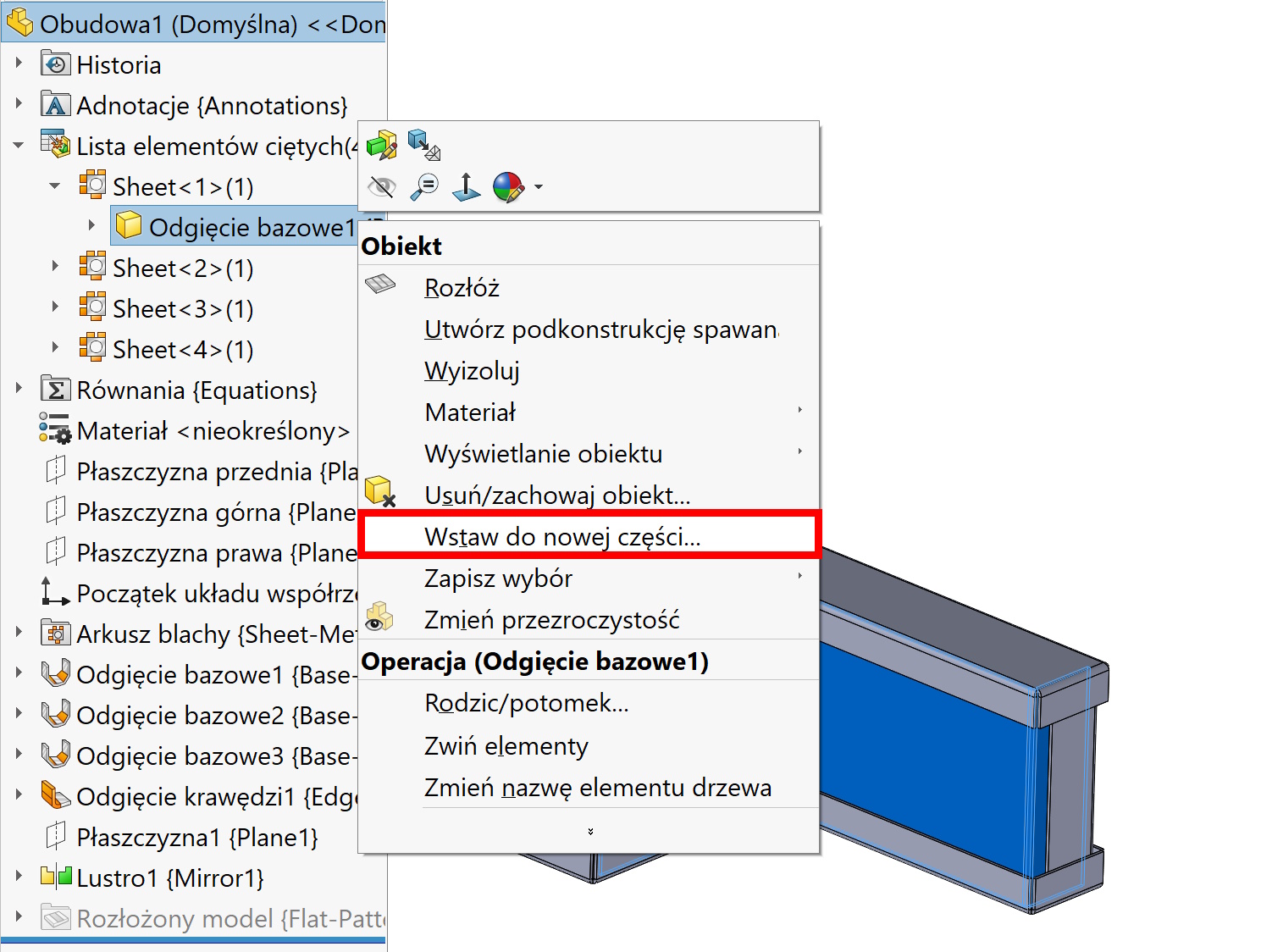
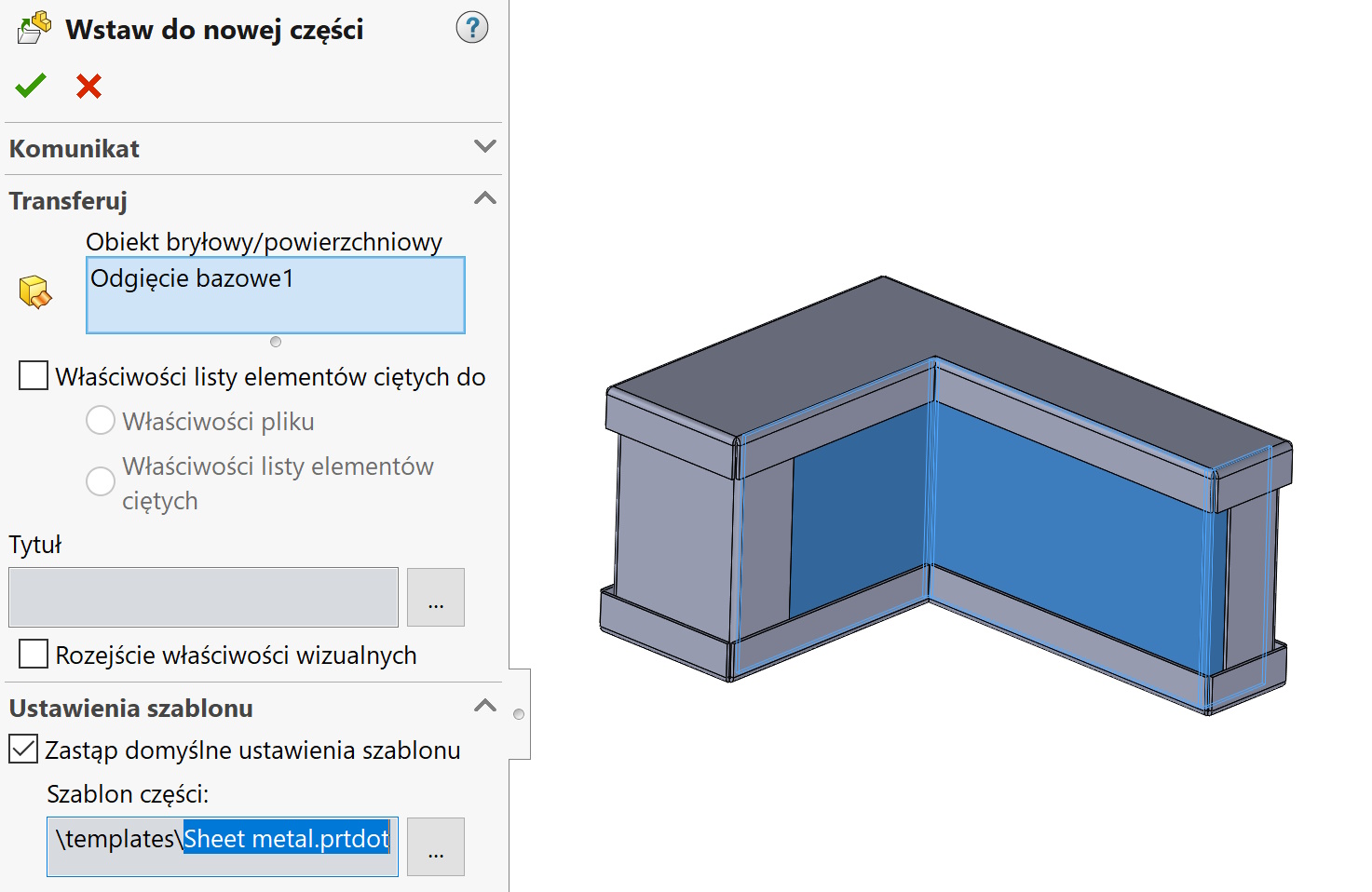
Or when opening imported files.
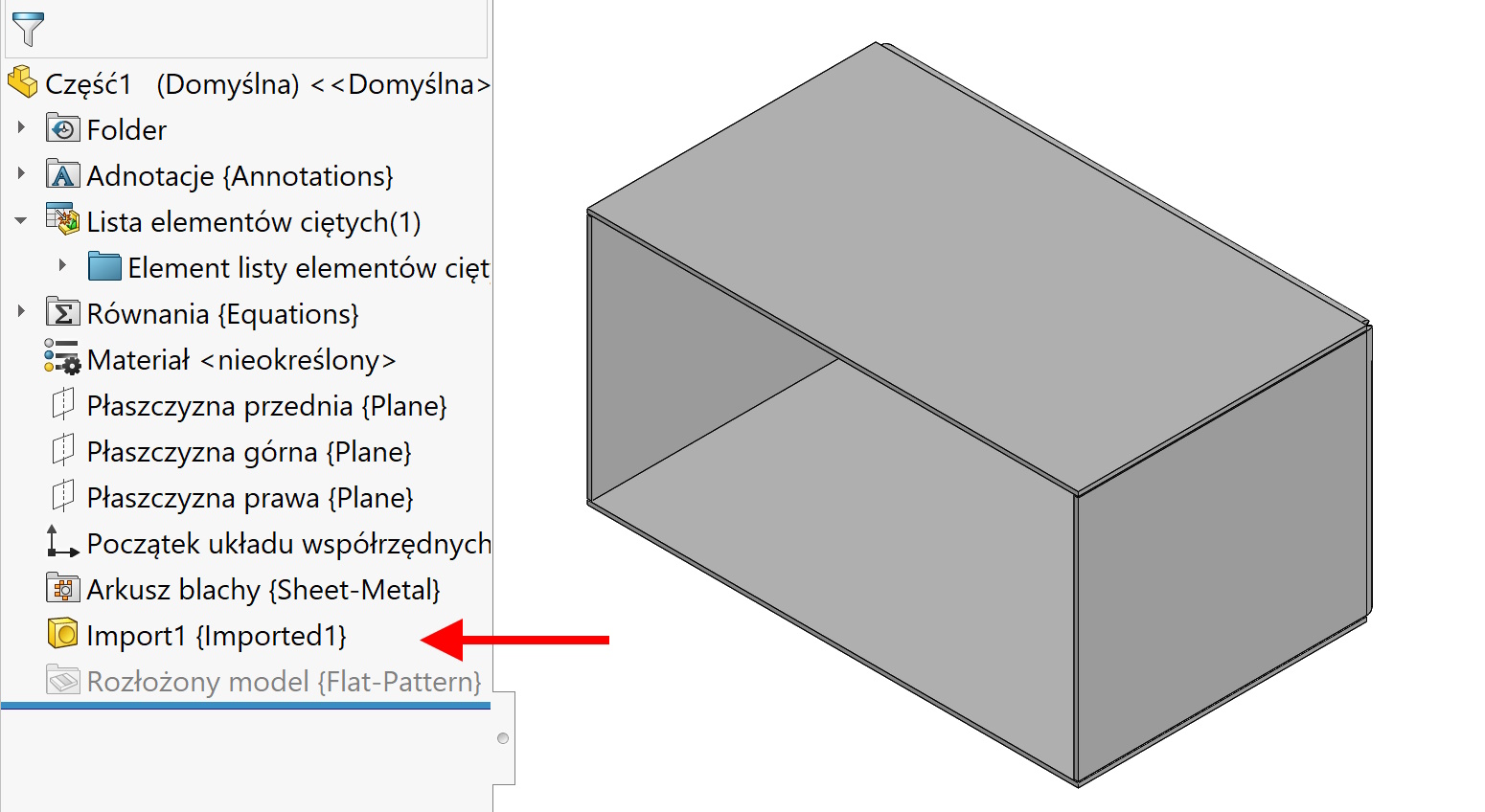
Or at the time of creating a sheet metal mirror – You can replace the default parameters in this way.
However, remember one! Folder sheet metal In part, it does not automatically define the sheet metal from the object and conversion to the baking tray must be made independently to be able to spread it!