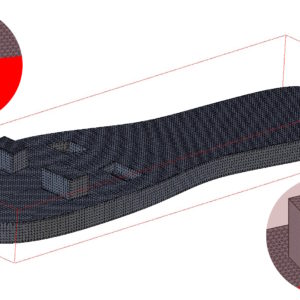
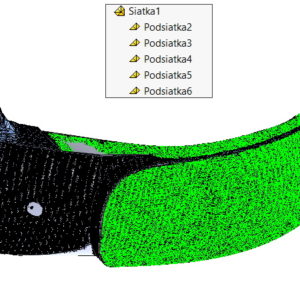
Merge Meshes in SOLIDWORKS - A small feature, big difference. Working with mesh data in SOLIDWORKS can be demanding, especially when we import models from different sources or 3D scans. In such situations, we often receive objects divided into several separate grids. This not only makes further processing difficult, but it can also slow down the work with the file. Exactly...
Tag: <span>scanto3d</span>
Automatic surface creation in Scanto3D
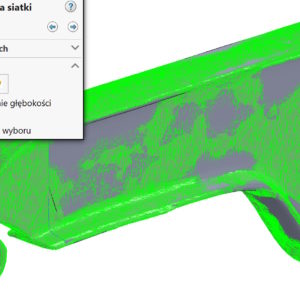
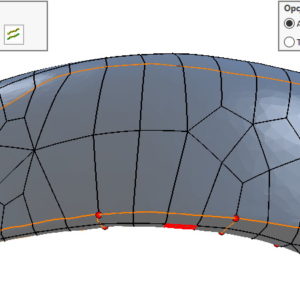
Automatic surface creation – The detail of the surface allows you to adjust the quantity and quality of the walls in the converted model. However, not always moving the slider to the right, that is, in a more detailed direction, gives better results. I will say more, Often, the less detailed surface generates more slim geometry. However, the so -called. Operation lines. By choosing edit of operations lines you can eat them ...
Why can't you get sharp edges from the scan conversion??
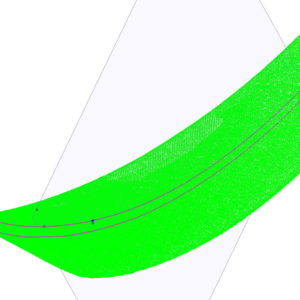
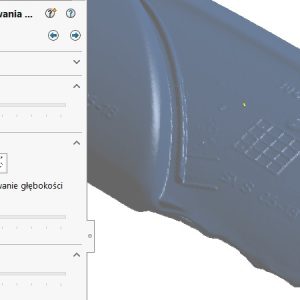
Converting a point cloud or stl mesh to a surface can be a bit of a challenge. This is certainly the case, when the scanned detail contains many sharp edges. The sampling points are simply approximated during conversion. In other words, if the generator combines the points to create a surface, it will be created in place of the sharp edge “hill”, and the surface will be smooth. The easiest way to visualize this is....
- 1
- 2