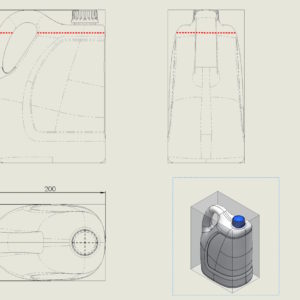
The most useful toolbar, which I also turn on in drawings is Line Format. This small toolbar contains very useful tools, allowing you to change the color of lines or edges, thickness and its style. Additionally, you can manage layers from there. I have already written about the applications many times, in this example, it was used to highlight the level of liquid in the designed bottle. Other uses? Very...
Tag: <span>format linii</span>
Post
Changing the color of hatching in technical drawings
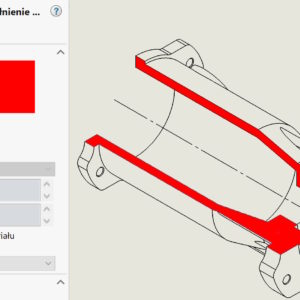
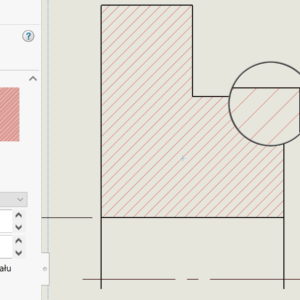
I present simple ways to change the color or hatching style in sections and half-views - half-sections. Both solutions require the inclusion of additional toolbars – Line Format or Layer. 1. format lines. Select the dashed area and on the Line Format tab, select Color. Remember to switch the color switching mode. 2. Layer. Layers in....