
If you want to draw a single line in SOLIDWORKS, you can do it in several ways.
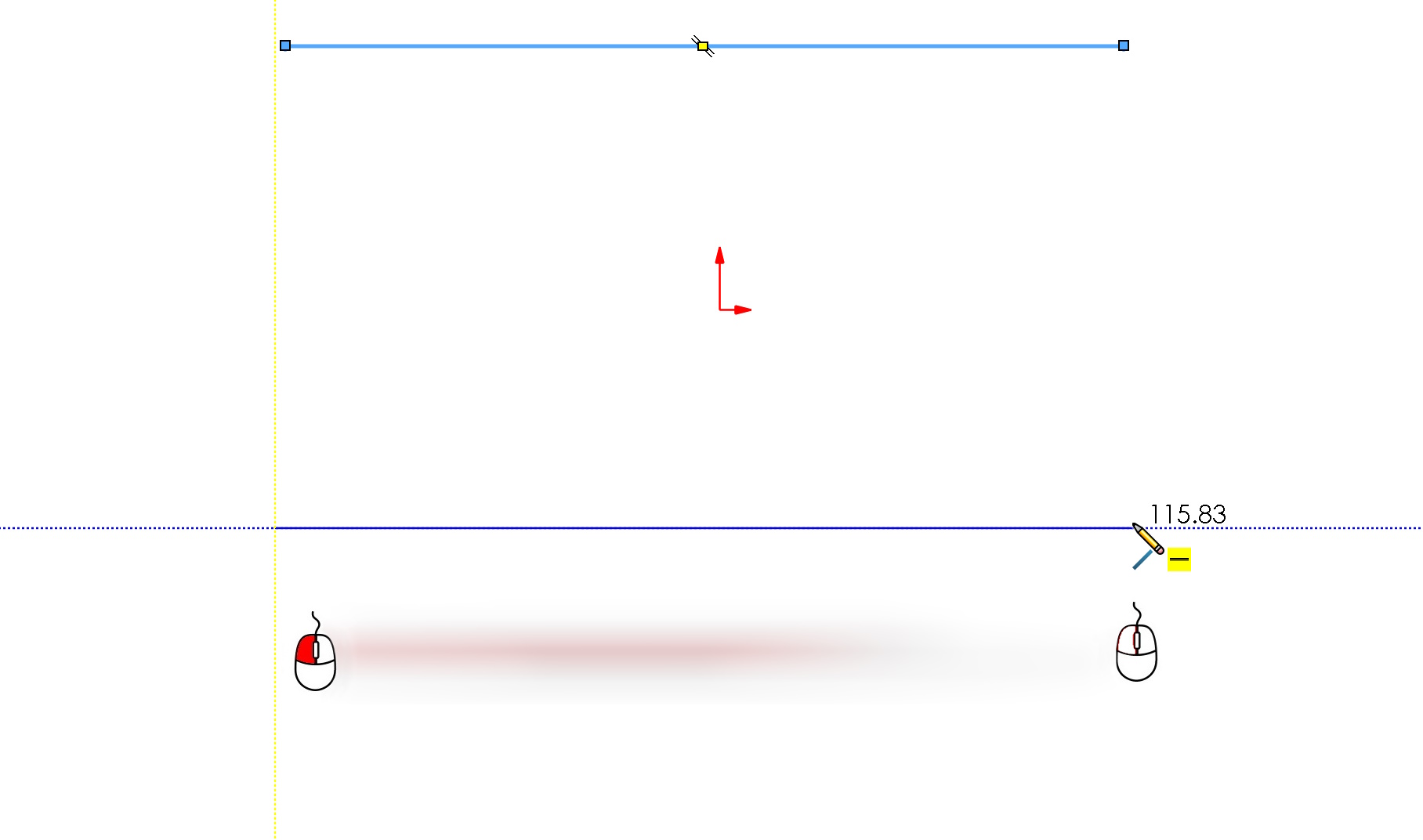
1. Left button pressed. If you only need to create one line segment, just press the left button at the beginning and release it at the end. Once you're done, you can continue drawing with the line elsewhere.
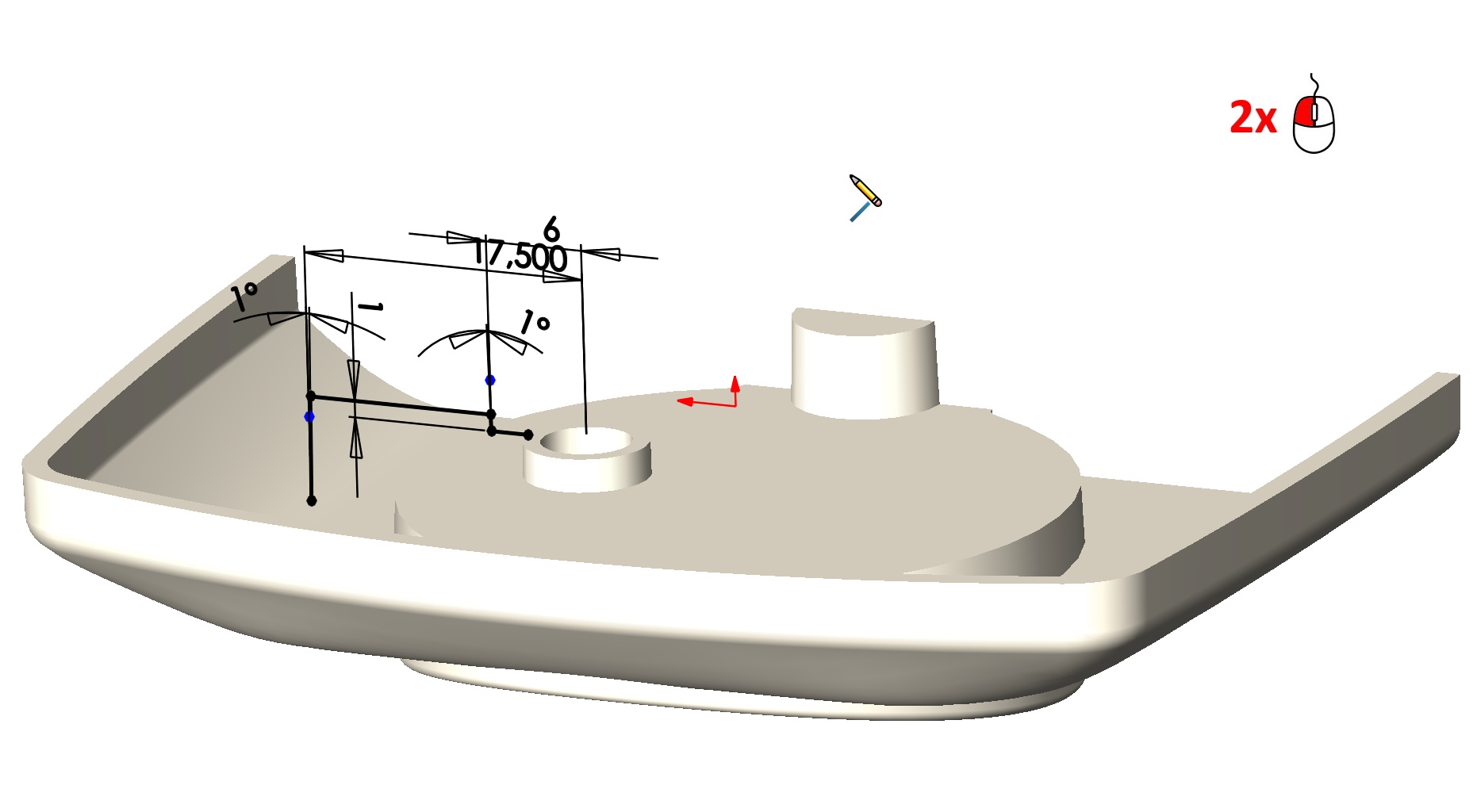
2. Double click. Another way is like when drawing so -called. chain. You can get the end of the chain twice by clicking the left mouse button. As before, The line drawing mode will remain active.
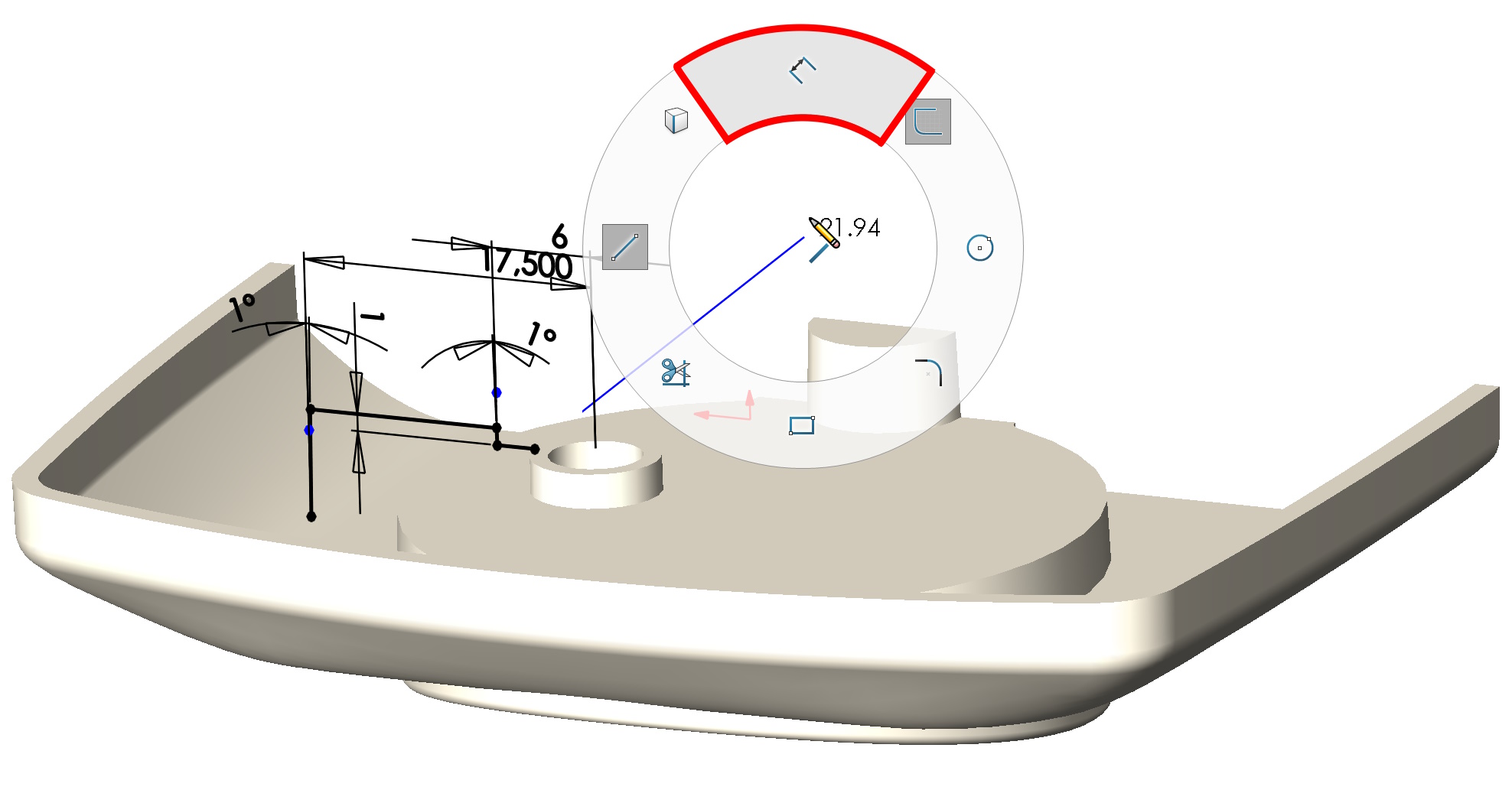
3. Completion by selecting another command. The next method is it, that after drawing the line we immediately go to the next command, e.g. dimensioning or drawing a different shape. Alternatively, you can use e.g., mouse gesture to turn off the drawing of the line.
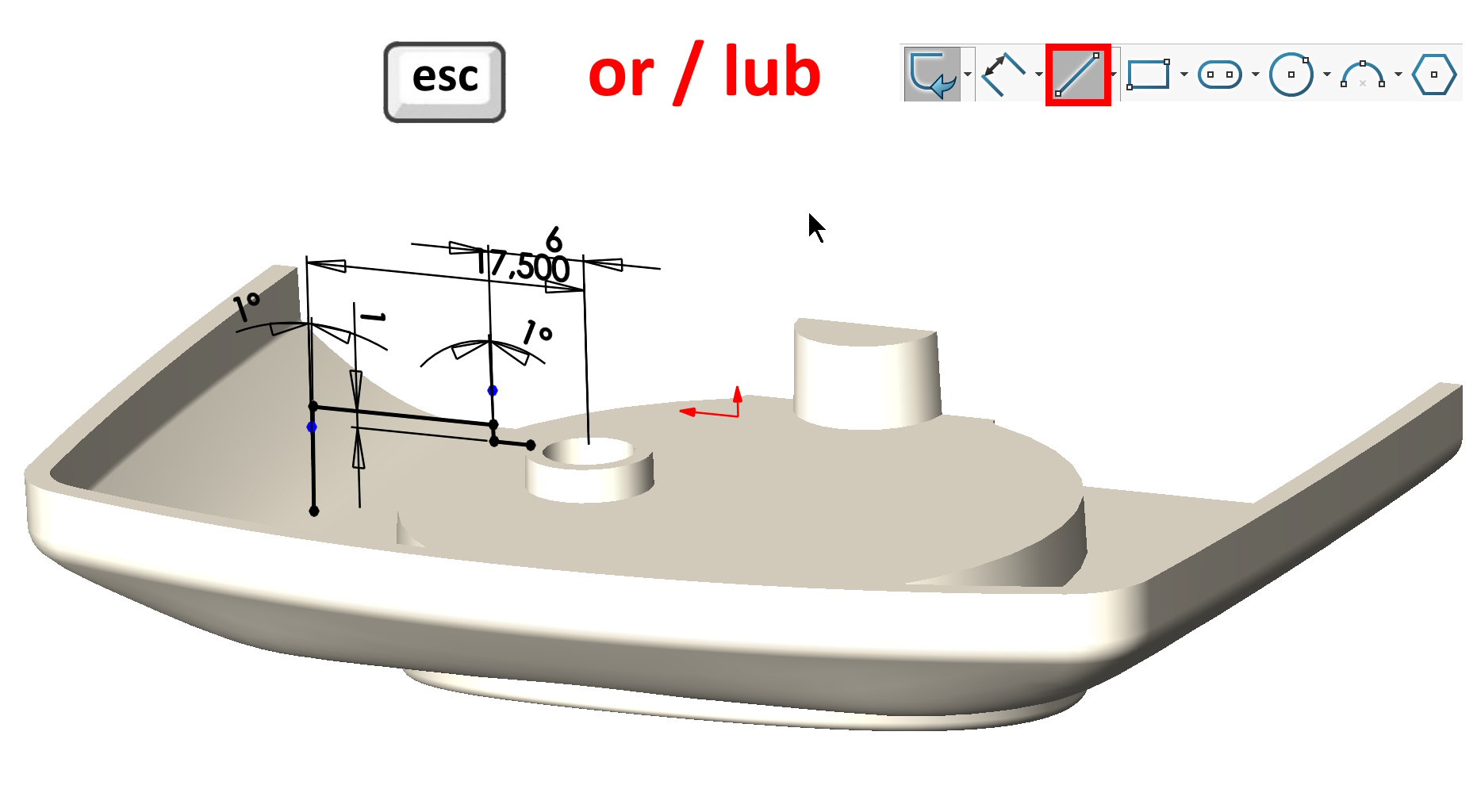
4. Turning off the line command. You can also get the end of drawing the sketch section by pressing Escape or excluding on the card (or gesture) recommendation. Unlike the above – This method turns off the line drawing mode.
Leave a Reply