
Inserting a sketch on a plane is one of the basic activities, from which we start modeling. It happens often, that we do not click the Sketch icon right away and this action must be repeated.
I am aware of, that after selecting a plane, you can immediately activate some sketch commands (circle, line etc.), but many people include a sketch, to have access to mouse gestures – I belong to them.
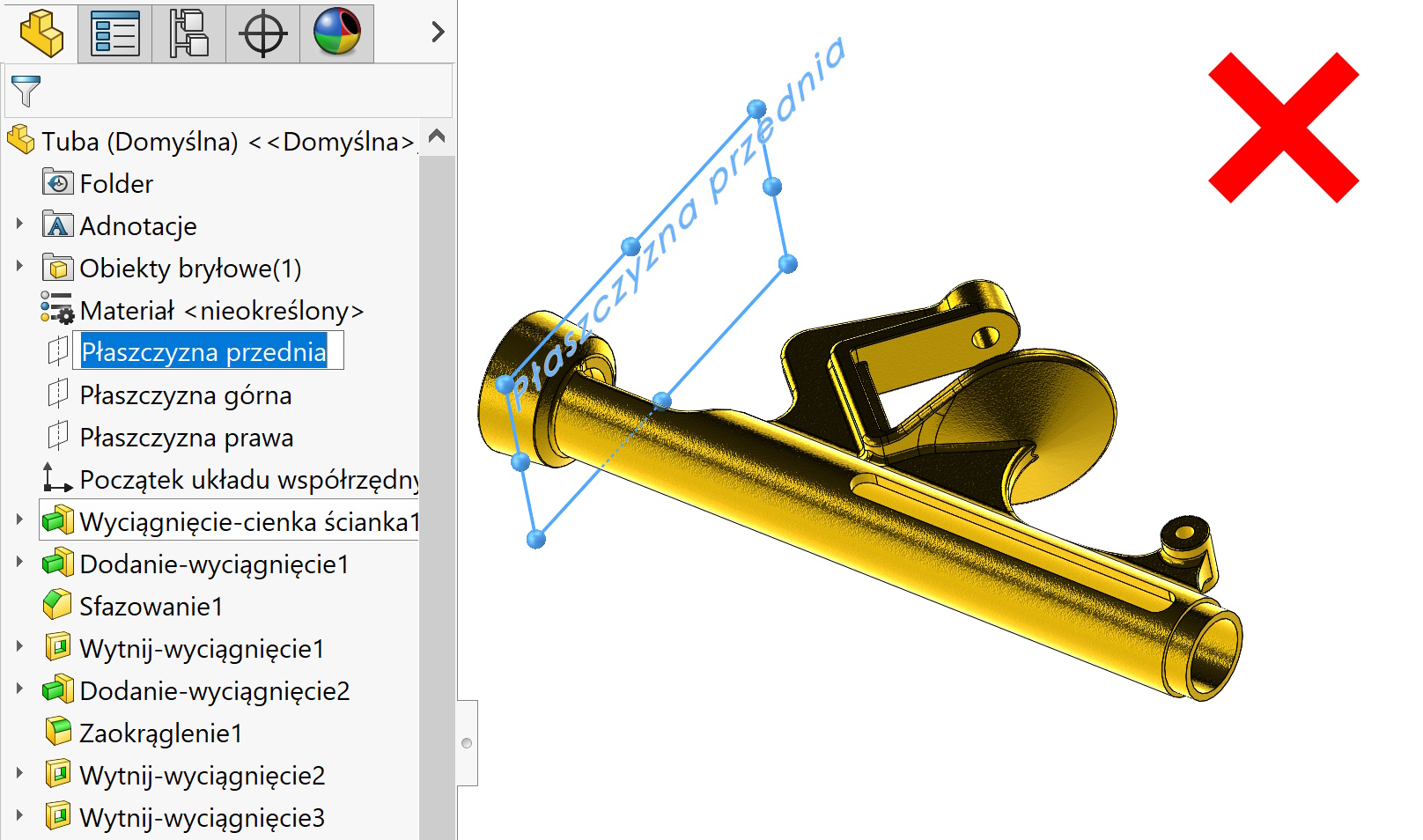
And now if we repeat by clicking on the plane for the second time – Changing the name of the plane is activated.
This can be turned off – Read about it below.
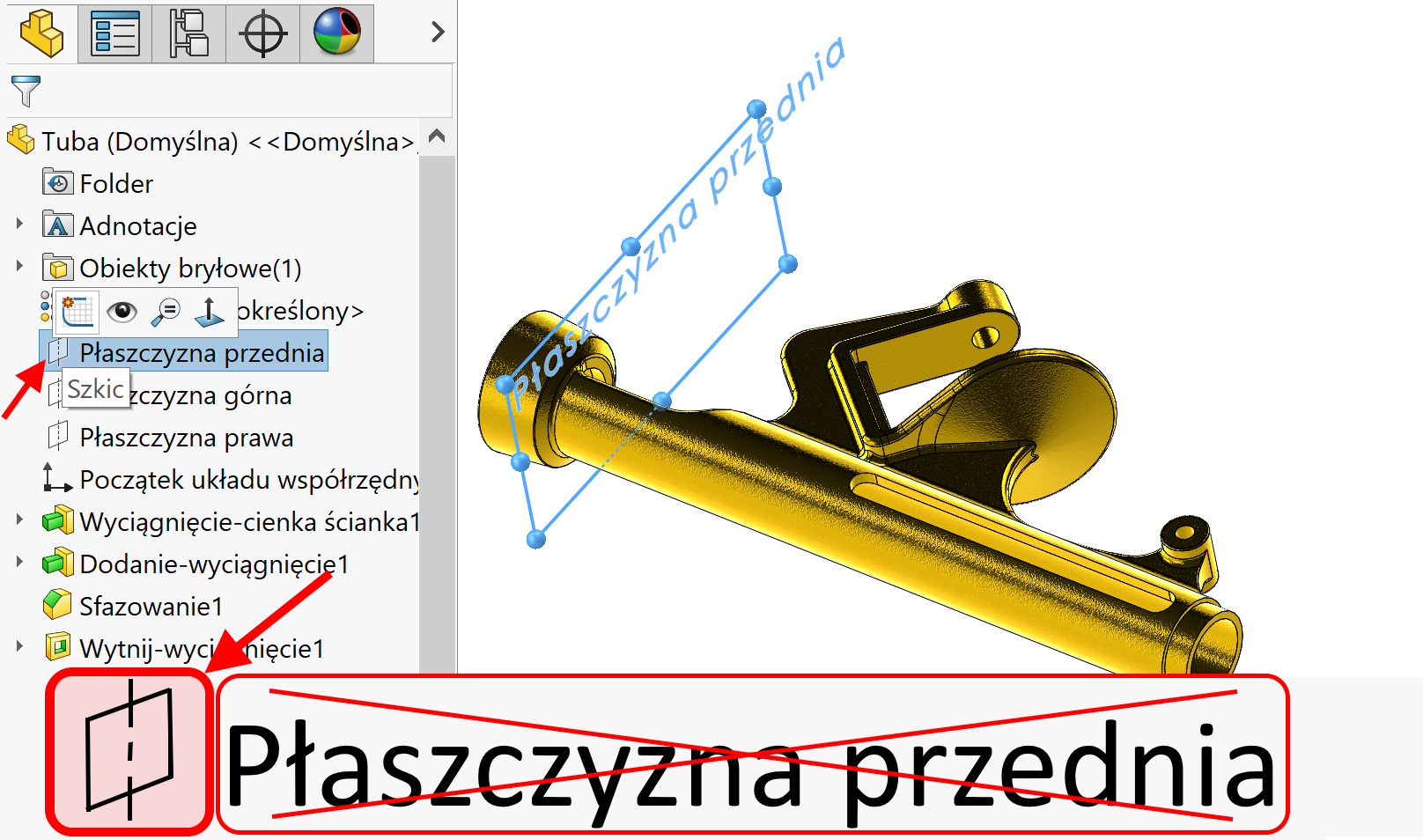
However, you can “problem” easily – Click on the plane icon, not the name! This also applies to clicking on other operations and automatic entry into the edition – Just click in the icons, not the names.
Leave a Reply