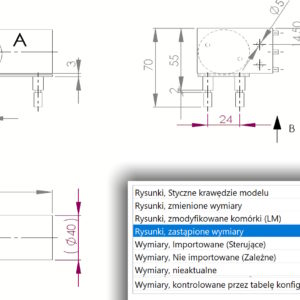
You can now more easily find dimensions with changed values in drawings. In System Options > Colors You can set the highlighting color for replaced dimensions in the drawing. However, in the drawing template (or in a specific drawing – if once) you need to enable it in Document Properties > Dimensions option: Highlight the replaced dimensions with a different color.