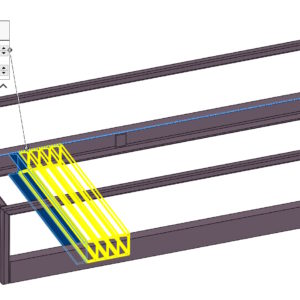
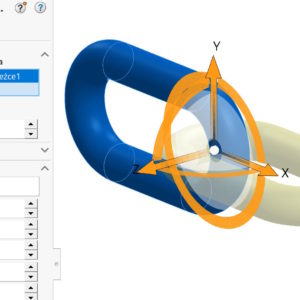
Operation move/copy is used to move or rotate objects. Depending on your choice: Transfer/rotate or connections, you can use different options. The connections are used to change the location of objects with bonds – similar to assemblies. We have only the basic ones at our disposal. The limitation so far is the inability to copy objects in this mode. On the other hand...
Tag: <span>move/copy</span>
Additional useful options in the Move/Copy operation
The Move/Copy operation is widely used in modeling multibody parts. The rotation and carrying handle was changed some time ago. In SOLIDWORKS version 2023 further changes appeared. Well, numerical quantities defining rotation or transfer have become parametric! Therefore, they can be configured or controlled by equations. The option is added in the tab..
Linear formation vs. Move/Copy
A linear pattern is one of the basic patterns for duplicating features or objects. But did you know, that it is not the best choice in every situation? I will include an example below, in which it is better to choose another operation to perform the array. It sounds mysterious, but this operation is Move/Copy. In formation (depending on type) we provide the number of repetitions and spacing. But...