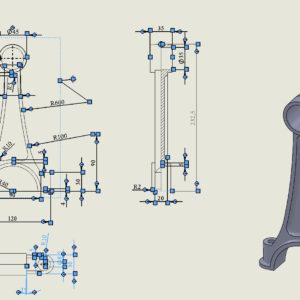
In SOLIDWORKS, the CTRL+A key combination means “select all”. For example, selecting a face in the 3D model and selecting CTRL+A will select all faces. How to convert a surface into a solid and vice versa in one operation? This command also works in drawings. And yes, if you select one dimension and then CTRL+A – the program will select all dimensions. It will behave similarly....