


Working in folding, it is important, to have full control over the project.
If you open files in other windows or you edit in the fold i dokonujesz zmian – pliki oznaczone są gwiazdką *.


In this case, choosing a command Save A window with an indication will be displayed, which files were modified.


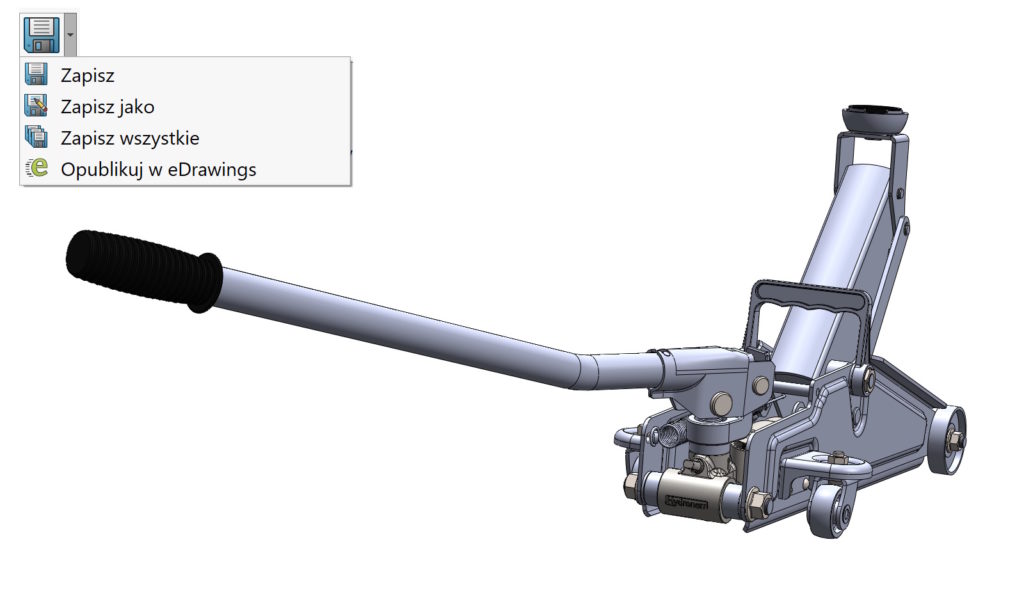
So what is the difference Save all?
It differs, that the program simply saves these files, which have changed without demonstrating them in the recording window. So he does it automatically.
If you develop a tab File Explorer – również możesz dokonać zapisu wszystkich not saved files. You can additionally recognize here, which files were changed when editing in folding (2), and which were modified by opening the file in a separate window (1), which results in their loading to memory! Files changed and not saved are displayed bold font (boldem).

