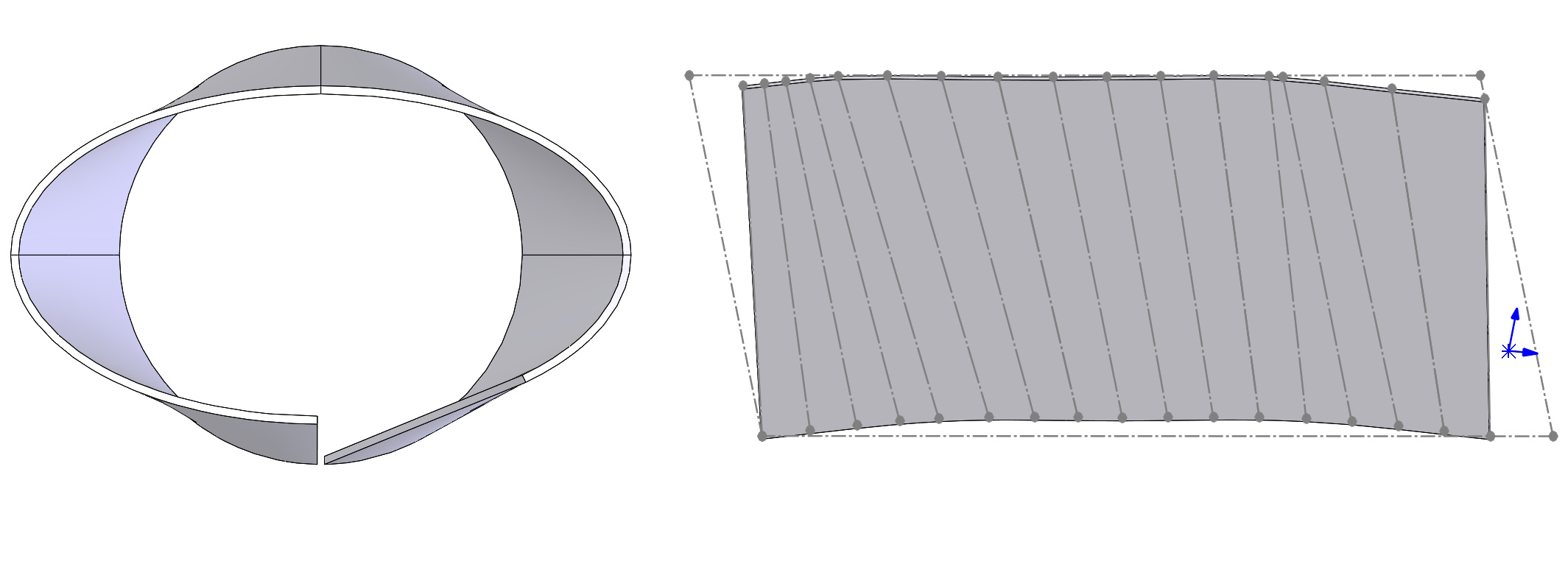
Lofted It gives great opportunities to form sheets. There are two options in surgery, But I want to focus on formed bending.
The condition in this operation is the possibility of connecting two cut sketches with a straight line. There is one more condition in the case, When we want to display the bending line (Although formally such sheets are not bent). Well, there must be the same number of segments in both profiles and they must lie on parallel planes.
Example 1. Pulling between a cut district and an incomplete ellipse.
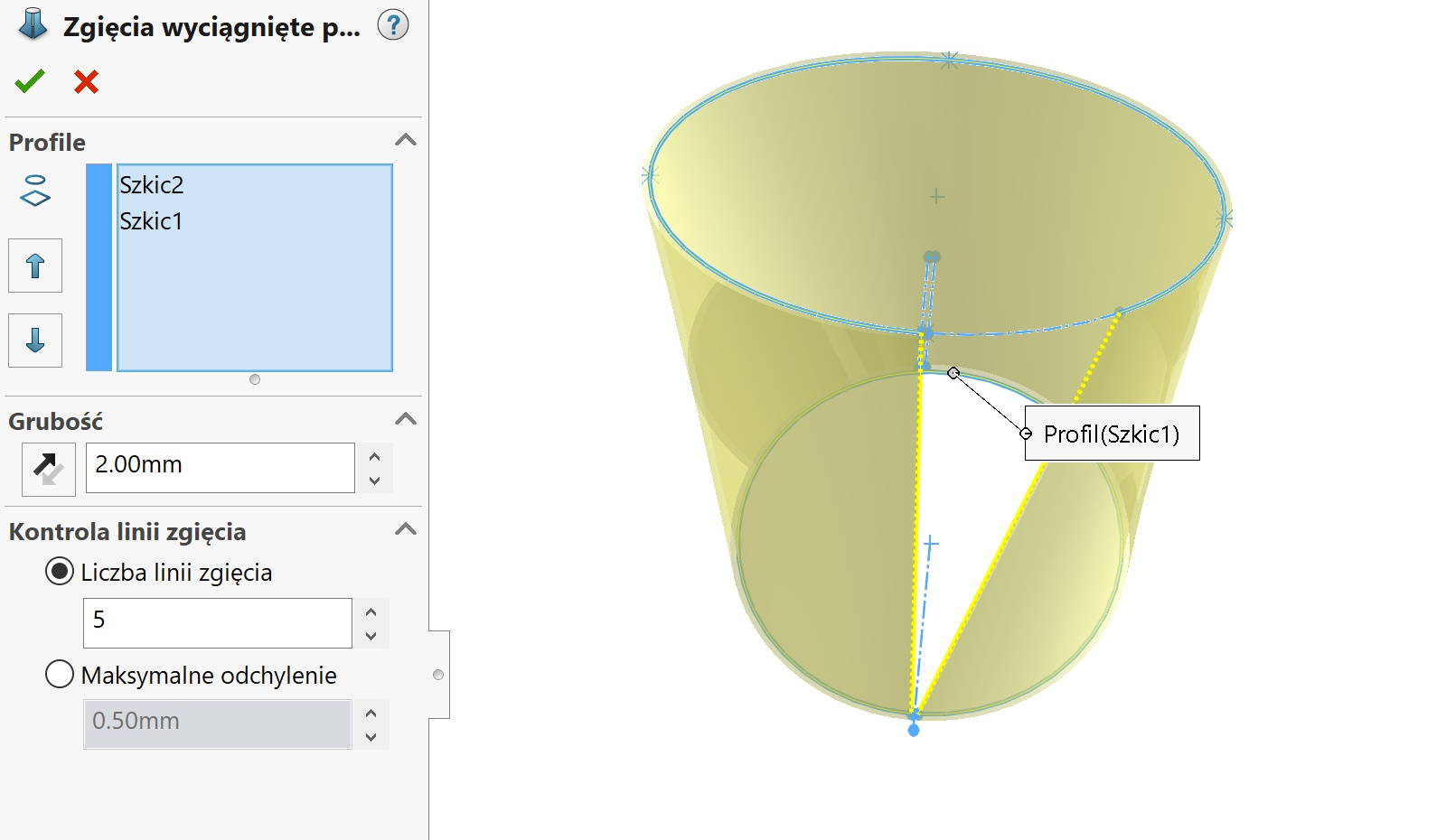

Po rozłożeniu widoczne są linie – jest ich pięć zgodnie z wyborem, But we don't really count the first and last.
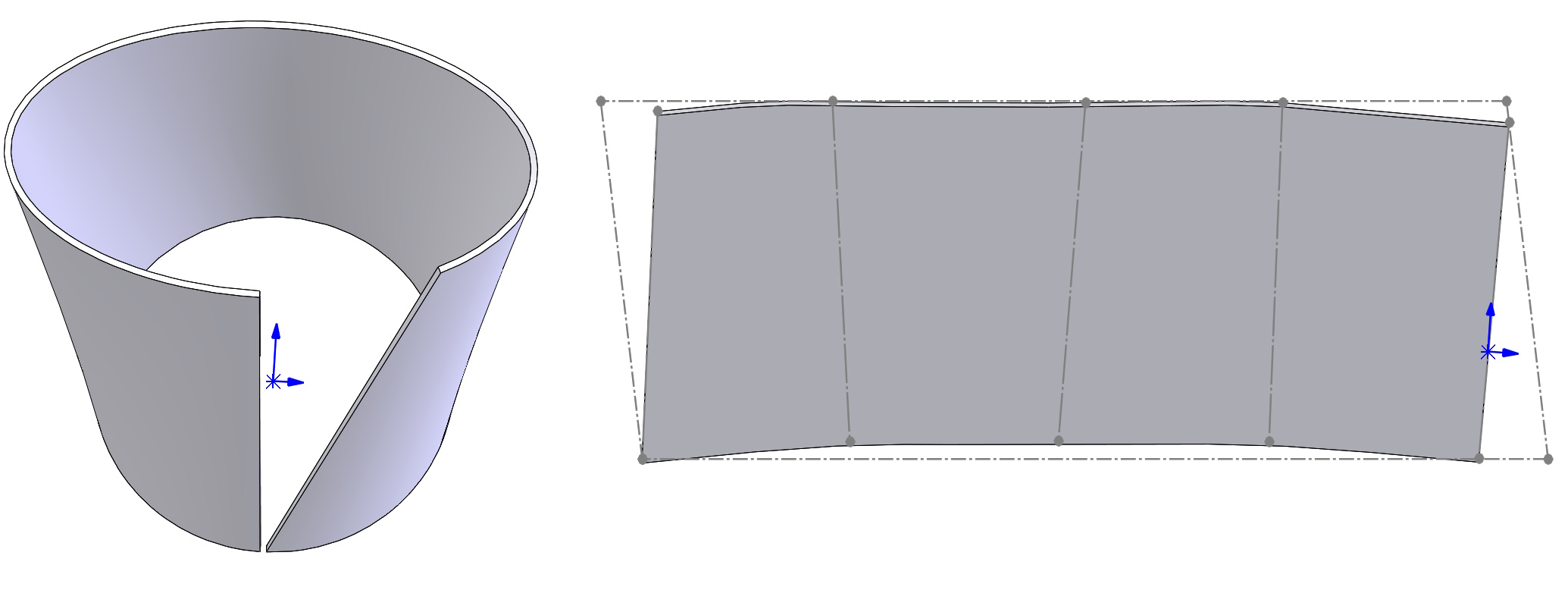

Example 2. Te same profile, But in each I add three sketch division points.
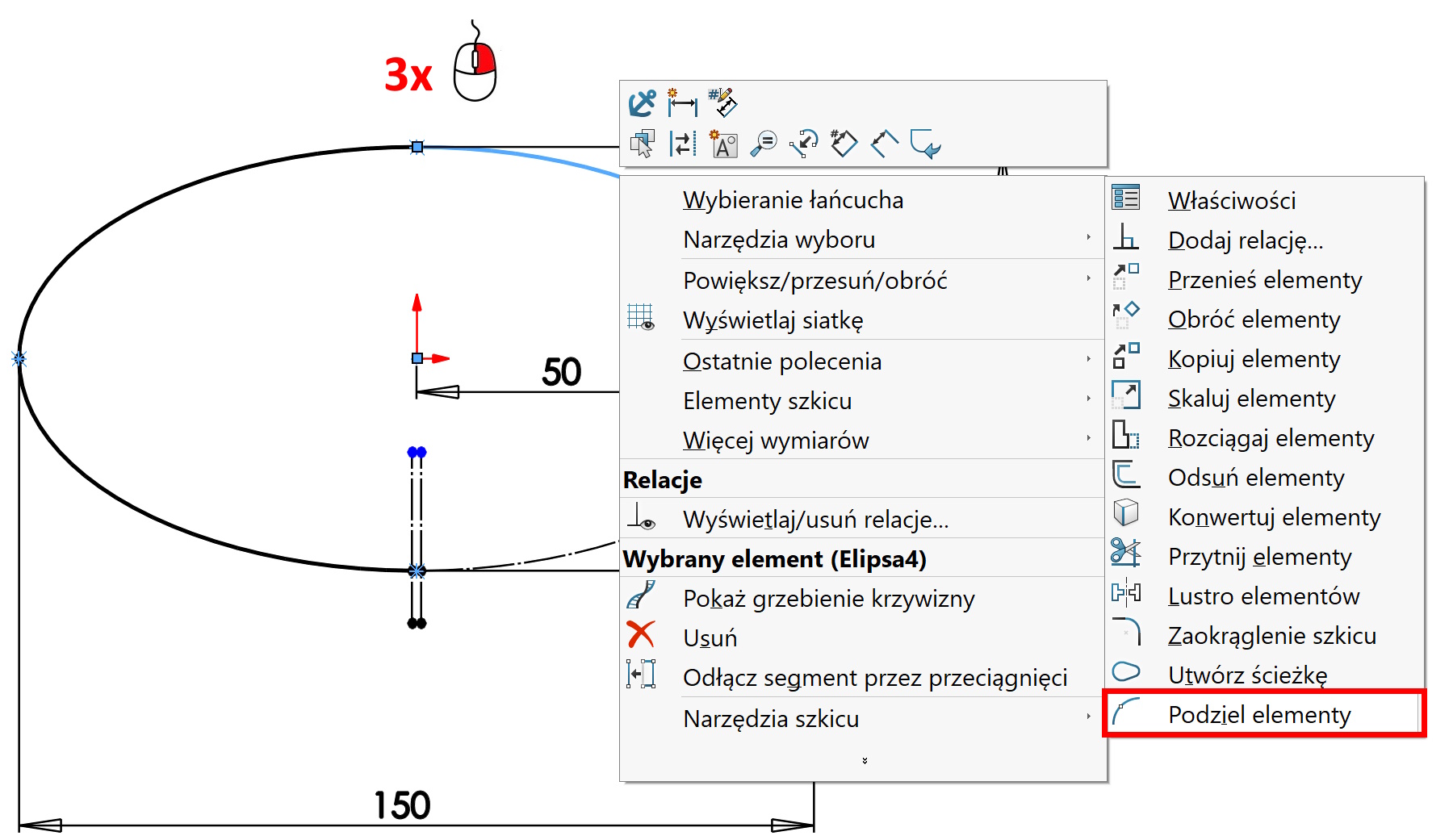

W efekcie powstały trzy krawędzie w miejscu podziału szkicu i na każdą ścianę program wygenerował po pięć “linii gięcia”. Lines can be useful as references and in this way we can influence their arrangement.