


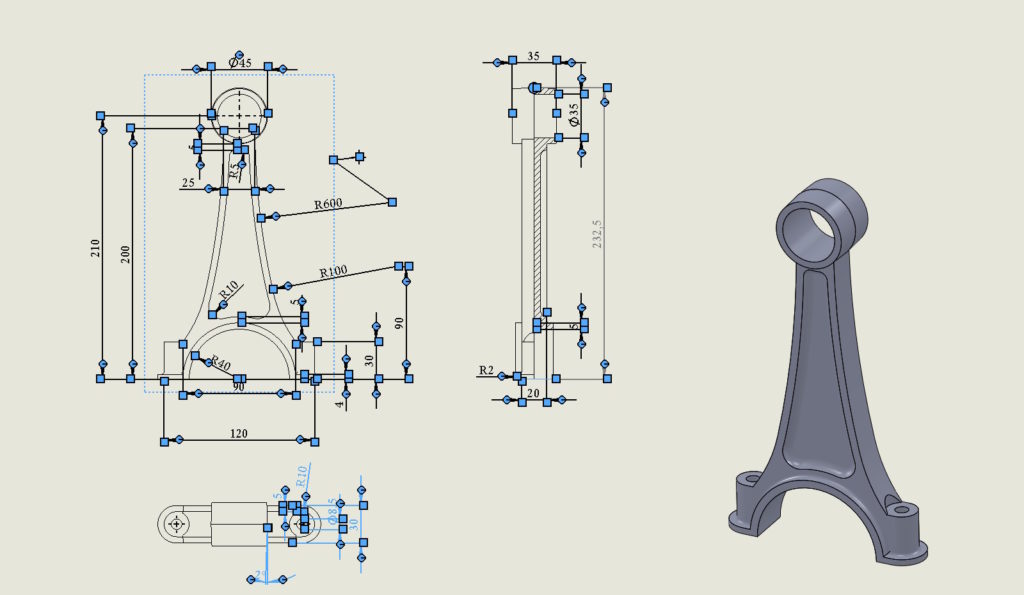
In SOLIDWORKS, the key combination CTRL+A oznacza “zaznacz wszystkie”. For example, selecting a face in the 3D model and selecting CTRL+A will select all faces.
How to convert a surface into a solid and vice versa in one operation?
This command also works in drawings.
And yes, jeżeli zaznaczysz jeden wymiar a następnie CTRL+A – program wybierze wszystkie wymiary. It will behave similarly after selecting an axis, center marks etc.
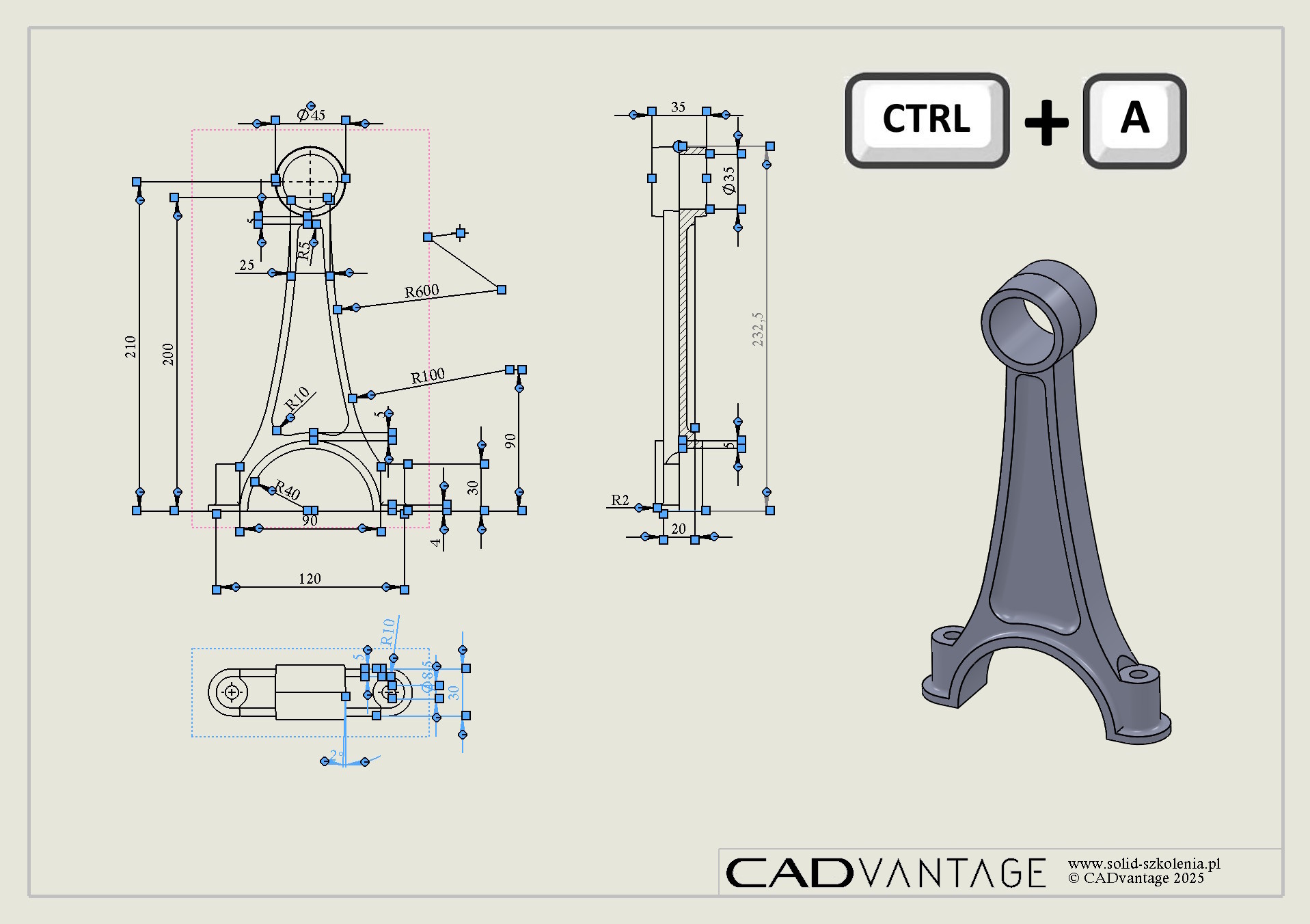

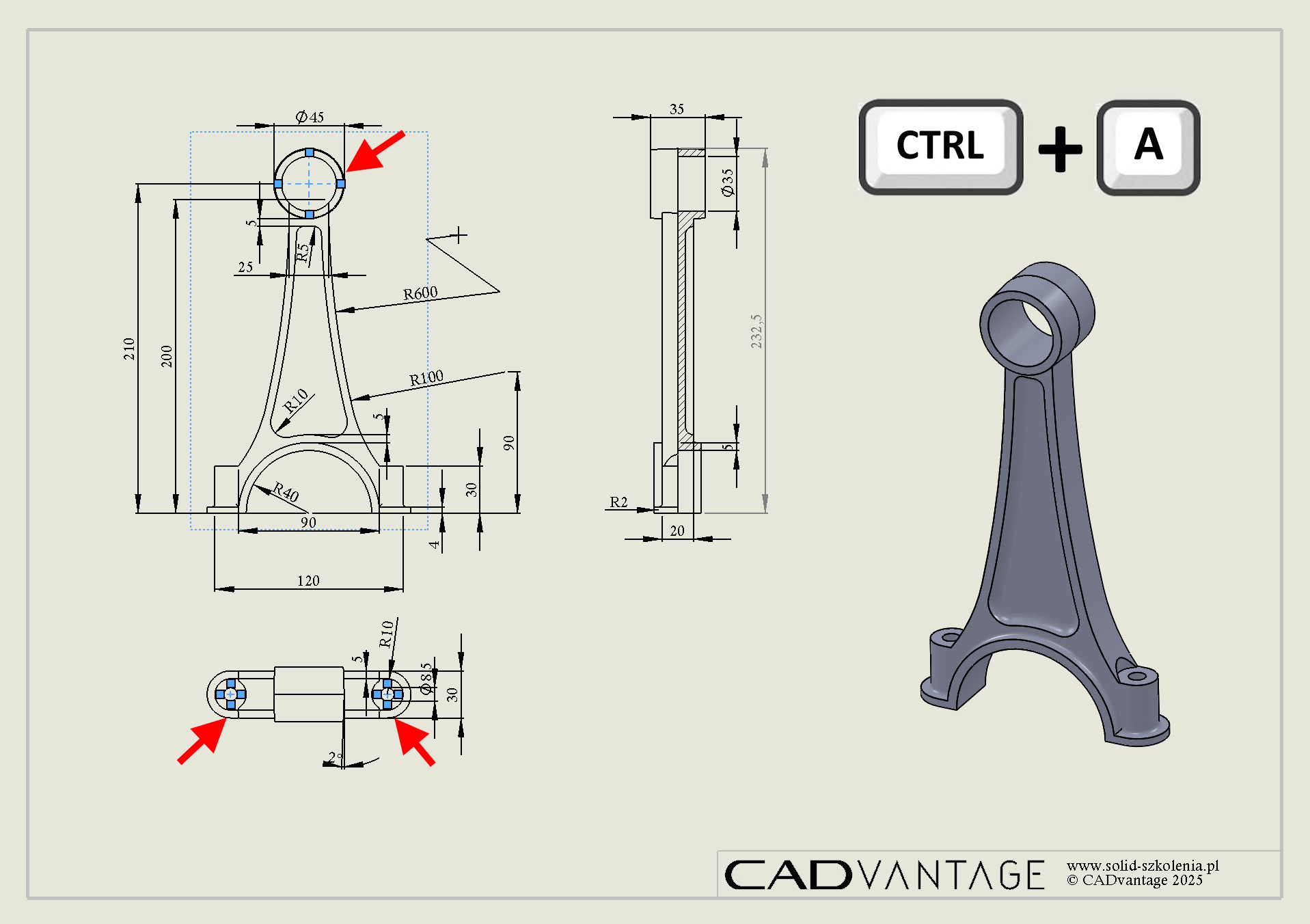
Why select all annotations of a given type?
For example,. po to, to change formatting, Colour, layer or simply to remove. The box selects everything, CTRL+A selected type only!