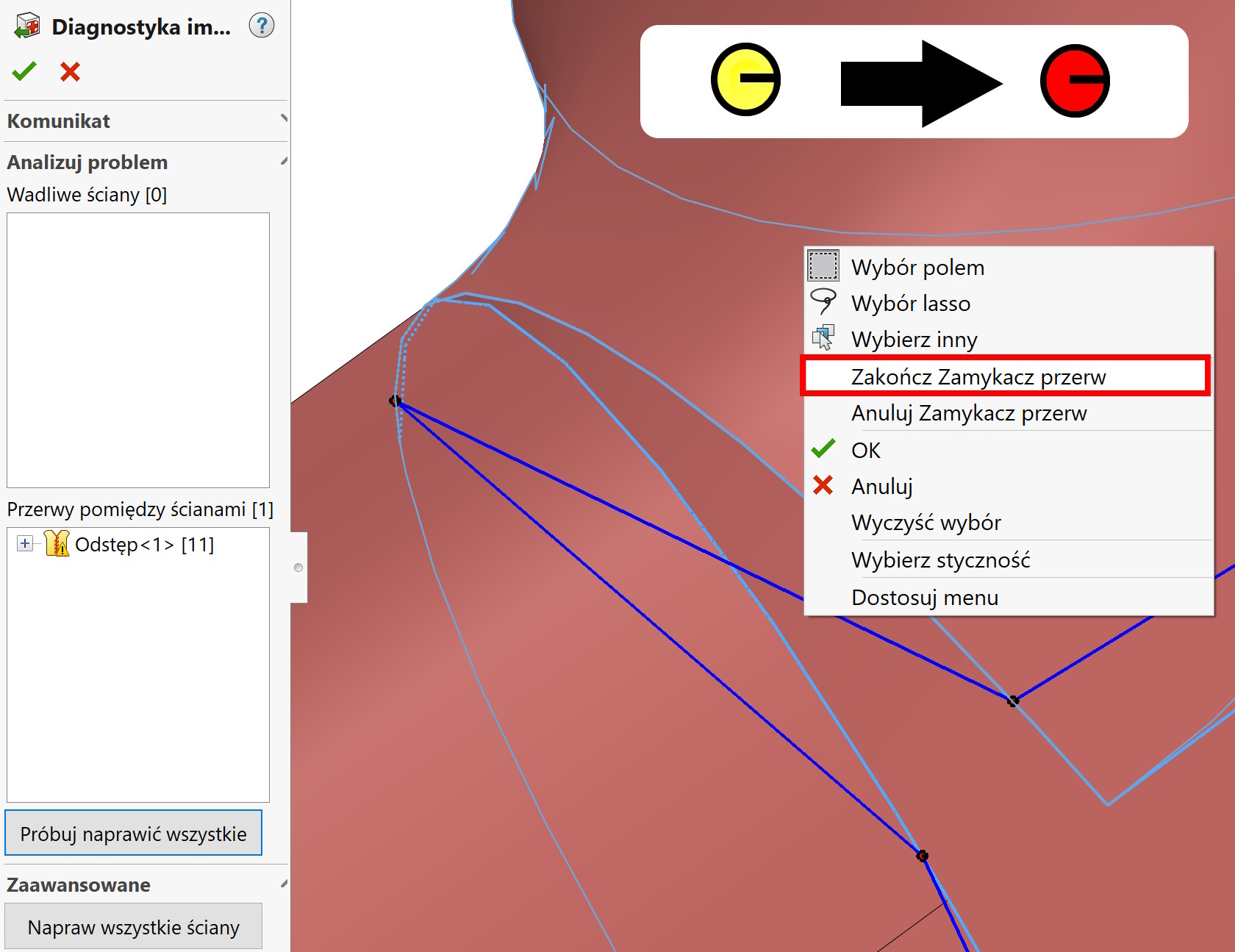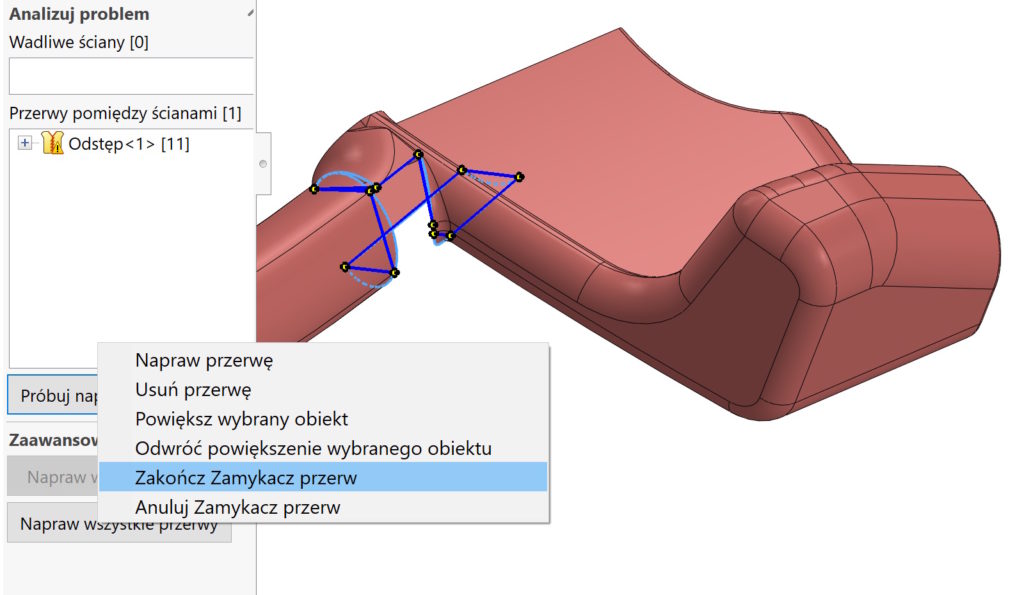
When opening imported files, jeżeli występują przerwy – możesz użyć opcji automatycznej naprawy.
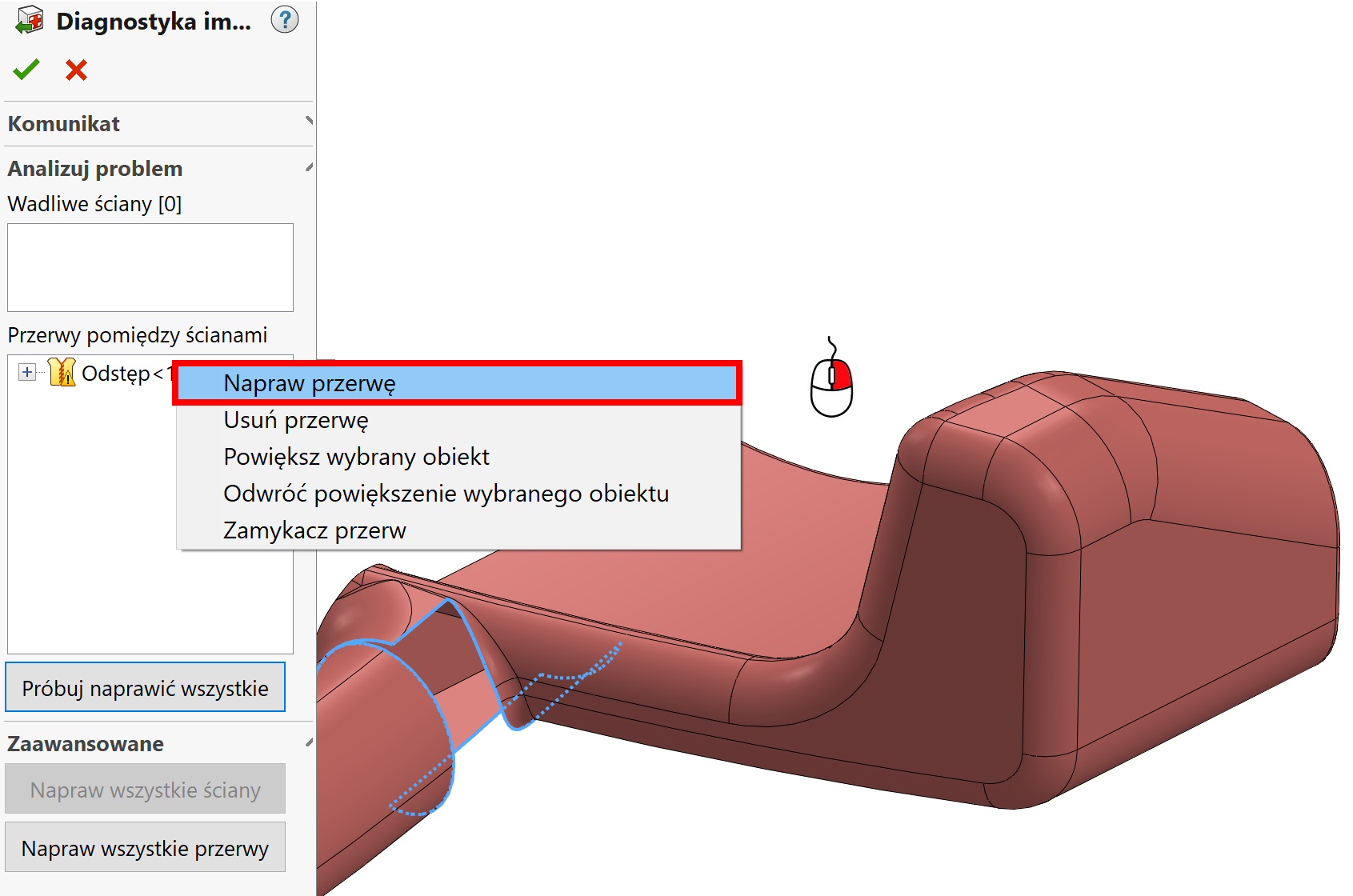

However, it does not always end in success. It all depends on the number and type of errors.
Istnieje inne narzędzie dostępne pod prawym przyciskiem myszy – Gap closer. To use the Gap Closer, right-click on a break from the list and select a command. Then, in the graphics area, drag the edge handle of the break using the pointer to the side of another break (not the handle).
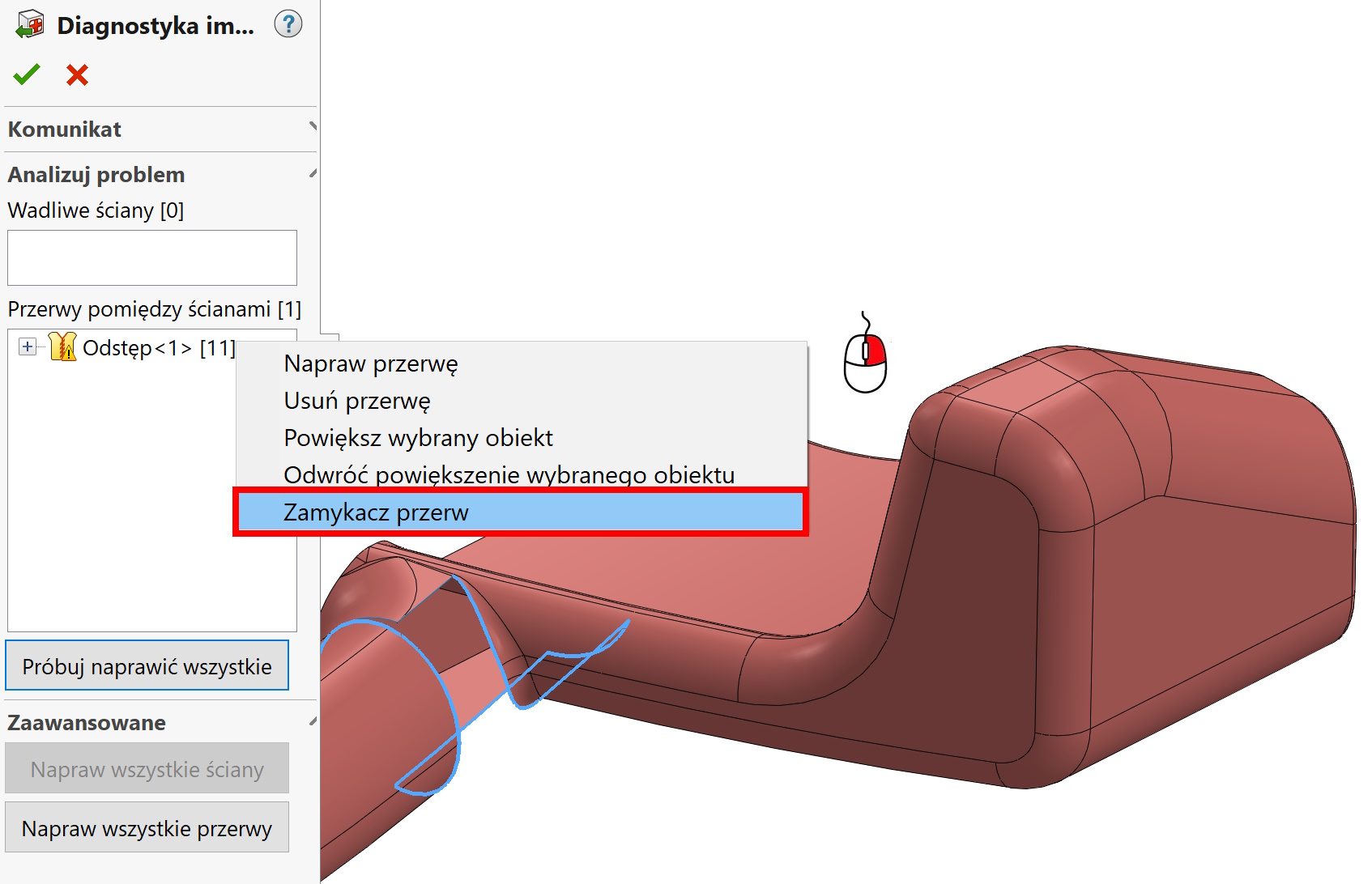

When the original edge becomes green, you should right-click in the graphics area or select in the properties manager End Break Closer. but remember, that not every type of gap can be closed with this tool. Moreover, you can always use other available options, e.g. Fill surface – ale to dopiero po zakończeniu import diagnostics.