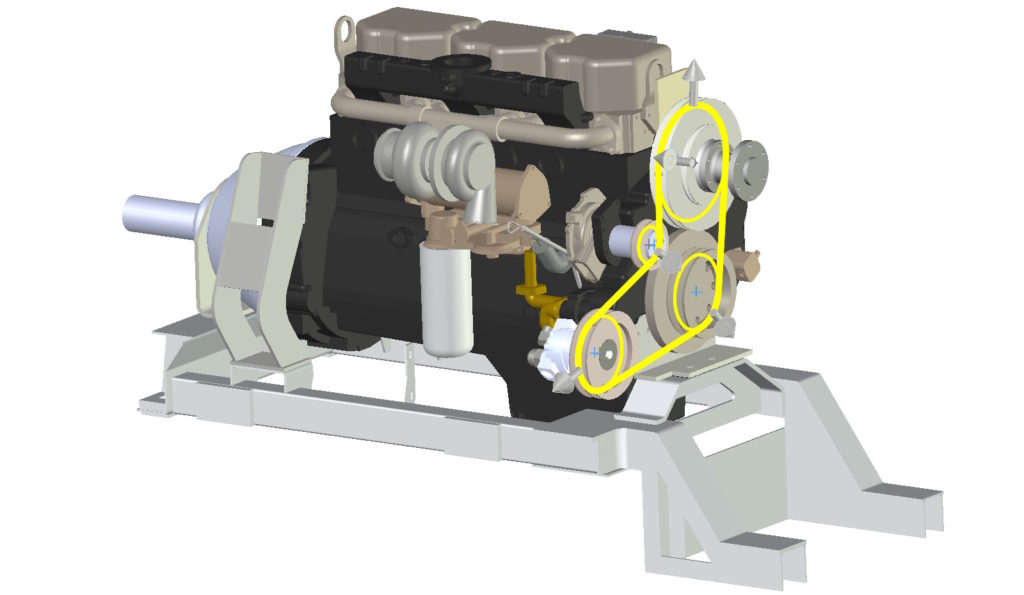
Belt / chain is an operation that allows the wheels to rotate using a virtual belt. Pasek ten jest domyślnie wyświetlony w formie szkicu – a więc nie zawiera geometrii 3D.
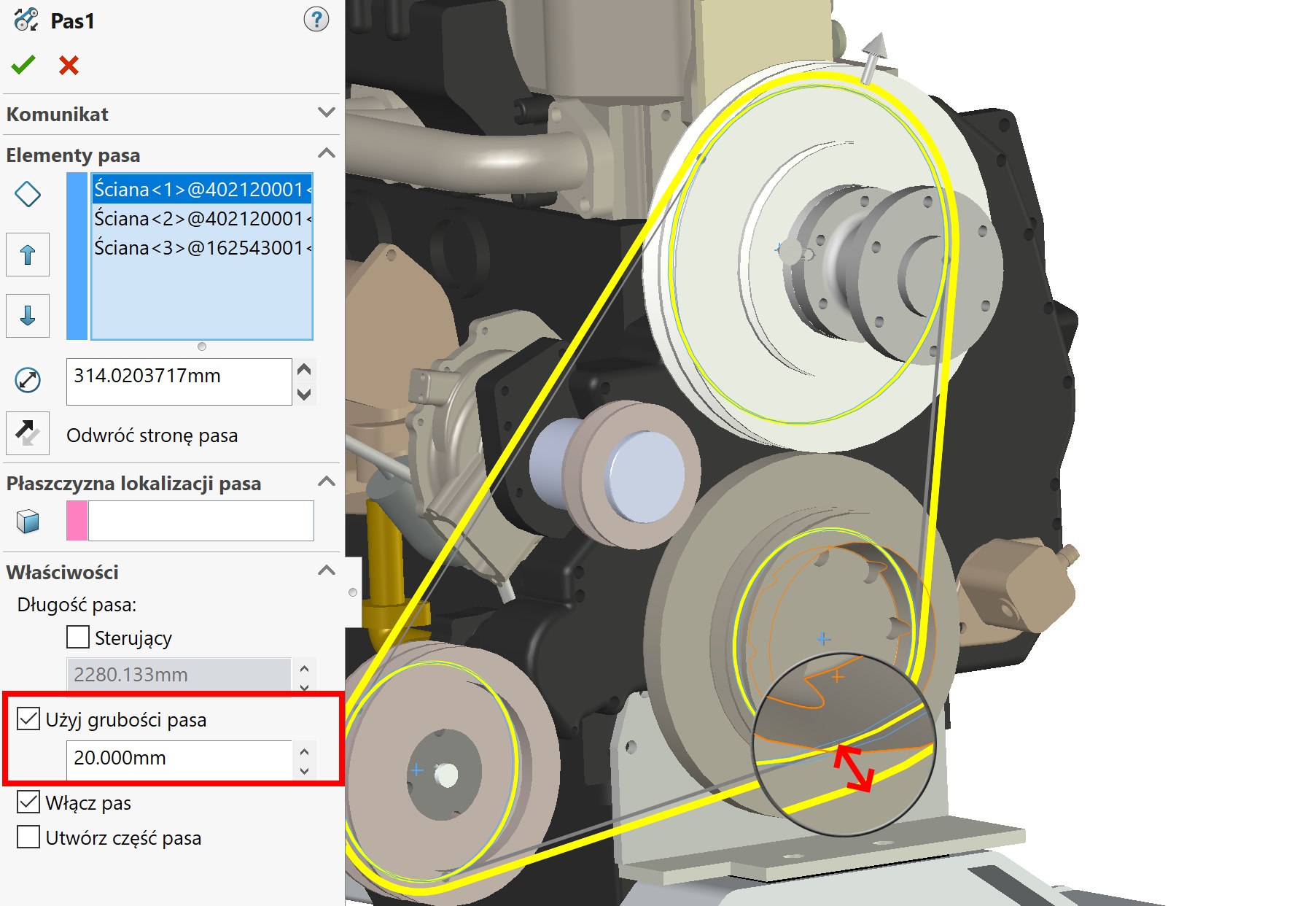
However, you can create part of the belt, but it makes sense to enable the option first Use belt thickness.
I would like to draw your attention to a very important detail. Jeżeli koła są opasane wewnętrzną stroną pasa – problem nie występuje. Because, that after turning on Use belt thickness the graphically displayed bar will move outwards by the selected thickness.

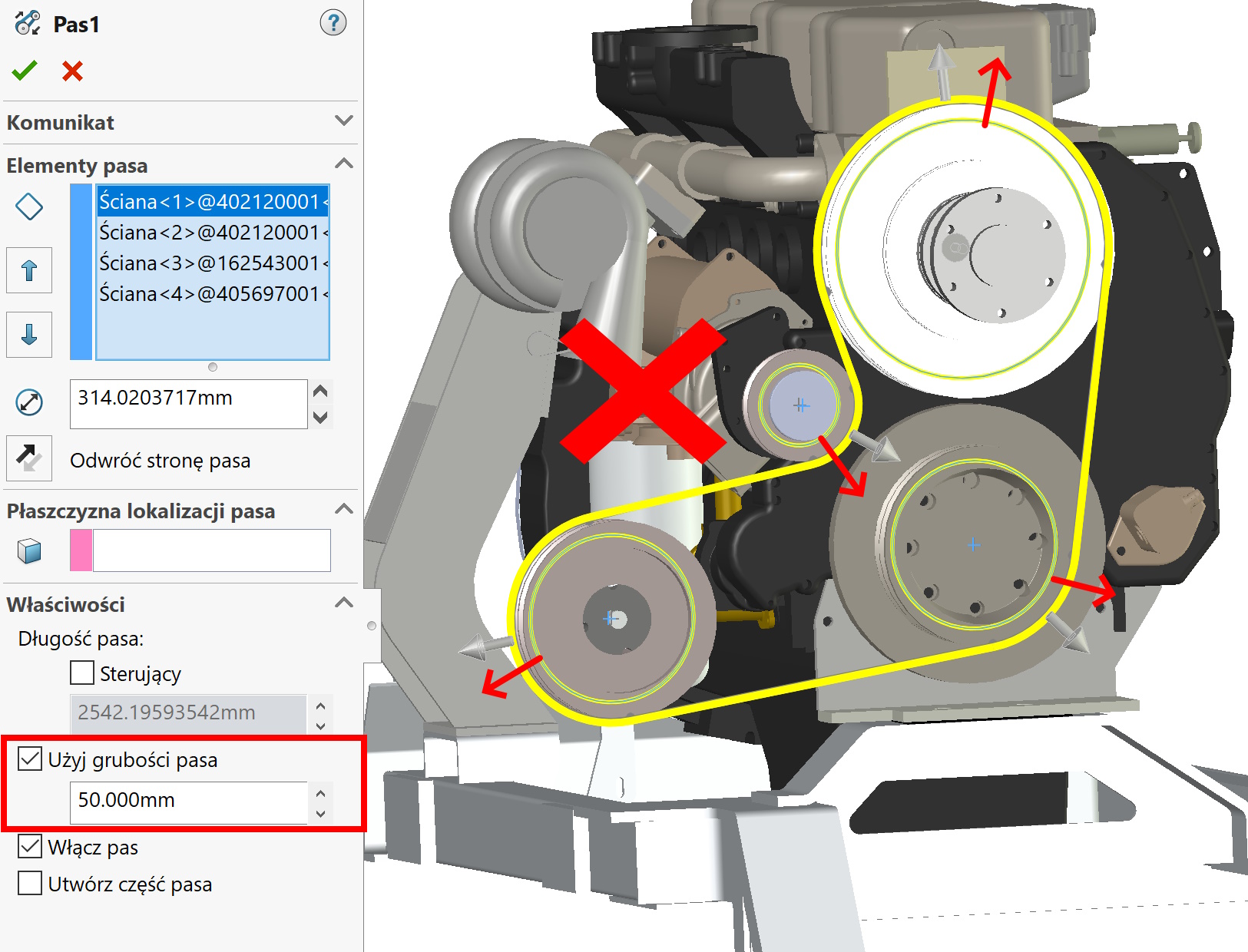
However, if we add tension wheels to the choice, things will change a bit. The tensioner is belted the outer part of the belt! W związku z tym używając grubości w tym miejscu nie szkic nie powinien się odsuwać tak jak w przypadku pozostałych kół…a jednak się odsuwa.

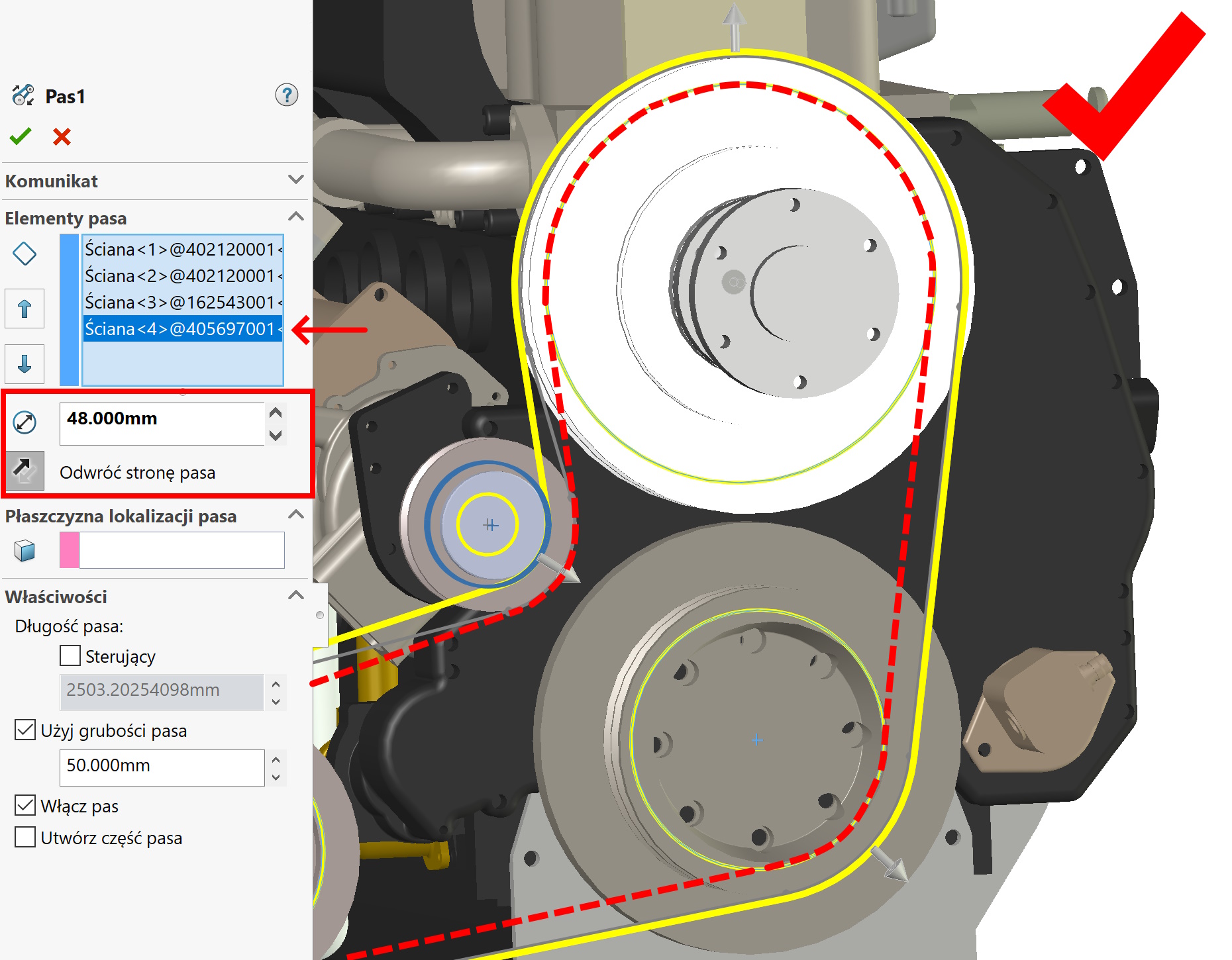
However, you can fix it manually . To do this, highlight the wall/edge of the idler i reduce the diameter by the belt thickness. The changed diameter is displayed in bold (for distinction).