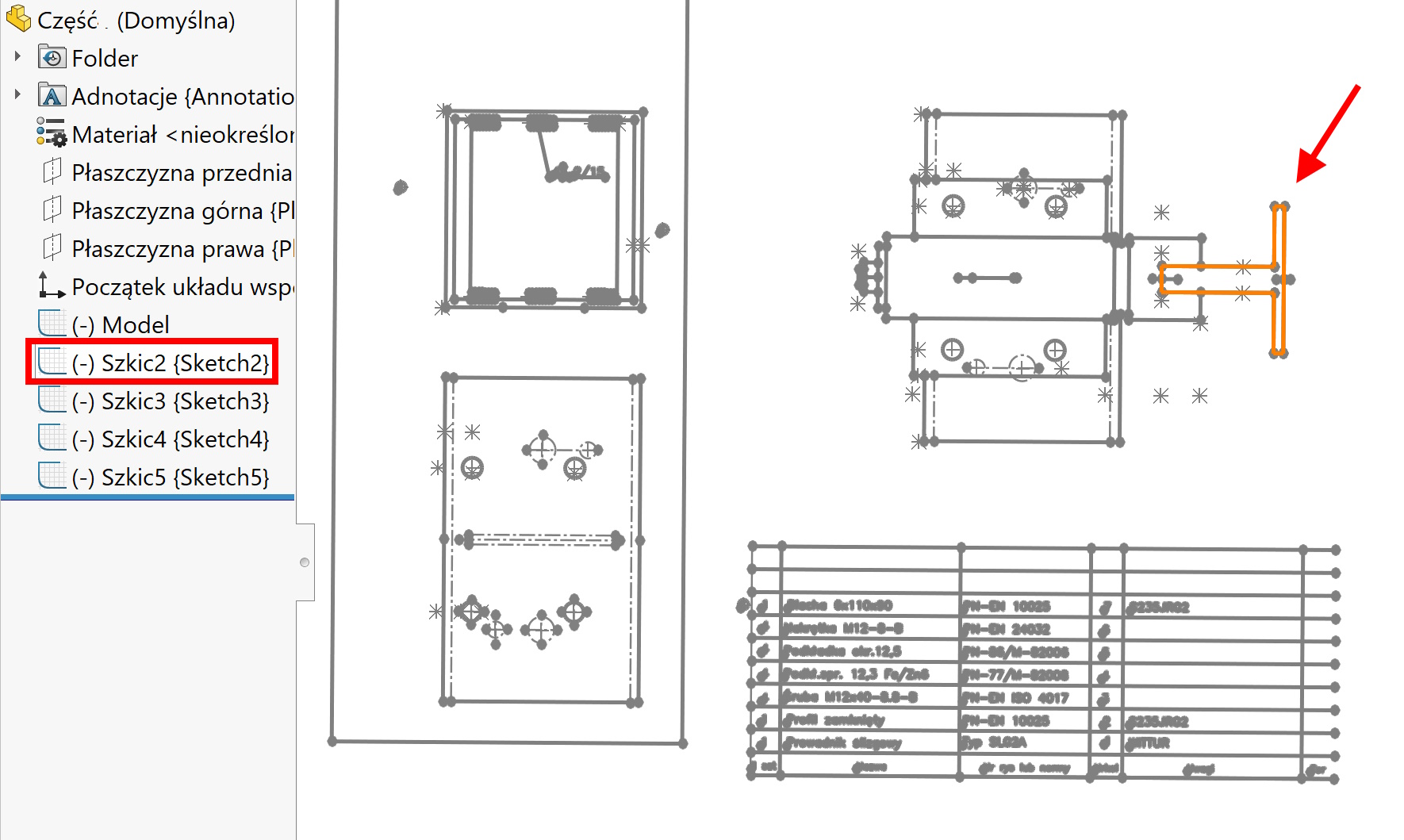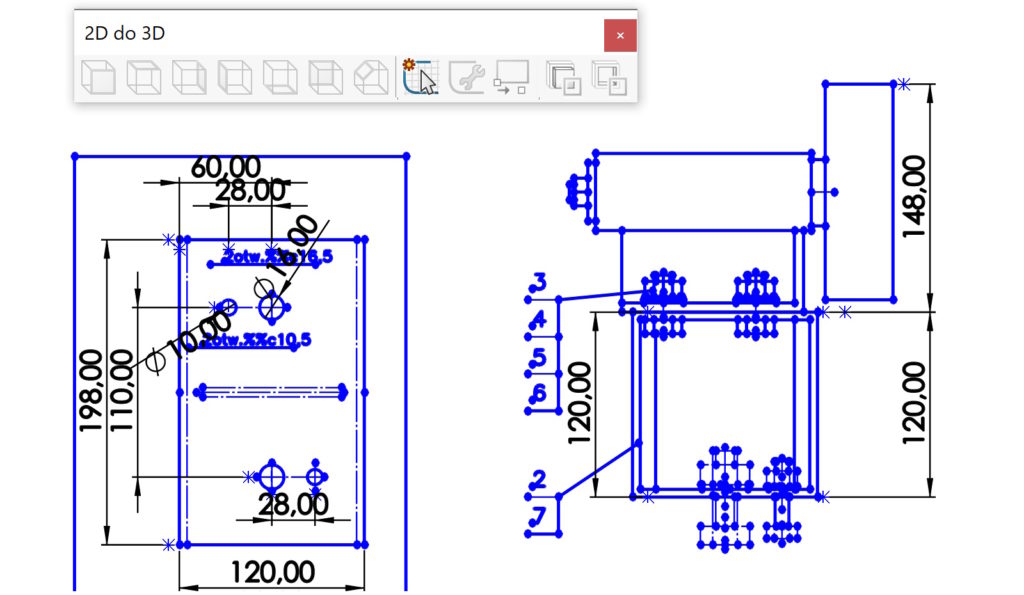
Po otwarciu szkicu DWG/DXF – generalnie płaskiego, you have a number of tools at your disposal. These include. sketch repair, assignment to the appropriate viewport (left, right, mountain etc.), sketch alignment.
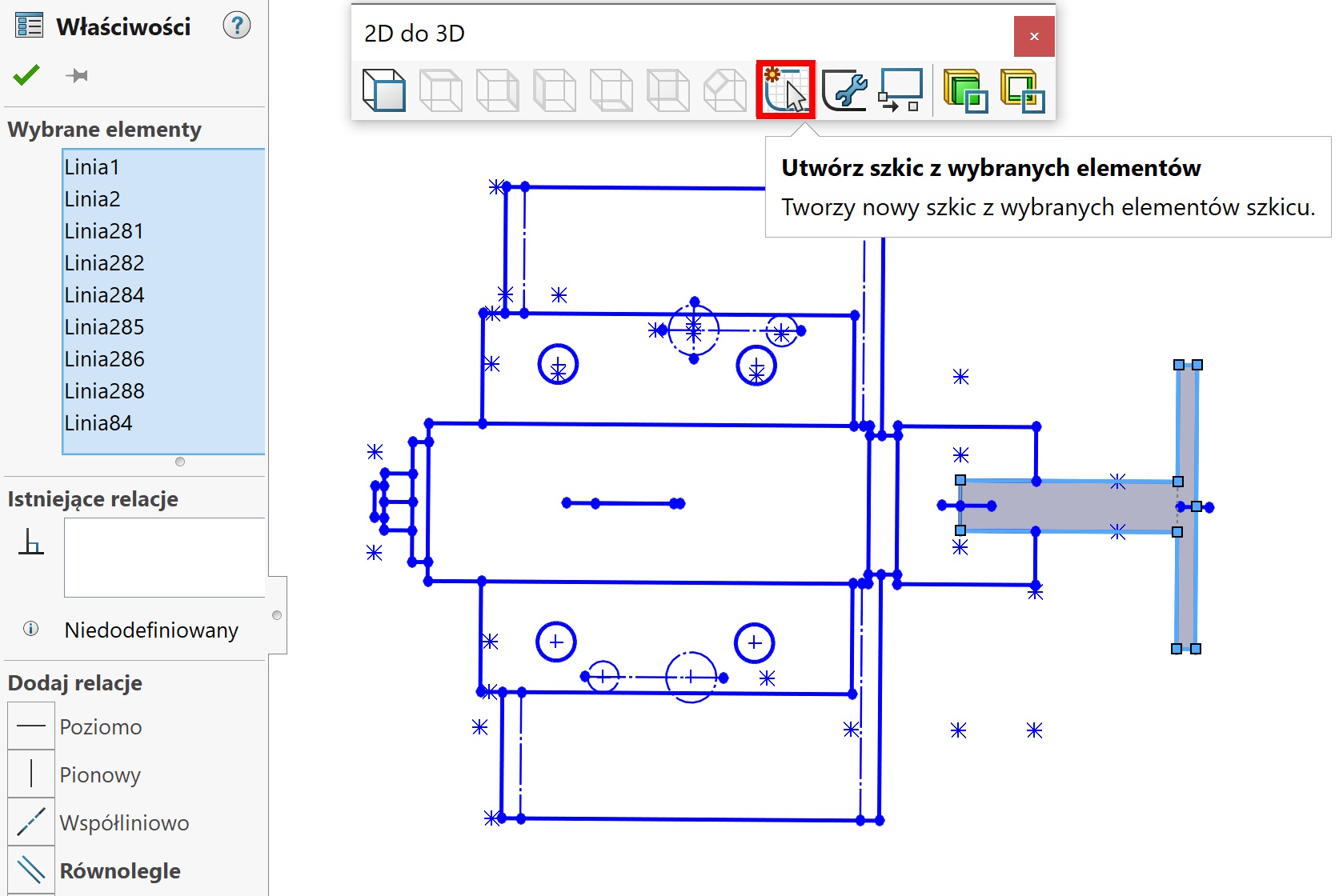
There is also a command that is particularly useful in assembly drawings, gdzie nie było warstw – Create a sketch from selected elements.
After selecting the selected fragments of the sketch, just press Create a sketch from selected elements to create a new sketch in a tree.

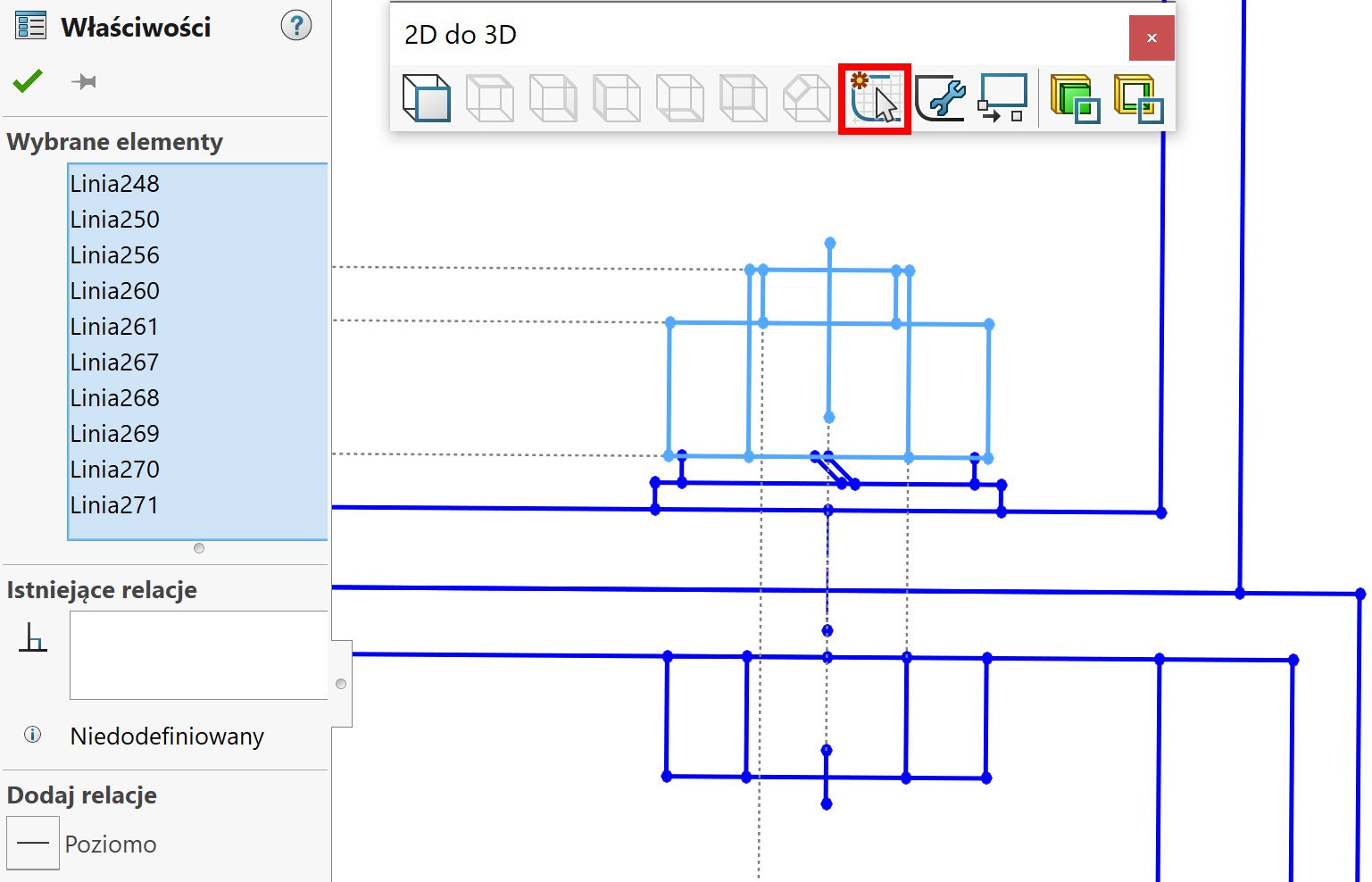

This way you can separate a few from one sketch, which will later be used in various operations.