


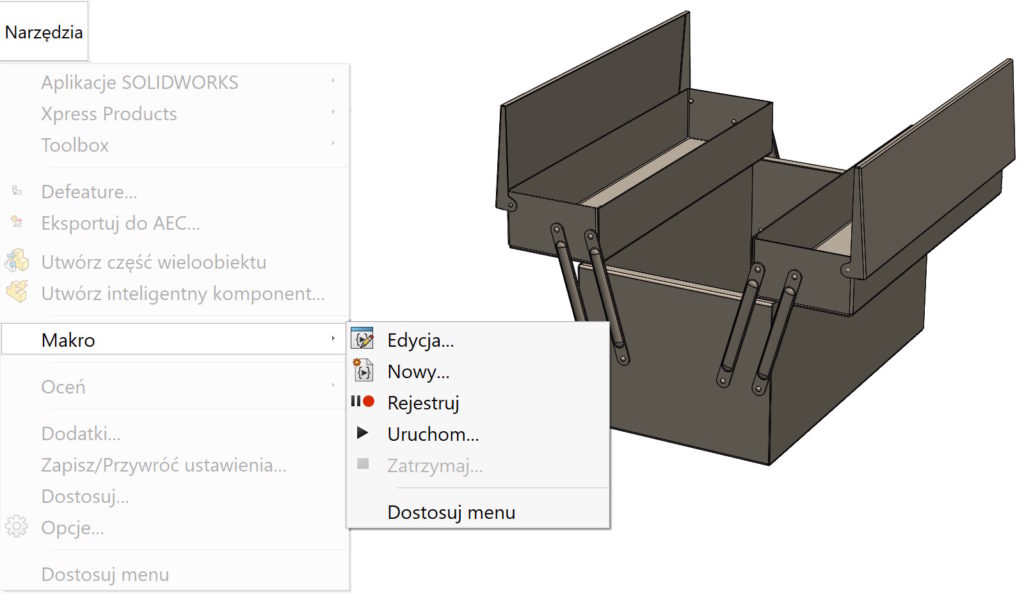
Many people run macros every time they select Run and pointing to the *.swp file. Apparently ok, but it can be done better.


To do this, go to the Customize tab > Commands must be selected New macro button and drag it to the selected tab.


Then the attached file macros *.swp or *.swb and select picture – miniaturkę.


SOLIDWORKS software provides bitmap images for use as customized buttons. They are in the catalogue: install_dir/data/user macro icons.
You can also create your own bitmap images, meeting the following requirements:
- Dimensions = 16 x 16 pixels
- Color = 256 colors
- Background color = white