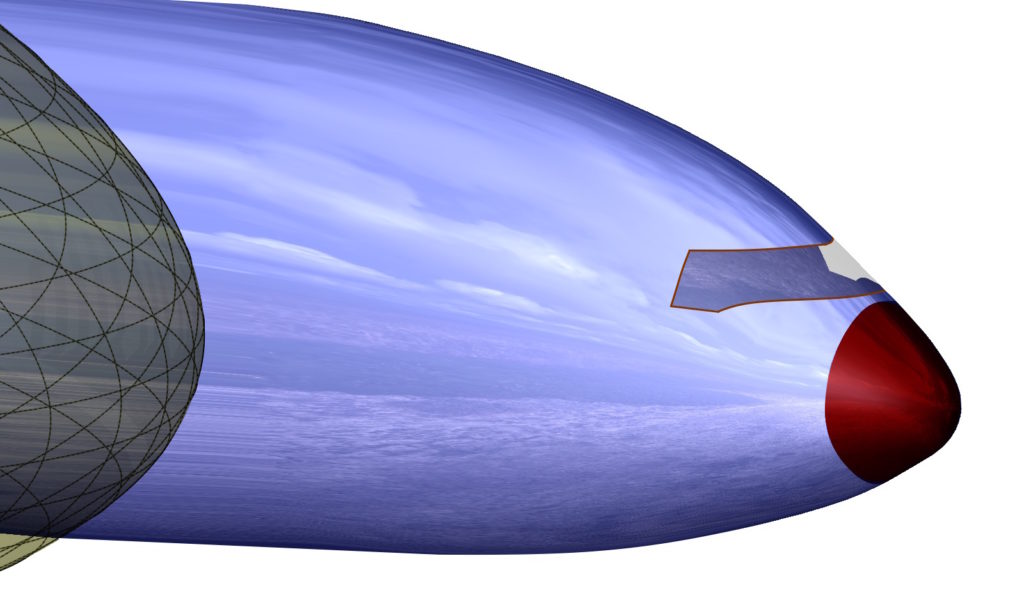
In modeling, we are often faced with choosing a specific operation. Lecz żeby móc w danej sytuacji optymalnie wybrać – trzeba te operacje znać.
I'll show you today, how to finish a rounded shape smoothly.
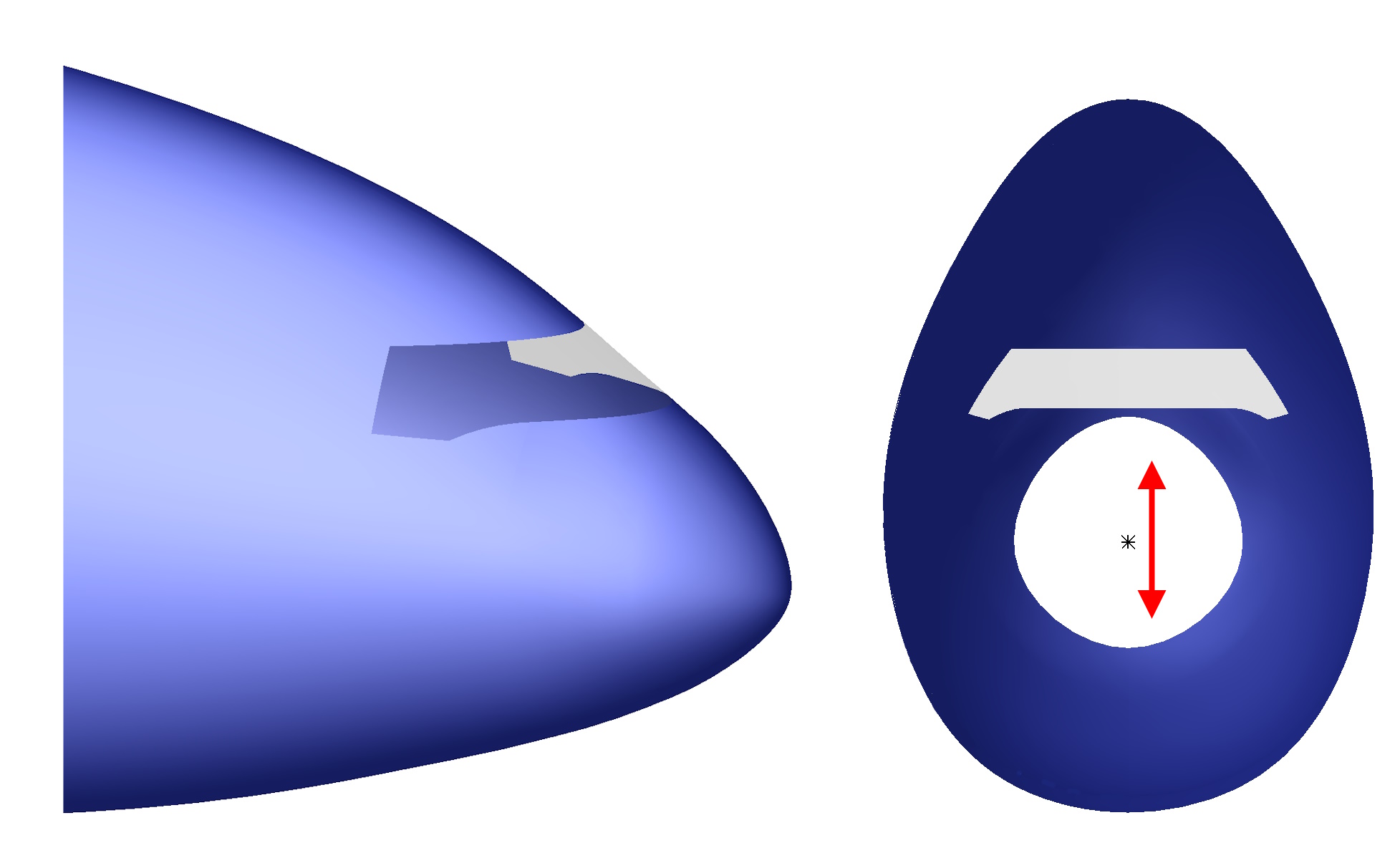
It may be the end of a construction hook, the tip of a pen or the nose of an airplane.
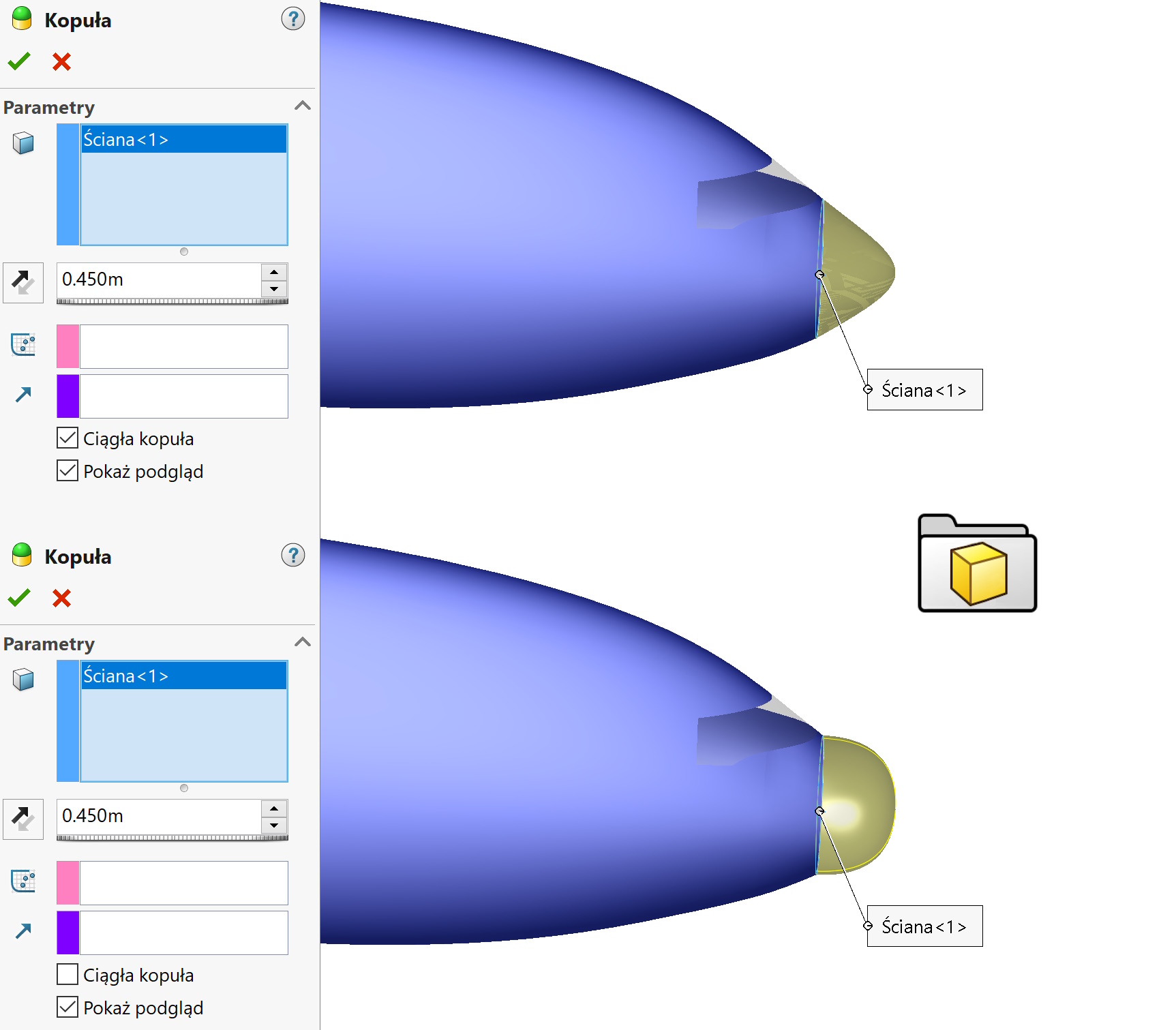
1. Dome. I'll start with the surgery, which only works on solids, which allows you to create a smooth dome-shaped end. Jeżeli zaznaczysz ścianę czołową walca – uzyskasz wycinek kuli. In case as below, unchecking the option Continuous dome results in the collapse of the walls at the border and therefore it will not work here.

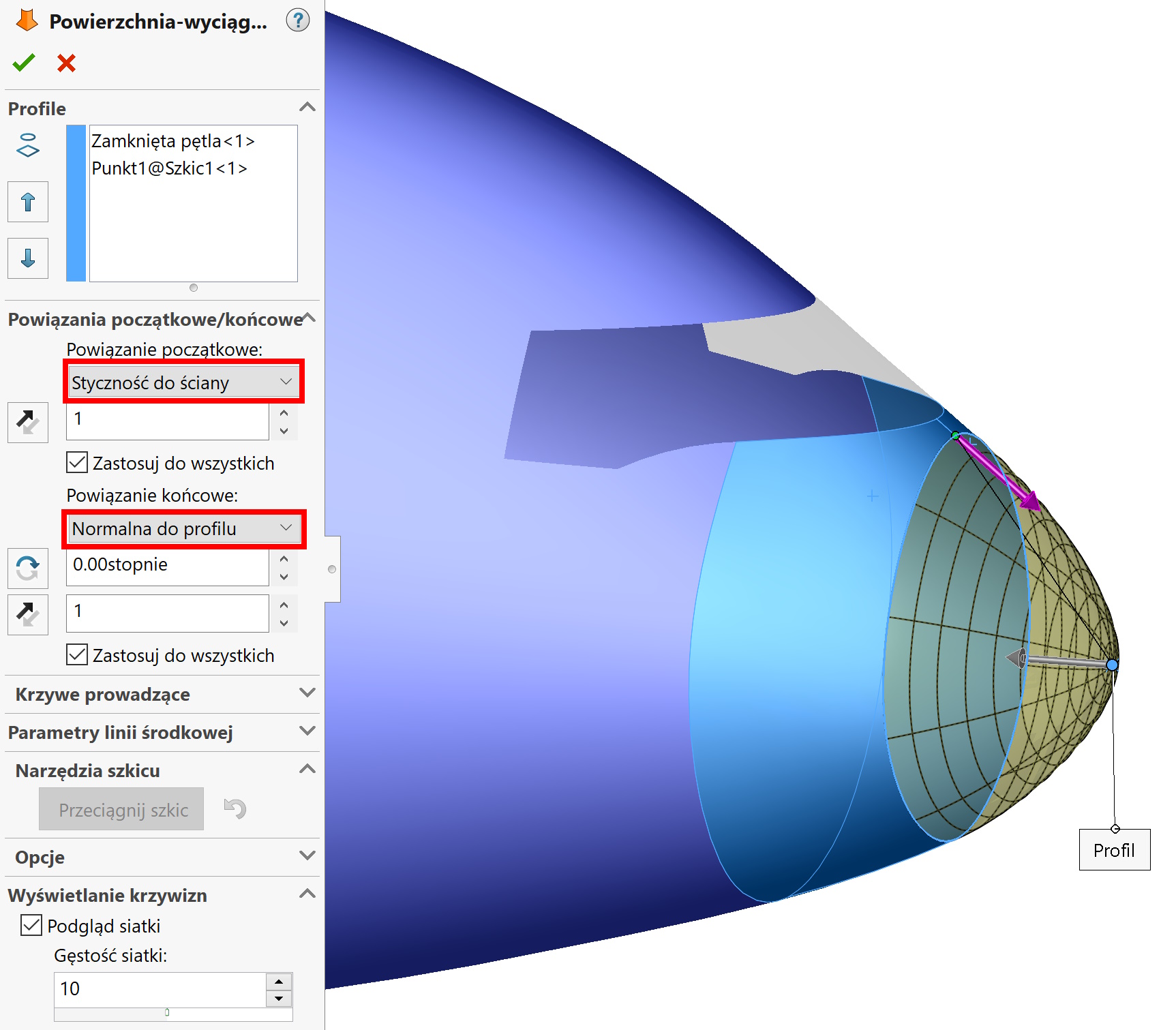
2. Lofted. In this method, you must select a wall and a point, selecting appropriate border alignment options. The advantage of this solution, it is possible to move the point in each axis.

Also read:
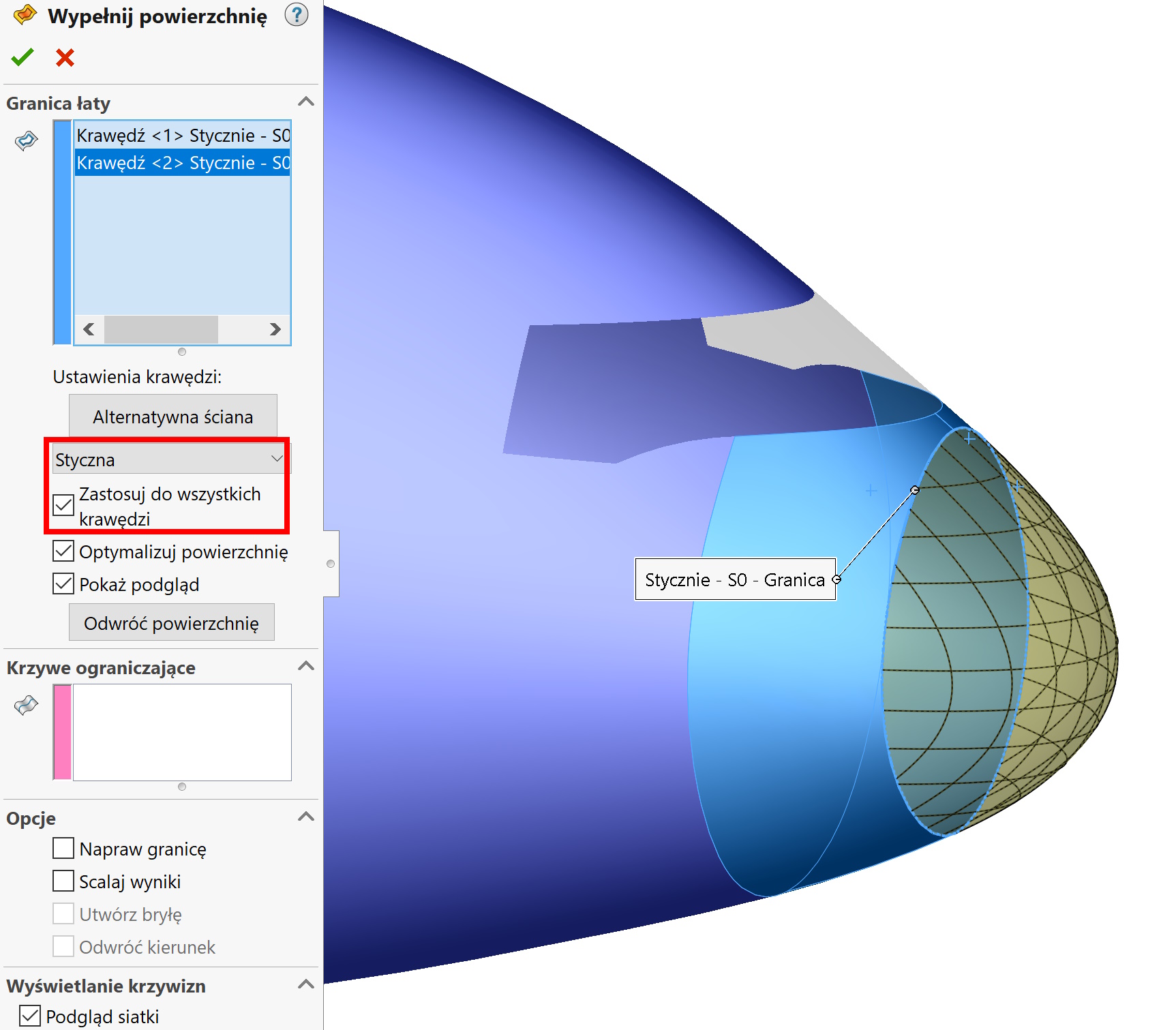
3. Filling the surface. you can tell, that this is the best method, because after pointing to the edge, the program itself creates U-V curves by collecting them in one, natural point. So this finish comes out as natural as possible. Also remember, that you can change the continuity type from Tangent on Curvature and add if necessary Limiting curves.