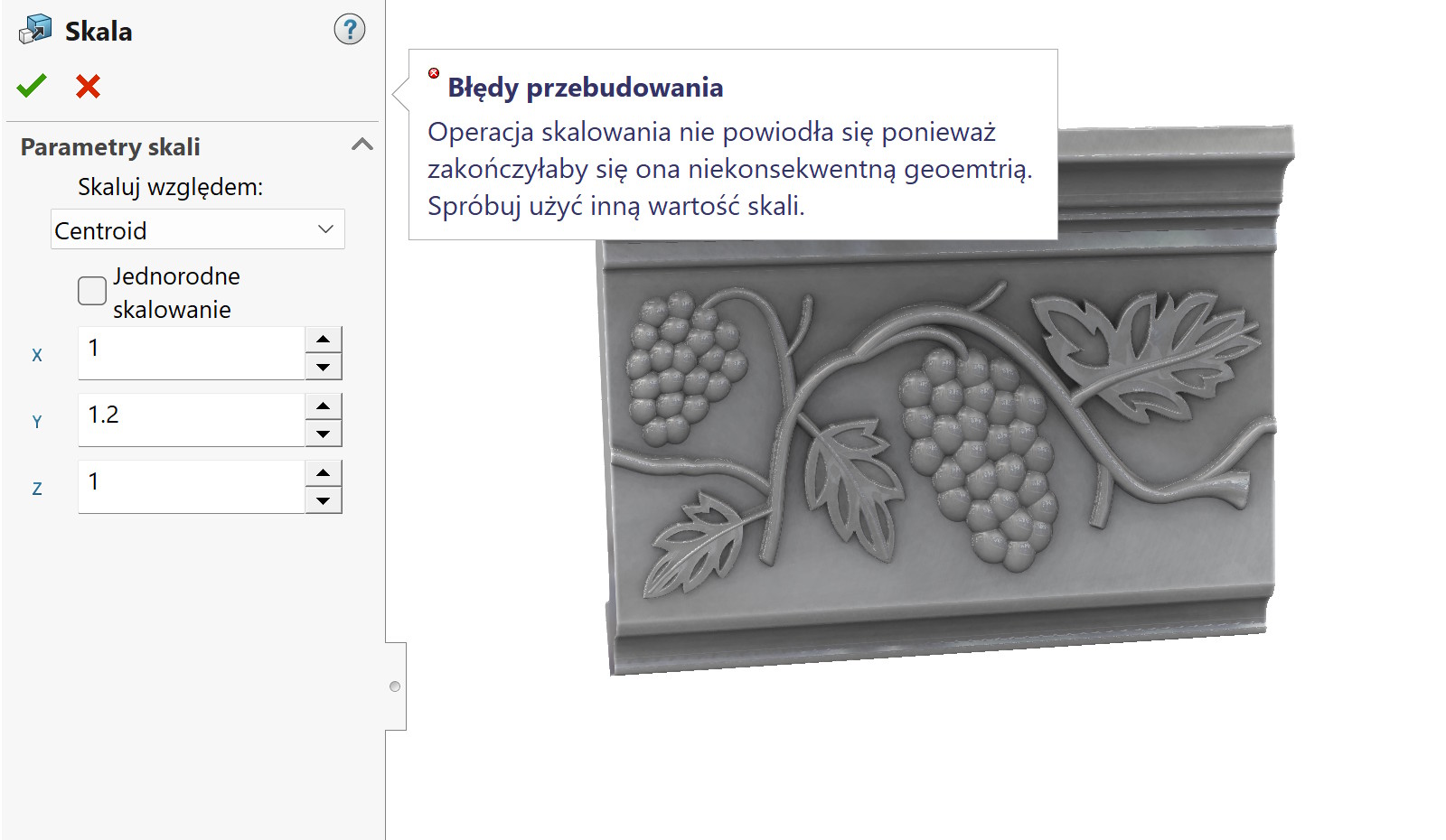
There is a certain group of operations in SOLIDWORKS, which do not have much use. Of course, depending on the industry, because in the area of design, design, working with imports (which is my main job https://cadvantage.pl/) they may come in handy.
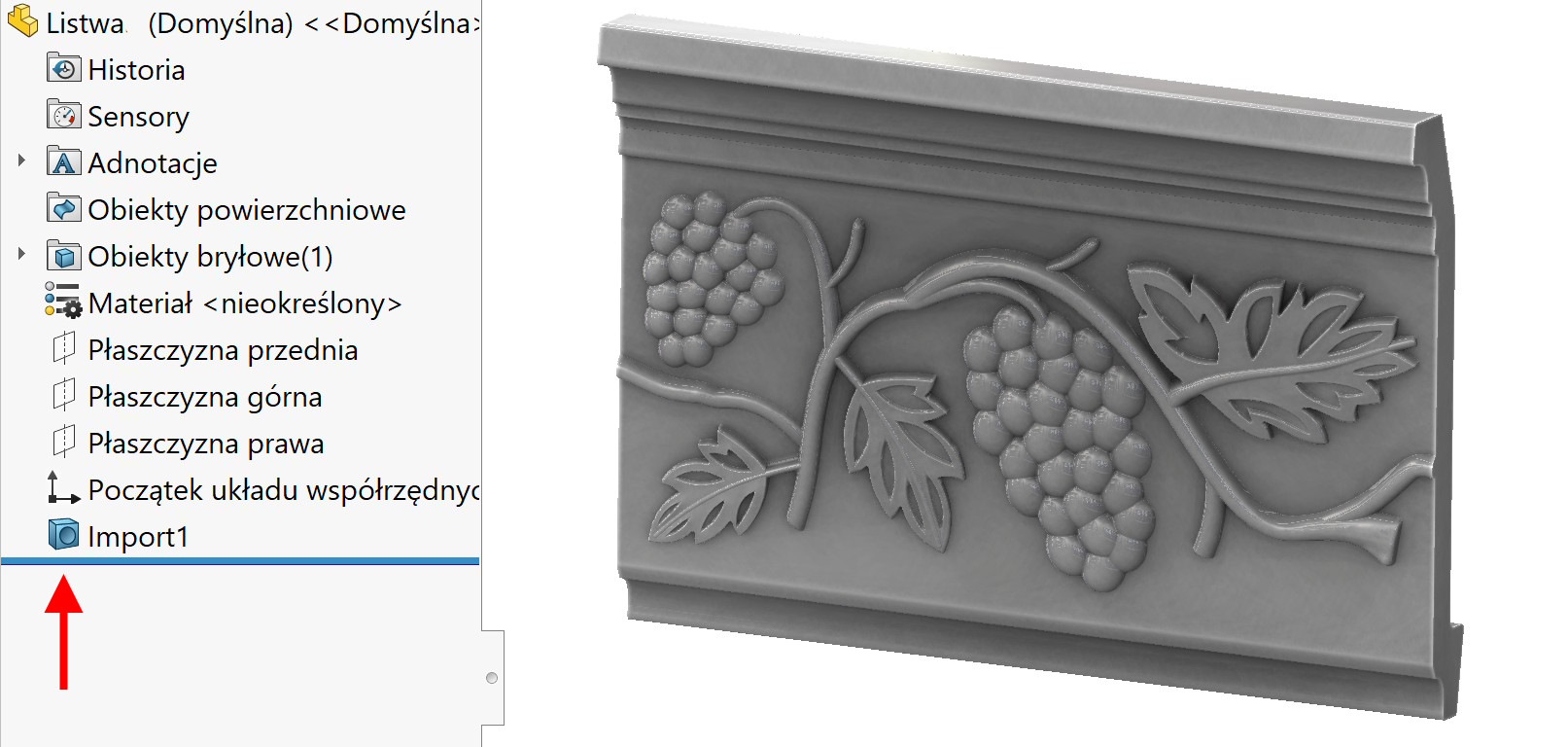

Learn three ways to stretch an import element (no history).
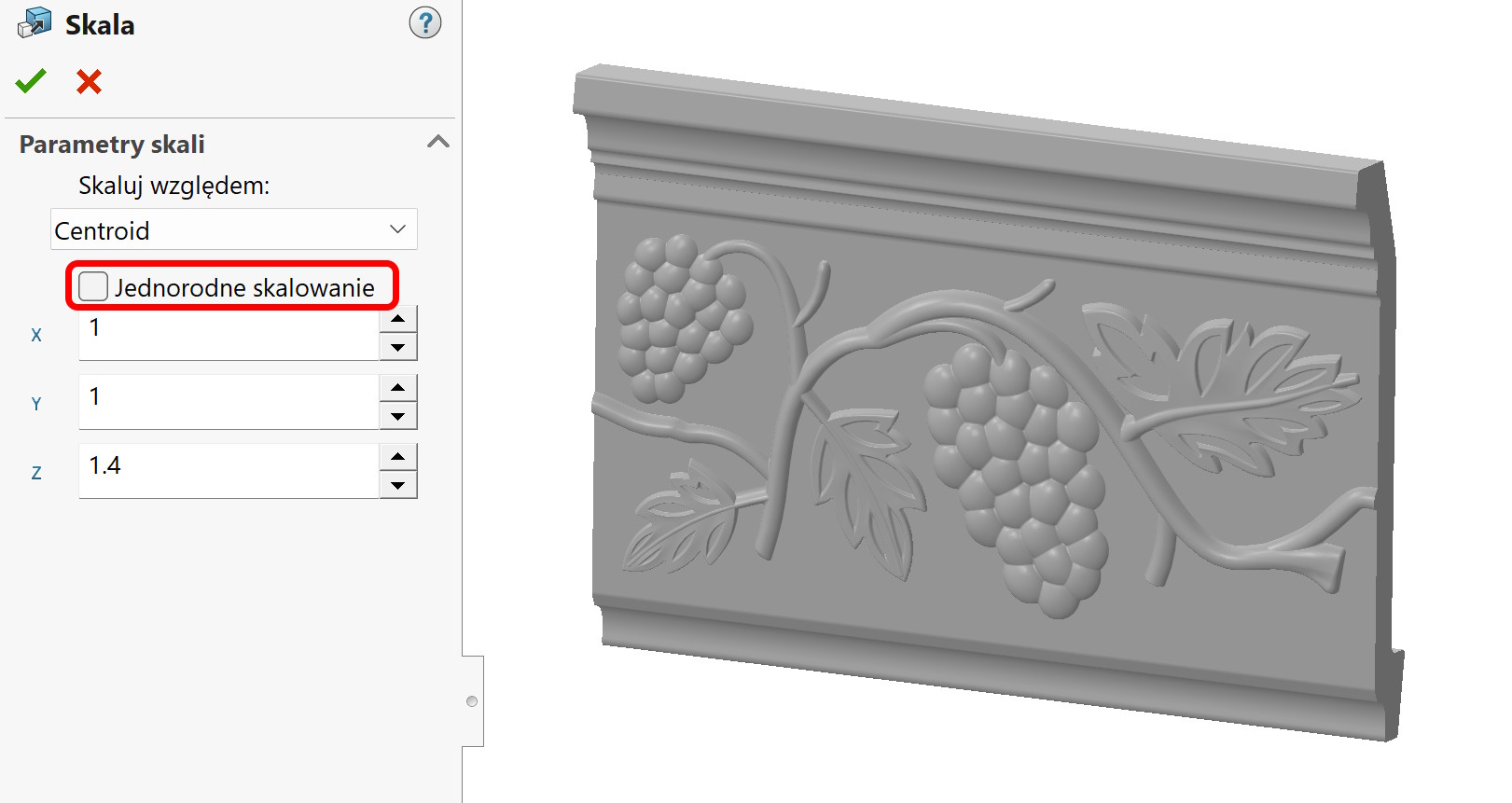
1. Scaling.
The operation allows stretching by extension only along the selected axis. It is necessary to uncheck the option Uniform scaling.
The disadvantages of this operation include the need to convert percentages per unit of length. Means, that you have to calculate, what scale factor to use, to extend an element, e.g. o 10mm. Oczywiście są na to metody – może napiszę o tym w przyszłości. Additionally, the fact may be a problem, that detail is not always so oriented, that you can use the X axis directly,Y or Z.

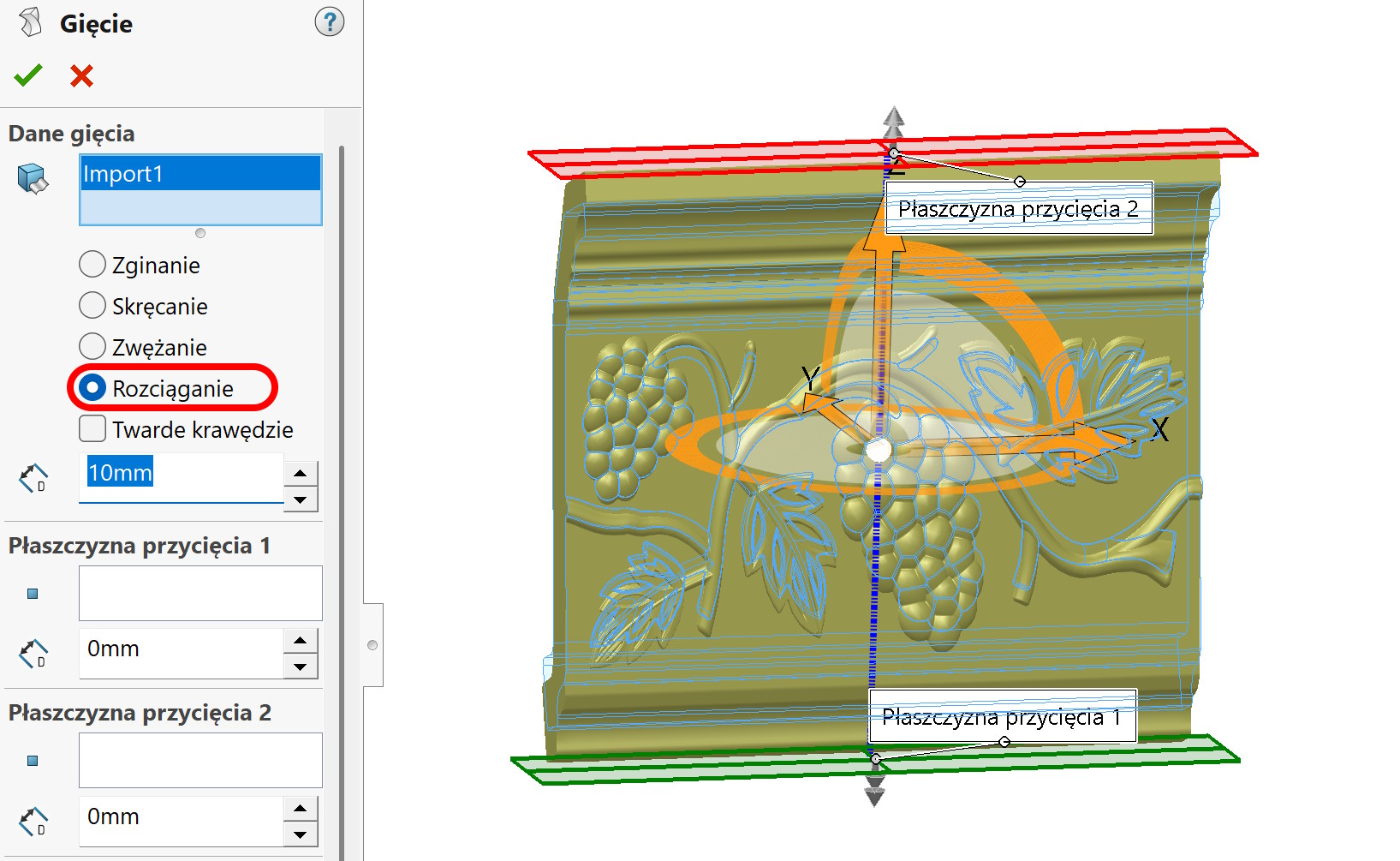
2. Bending operation.
bending has four built-in sub-options. One of them is Stretching. Here we specifically specify the length by how much we want to extend it. However, alignment of the axes may be a challenge, which by default depend on the object's center of gravity.

3. Deformation.
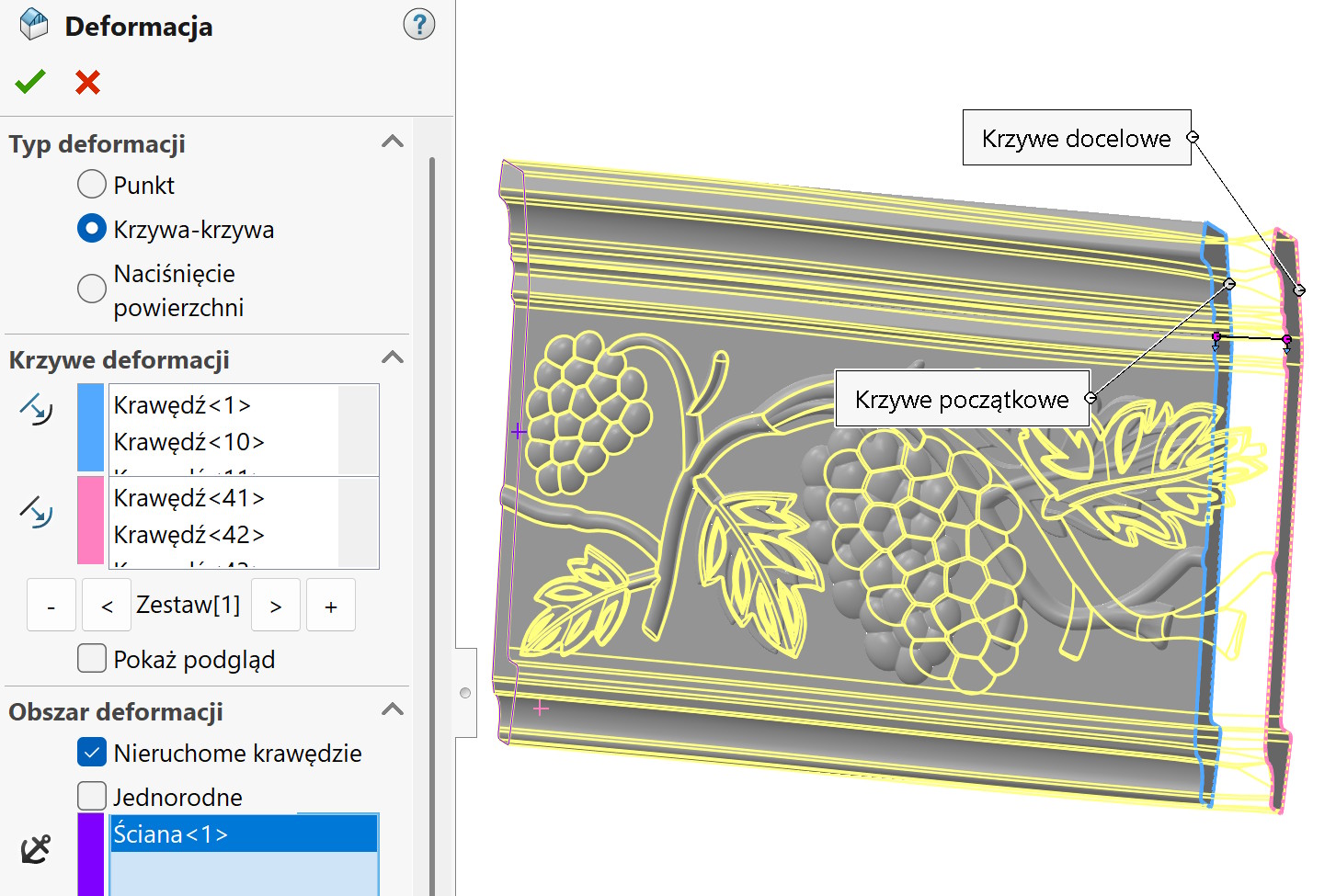
This is the most difficult option of all, because its success depends on geometric conditions. Select as the type Curve-curve and select the set of edges to be moved and where they should be moved. Additionally, in such a case, you should select the so-called. a stationary wall on the opposite side. The whole thing should stretch proportionally.

Summary.
Each of the options presented has advantages and disadvantages, but they undoubtedly allow you to make some modifications to imports. In any of these operations they can too errors may arise, the probability of occurrence increases with the complexity of the geometry. Jeżeli pojawi się błąd – wybierz inną metodę!