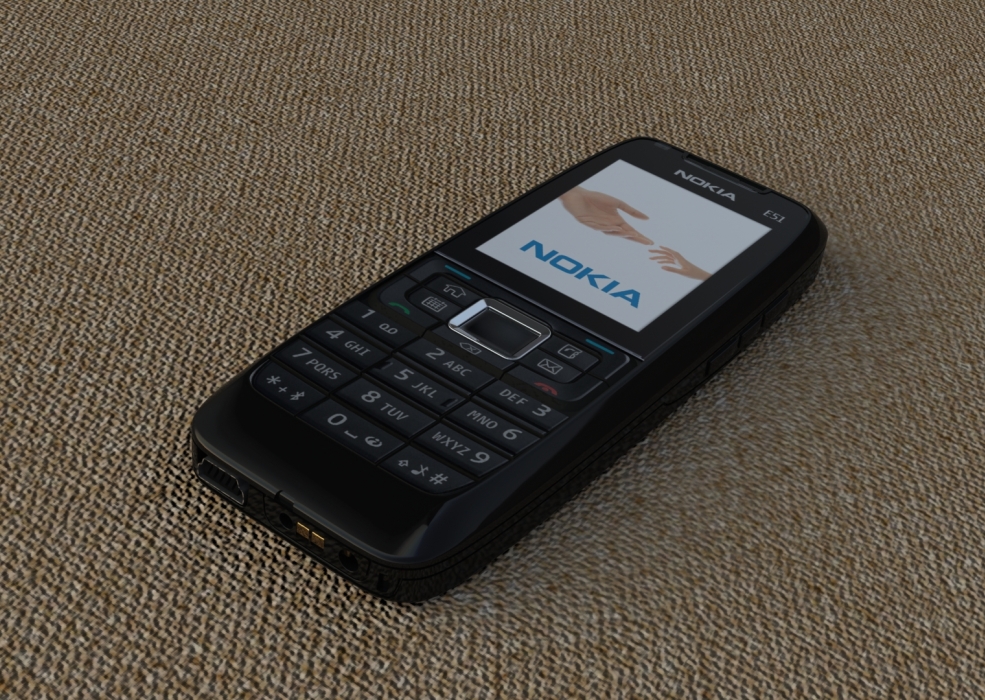
Render model with SOLIDWORKS Visualize – now without leaving the SOLIDWORKS window!

For years Visualize was treated as a separate application - great for photorealistic visualizations, but still requires exporting the model, synchronization and switching between windows. However, a feature has appeared in SOLIDWORKS, which significantly shortens this distance: Visualize rendering directly in the SOLIDWORKS window.
This is a small change with a huge impact on workflow. Especially if you work on consumer products, class A surfaces or you just want to evaluate the appearance of the model faster.
What Visualize rendering does in the SOLIDWORKS window?
- Render in the CAD modeler window
You no longer need to export your project to Visualize. You turn on the mode Rendering and after a while you see a realistic visualization.
- Instant aesthetic validation
Changing the fillet radius, surface correction, different color of plastic - you evaluate everything without switching applications.
- One consistent workflow
You design → evaluate the appearance → improve → render.
Everything in one place, no exports, no synchronization, without the risk of data diversion.
- Faster preparation of visualizations
For many projects, a quick render in the SW window is enough, without having to build a full scene in Visualize. This is a great solution for:
-
- conceptual presentations,
- reviews with the client,
- quick thumbnails for documentation,
- surface quality verification.
How it works in practice?
- You open the model in SOLIDWORKS.
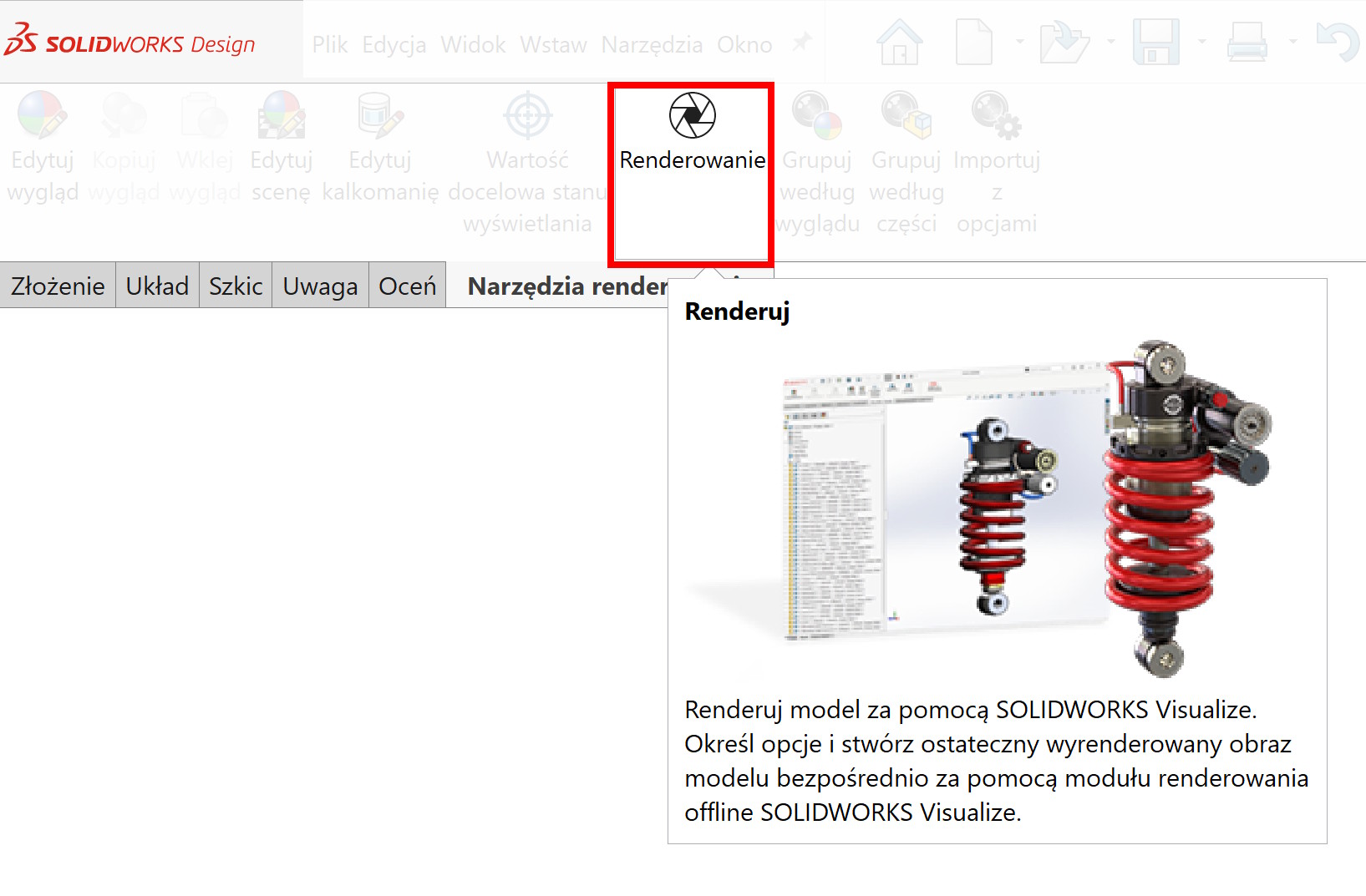
- You turn on the Visualize add-on.
- You activate the mode Rendering Visualize (new option in toolbar). Jeżeli nie masz odpowiedniej ikony – dodaj ją.
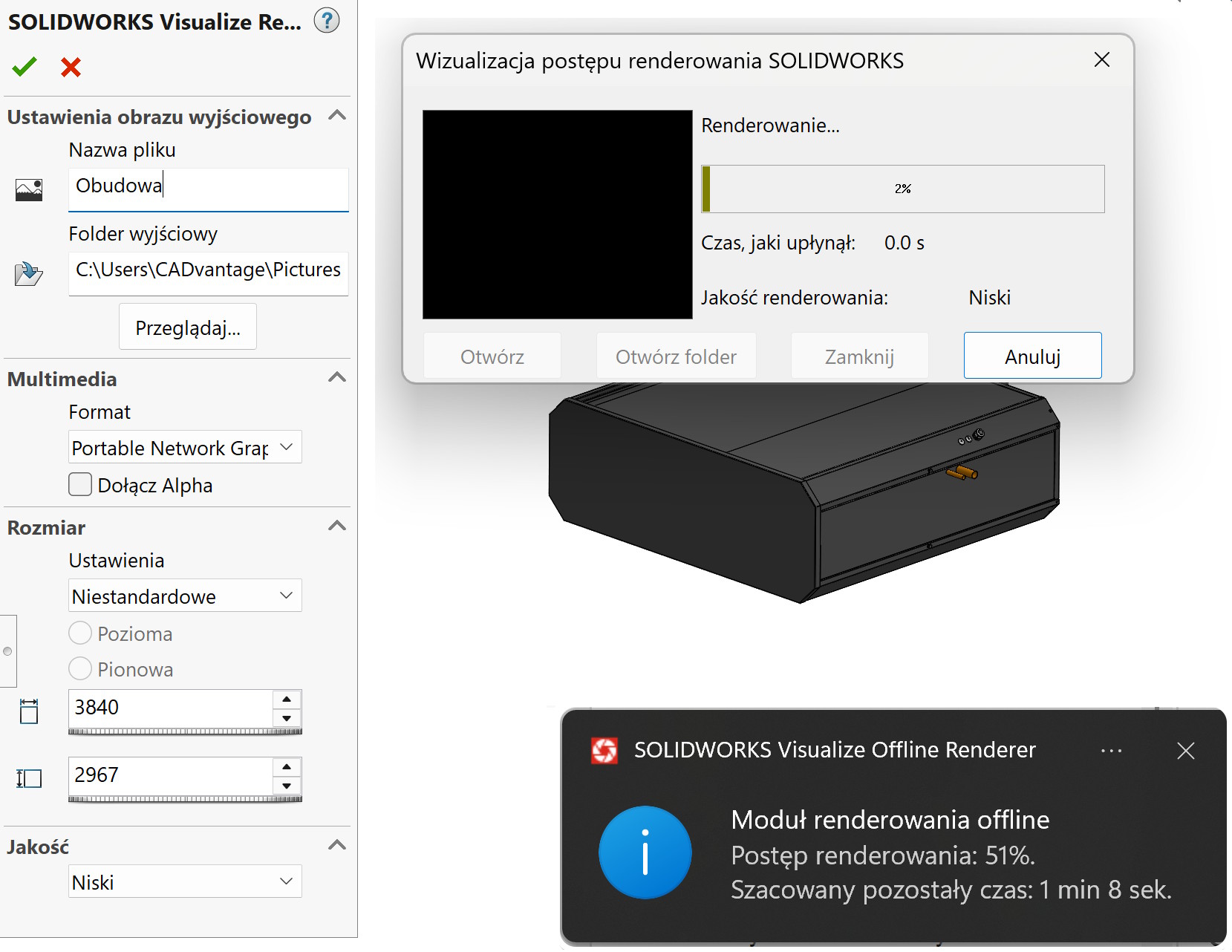
- You choose the preview quality - from a quick sketch to the final render.
- You continue working on the model, and Visualize updates the image in real time.
It really changes the way you work – especially on projects, where appearance is as important as geometry.

When to go full Visualize?
SOLIDWORKS window mode is great for quick evaluation, but full Visualize will still be necessary, when you need:
- advanced HDRI scenes,
- animation,
- marketing renderings,
- complex materials (e.g. multi-layer varnishes),
So you can think of the new function as intermediate stage – quick appearance check, before using more advanced tools.
————————————————————————————————————————————————————————
Jeżeli poszukujesz sprawdzonego partnera do wykonania zaawansowanych wizualizacji – zachęcam do współpracy 🙂
https://cadvantage.pl/>>>
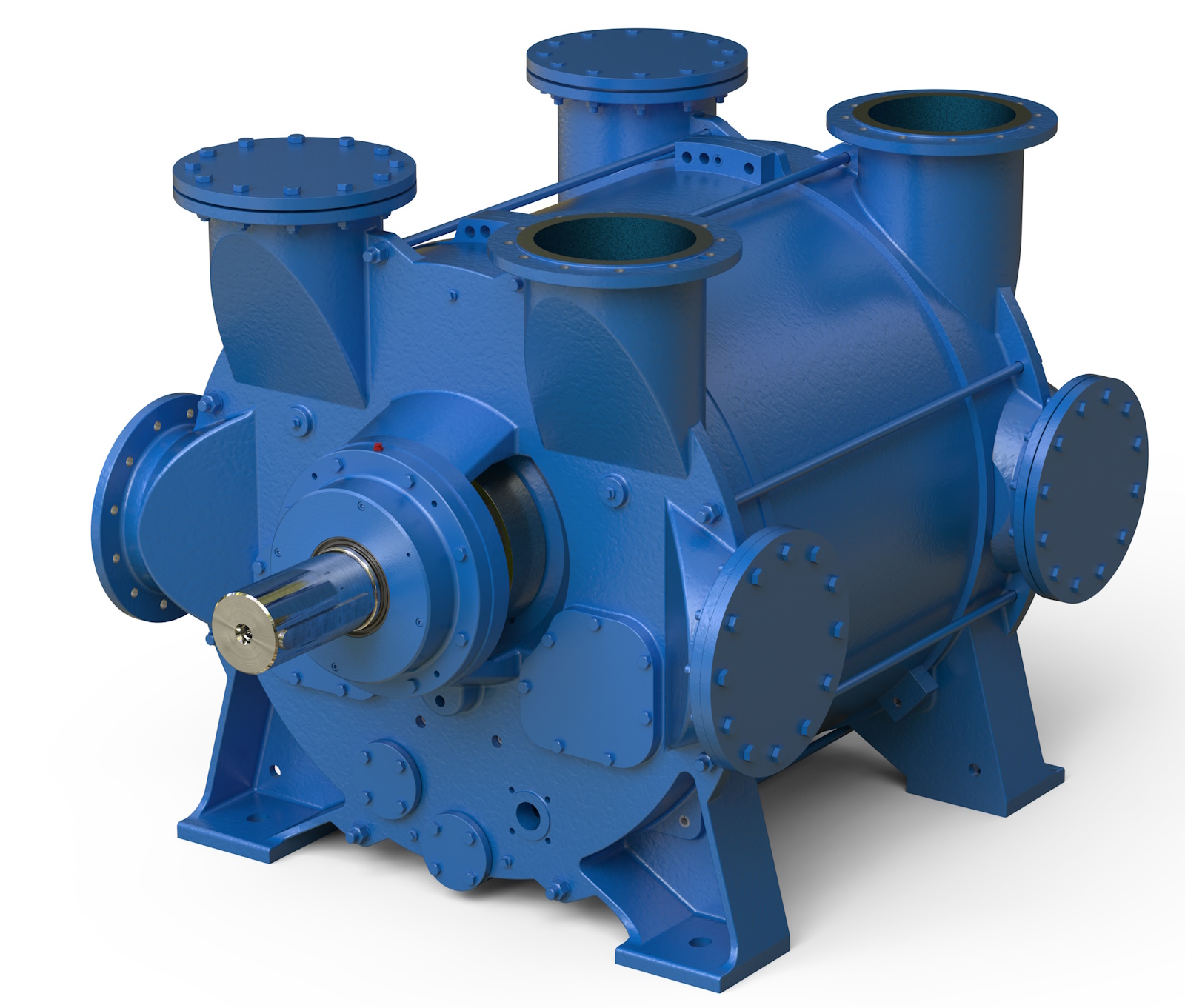
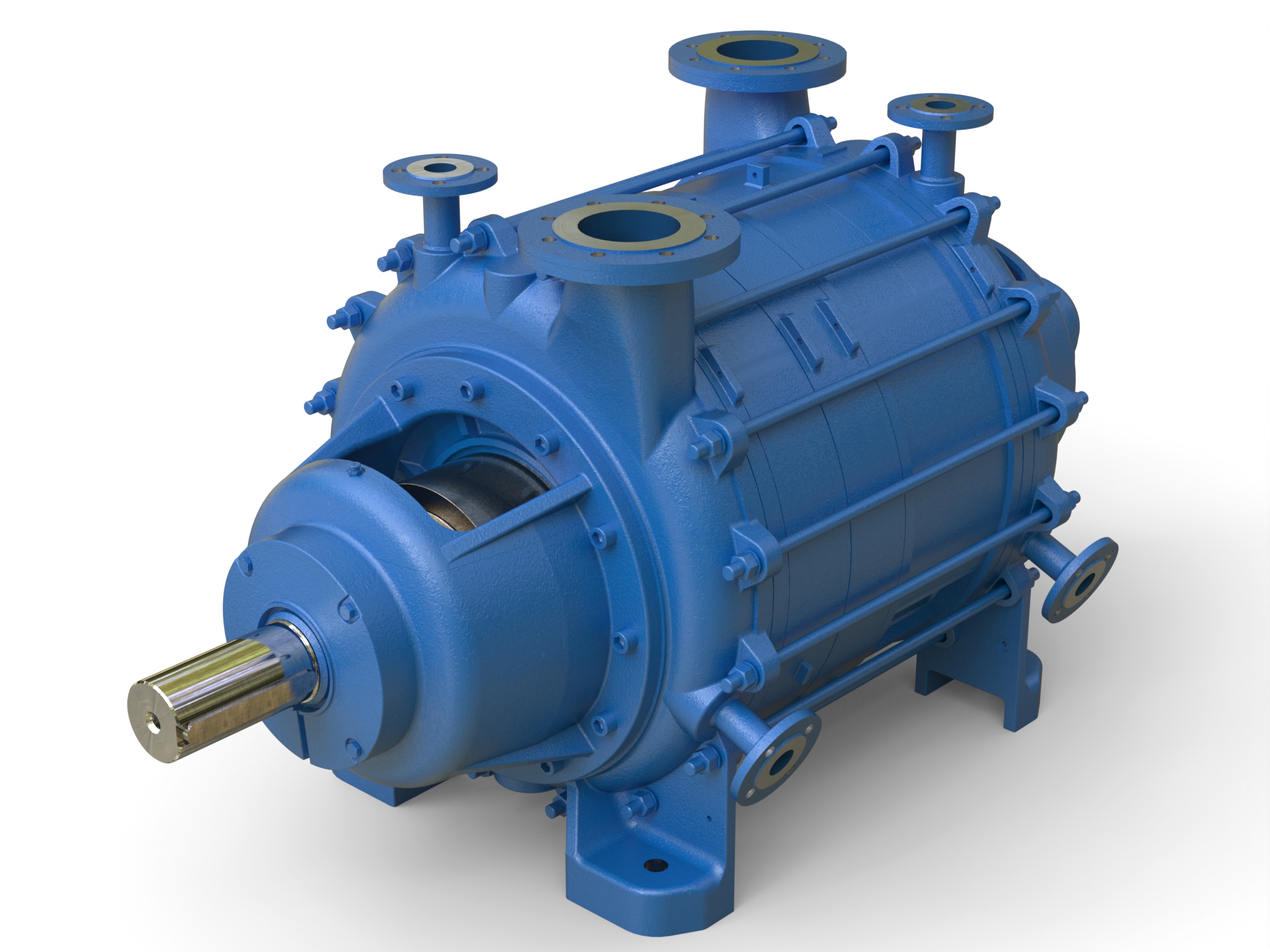
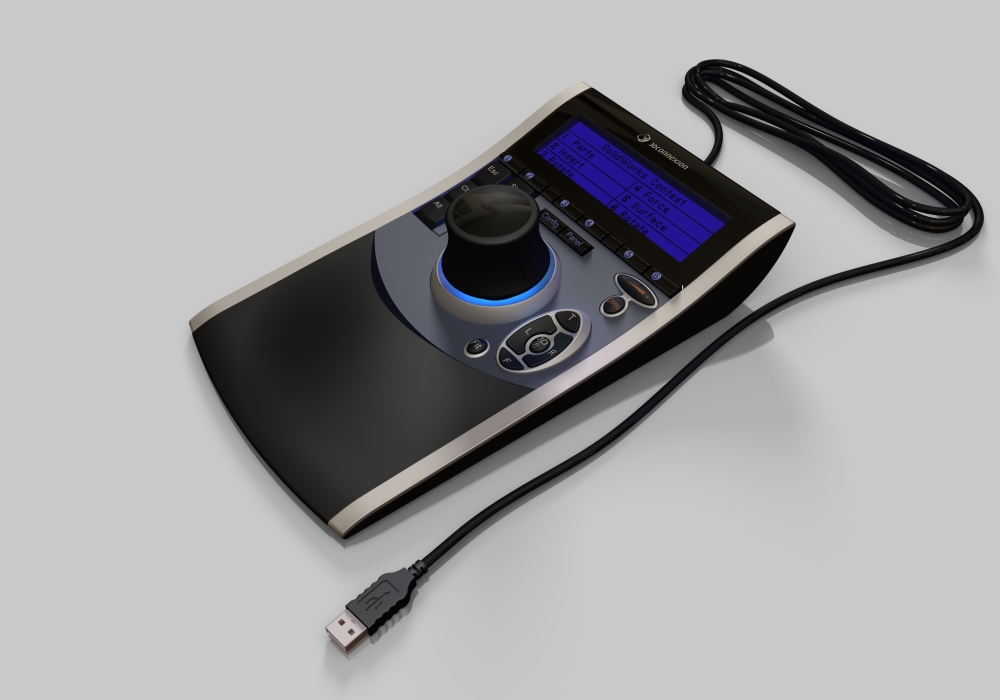
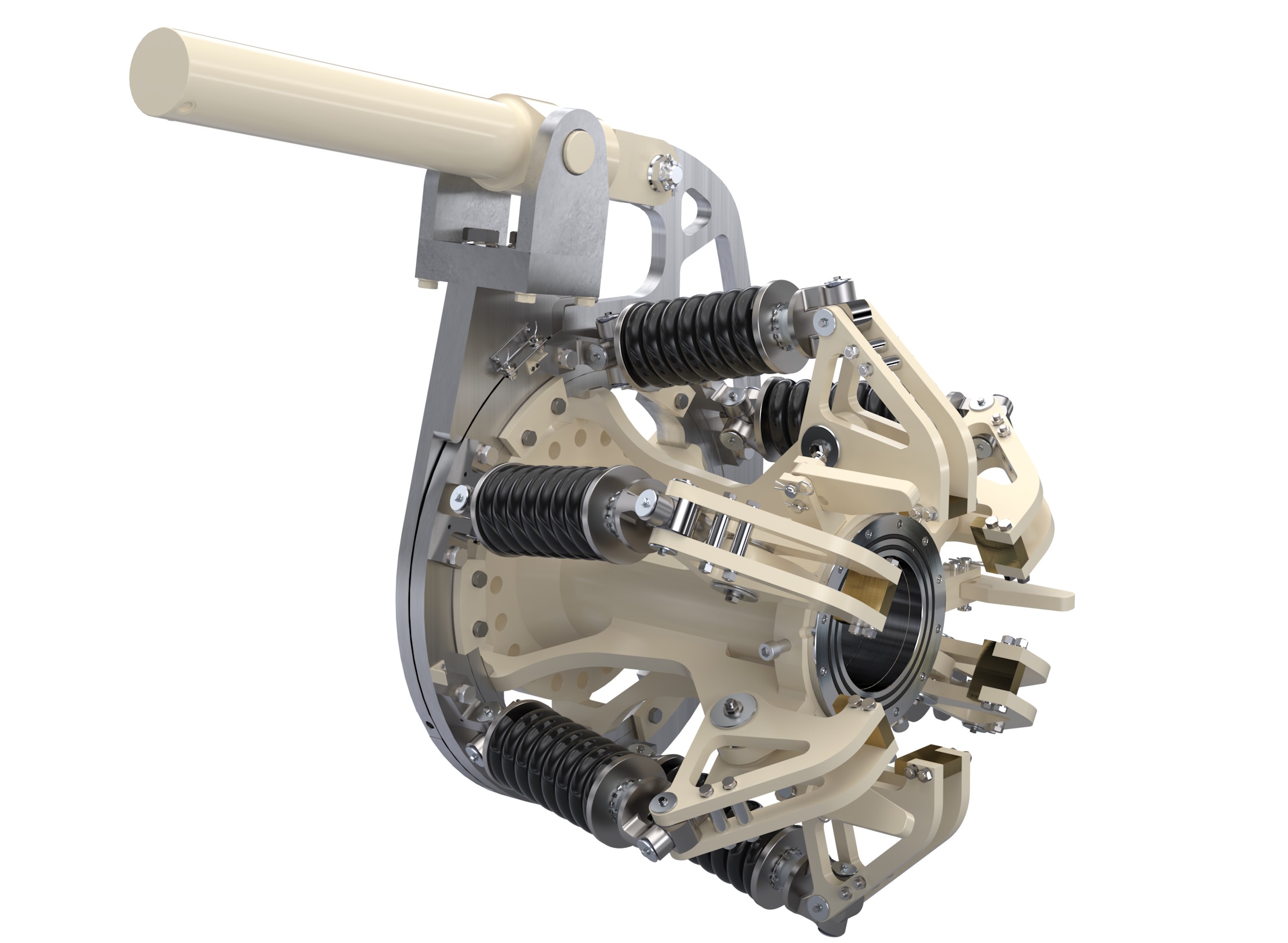
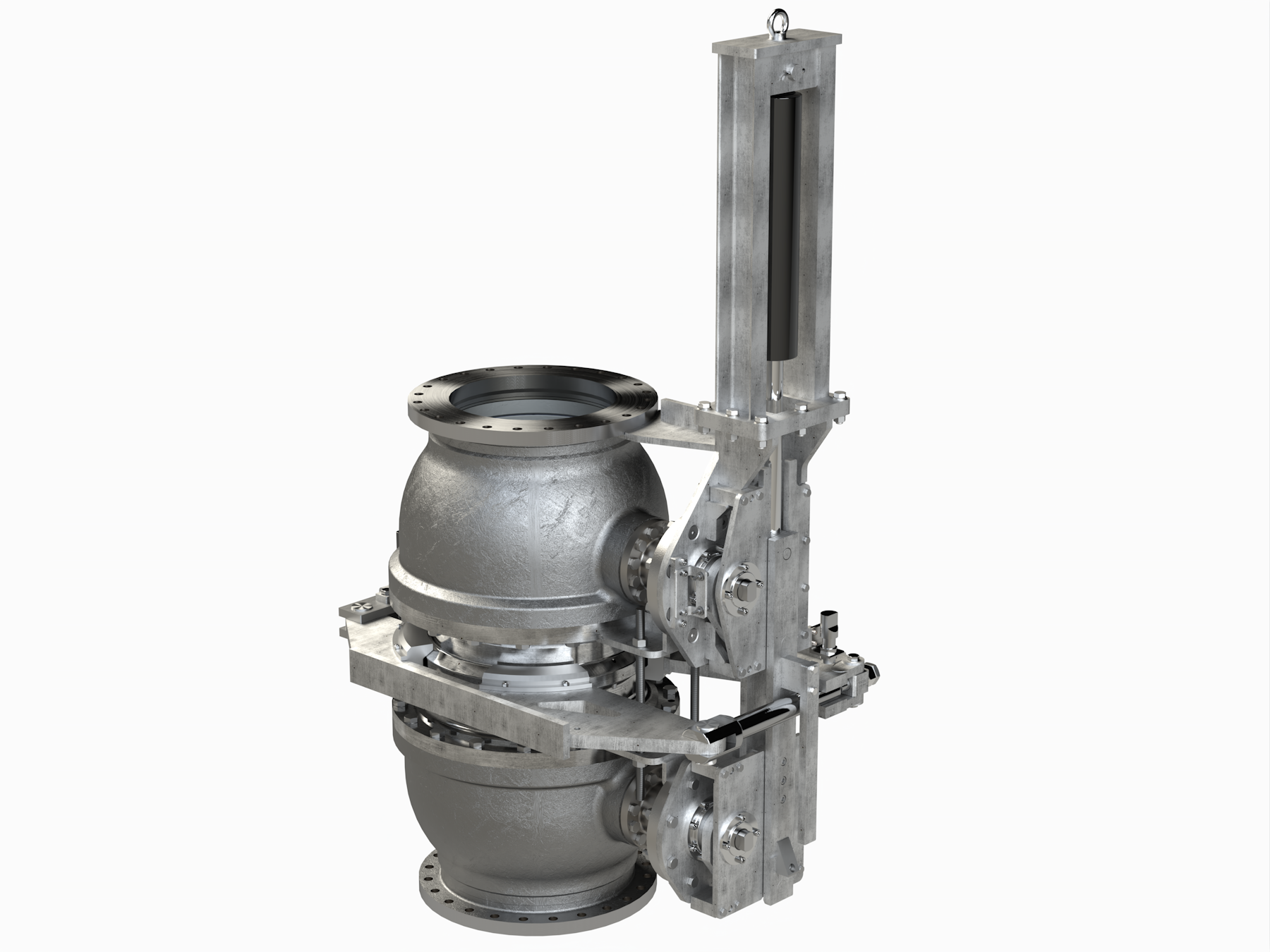
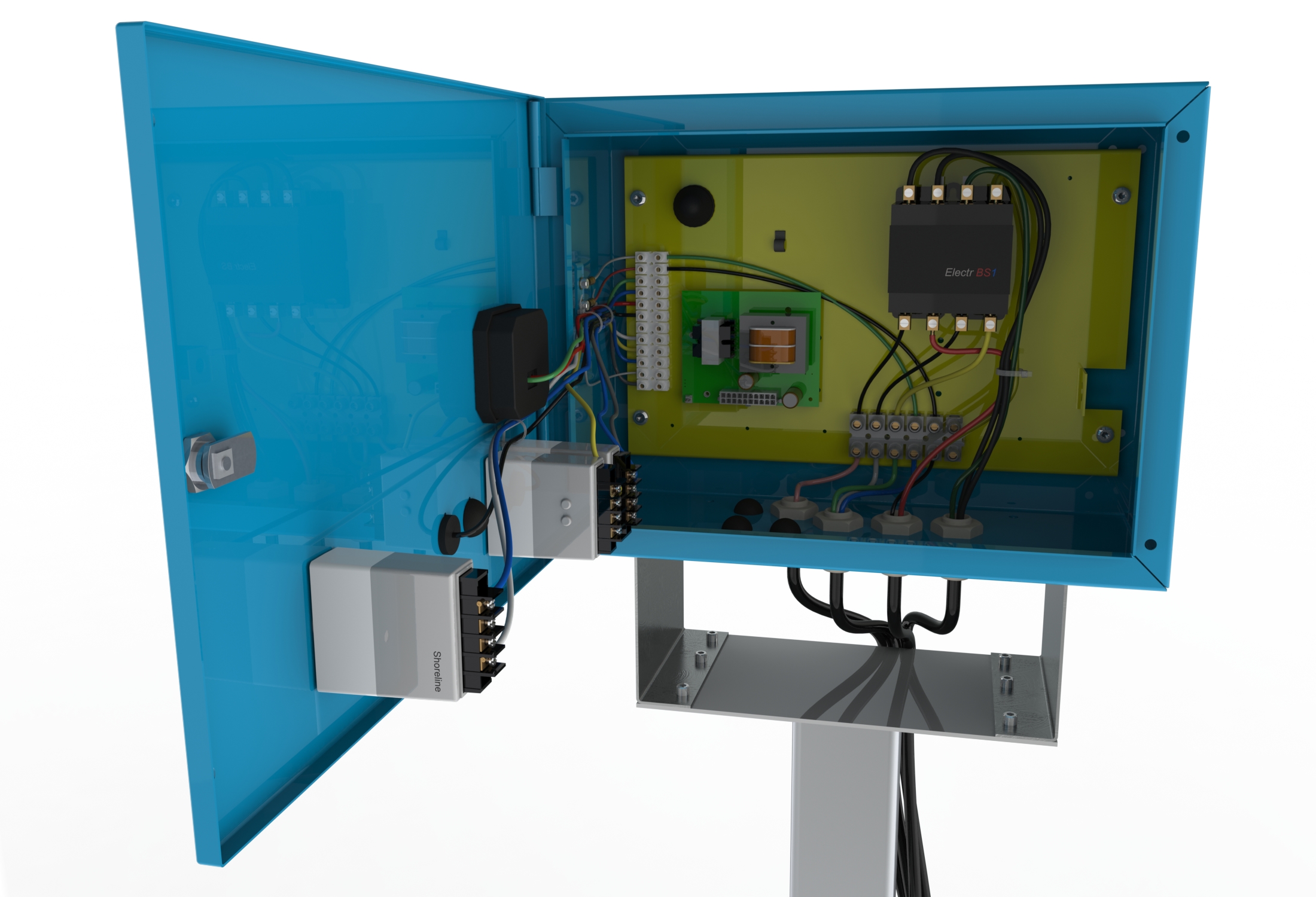
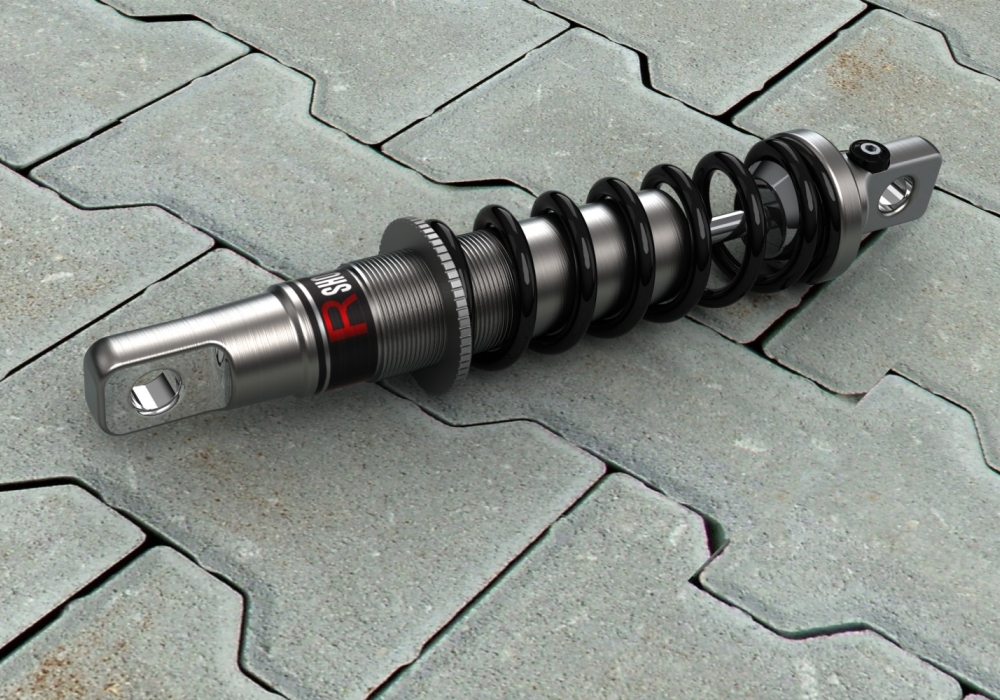
Examples of my work below.