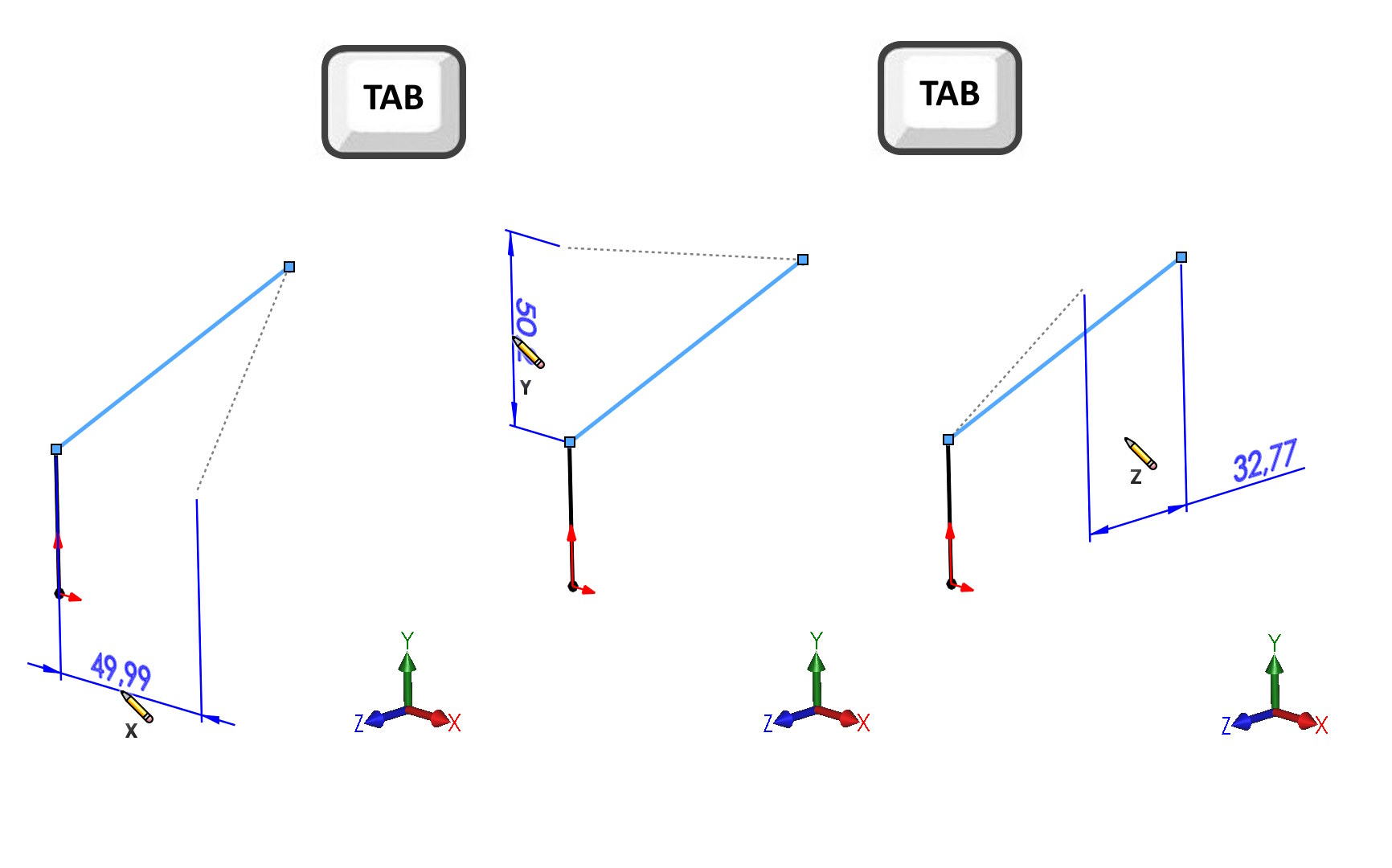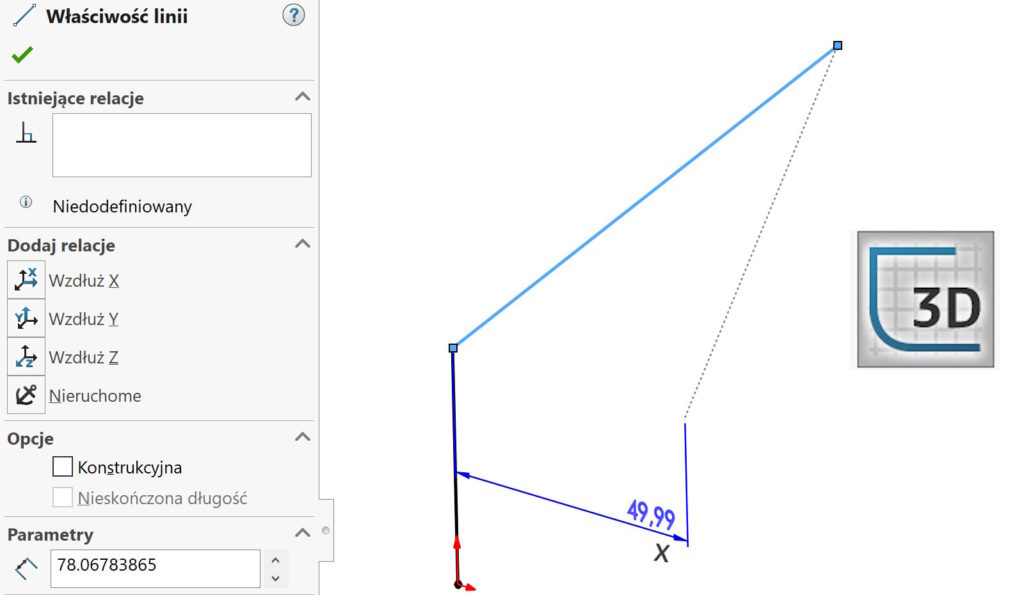
Dimensioning a 3D sketch, especially one like this, which does not lie on any of the X axes,Y,Z can be a challenge. There are a number of possibilities, including the use of auxiliary lines or dimensioning from the main planes of the system.
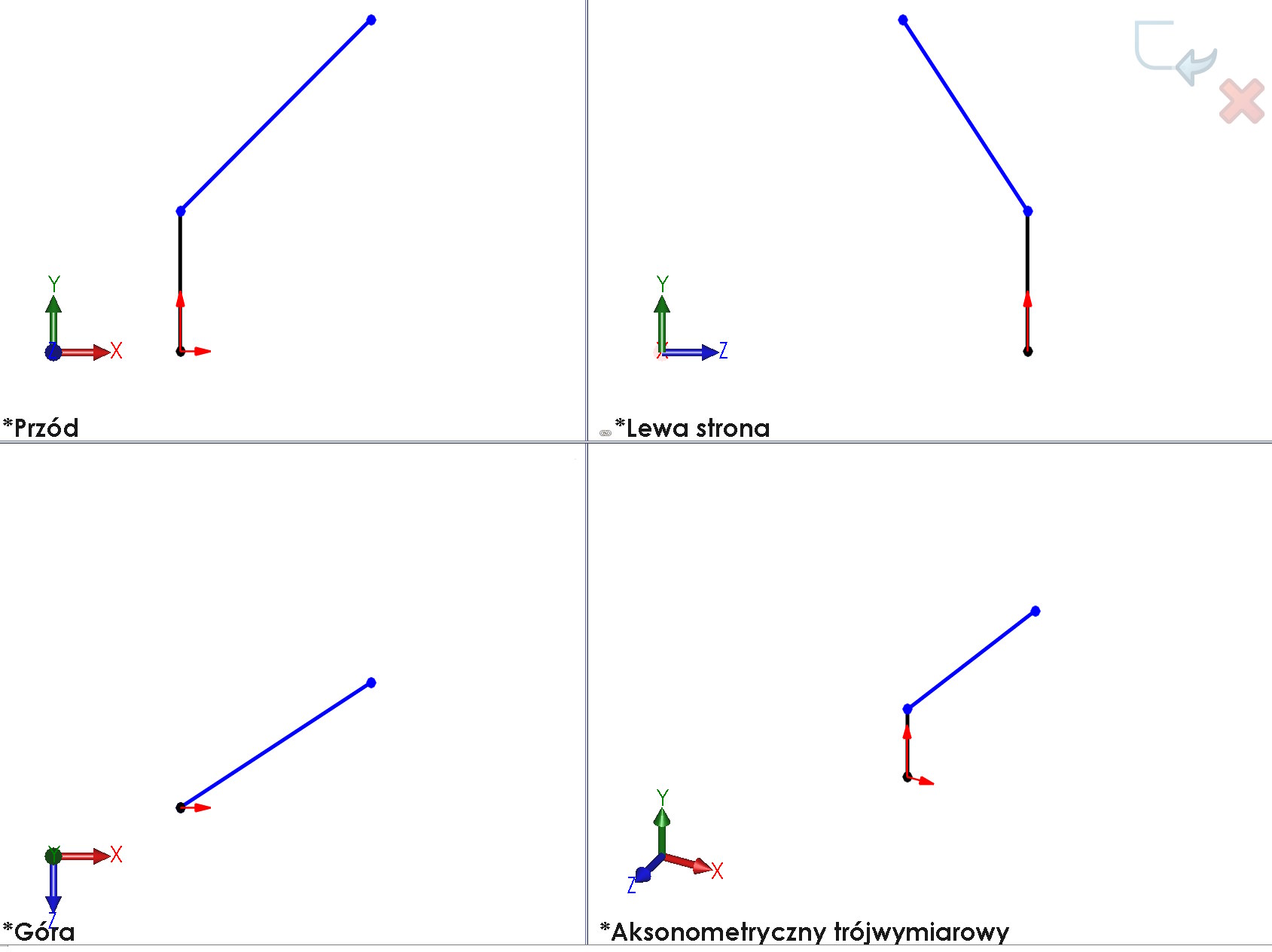

Today I will show you how to do it even easier.
Consider a sketch segment, which does not lie on any of the principal planes. Jeżeli klikniesz w punkty końcowe lub linię – wymiar wskaże realną długość. However, very often we need dimensions projected onto the X planes,Y,WITH. In other words, as if the endpoint of the sketch were dimensioned from the front planes, top and right.
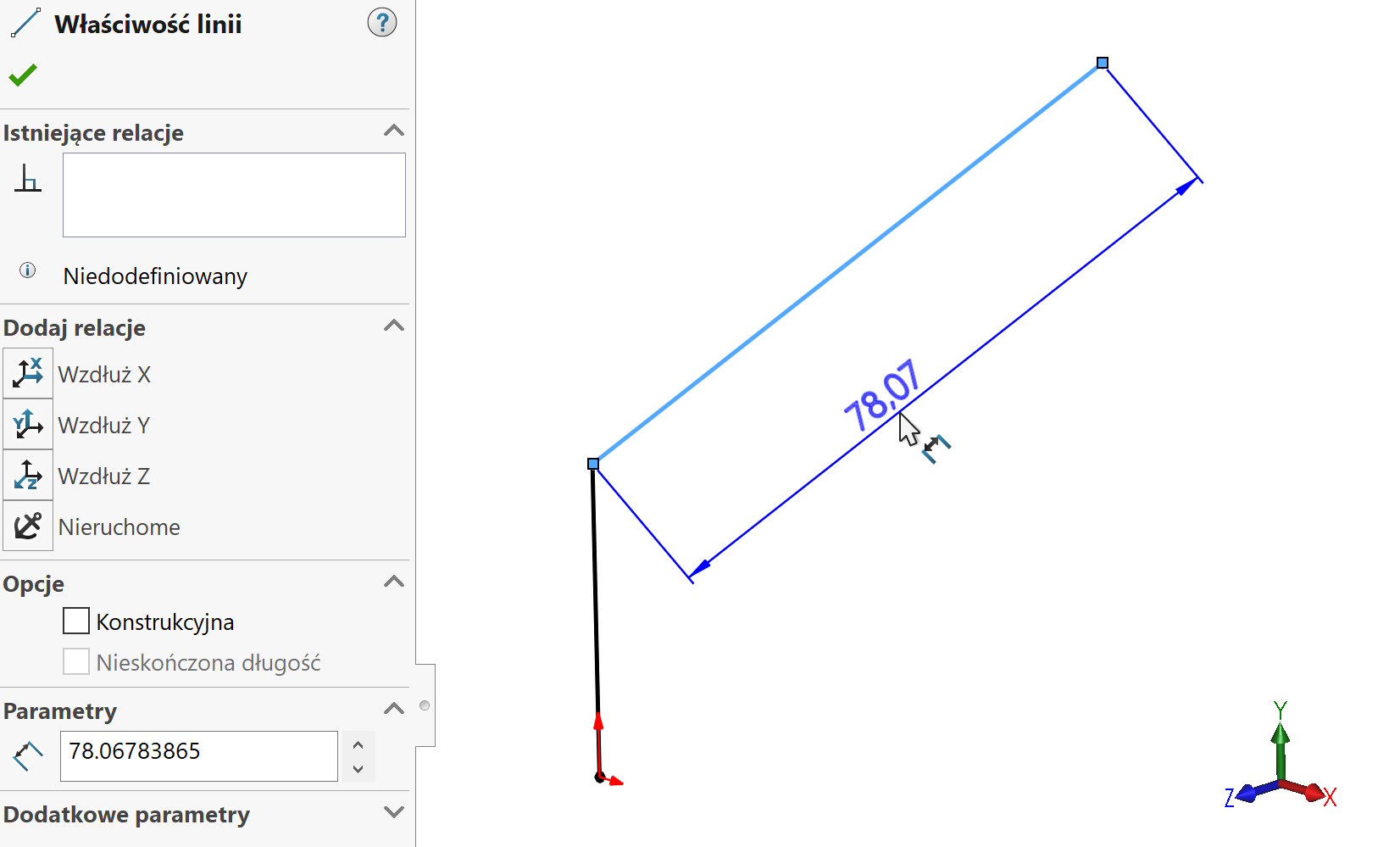

You can get these dimensions!
When dimensioning a free segment, use TAB button to switch the dimension direction between X,Y i Z.