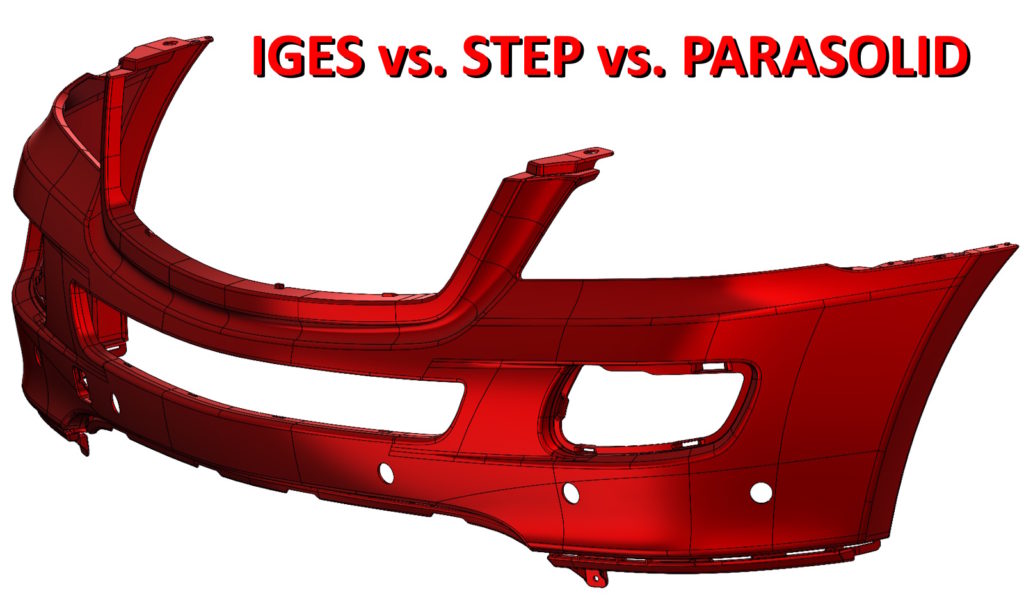
Topic, with whom I have always met during trainings or visits to various companies. Data exchange between different programs, or the issue of saving files to an older version of SW.
As you know, cannot save the file back. I covered this topic in the post above.
But how to exchange files between different CAD systems and not only between SOLIDWORKS?
It turns out, that many companies, without going into details, always save in the STEP format. When asked why, odpowiadają – bo to najlepszy format, or, that everyone has always written like that, etc.
The general rule is this, that the file should be saved in this format, which target CAD system reads best. And so in the case of SOLIDWORKS, NX, SOLIDEDGE, T-FLEX i wielu innych programów opartych na silniku PARASOLID – będzie to format Parasolid (x_t).
Only Autodesk group programs are based on the SAT and CATIA kernels (BTW – korporacyjnie rodzina solida) uses a different engine, therefore the latter program does not save the parasolid.
So when saving a file to SOLIDWORKS, we always choose PARASOLID first! Because, that
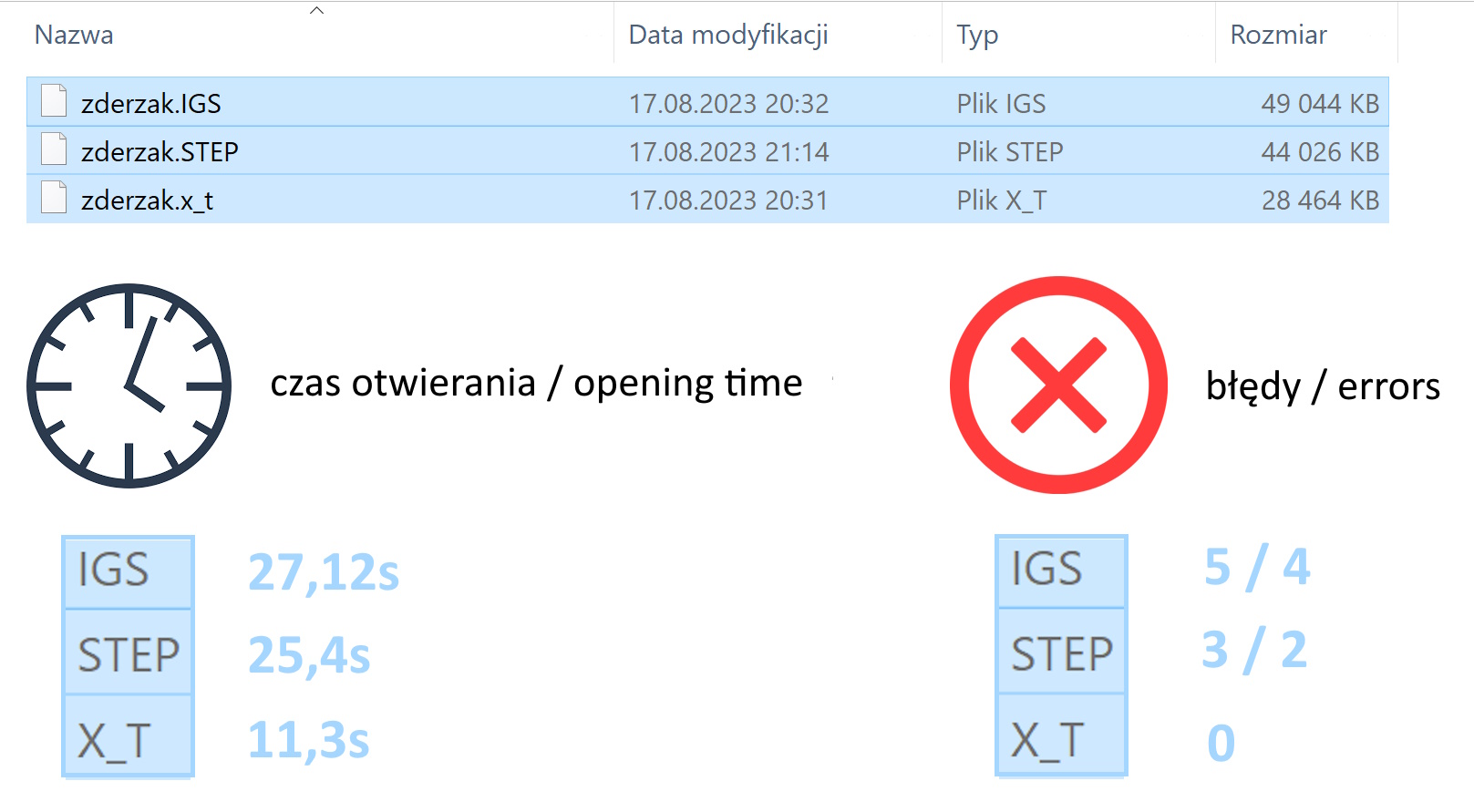
- it is the native format, there is no translation process when opening, thus minimizing the risk of errors
- opens fastest
- has the smallest file size
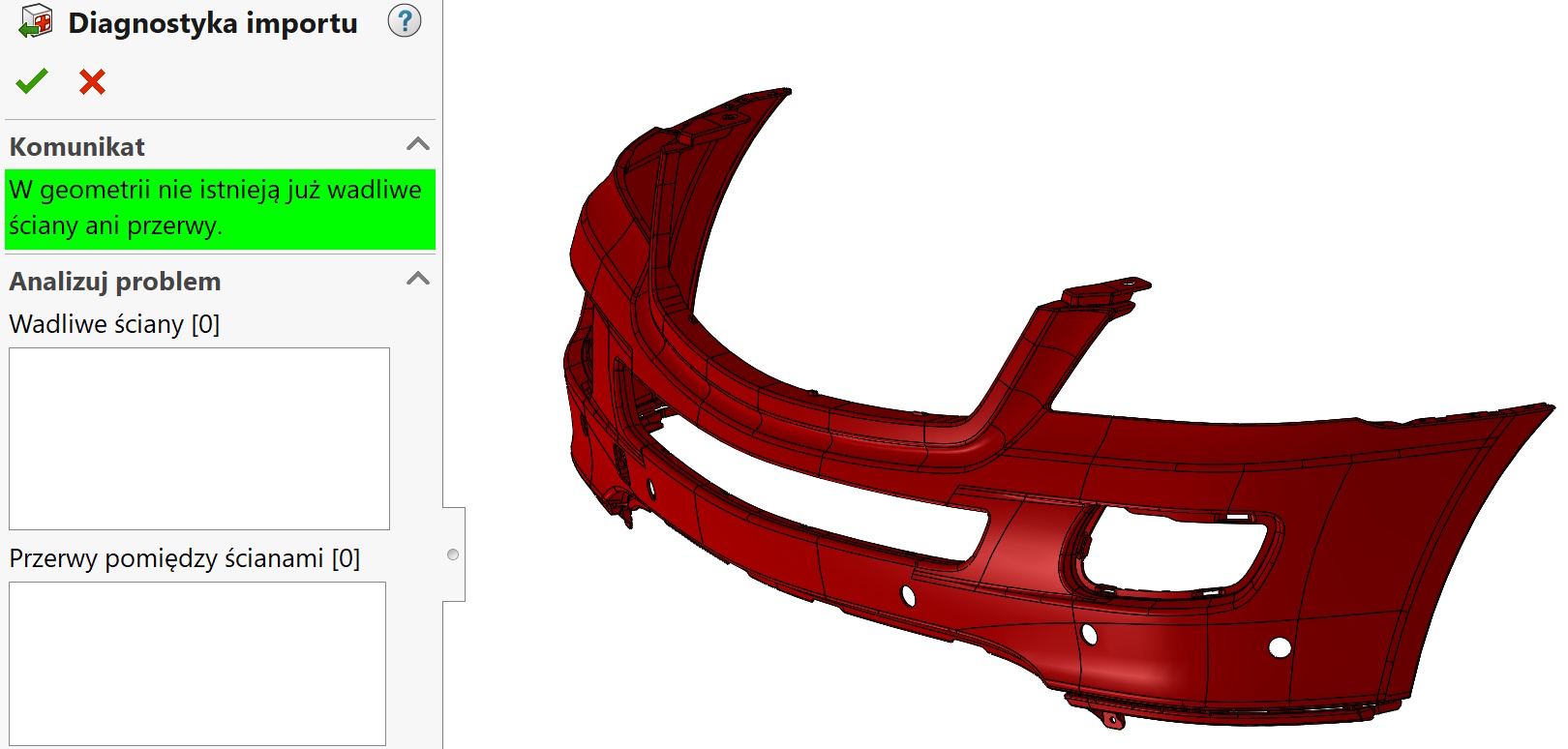

Secondly, if for any reason you can't use the parasolid, STEP format must be selected.
- it is an open format (neutral) data exchange, a zatem występuje dwukrotna translacja – podczas zapisu i otwierania. There is a risk of errors.
- long opening time due to the need to build the model
- larger file size. The more complicated the design, then the size difference compared to the parasolid increases.
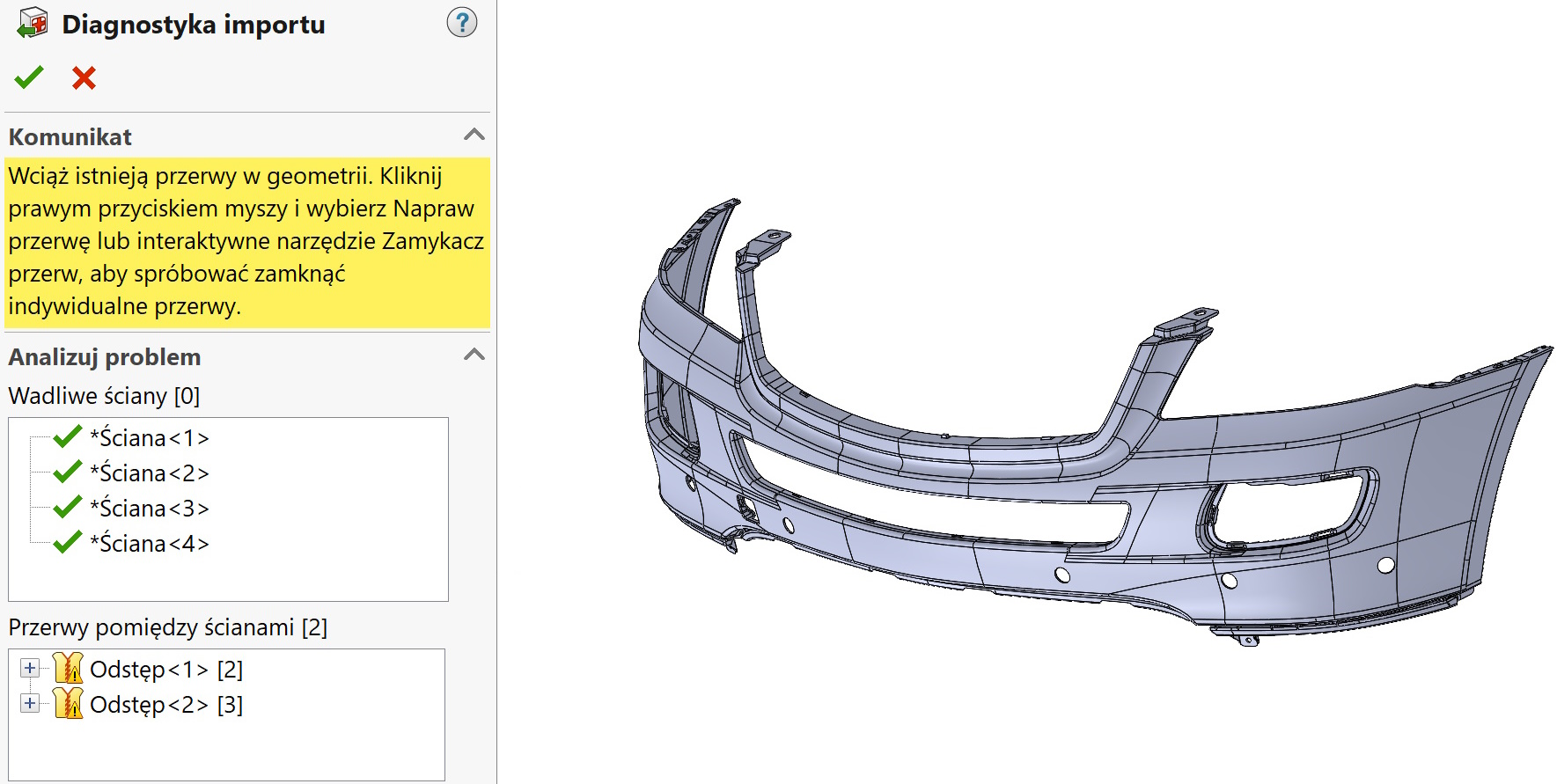

The last format is IGES. This is the second of the so-called. neutral formats, but in the case of SOLIDWORKS it loads worse than STEP.
- there are the most errors when opening compared to the two above formats.
- long opening time
- largest file size.
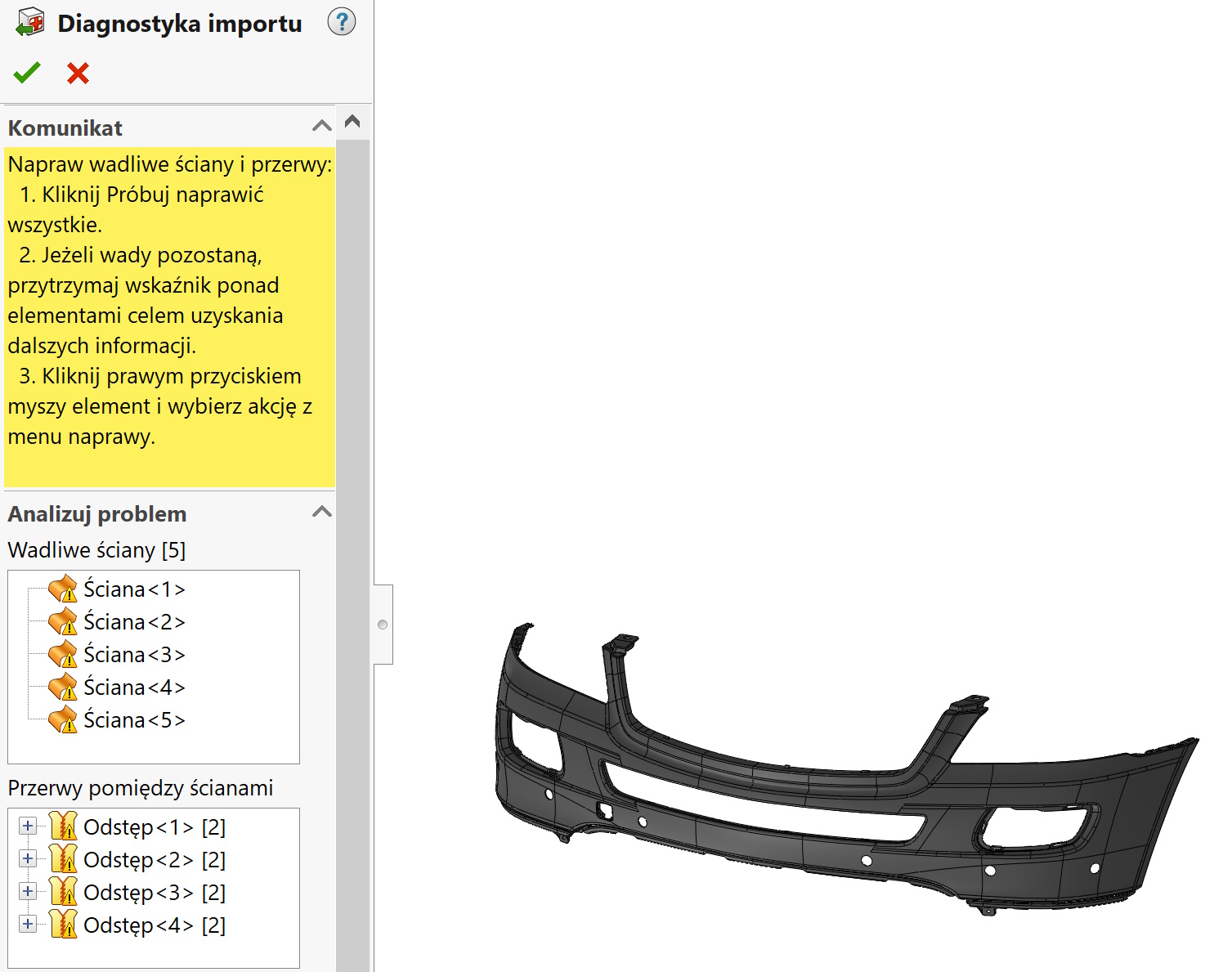

And now a comparison of file sizes and opening times (bez 3DInterconnect) and errors.