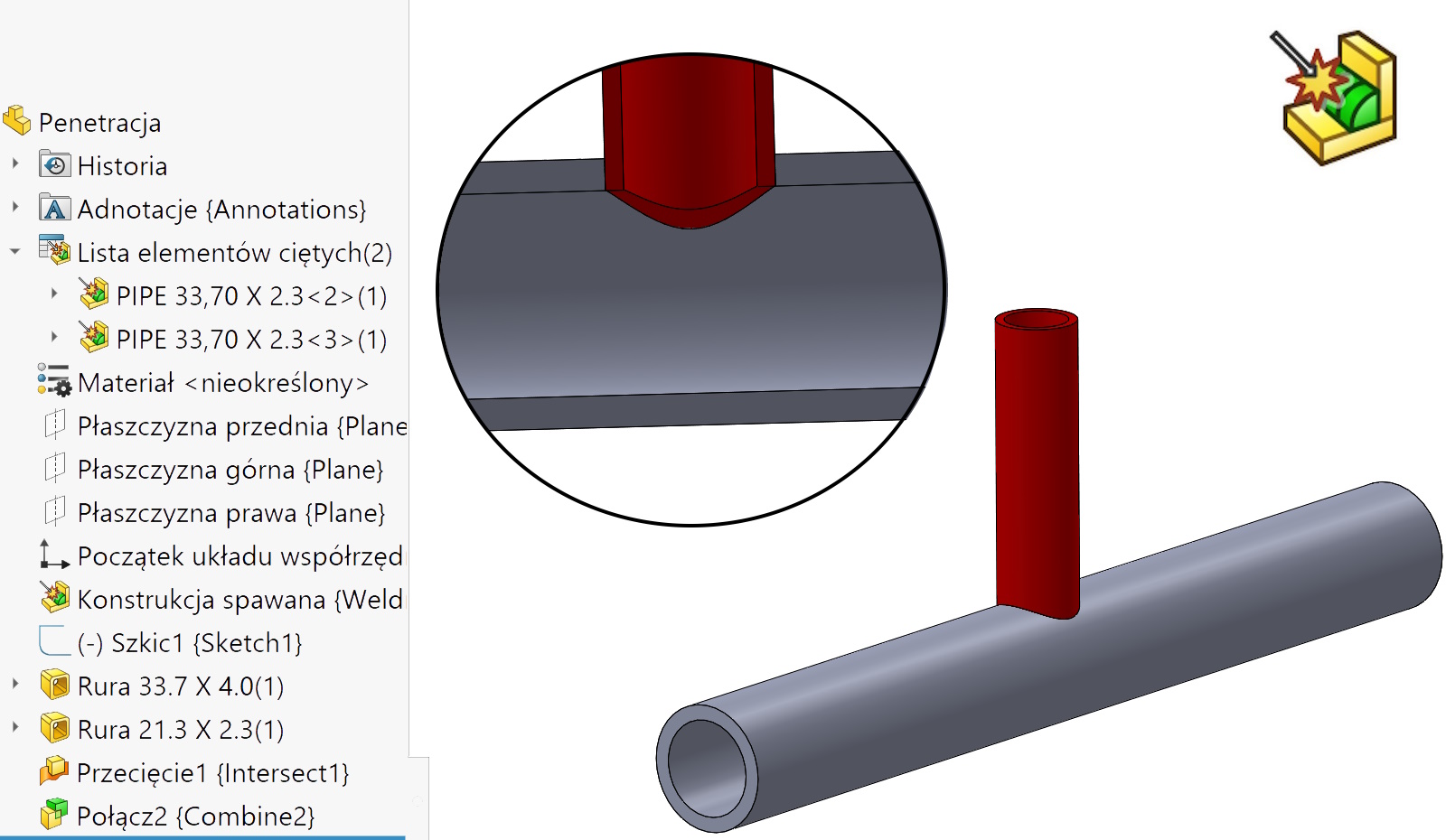
In addition Routing, which serves, among others,. for the design of piping installations, There are orders Penetration. It is used to cut a hole at the junction of two pipes of different diameters.
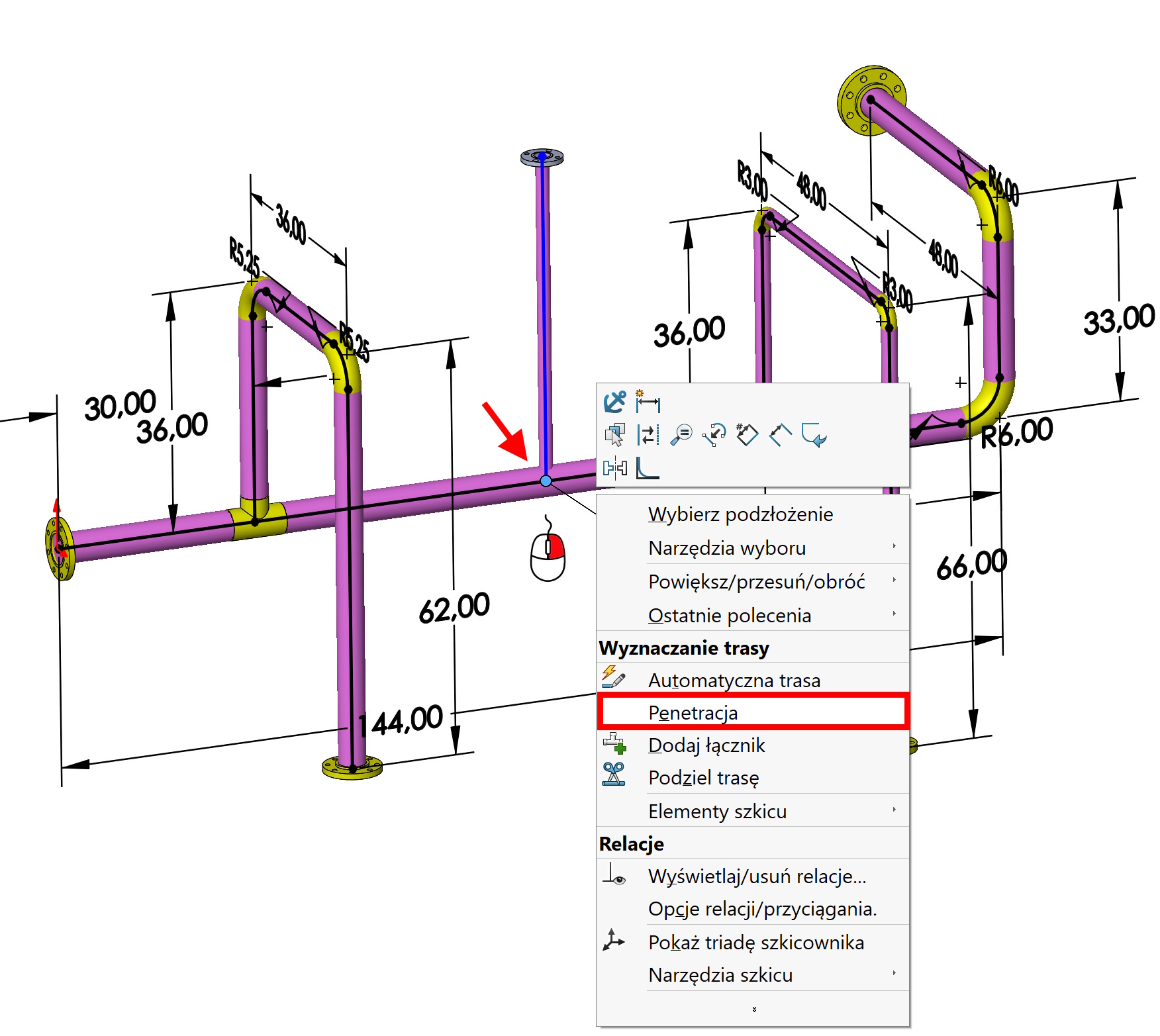

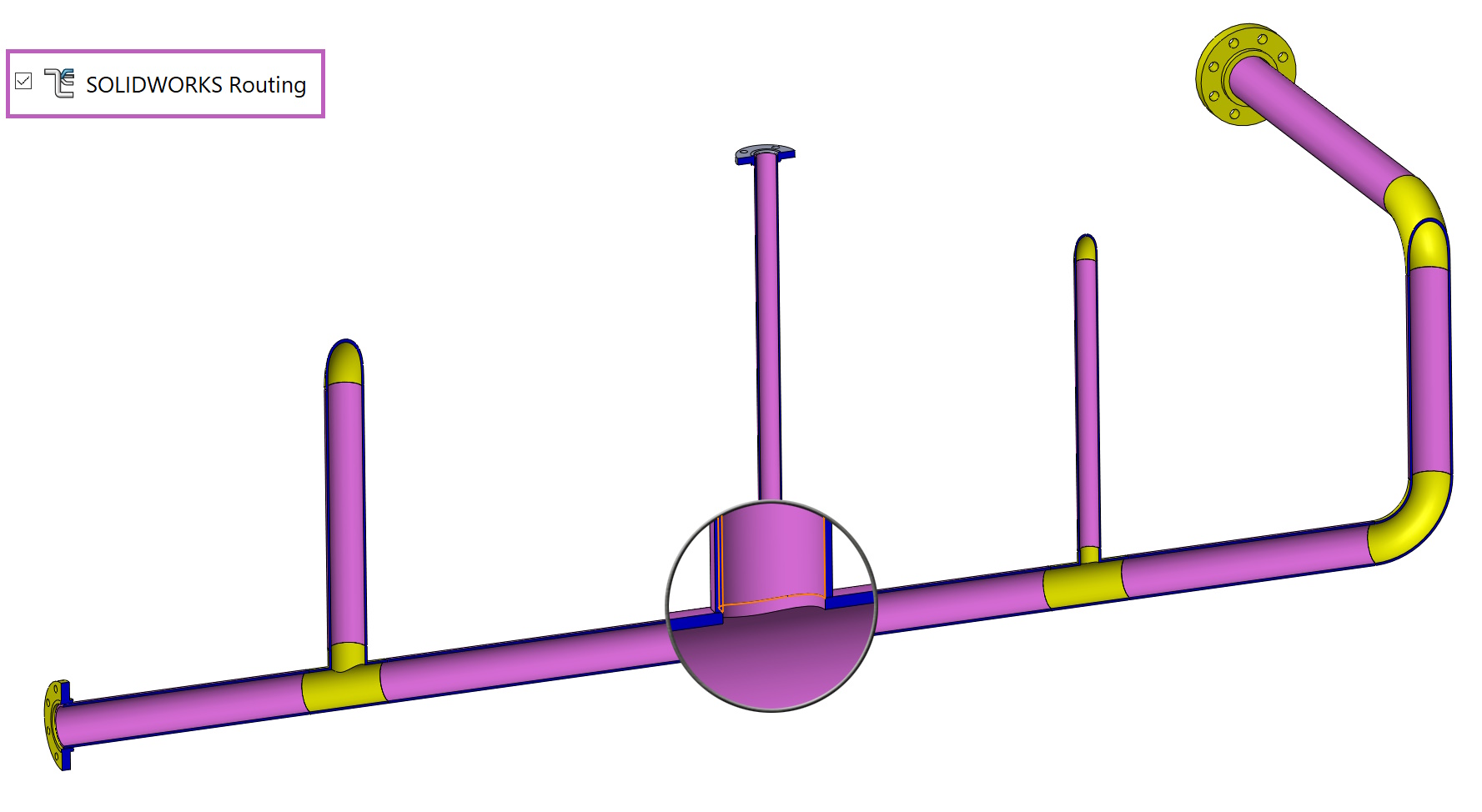

However, not everyone uses Routing, then, to some extent, it is possible to draw similar installations with welded structures. The problem is this, that here there is no operation analogous to penetration.
So know my solution to this issue.
The situation applies to two penetrating pipes of different diameter. Therefore, they had to be performed in two separate operations and are not cropped. I do not use the command cut/extend only Intersection.
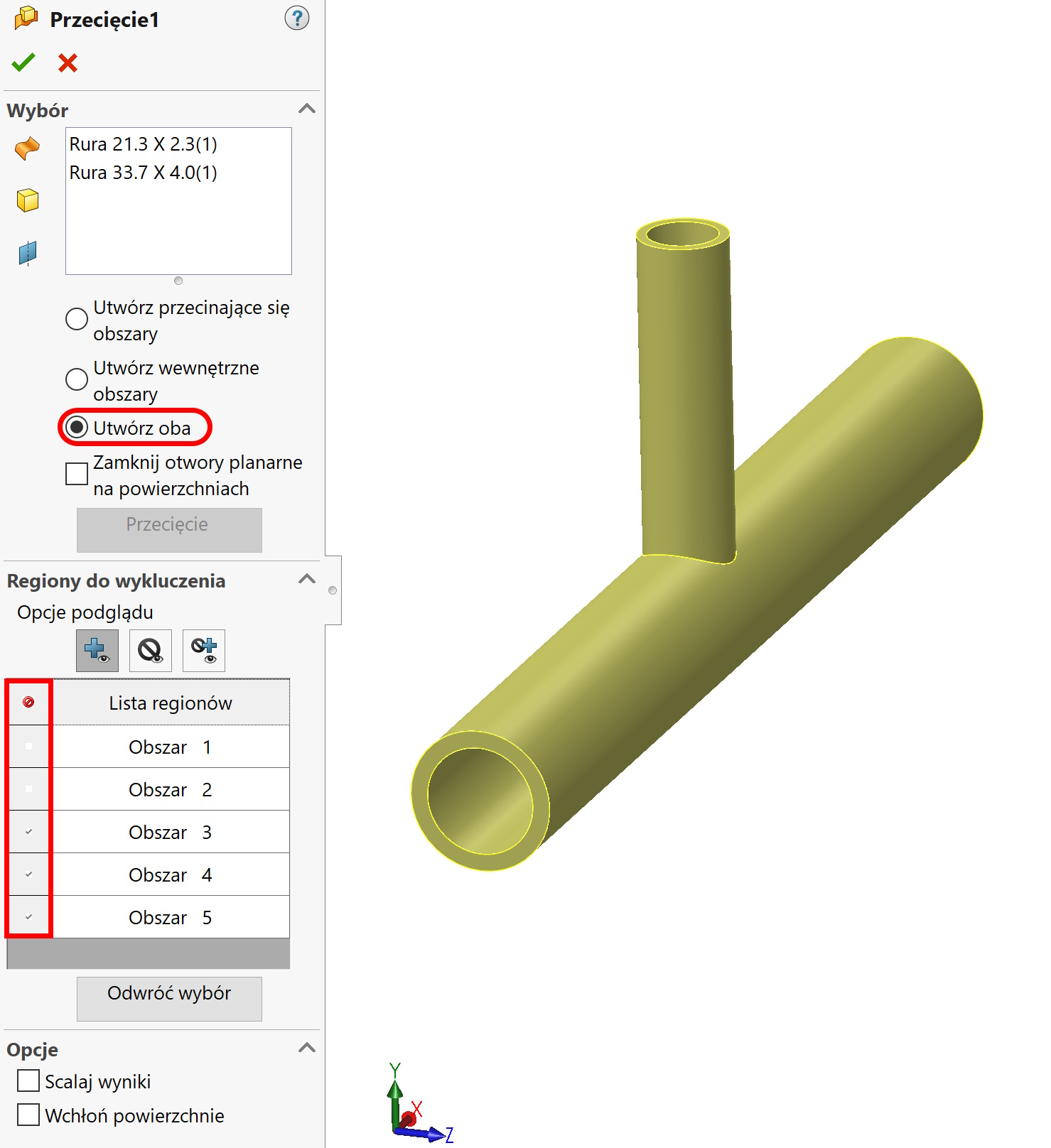

After selecting both pipes, I choose Create two in case Regional leaves I leave two or three objects. Two then, If the smaller pipe is to be cut by the outer wall of a larger one. Unfortunately, in this case, you still need to move with the command Move face the wall of the hole.
if you want, so that the smaller pipe enters the inside, Then I leave three objects and I exclude two. In such a situation, these objects should be manually merged with the command connect (add). The intersection of intersection cannot be marked, Because the program merged all three objects in one.
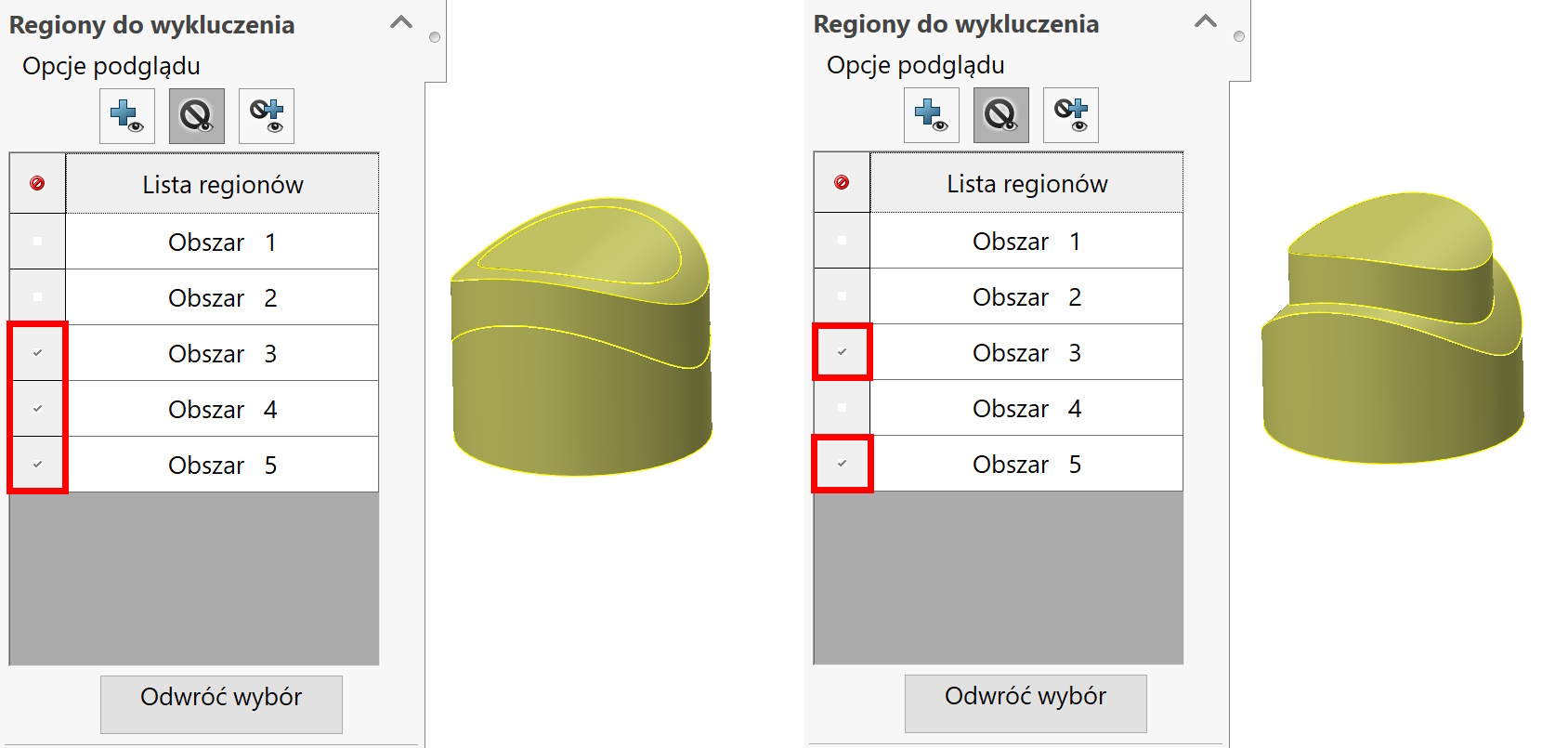

Tak czy inaczej za pomocą w zasadzie dwóch operacji jestem w stanie wykonać “penetrację” w przypadku konstrukcji spawanej.