


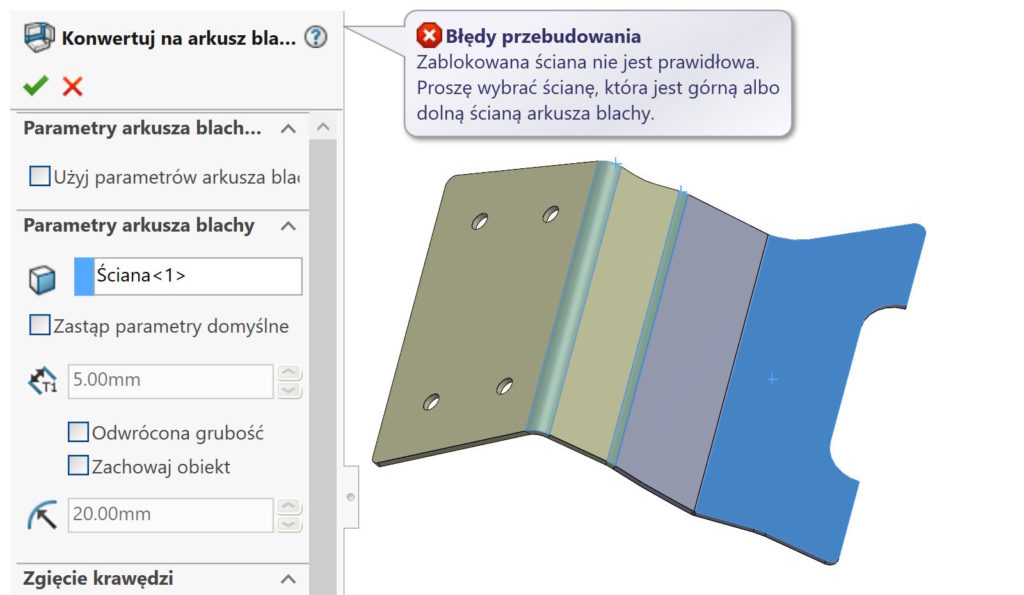
I meet various problematic situations in my work, whose solution can be simple or complicated.
Let's consider the sheet. At first glance it looks normal. However, no methods can be converted to a baking tray.
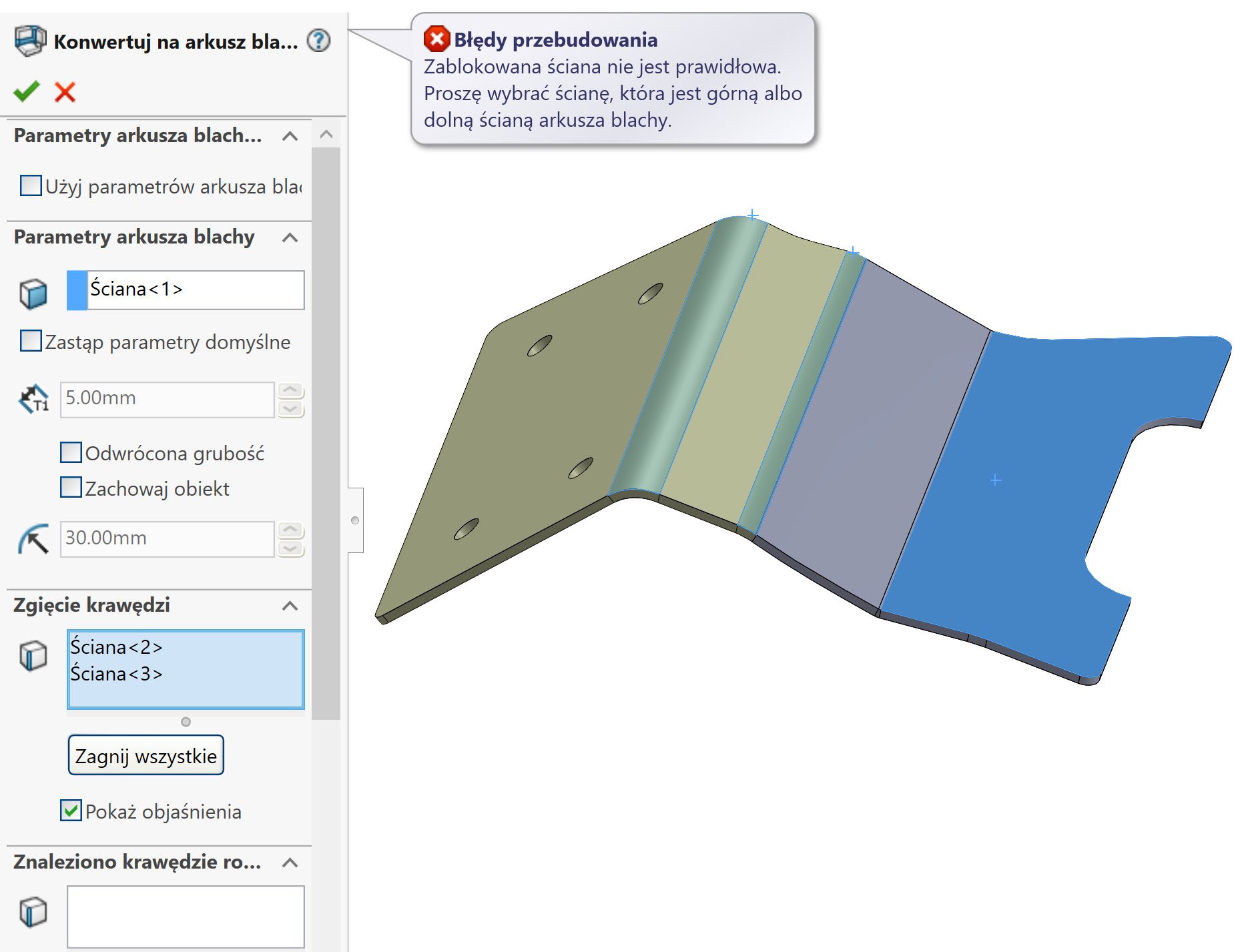

I present two solutions to the problem, Both are effective, But none is perfect.
1. Premium package holders (oraz Ultimate – bo to Premium plus rozwiązania chmurowe) They can use a command Flattening.
ATTENTION! The tool works effectively, Even in the case of free surfaces, But there is no question of the conversion of the allowance using the K factor. So you can generate a flat DXF quite quickly, But don't be surprised, that it will not be a perfect development.
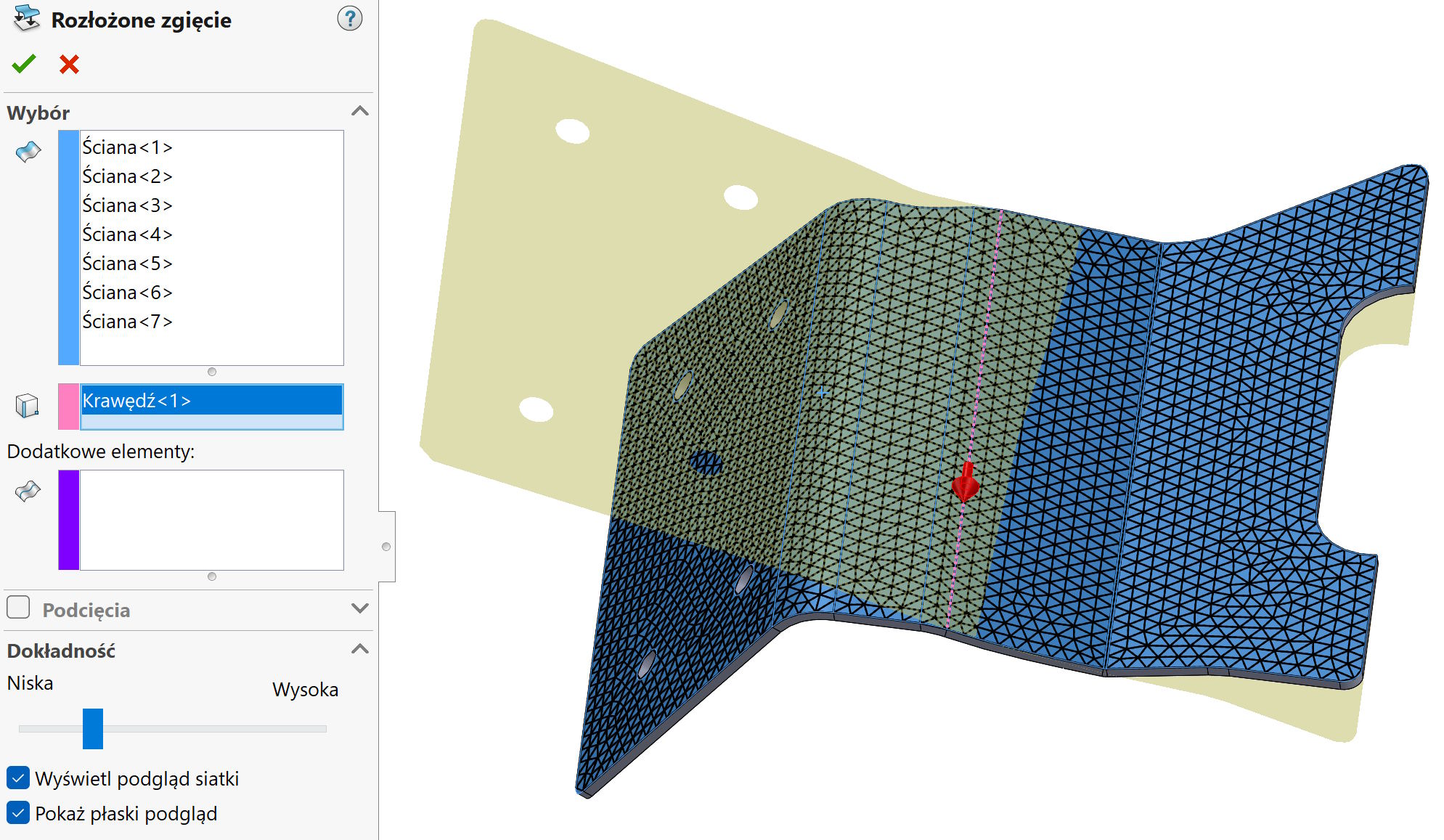

2. The solution is definitely more time consuming is the division of the model into several parts. The division criterion is the separation of areas, which can be converted to a baking tray and unconventional ones.
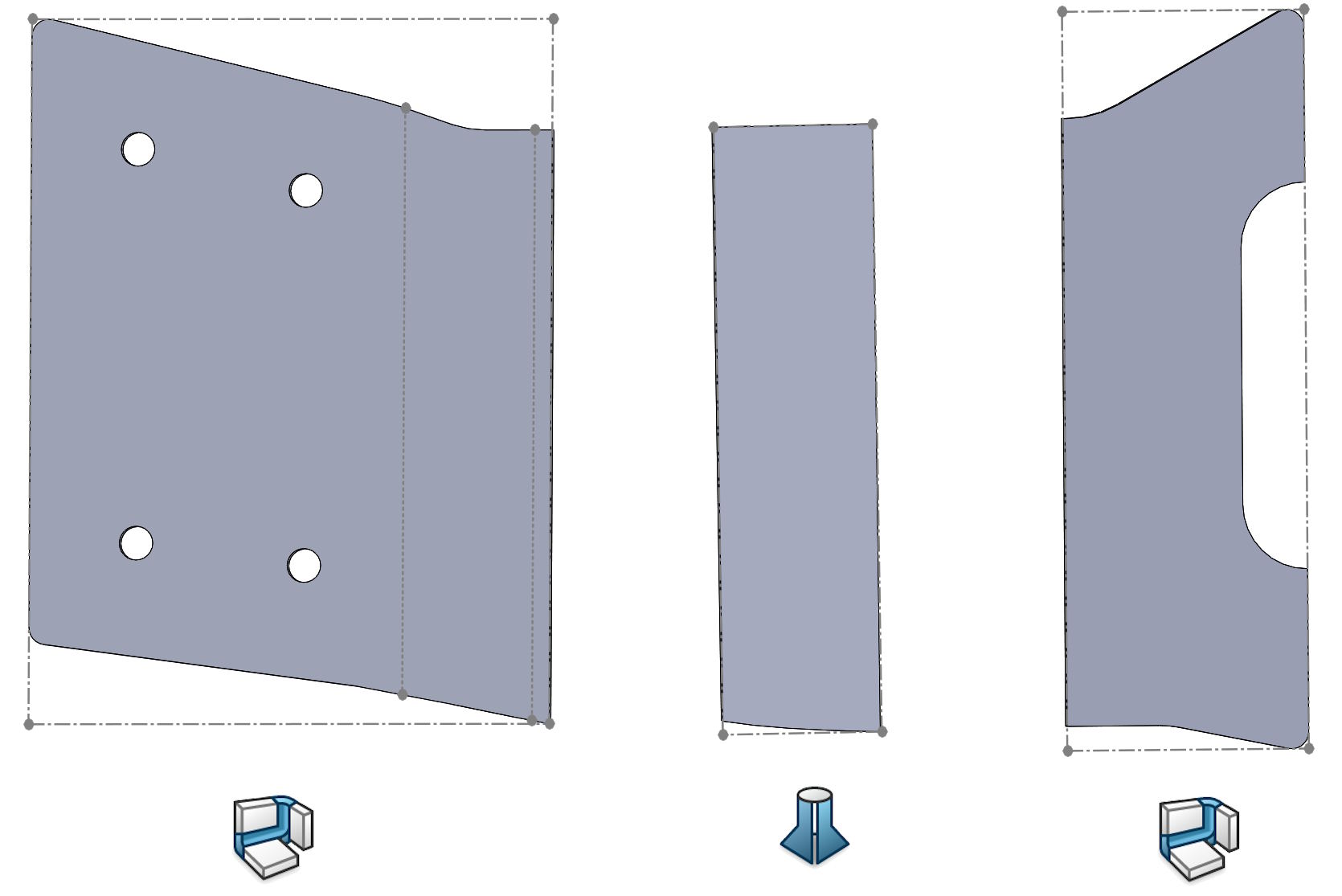
After dividing the object into three parts, Two of them (extreme) I convert to a baking tray. Median, which was slightly twisted, so she did not have a flat wall, has been recreated Flexion drawn after profiles. Earlier, the edges on both sides were converted to 3D sketch (dwukrotnie – wymagane są dwa profile).
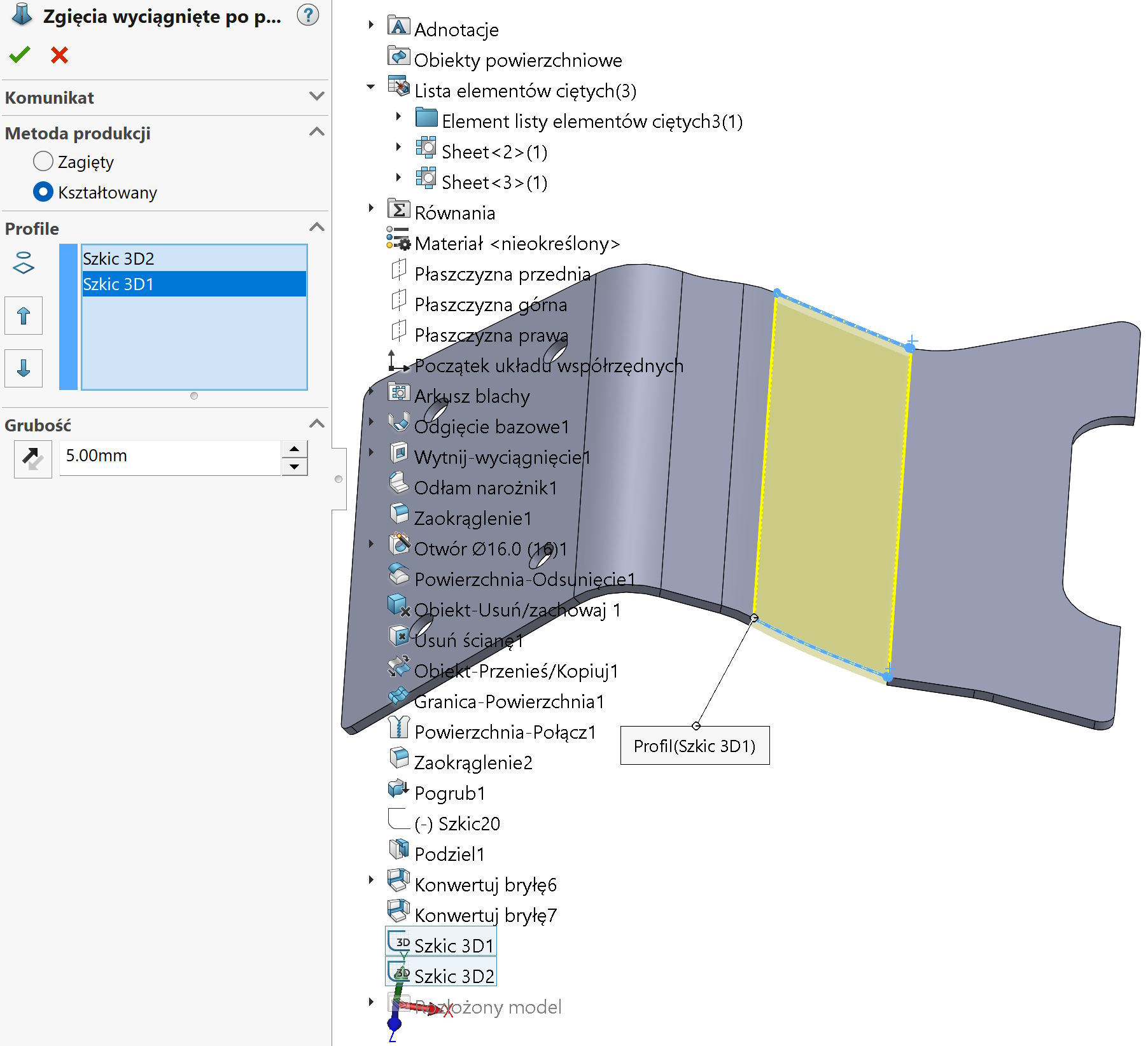

In this way, we get three separate sheets.
You can now stick them in an external 2D program or directly in SolidWorks. Remember, that you can only spread one sheet at one time. So you have to spread everyone, convert to a flat sketch, cut this sketch and stick together!

You want to learn from scratch designing sheets and welded constructions? Zapraszam na szkolenie od podstaw lub dla bardziej zaawansowanych – z samych arkuszy blach i konstrukcji spawanych.