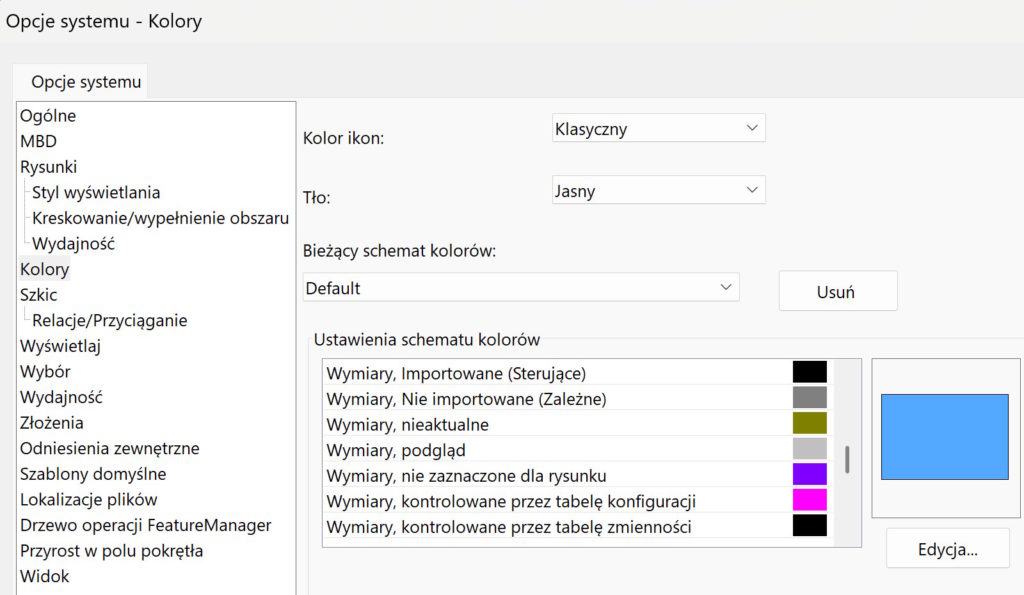
Wymiary mogą mieć różne kolory – warto poznać, what do they mean?. Of course, these are the default settings.
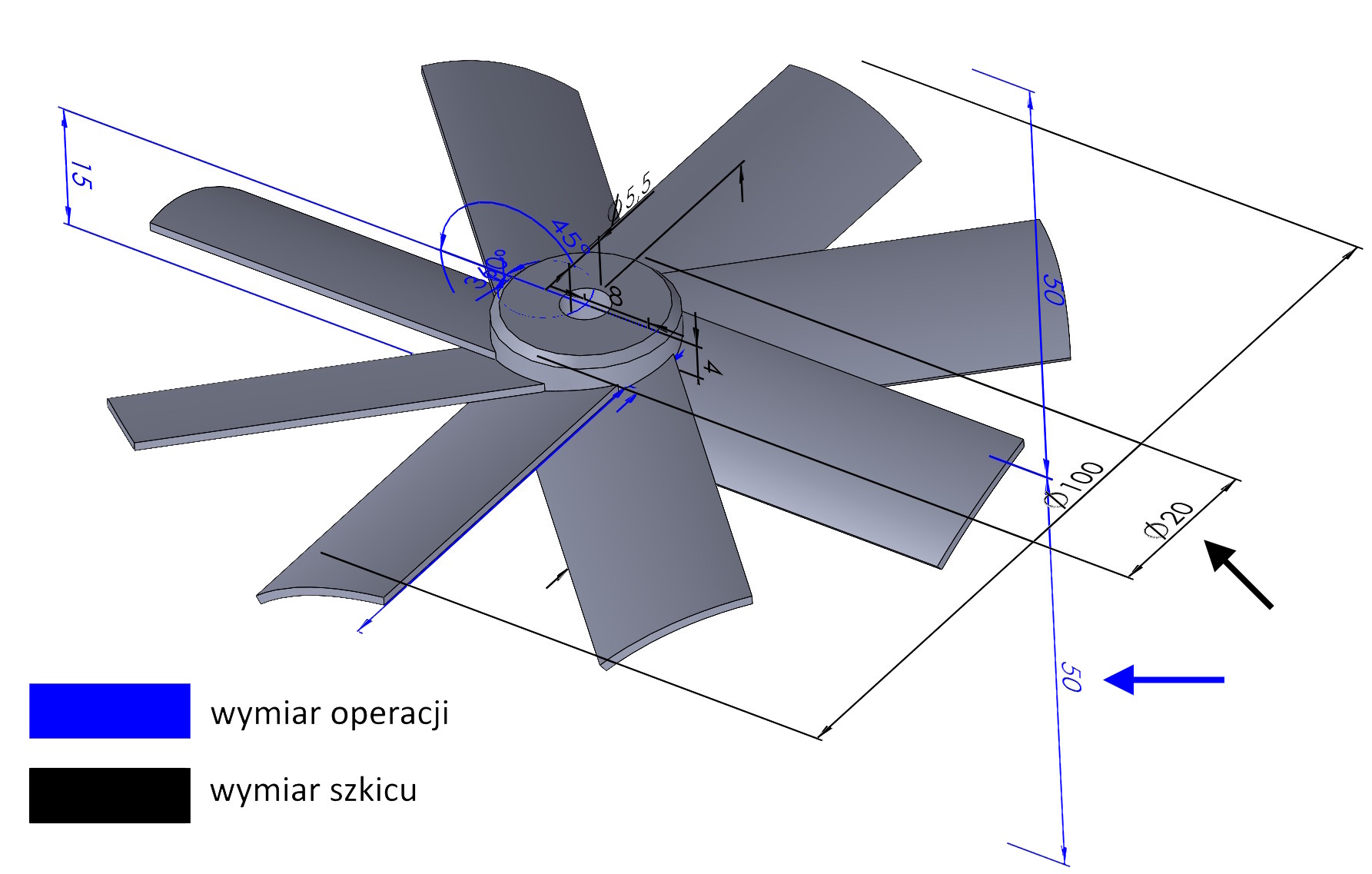
And yes, w obrębie części lub złożenia poza edycją szkicu – wymiary niebieskie to wymiary features, and black are dimensions sketch.

When editing a sketch, you may encounter the following colors.
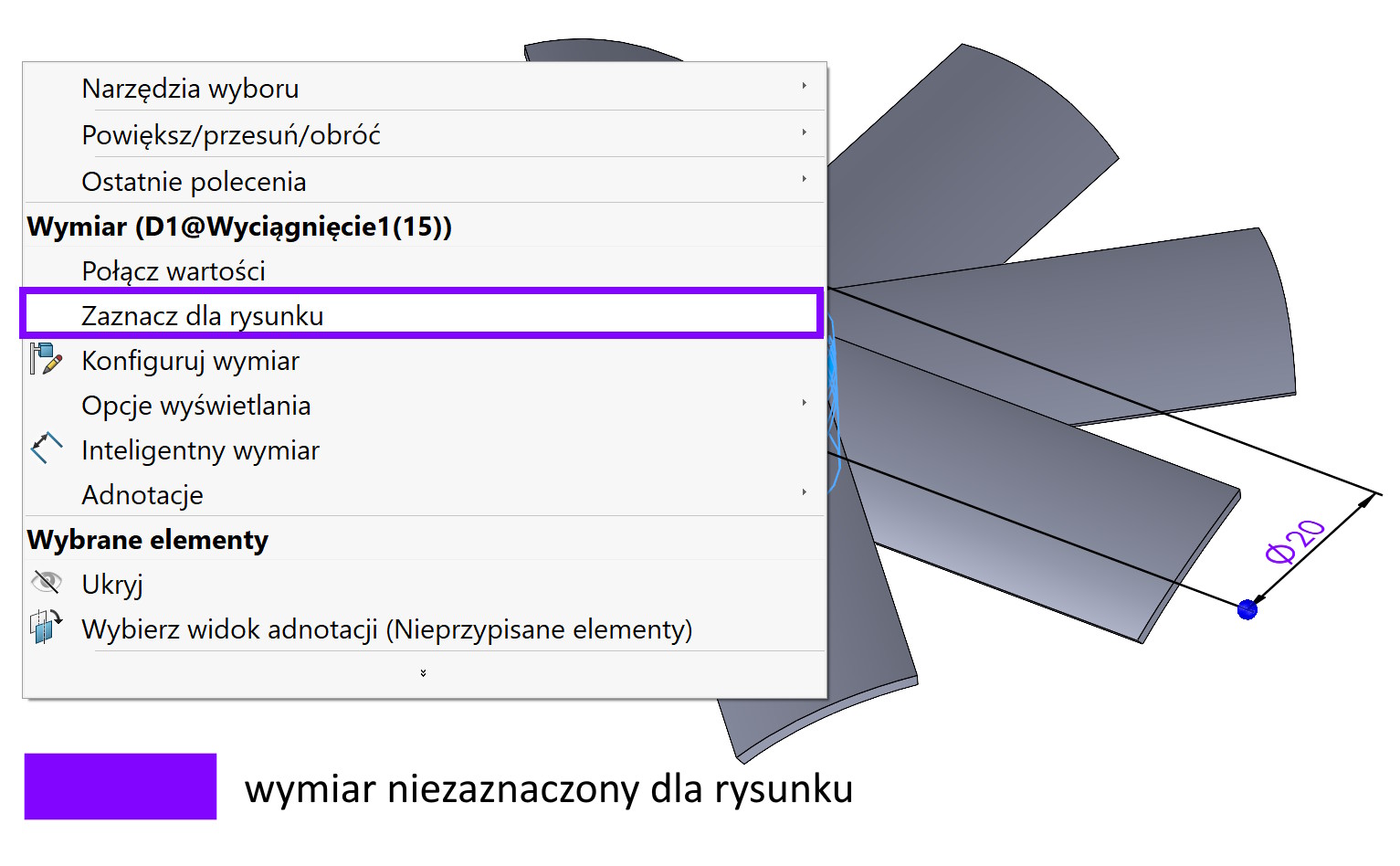
By default in SOLIDWORKS in purple means dimensions, which are not selected for the drawing. An example of such dimensions are those from profiles of welded structures.

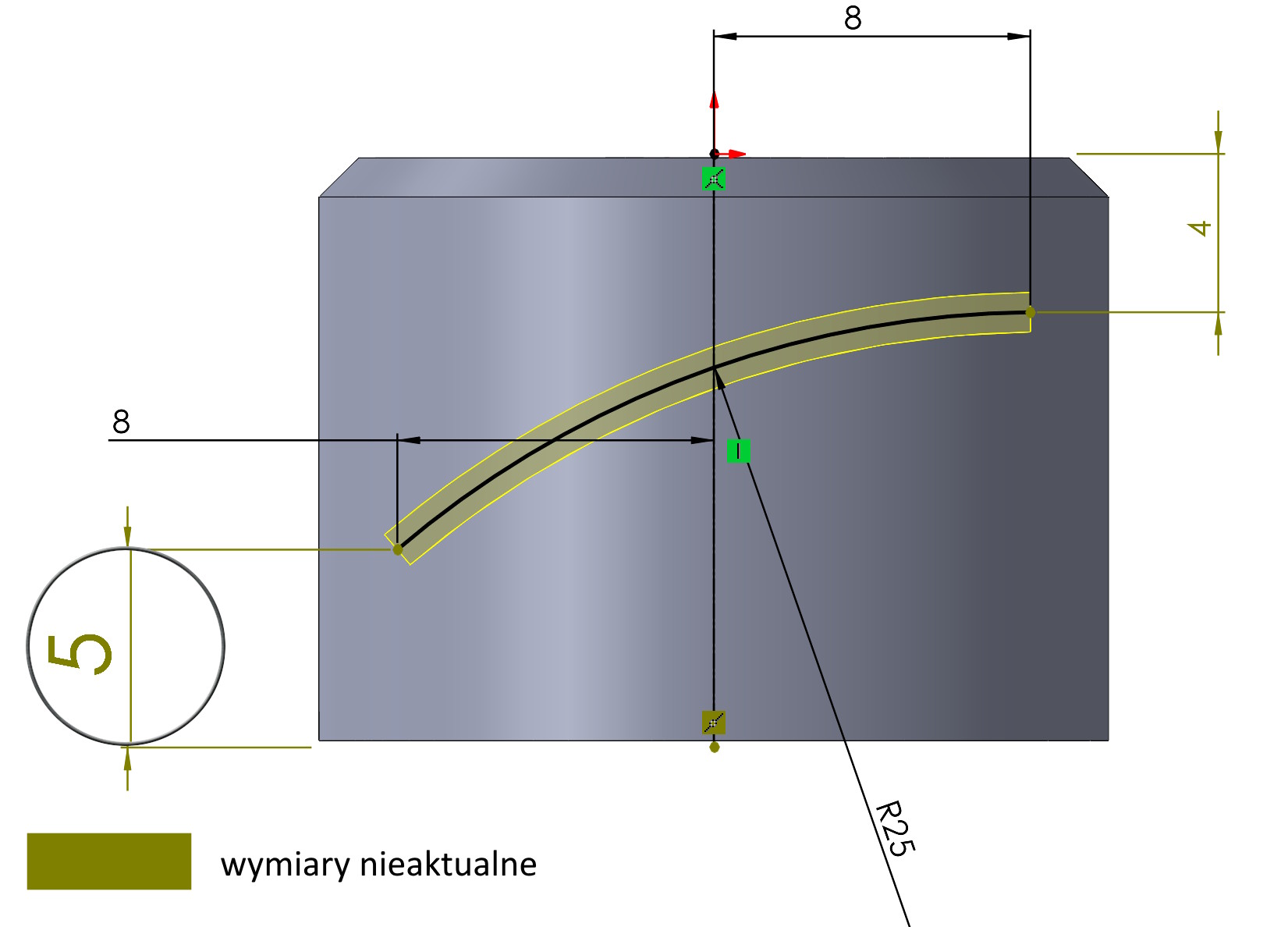
Dimensions out of date they have color olive (green olives). They concern the sketch, which lost its links to geometry due to modifications.

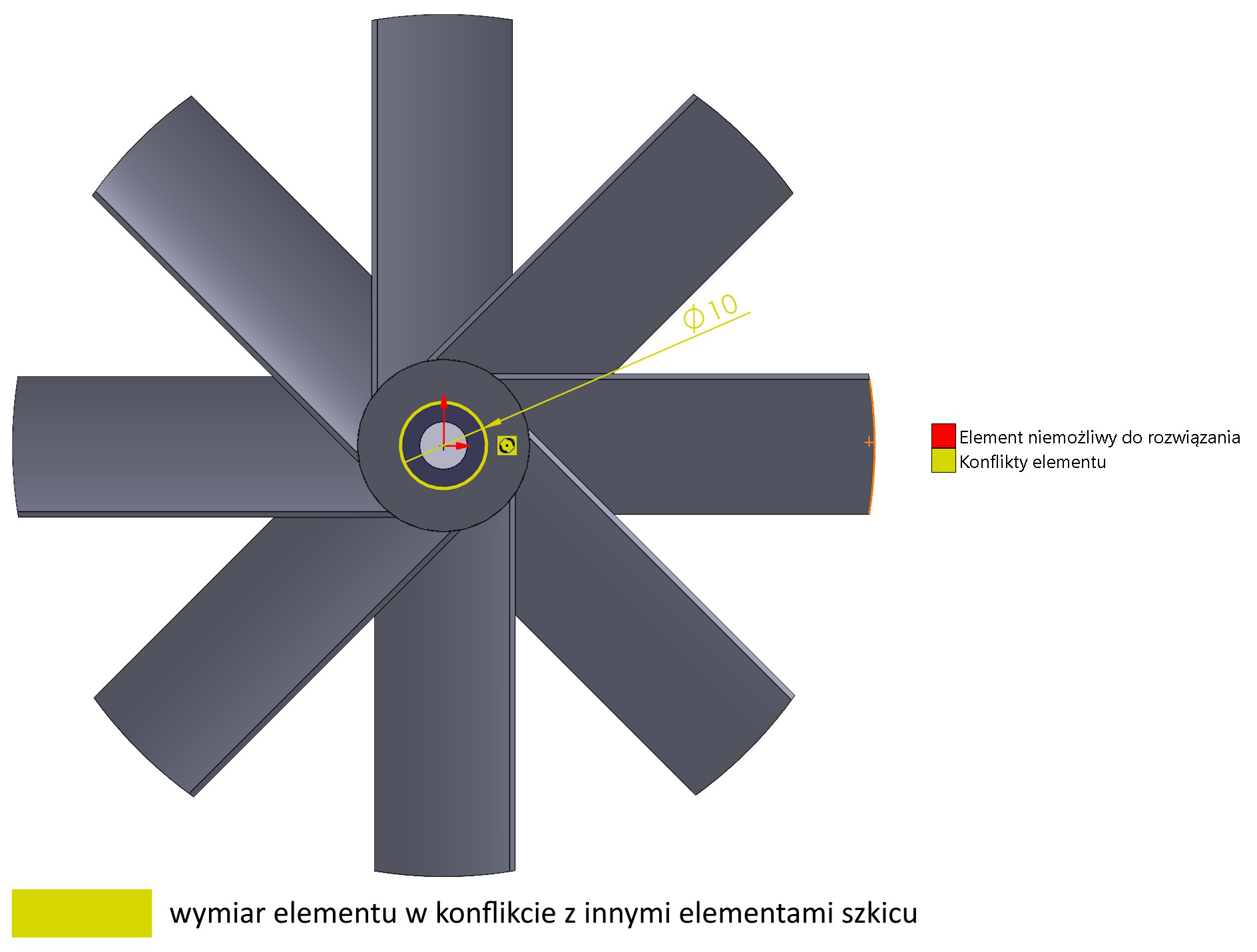
Color dimension yellow means conflict, but it is possible to convert it. you can tell, that this is a form of warning.

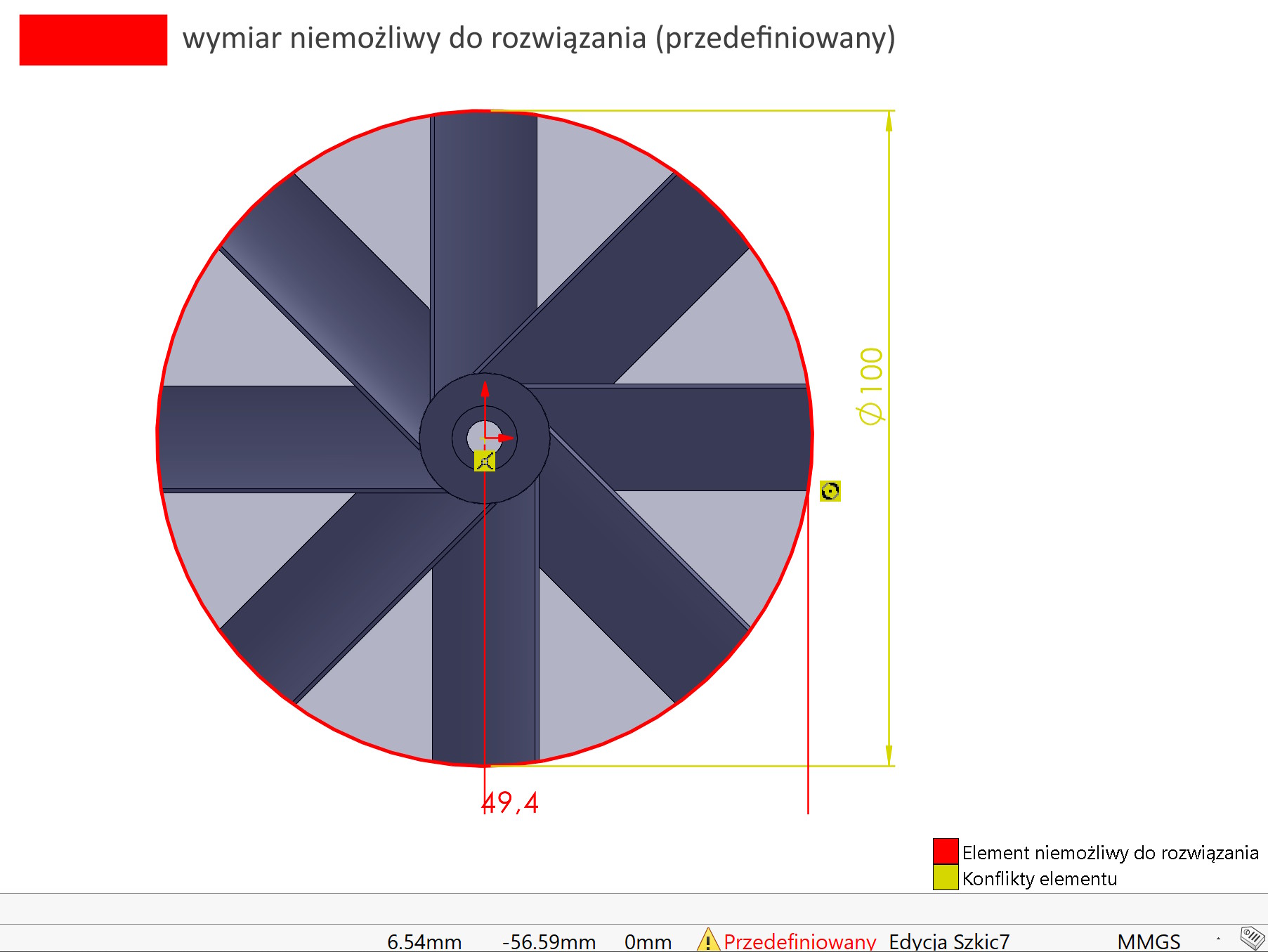
In turn, dimension red uniemożliwia przeliczenie wartości – jest to forma błędu krytycznego i należy go poprawić.

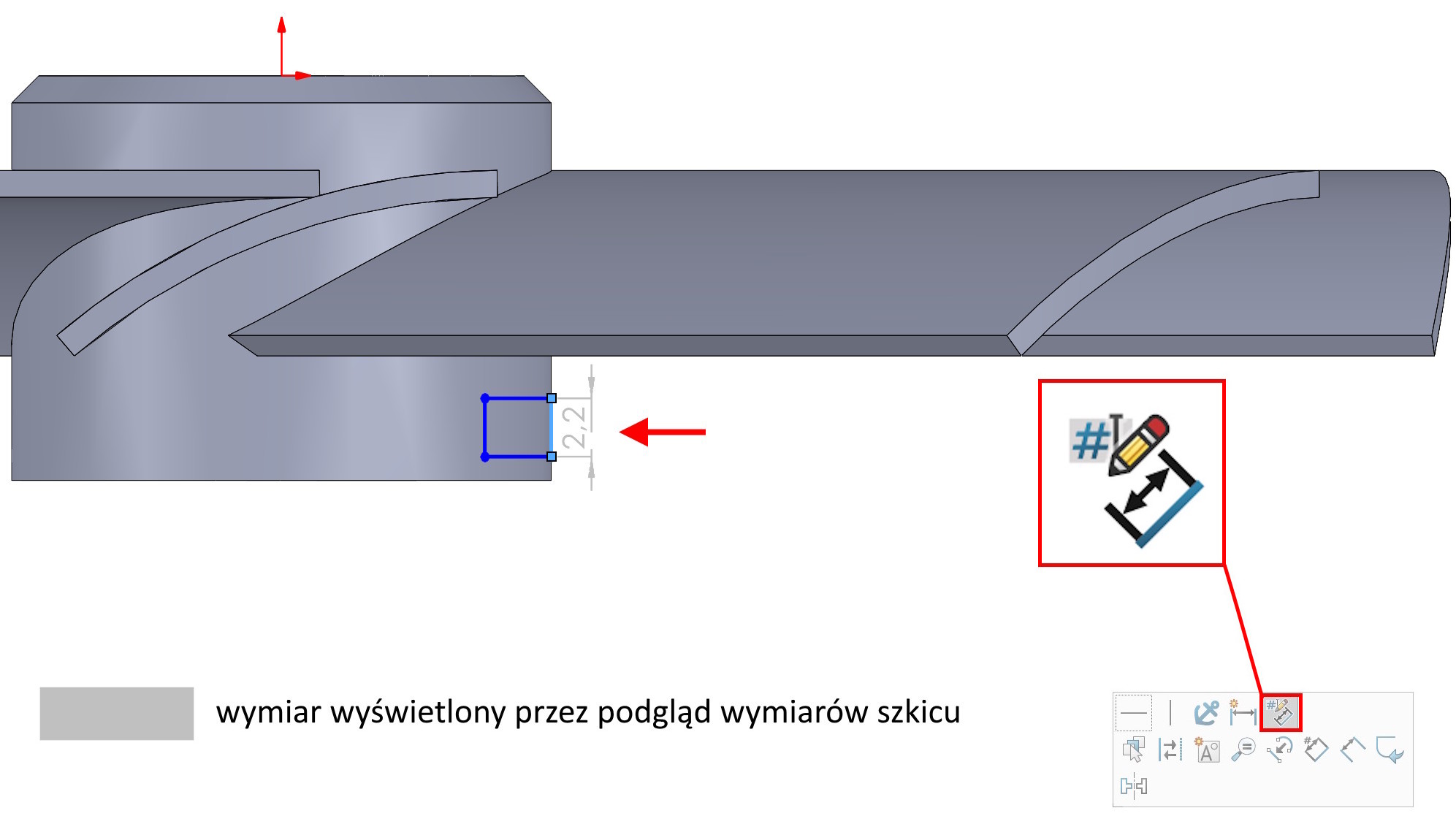
Dimensions clear grey mean the so-called. preview of sketch dimensions.

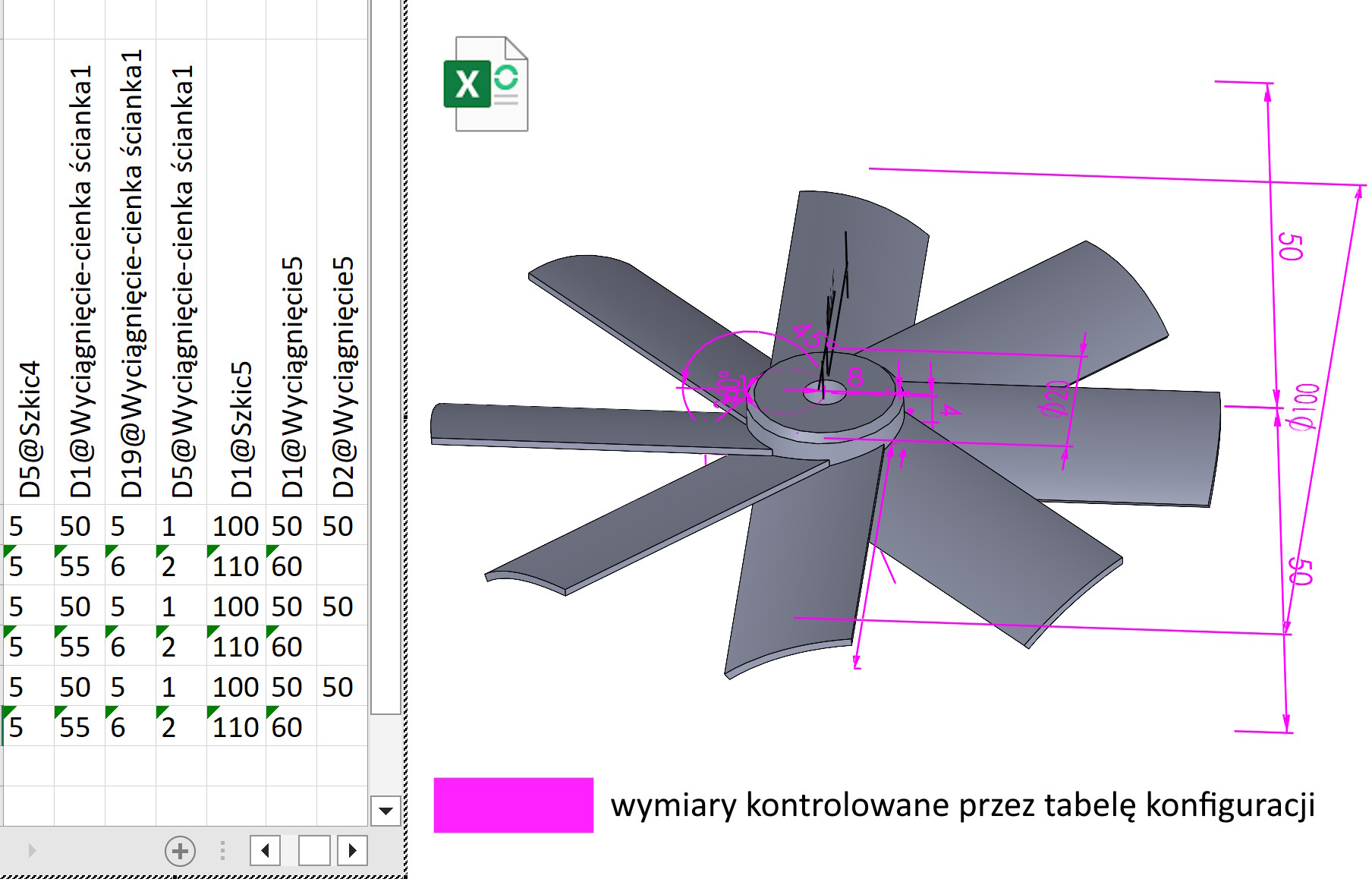
Dimensions in color pink mean, that they are controlled from Excel. They will show up in a situation, when it will be inserted Configuration table. These colors do not appear when creating a configuration using a SOLIDWORKS table.