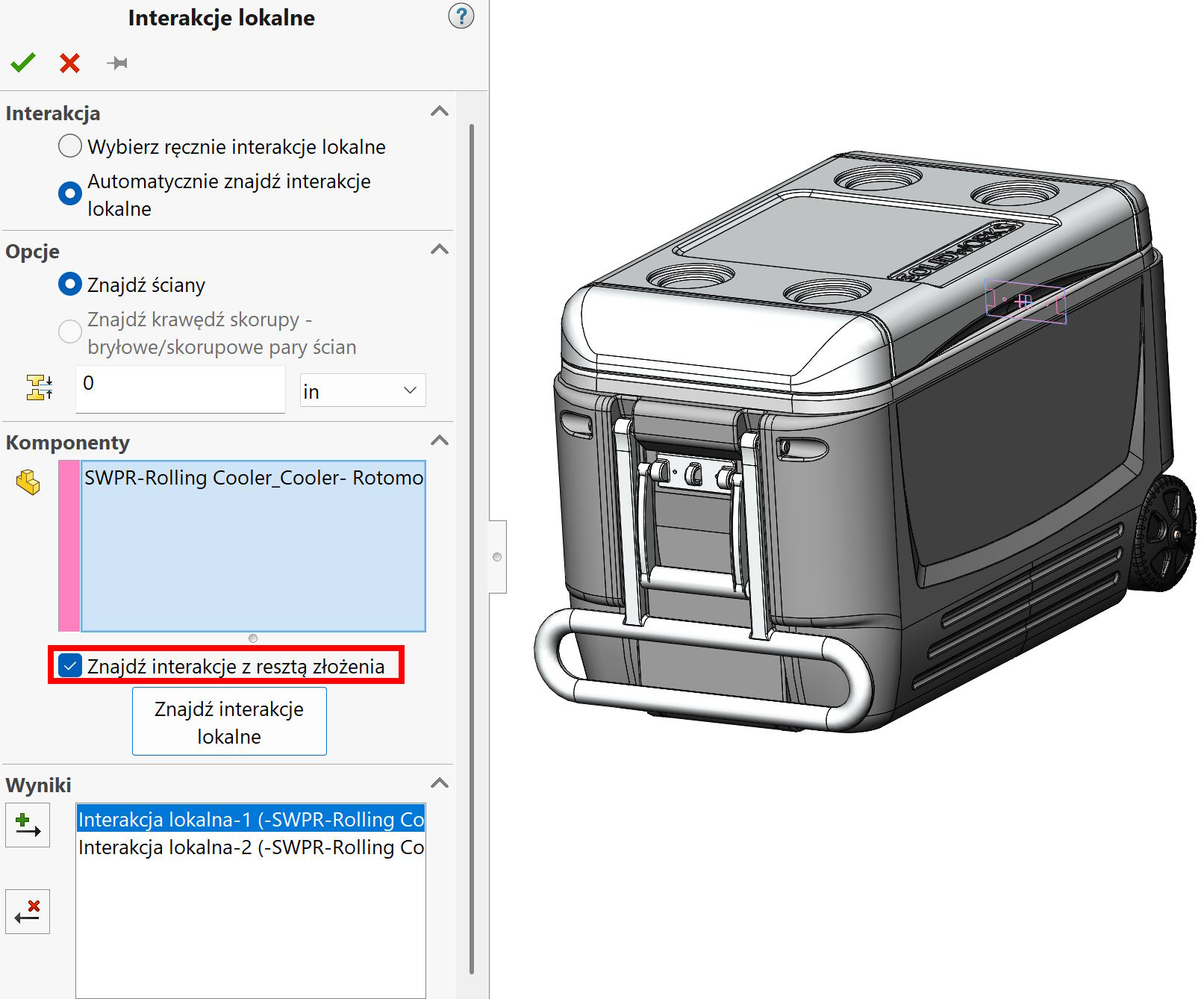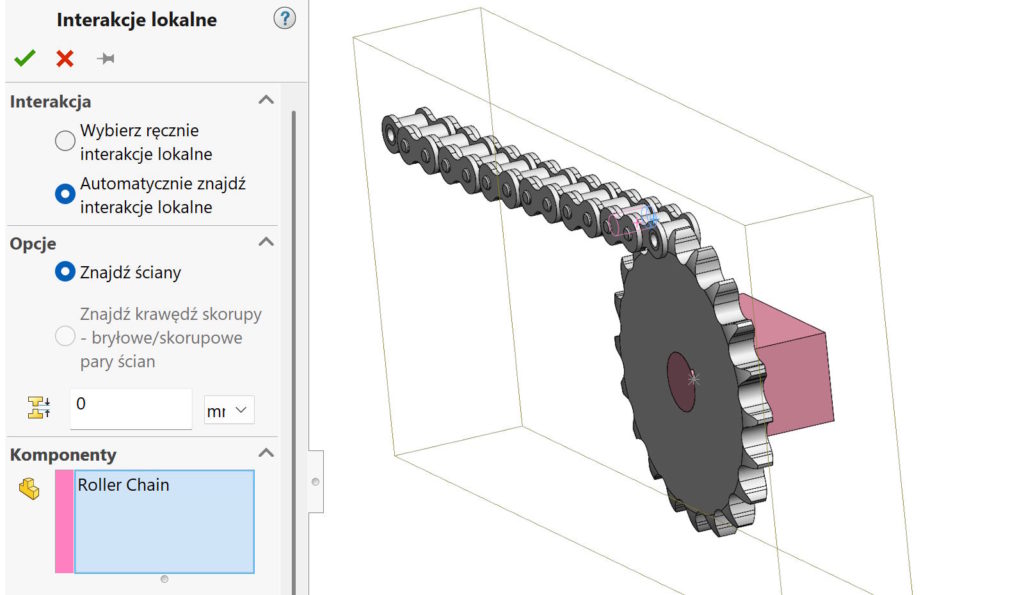
During the submission study in SolidWorks Simulation, it is very important to define contacts.
You can define them manually or automate the process.
To do this, select calls > Local interaction > Automatically find local interactions.
It turns out, that in this case the structure of the assembly is important, Because components can be indicated, between which we tear contacts. Jeżeli zaznaczysz całe złożenie – program szuka wszystkich interakcji (every file with each other). This is the correct option, but you should determine from among the found contacts, which are Tied and which type Contact. Łatwo o pomyłkę…
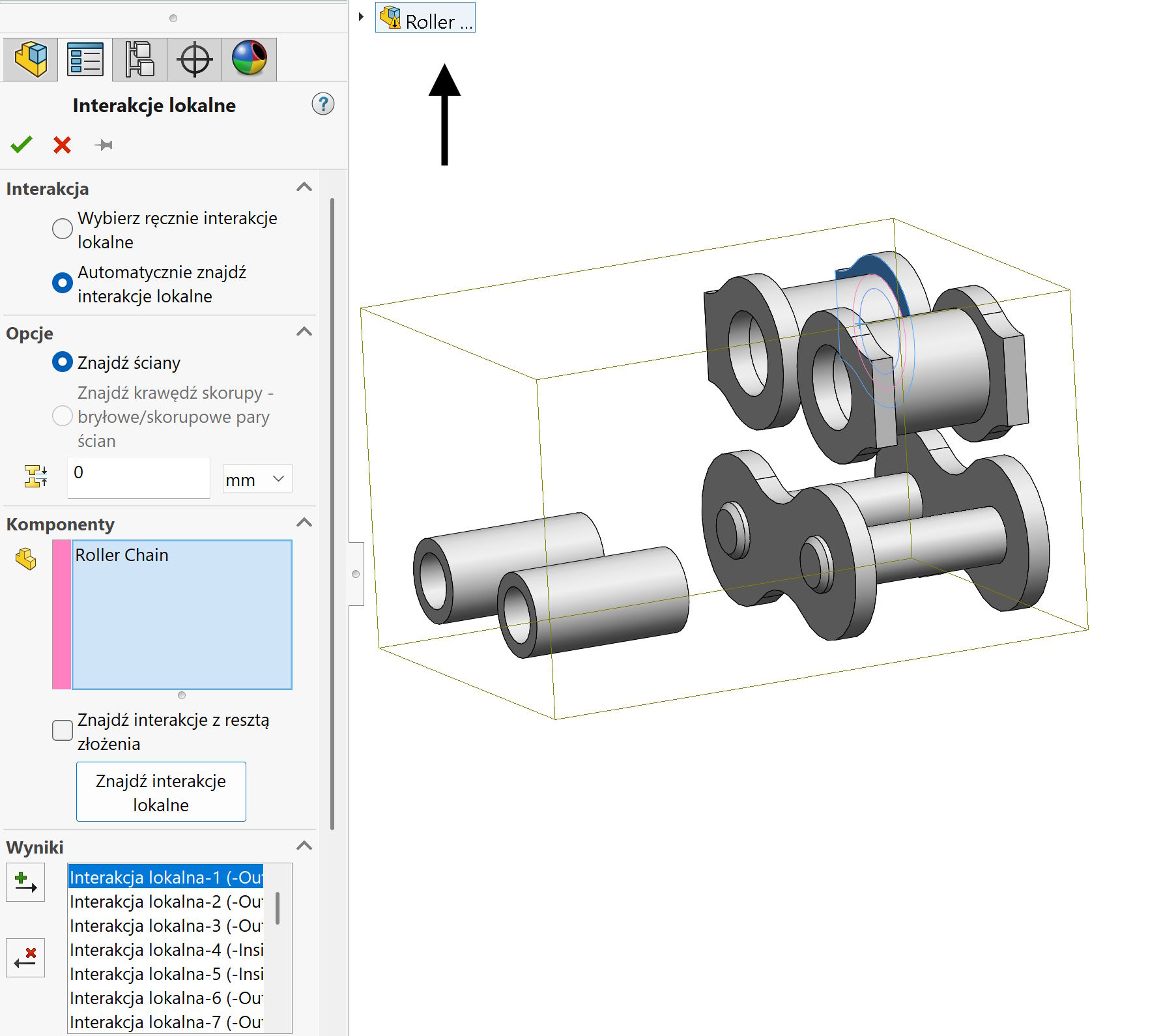

What you can do?
You can properly prepare the assembly structure, i.e.. divide files into the thanks and indicate them to find interactions (and not all folding).
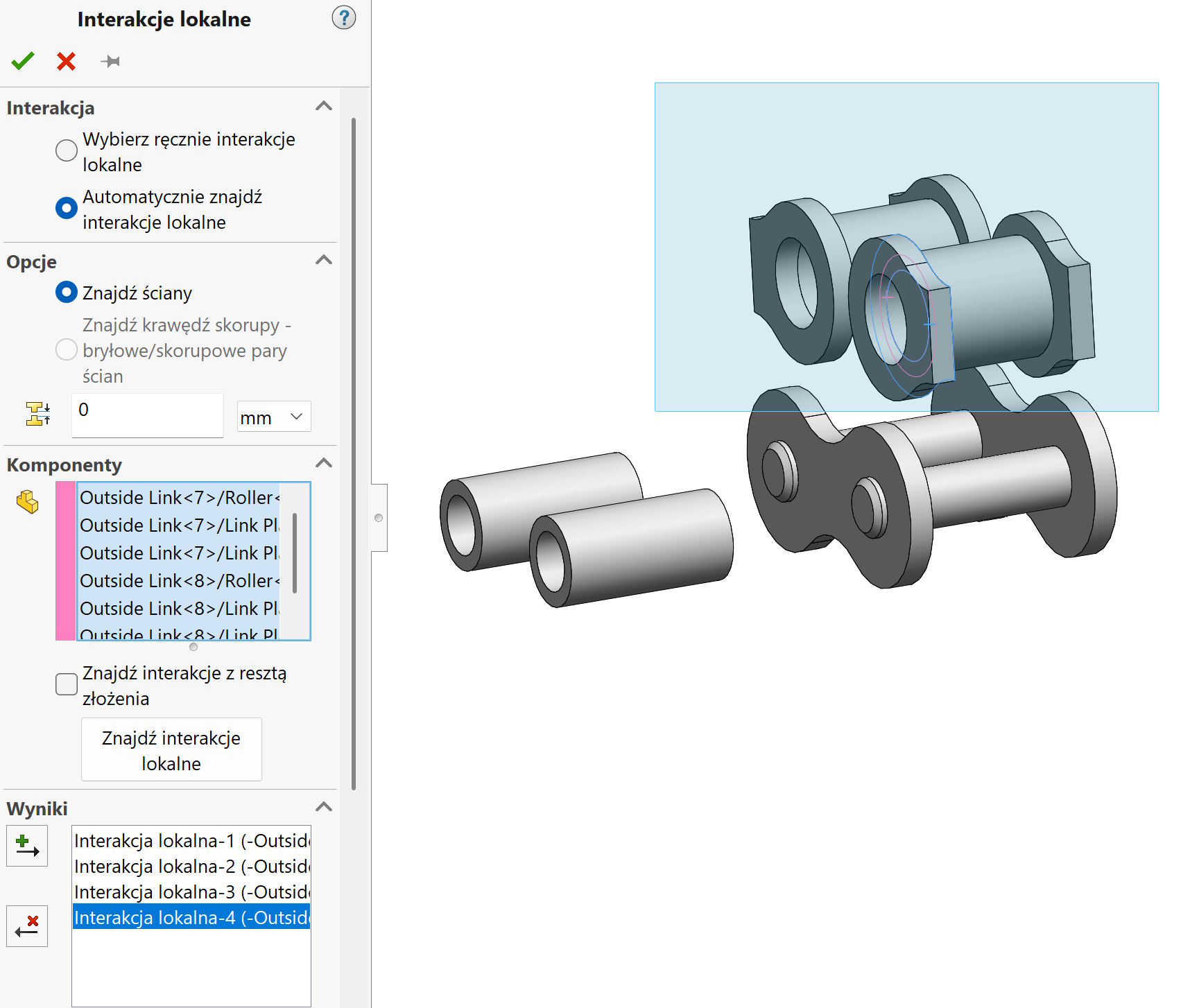

In addition, an useful option is Find interactions with the rest of the assembly. For example,. jeżeli wskazuję sam plik obudowy – Simulation nie znajdzie interakcji. So I have to indicate more files. But it is not always easy, Due to small parts or inside. At the same time, I do not want to mark the entire assembly and look for the right interactions from the dozens detected.
So I mark Find interactions with the rest of the assembly Leaving the housing marked only and the program has now found interactions now!