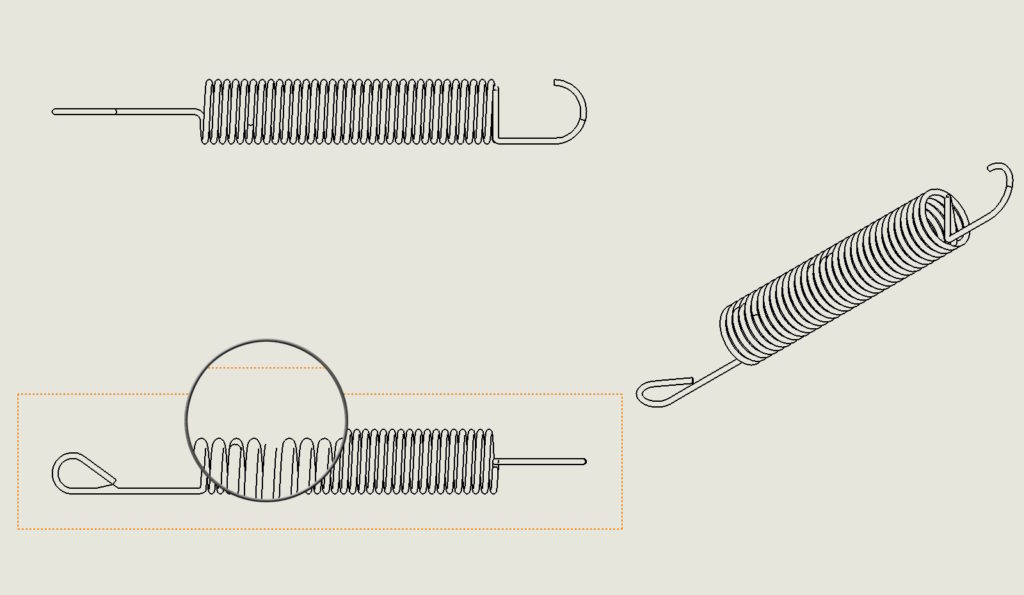
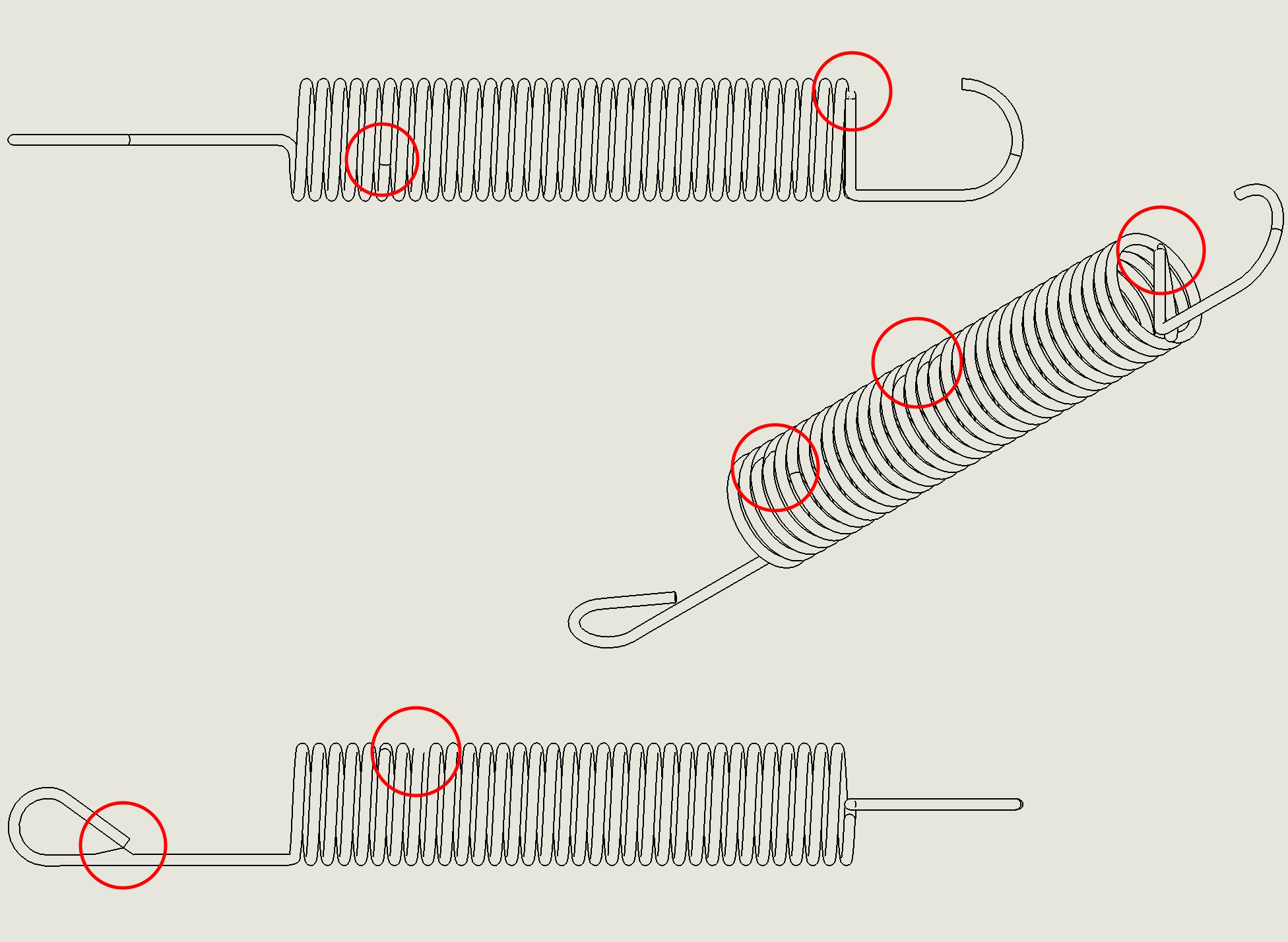
While creating a drawing this may happen, that the elements presented in the projections do not look good. What I mean is that the geometry is not displayed properly, especially the complicated one.
This happened to me several times when drawing springs or housings with very variable curvature.

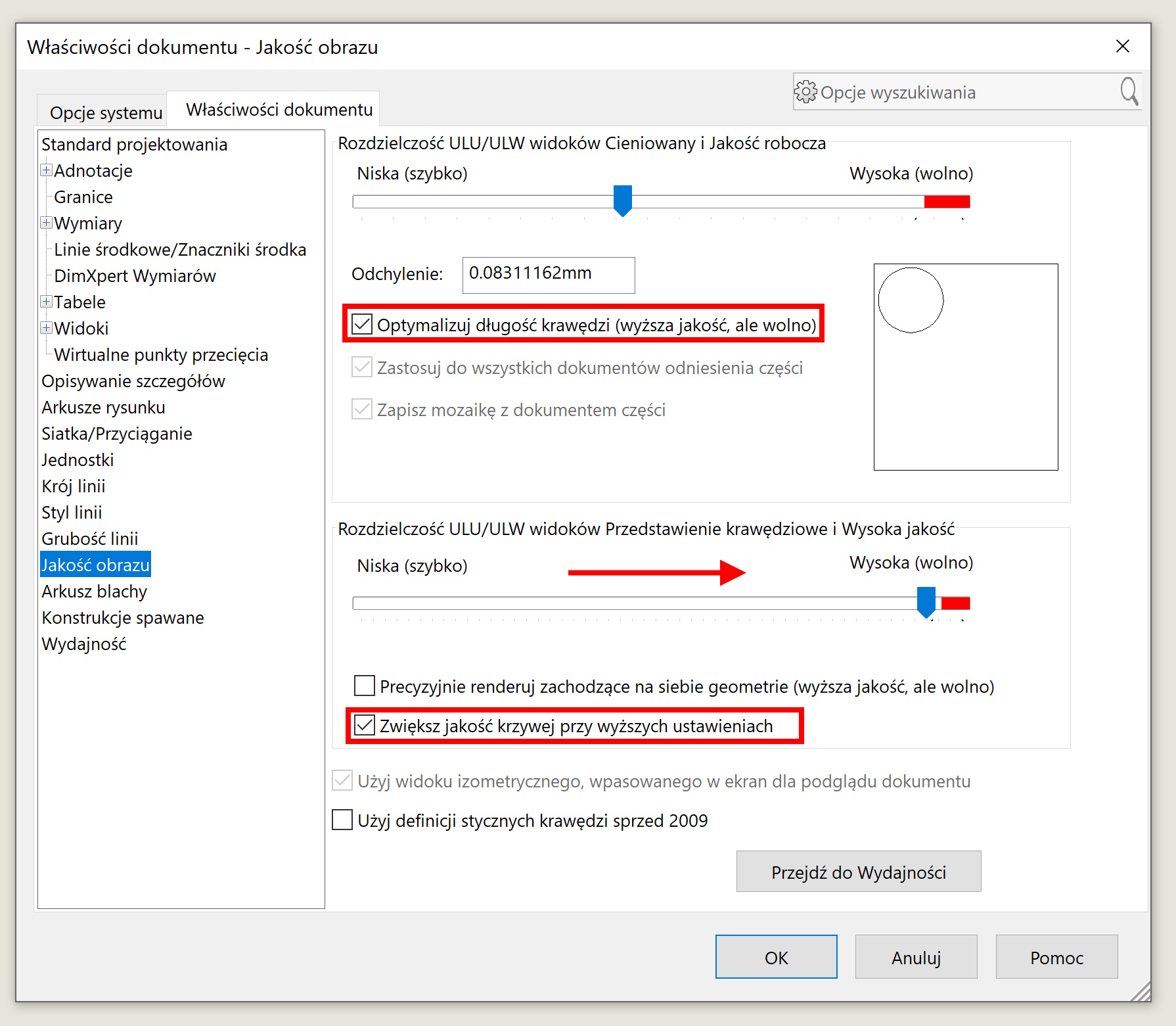
In this case, go to Document Properties > Image quality and check the effectiveness of three options:
- Optimize edge length,
- Increase curve quality with higher settings and a slider should be moved resolution of the hive/Ulw to the right.
attention! Each of these options improves quality, but it worsens performance, Therefore, check them individually.