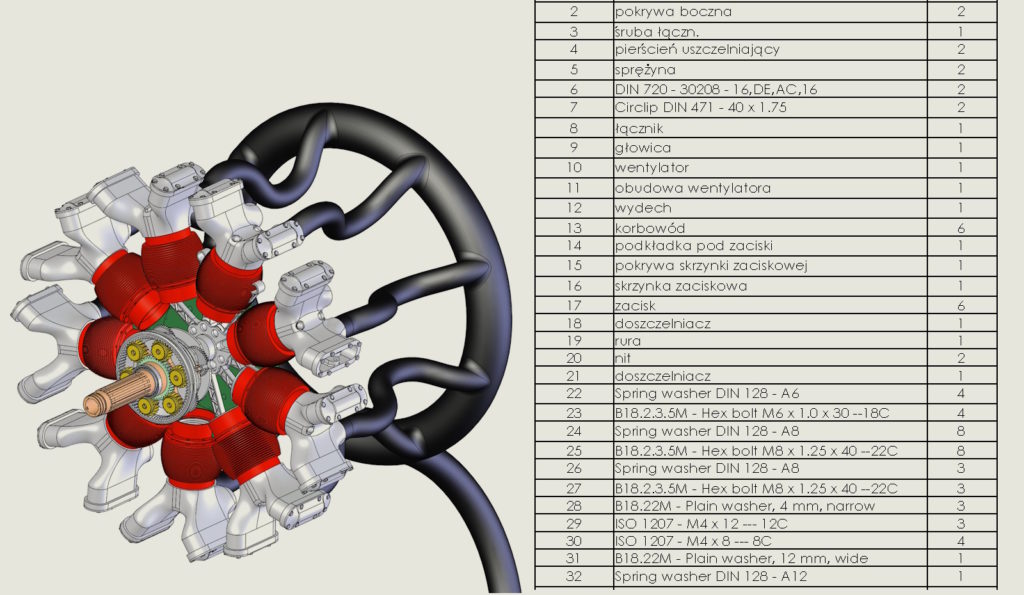
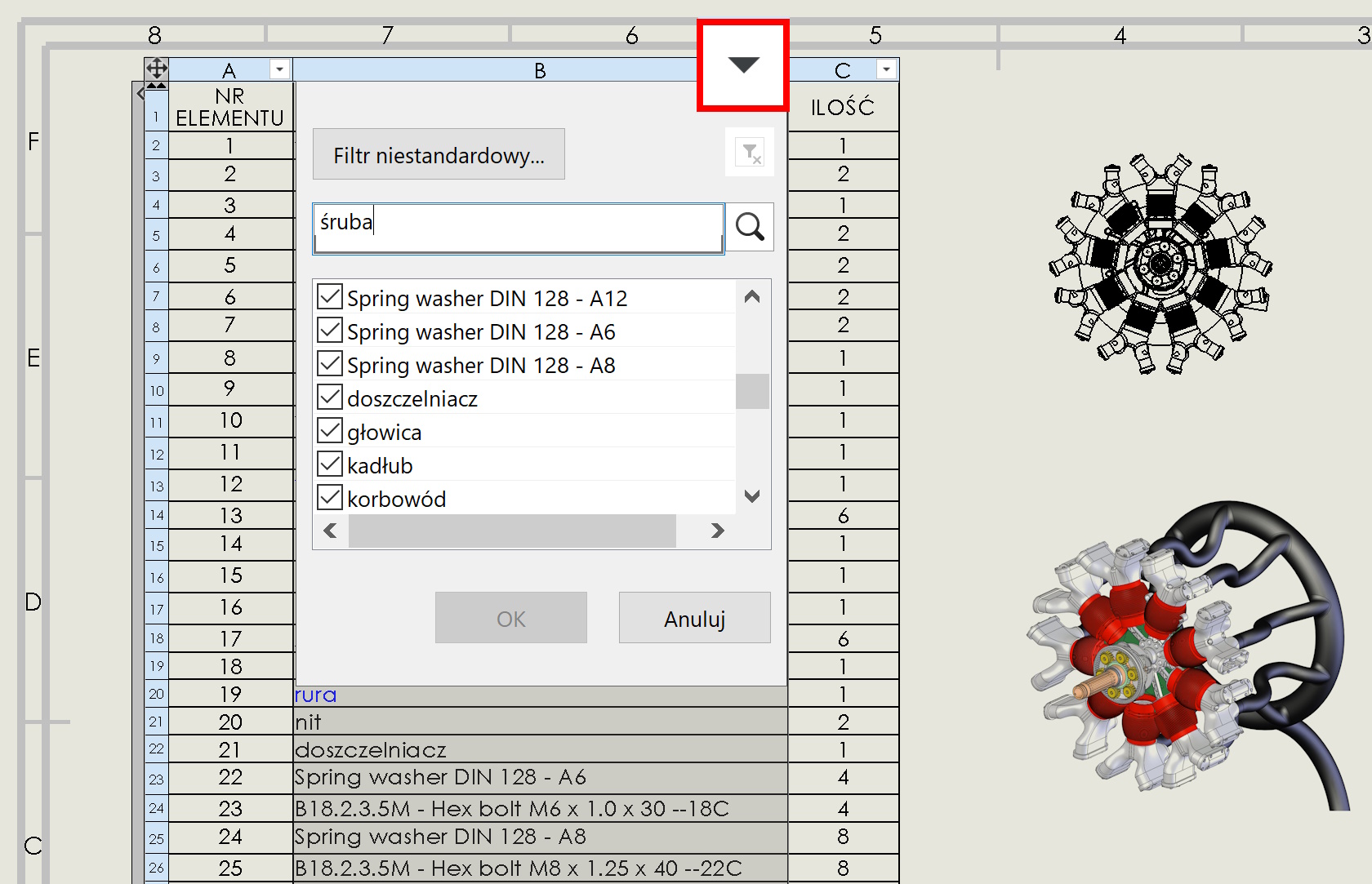
Pressing on BOM materials leaves This magical button will appear in the search field, or rather filtering.
Of course it makes sense, if the lists are extensive with many items. You can search or filter each column.

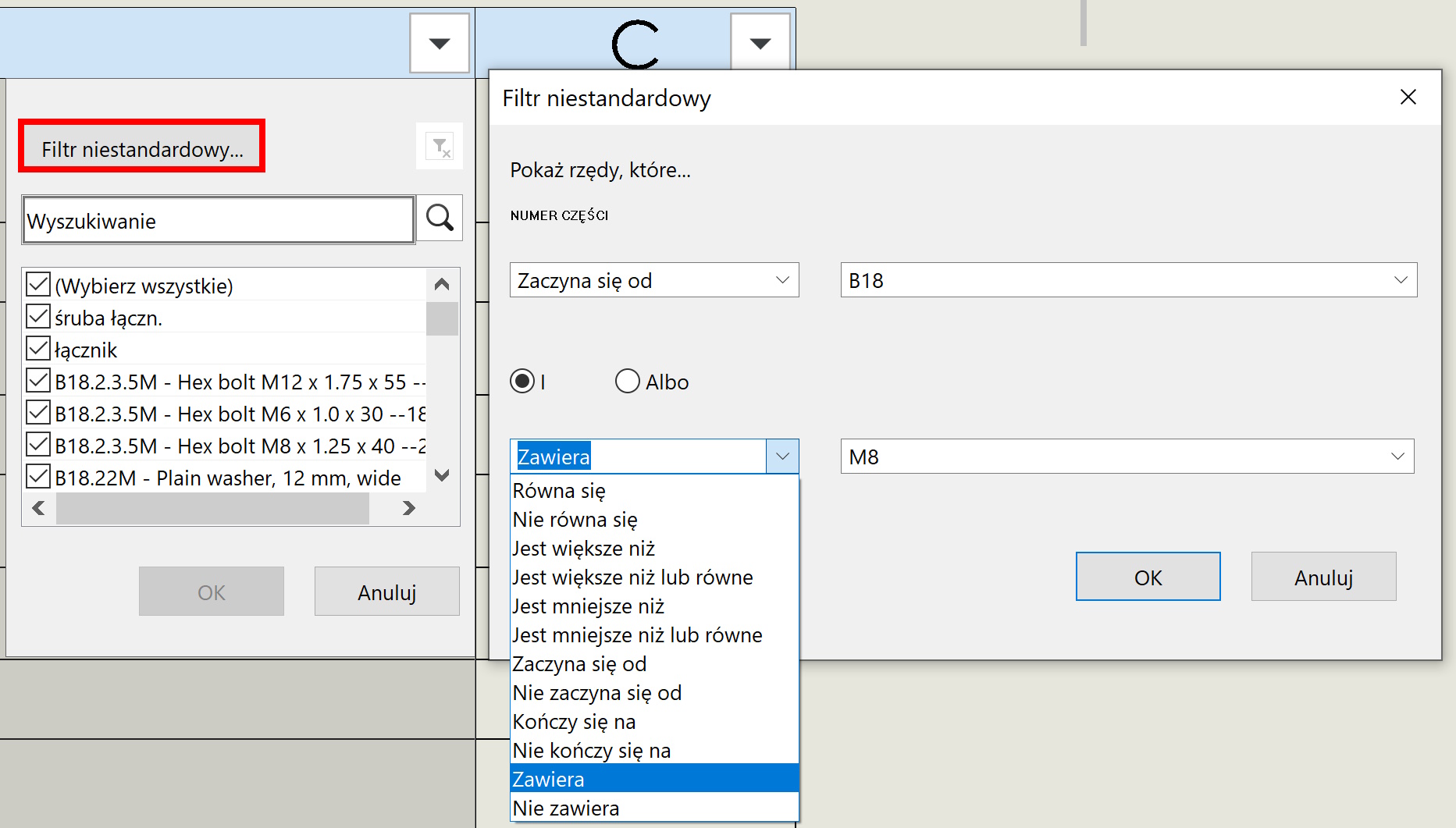
While choosing Non -standard filter You can specify the criteria much more accurately, even forming conditions.