


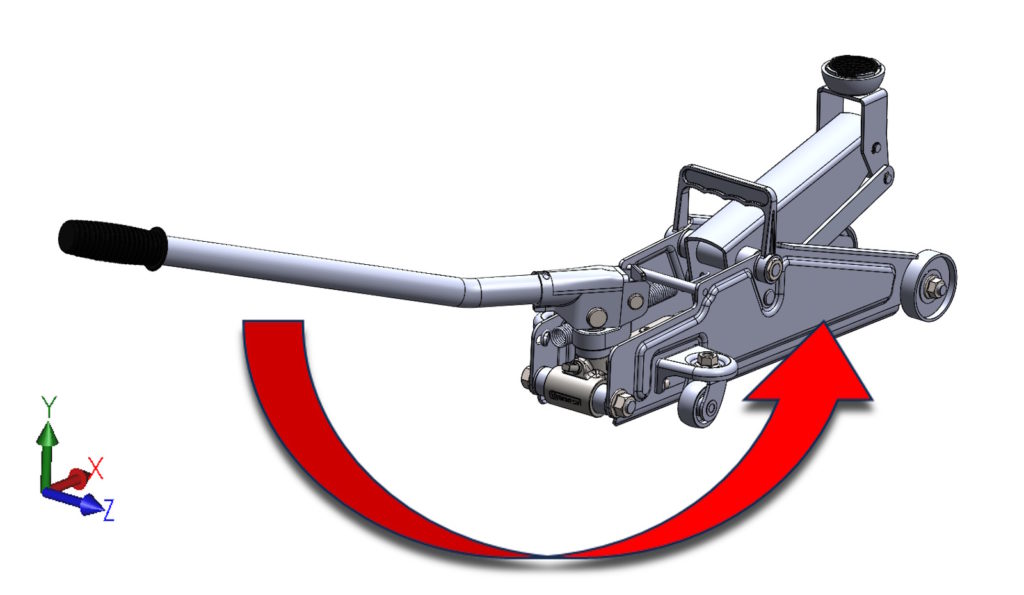
Modele 3D – zarówno złożenia jak i części – możesz obracać relative to the triad.
By default it looks like this:
- With the Shift key is the turnover of 90° clockwise. Shift combination + Ctrl causes traffic in the opposite direction.
- With the Alt key you will get a turnover 15°, However, the Alt combination + Ctrl is a turnover in the opposite direction.


COMMENTS.
- When selecting the triad, indicate the axis cursor, not the grotto!


- Turning 90 the degrees is built -in and you can't change it. While the angular value of rotation 15° can be changed in the system options > View.


- Turning 90° in the opposite direction to move the clock guidance, The order of selecting Shift and Ctrl keys is irrelevant. But turning with the use of Ctrl and ALT keys already matters! You must first press ALT, and then attach ctrl!