


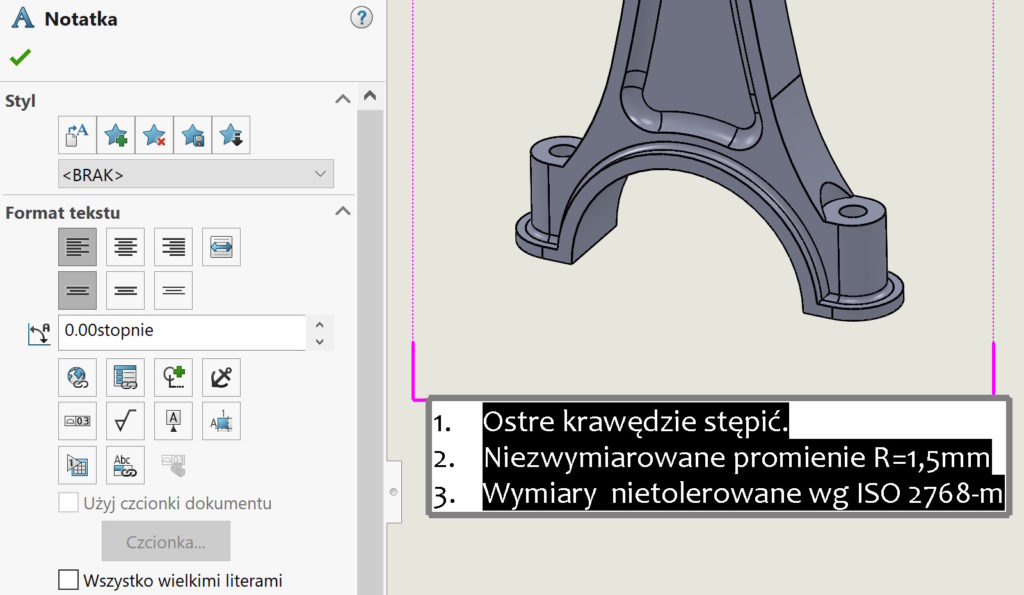
We put a lot of relevant information in the drawings. You can use flags to make it easier.
Can be created Flag notes In general notes and parameterly combine paragraphs with flag notes, which can be placed in the drawing.
How it's working?
First, we create a number with numbering and place it on a sheet. Then select the selected number and include in the notes Add to the list of notes to the flags. This way you can repeat the steps for all points out of attention.


Next inserting a link select, with which point of comments should be combined. In the bookmark List of notes for flags All previously added points will be visible.


If you want, you can view all notes to the flag. For this purpose, we edit the entire note and select on the left in the properties List of notes for flags.

