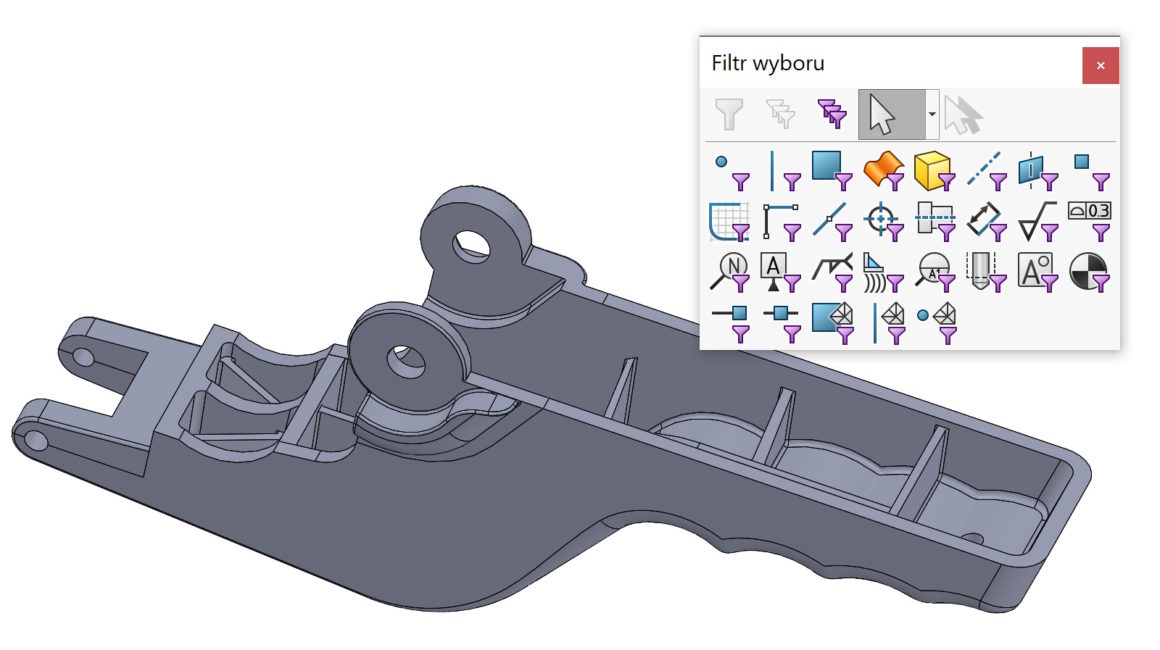
Skillful use of available tools improves work efficiency. Example 1. I want to add rounding, but because of the switched on (by default) Select Through Walls, the program strongly highlights the edges lying below. Fillet options – Select through walls In such a situation, I recommend using the Wall Filter. Generally, we turn on filters by pressing the F5 key, but three kinds of elements are distinguished. results in loading the equation or global variable into the design table … Continue reading Wall filter in practical use
Copy and paste this URL into your WordPress site to embed
Copy and paste this code into your site to embed
