

Do you know, that there is a mode, where you can perform limited actions with your drawings, But it opens the most advanced drawings in a second.
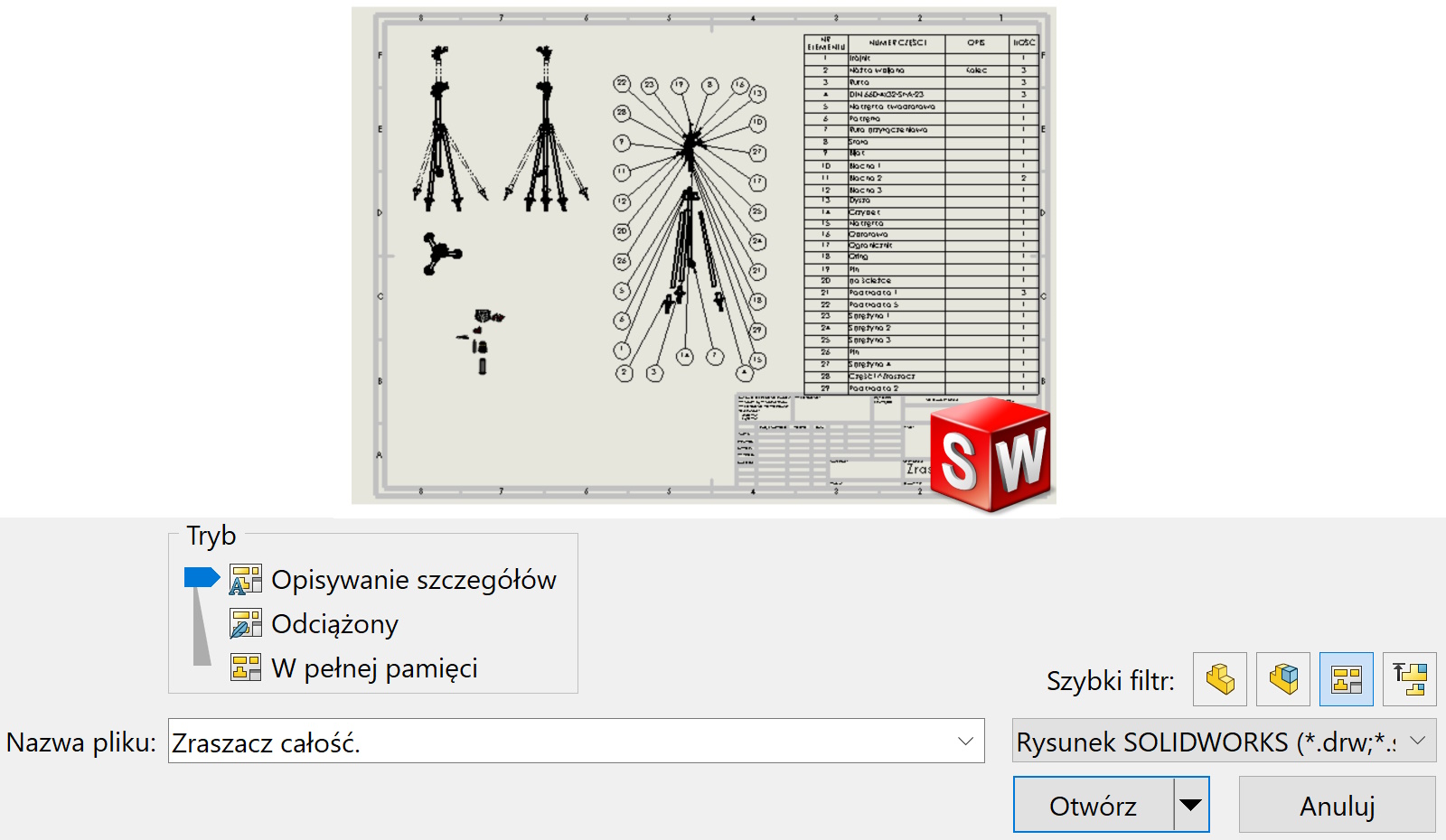
To open documentation in this way, select Detailing mode.

Almost all tools are available on the Annotations card.
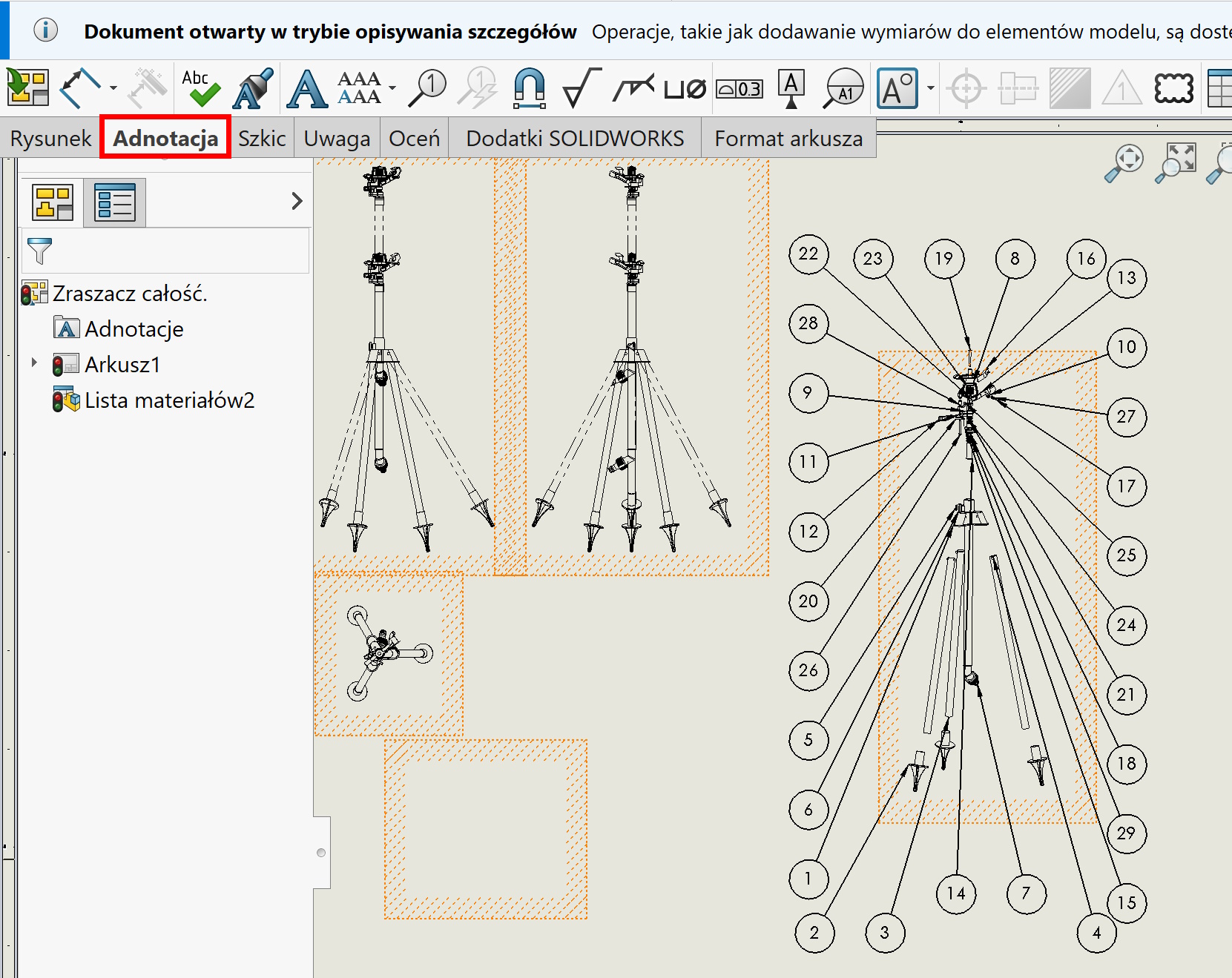

Turn on the card Drawing możesz wykonać w zasadzie dwie rzeczy – widok szczegółów oraz przerwanie i widok obcięty. The remaining tools require geometry to be loaded.

To load a drawing, use one of two options.

