


Choosing Material In the operation of the operation, we usually mean assigning the physical properties necessary to calculate the mass or calculations.
However, the material can be assigned Appearance, Stroke or additional information. And today, two words on this subject.
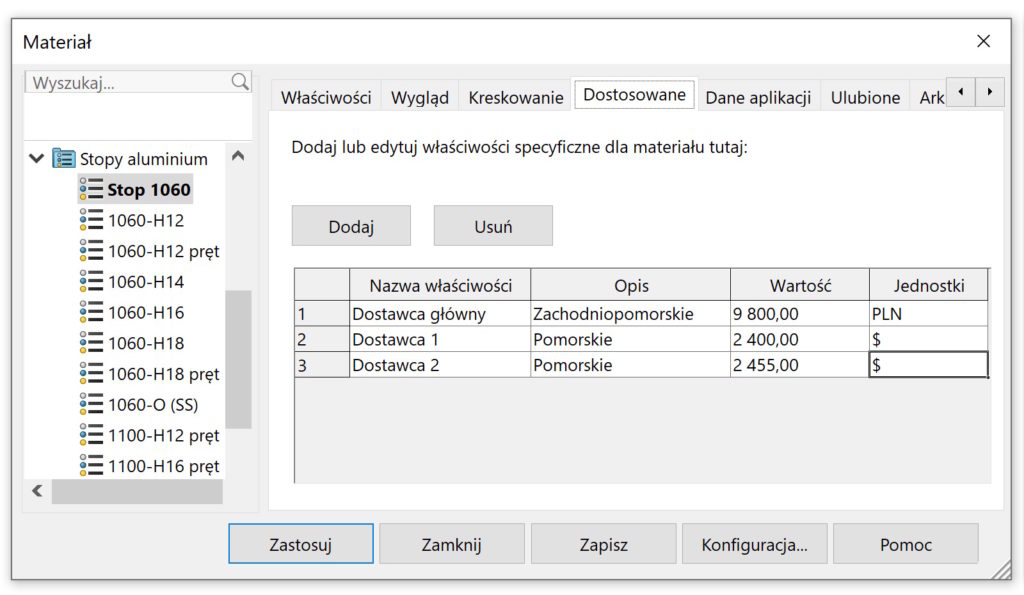
Adapted It's a tab, which can only be used with adapted materials (blue folder). You can put additional information there, e.g. About costs or suppliers. remember, that you can paste values into cells or whole poems here!


Application data This is another tab, which allows you to place text information relating to a specific material.
It is also worth adding the most commonly used materials to your favorites. Favorite They are later in the list of fast access after clicking the material in the operation tree.


Also read:
Unusual, structure of materials adapted to the needs of the company